How to remove
Uninstall McAfee LiveSafe
from Windows
Easily uninstall McAfee LiveSafe from your Windows 10 or 11 device with our expert-tested guide. Get it done in minutes, zero traces left!

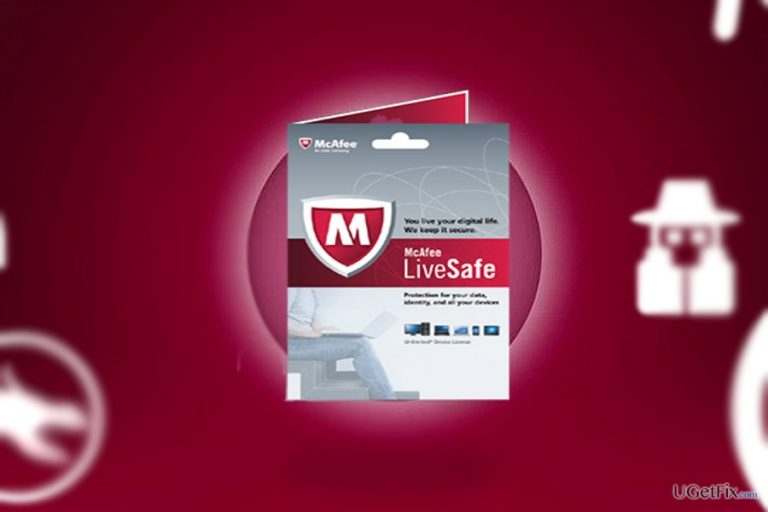
How does How to Uninstall McAfee LiveSafe end up on your PC?
- Program not found in the list due to pre-installation
- User may not have sufficient permissions to uninstall
- Other McAfee products need to be uninstalled first
- Potential software conflicts with other applications
- Incomplete installation or corruption of McAfee LiveSafe
Repairs Windows system files, removes malware, and restores a clean OS state — without reinstalling.
I failed to subscribe before it expired and now I intend to uninstall it. However, somehow an error appears that this program could not be removed. Do you have any ideas how to do it?
McAfee LiveSafe is one of the variations of the entire McAfee cyber security app collection. It works the same way as McAfee Internet Security. The program provides sufficient protection against spyware threats. This feature is especially useful if we take into account recent activity of banking trojans and data-stealing virus. Besides real-time protection, it also contains improved password manager services. Specifically, McAfee SafeKey add-on presents several variations of complex passwords and manages them for you. What is more, the annual subscription costs less than other well-known programs popular in the market. It also grants its users the ability to protect several devices simultaneously. Furthermore, McAfee LiveSafe uses little energy to maintain its activities. add-on.

However, the program also has its drawbacks. For example, it is not compatible with Chromebook and Windows phones. Secondly, a user who bought a new computer with an already pre-installed McAfee LiveSafe and intends to uninstall it due to multiple reasons may not succeed to do that from the first attempt. Here are several solutions how to remove McAfee LiveSafe from the device. Both Windows and Mac OS users will find the instructions.
Option 1. Uninstall McAfee LiveSafe
In case you deliberately installed the program and now want to completely eradicate it, follow these instructions:
For Windows OS users:
- Click on the Start button and type Apps and Features or Programs and Features (for Windows 7 users). Click Enter.
- Once you enter the list, locate McAfee LiveSafe and click Repair/Uninstall.
- Follow the instructions of the uninstallation guide.
Note. You also need to uninstall other McAfee products.
For Mac OS users:
- Click Go button and choose Applications.
- Locate McAfee LiveSafe in the list.
- After choosing the program, click Move to Trash.
Option 2. Remove the program if it was already pre-installed
If you have recently purchased a new computer with this anti-virus program already pre-installed, you may find problems finding it in the Control Panel. In that case, McAfee developers suggest installing McAfee Consumer Product Removal tool. It will delete the remaining files of the anti-virus program. Naturally, when the procedure is done, remove McAfee Consumer Product Removal tool.
Option 3. Scan your device with an anti-spyware tool
In very rare cases, malicious elements may interfere with the successful program removal processes. In that case, you may also notice unusual system errors. Run the scan with [rev id=”Reimage”]. Note that the software must be updated for it to detect all possible malicious elements. Finally, you may delete McAfee browser extensions. Depending on the type of the browser, enter the Settings or Extensions List and delete the unused add-ons. In addition, you may also reset browser settings.
Bottom line
To uninstall McAfee LiveSafe, Windows users should access Apps and Features or Programs and Features, while Mac OS users can move the application to Trash. If issues persist, consider checking for other McAfee products that need removal or user permissions. If none of these solutions work, further assistance may be required.
Frequently asked questions
To uninstall McAfee LiveSafe from Windows 10, go to Settings > Apps > Apps & features, find McAfee LiveSafe in the list, click on it, and select 'Uninstall'.
If you're unable to uninstall McAfee LiveSafe on Windows 11, try using the McAfee Removal Tool, which is specifically designed to remove their products completely.
Yes, it is recommended to restart your computer after uninstalling McAfee LiveSafe on either Windows 10 or Windows 11 to ensure all components are fully removed.




Report an issue
What's wrong with this guide? We review every report and update or remove content.
Report received — thank you. We'll review and fix it.
You need a free account to submit a report.
Be the first to comment