How to remove
Uninstall Avira Antivir
from Windows
Easily uninstall Avira Antivir from Windows 10 or 11 with our concise guide. Enjoy a cleaner system with expert-tested solutions and zero traces left.


How does How to uninstall Avira Antivir end up on your PC?
- User decided to change antivirus programs
- User found another preferred anti-malware program
- Price of Avira Antivir is considered too high
- Avira Antivir takes up too much space
- User may experience issues with leftover content after uninstallation
Repairs Windows system files, removes malware, and restores a clean OS state — without reinstalling.
Hi, I decided to change my antivirus program and want to uninstall my old one. I have been using Avira Antivir for system protection and want to know how to remove it properly. Any advice?
Avira Antivir, also known as Avira Operations GmBH & C0. KG is computer security software that was released in Germany in 2006. This type of antivirus works on Windows, OS X, and Android operating systems. According to research, Antivir is one of the most used anti-malware software that has more than 100 million customers worldwide.[ref en-1]
If you ever visit Avira Antivir official website, you will see that it offers software for security measures and optimization tasks that include malware blocking, ad prevention, secure browsing, network protection, enhancing the machine's speed, cleaning the entire system from cache,[ref en-2] ensuring privacy, safe password storing, unblocking access to streaming networks, etc.
Even though Antivir might seem useful to some users, others might not want to use it because they have found another wanted anti-malware programs,[ref en-3] the price is too high to pay, too much space is taken, or for similar reasons. However, if you remove Antivir and are left without any protection, do not postpone the installation of another security program.
Avira Antivir can be removed by using some manual steps. This is valid for both Windows and Mac operating systems. However, if you have tried removing this security software from your computer system, and some additional content still keeps appearing, you can use a tool such as [rev id="Reimage] to detect the problem and find all "leftovers".
How to uninstall Avira Antivir?
Method 1 for Mac. Get rid of Antivir via the Utilities section
- Find the menu bar at the top of your web browser.
- Click on Finder --> Go --> Utilities.
- Locate Avira-Uninstall and double-click on it.
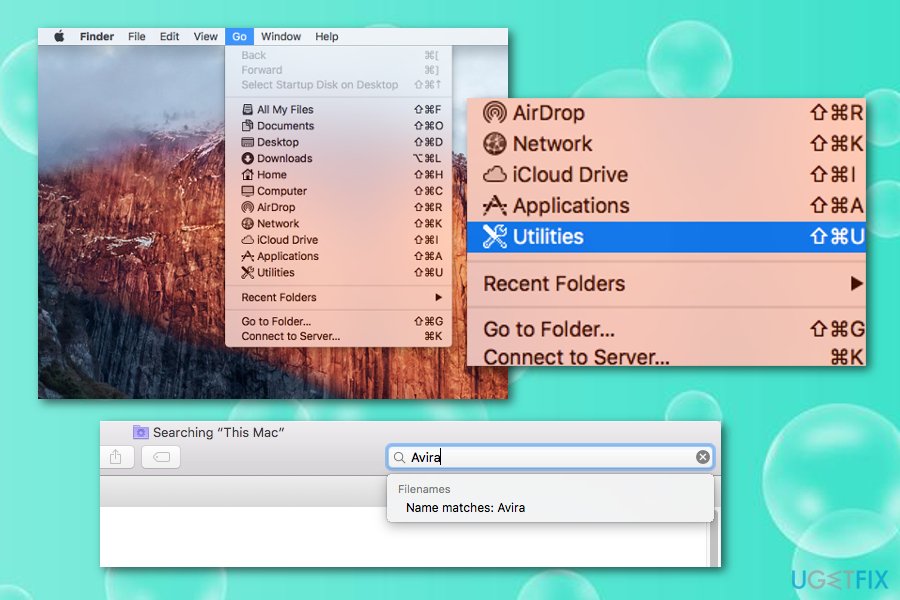
Delete avia antivir on mac os x - Type authentication data if prompted (user name and password).
If this method did not help you to remove Avira Antivir from your Mac machine/device, you should complete the following method. Make sure not to skip any step to achieve the best results possible.
Method 2 for Mac. Remove the antivirus through Applications
If you want to remove Antivir from Mac manually, you will need to take some actions on your own. Achieve this goal by completing the following actions:
- Launch your Mac.
- Go to Applications.
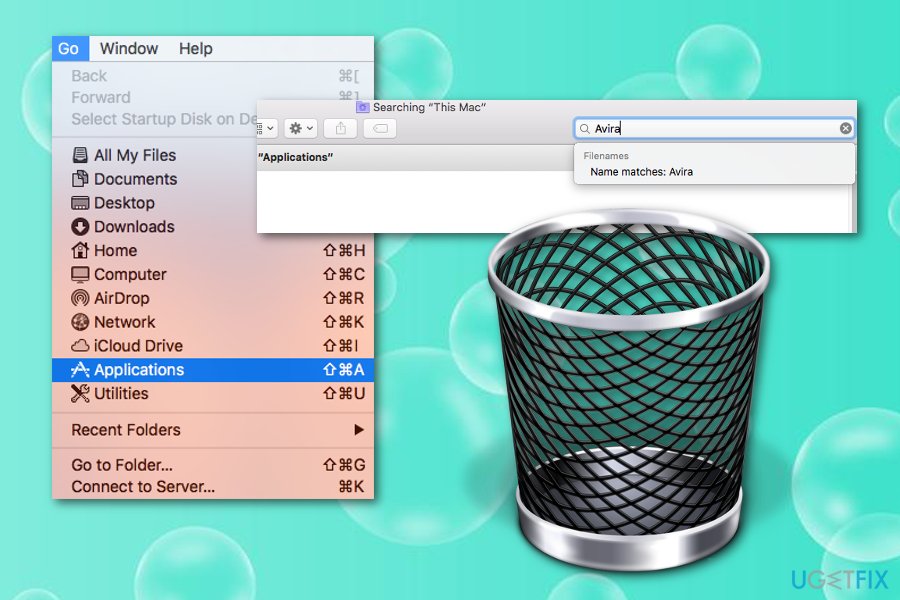
Get rid of antivir from mac applications - Find Avira-Uninstall.
- Drag the icon to your Trash section.
Method 1 for Windows. Terminate Avira Antivir by running Safe mode
Use this method for Avira Antivir removal from your Windows operating system. Note that all of the actions need to completed in Safe Mode. Know how to boot your computer into this mode and eliminate the tool by viewing the following:
- Start your machine in the Safe Mode function by completing the following.
- Select the Windows icon and R button.
- Once the white run box appears, type "msconfig".
- Afterward, press Enter.
- Go to Boot tab and opt for Safe Mode.
- Click OK and then restart your PC or laptop.
- Afterward, launch File Explorer, locate and delete avipbb.sys from C:\\Windows\\System32\\drivers and C:\\Windows\\SysWOW64\\drivers.
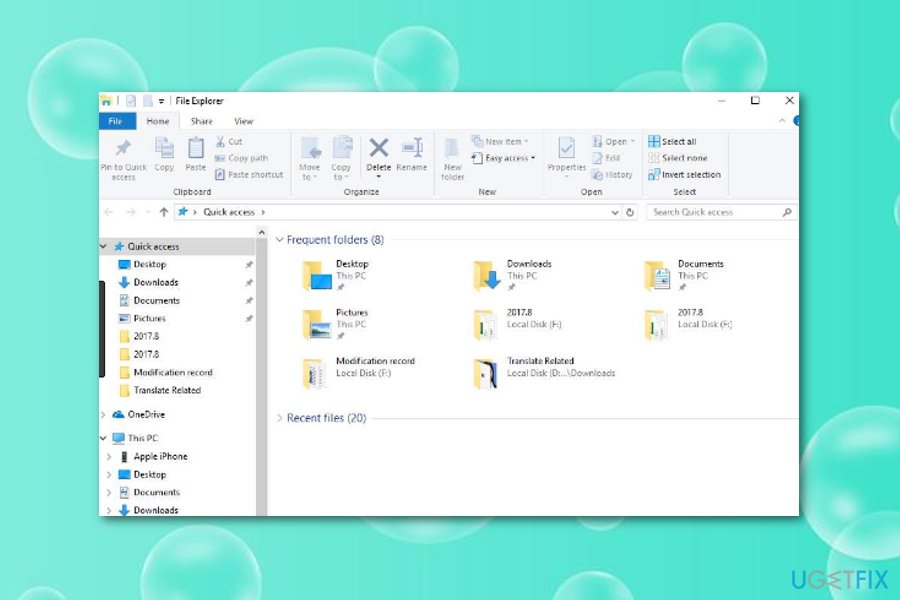
Delete antivir via file explorer - After that, terminate Avira-related folders from C:\\Program Files (x86)\\Avira\\Antivirus on Windows 64-bit or C:\\Program Files\\Avira\\Antivirus on Windows 32-bit.
- Run msconfig one more time.
- Go to General Tab and select the Normal startup option.
- Hit OK and reboot the system.
Method no 2 for Windows. Delete Antivir from Windows Registry
- Go to Windows search and type "regedit".
- Once the Registry Editor appears, find Avira.
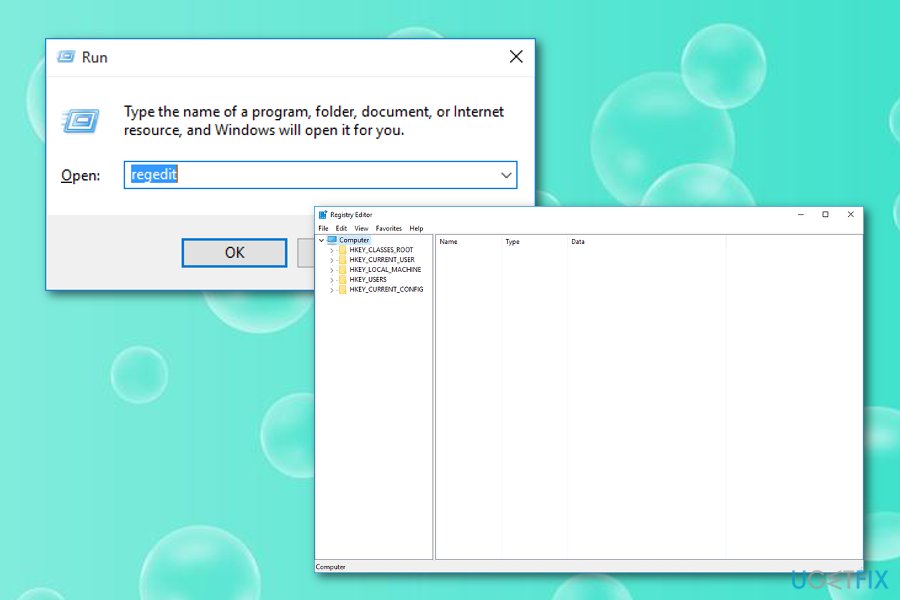
Remove antivir from windows via registry editor - Find all keys related to this app.
- Right-click on each of them and choose to Uninstall.
- Reboot your computer.
We hope that these manual methods have helped you to remove Antivir from your Windows or Mac computer system. In most cases, these techniques are helpful but sometimes errors and problems might occur along the way. If this is the situation you are in, you should go back to the automatical elimination of the security software.
Bottom line
To uninstall Avira Antivir, users can follow specific manual steps for both Windows and Mac operating systems. If issues persist after attempting to remove the software, it is recommended to use a tool like Reimage to detect and eliminate any leftover files. If none of these methods work, consider seeking additional technical support.
Frequently asked questions
To completely uninstall Avira Antivir from Windows 10, go to Settings > Apps, find Avira Antivir in the list, click on it, and select 'Uninstall.' Follow the on-screen prompts to remove the software.
Yes, you can use the Avira Uninstall Tool, which is designed to remove all components of Avira Antivir from Windows 11 effectively.
If Avira Antivir won't uninstall on Windows, try using the Avira Registry Cleaner or the built-in troubleshooter in Windows to fix installation issues before attempting to uninstall again.




Report an issue
What's wrong with this guide? We review every report and update or remove content.
Report received — thank you. We'll review and fix it.
You need a free account to submit a report.
Be the first to comment