How to recover
Files after Pphg ransomware attack
from Windows
Recover lost files from a Pphg ransomware attack on Windows 10 or Windows 11 effortlessly. Expert-tested techniques ensure zero traces left.

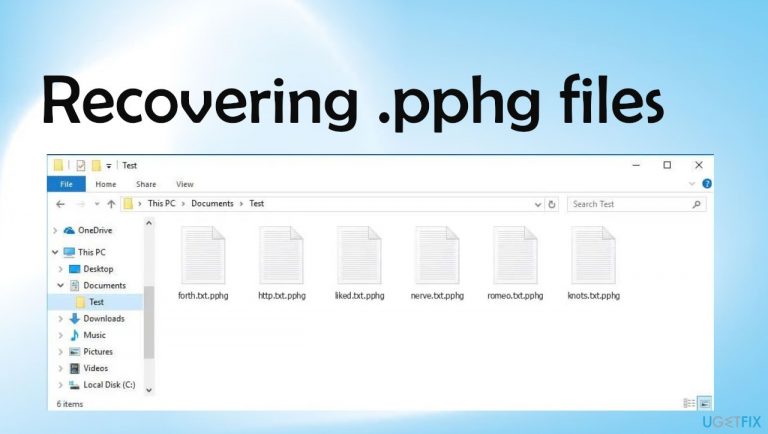
What leads to How to recover files after Pphg ransomware attack?
- Malicious software package
- Infiltration via torrent services
- Email spam campaigns
- File-locking through encryption
- Corruption of system files
Repairs Windows system files, removes malware, and restores a clean OS state — without reinstalling.
Hello. I think I messed up badly. I lost my files to Pphg ransomware and all my important files now are locked with .pphg extension. I was cracking some software and the package included the malicious virus, supposedly. I don't know what can I do with these locked pieces myself. Can you help recover those files or the damage is permanent already?
This ransomware infection is a serious threat that comes from the family of Djvu ransomware. The recent releases from the group of these attackers come weekly and the version of cryptovirus is affecting major parts of the machine. The threat not only locks files using encryption[ref en-1] algorithm but also damages performance experience by altering and corrupting files on the system folders.
Pphg file virus spreads quickly and unnoticed, as you mentioned, the infiltration involves various malicious files and platforms like torrent services, email spam campaigns. The file-locking happens immediately and users receive the explanation via the _readme.txt file that includes instructions on further actions.
What is this ransomware?
Pphg ransomware virus is a file-locker threat that relies on encrypting common data, so ransom demands can be made. This cryptovirus is related to a well-known family that spreads quickly and is considered one if the most dangerous and active at the time. Previous versions in the family were decryptable, but files are no longer possible to recover easily.
Once files receive the .pphg marker and are no longer openable the infection is done with the main procedure, but there are additional processes and even programs that can be interfering with virus persistence and file recovery or removal procedures. Official decryption tool is not available, criminals also do not offer a legitimate solution. DO NOT pay for them and rely on alternate methods instead.
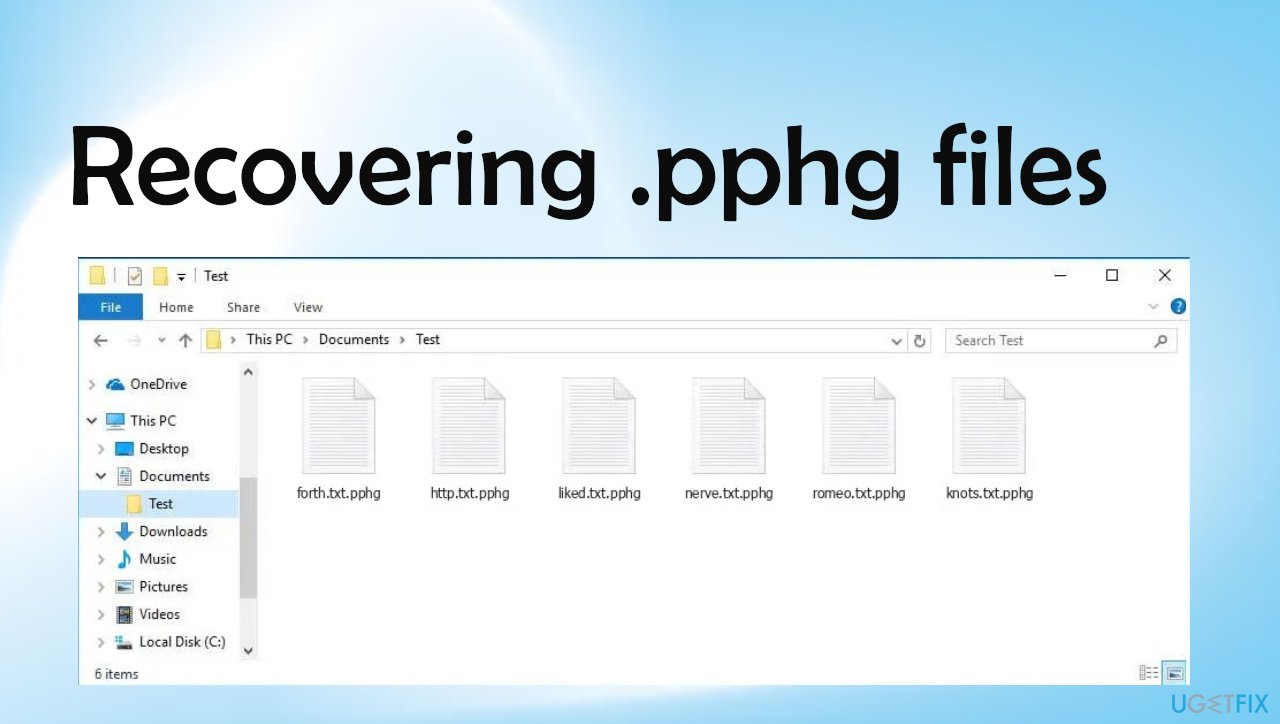
The ransom note provides [email protected] and [email protected] addresses for the connection with the attackers. It also states that decryption software and key price depends on whether victims will send an email to one of those addresses within or after 72 hours from the attack.
The number starts with $490, but then it doubles to $980. Purchasing the alleged decryption tool is not an option, but there are alternate methods and particular steps that are crucial when it comes to ransomware like this. Criminals might use additional methods to achieve their goal of getting money.[ref en-3] Contacting them is never an option.
1. Remove the infection
The Pphg file virus is one of the most dangerous threats you should never ignore. It is not just limited to its primary function, malware infections can cause more problems and harm your machine if left unchecked by an anti-malware tool or security program. Detection rates[ref en-2] determine that anti-malware programs can remove the active virus from the machine.
You need to get a reliable tool that will help remove any malicious files or other Trojans from within the affected system. It is better to use a separate application because the ones that function on the machine already can be affected and disabled by the alterations done to system files. Remember that removing this virus is important for the other steps, but this is not the decryption or file recovery solution.
2. Repair issues created by the virus damage and system corruption
An infection like this file-locker can alter the Windows registry database, damage vital bootup, and other sections, delete or corrupt DLL files, etc. You need to take care of these issues yourself.
- Get a program like [d1].
- Download the app, launch installation.
- Once the program is running, run the analysis.
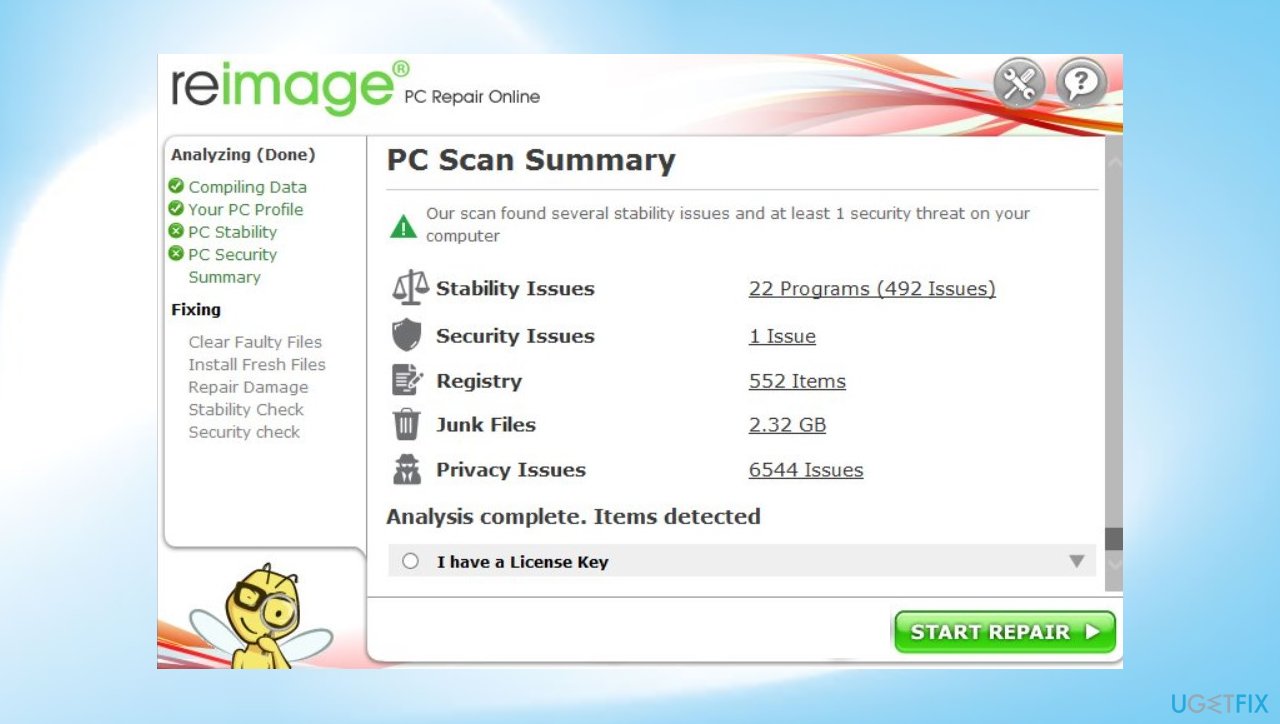
Pphg ransomware file recovery reimage - Check the results in the Summary.
- Fix problems that are detected.
- We recommend you purchase the license and fix them automatically.
3. Try Emsisoft's decryption tool
Previously this tool helped a lot of victims because offline IDs that this program is based on were primarily used by all the variants. Online keys are used now that is unique for each device, so you might not get to use this application properly. However, sometimes functions fail, so you can rely on this option.
- Download the app on official Emsisoft website.
- Once decrypt_STOPDjvu.exe shows up – click it.
- Follow instructions on the screen.
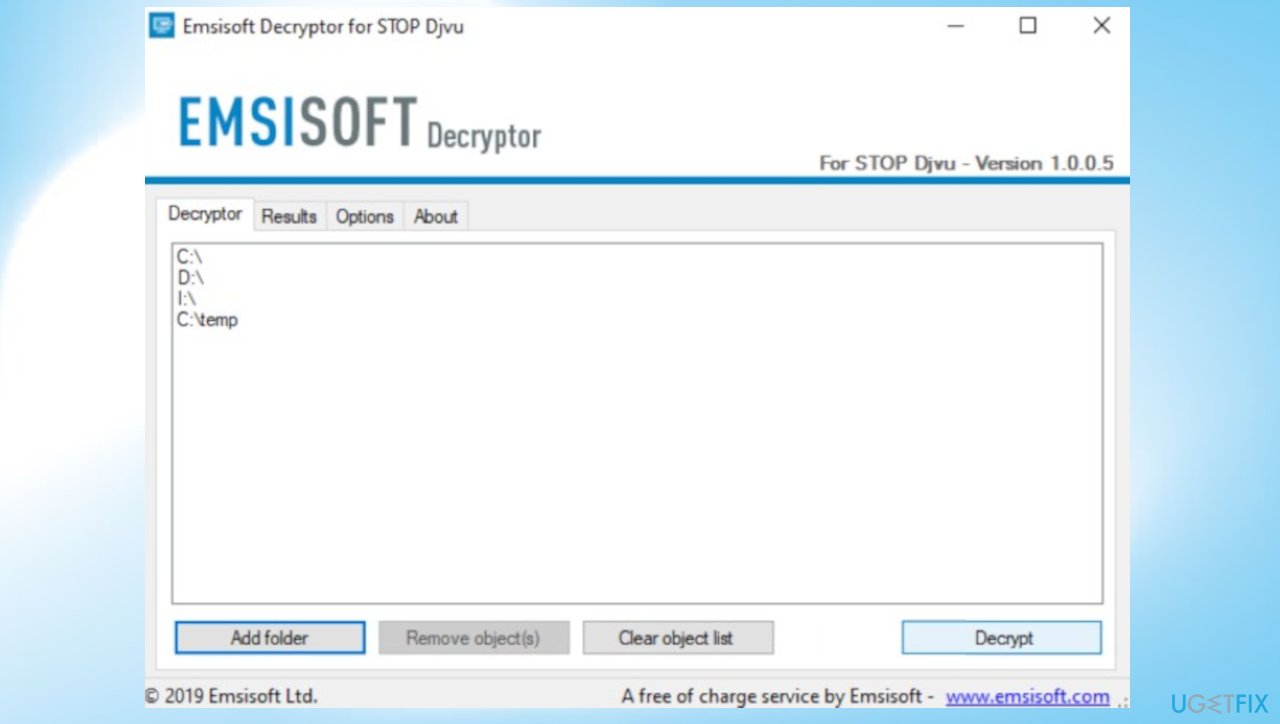
Pphg ransomware file recovery emsisoft - The tool should automatically locate the affected folders.
- You can also do it by pressing Add folder at the bottom.
- Press Decrypt.
- There are particular results that can occur. Those determine if the decryption option is possible for your files or not.
4. Rely on data recovery options
Since official decryption tools are not developed for this version, you need alternate options for Pphg file virus-affected file recovery. [rev id="Data Recovery Pro"] can be the solution here because some data is recoverable using the program.
- Get the program via the link provided.
- Install it fully n the machine.
- Follow the instructions.
- Select Everything or pick individual folders for recovery.
- Press Next.
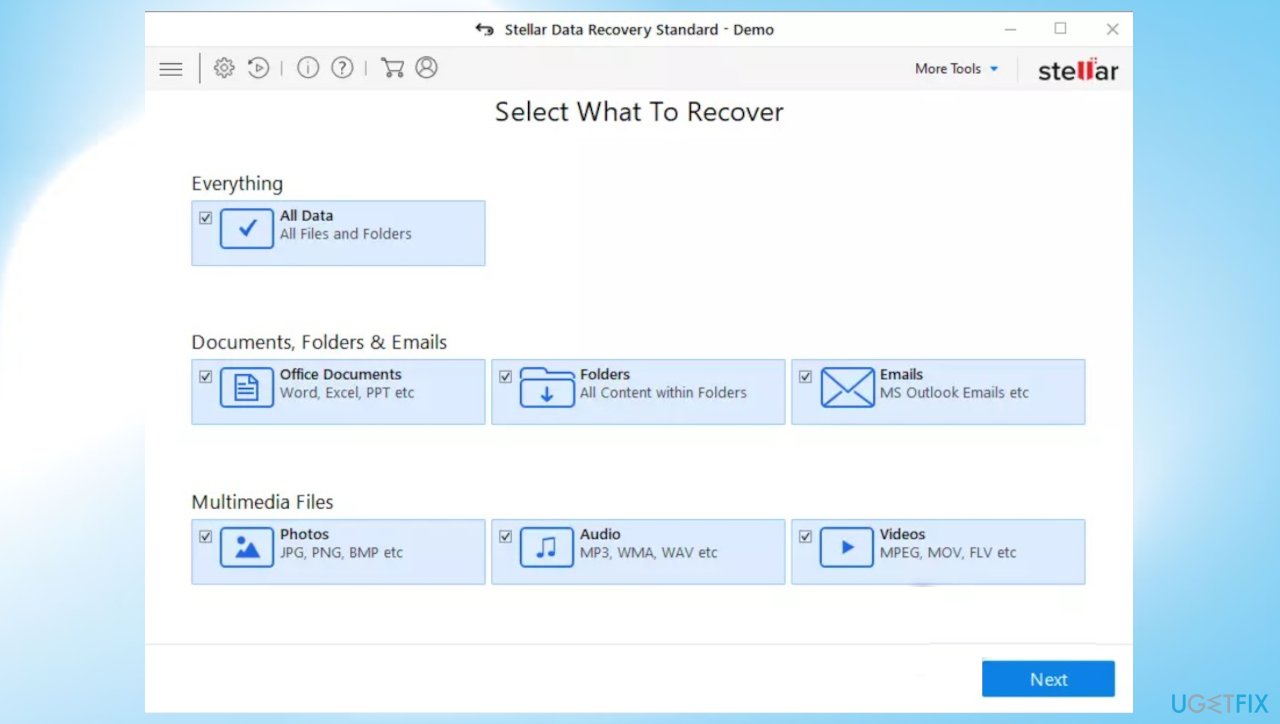
Pphg ransomware file recovery stellar - Enable Deep scan and pick which Disk you want to scan.
- Press Scan and wait for the process to end.
- You can now pick which folders/files to recover.
- Press Recover to repair your files.
Bottom line
To recover files after a Pphg ransomware attack, users should avoid paying the ransom and explore alternate recovery methods. It's important to check for any available decryption tools or seek professional help. If these methods do not work, consider restoring from backups or using data recovery software.
Frequently asked questions
Immediately disconnect from the internet and any external drives to prevent further encryption. Then, assess the extent of the damage and consider using a reputable antivirus software to remove the ransomware.
Yes, you can attempt to recover your files using backup solutions or data recovery tools designed for Windows 10 and Windows 11, but success may vary depending on the encryption method used.
Tools like Windows File Recovery and third-party data recovery software, such as Recuva or EaseUS Data Recovery Wizard, can be helpful in recovering lost files after a ransomware attack.




Report an issue
What's wrong with this guide? We review every report and update or remove content.
Report received — thank you. We'll review and fix it.
You need a free account to submit a report.
Be the first to comment