How to recover
Restore Google View Image button to search results on Chrome
from Windows
Easily restore the Google View Image button in Chrome on Windows 10 or 11. Quick fixes and expert-tested solutions await you! Zero traces left.

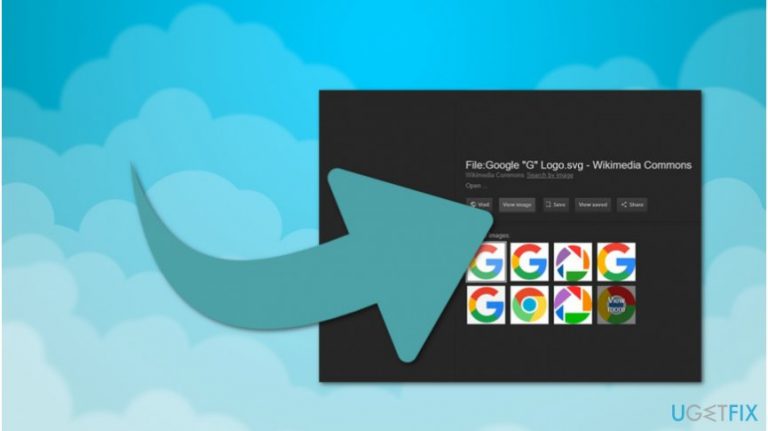
What leads to How to restore Google View Image button to search results on Chrome?
- Google removed the View Image button as part of a settlement with Getty Images.
- Users found the View Image button useful for previewing images directly in search results.
- The removal of the button was aimed at protecting copyrights of images.
- Users are seeking ways to restore the missing feature due to its popularity.
- Cybercriminals may exploit the popularity of extensions related to the View Image button.
Repairs Windows system files, removes malware, and restores a clean OS state — without reinstalling.
Hi. I have just noticed that the View Image button is missing in Google Image search results! I found this feature very useful and cannot understand why people are unable to use it anymore. Maybe there is a way how I can restore Google View Image button to search results on Chrome? Thanks for the help.
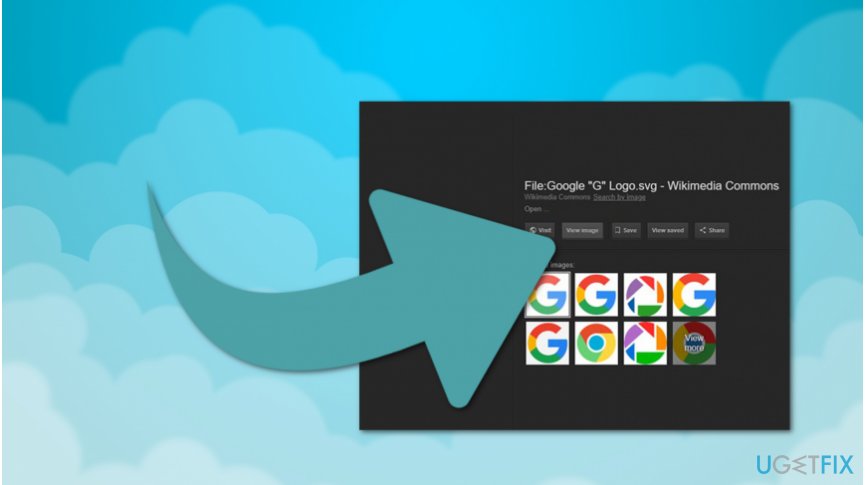
The View Image button on Google Images was a useful feature allowing people to preview the image directly in search results. Although, Google has decided to remove "View Image" button as part of the settlement with Getty Images[ref en-1]. Now, people can only use Visit Page button and review the picture in the context of the website.
The missing View Image button has not been welcomed by the users. Now, people are searching how to get back this feature as they found it very useful. Unfortunately, Google's decision is based upon the aims to protect copyrights of the pictures and find the balance between users' needs and publishers' rights[ref en-2].
Once people started looking for ways how to restore Google View Image button to search results, developer, named Joshua B, created an extension to help people get back the missing feature. This extension for Chrome has already received more than 20 000 users worldwide.
Therefore, those who want to know how to bring The View Image back to Google Images on Chrome should read the instructions given below. The technique used to recover the missing button is simple and should not be time-consuming. However, experts advise following the guide attentively if you want to avoid any harm to your system.
Bringing The View Image button back to Google search results in Chrome
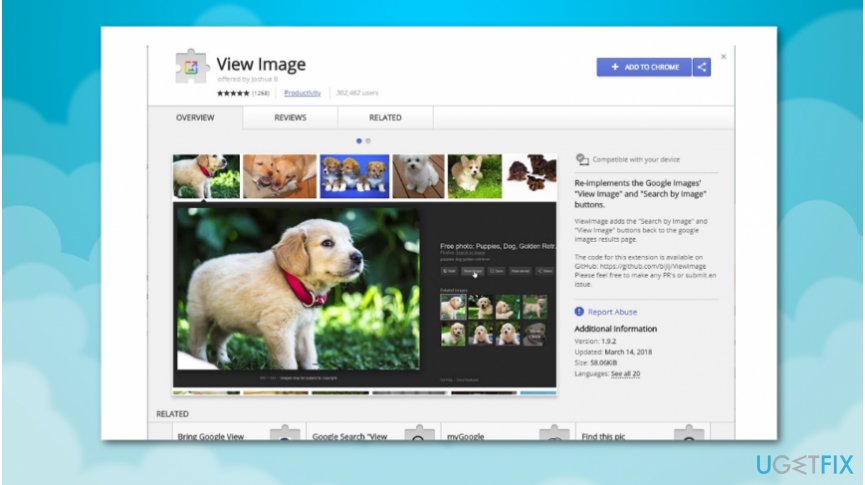
Before you start the procedure, we want to warn you that the cybercriminals might take advantage of the popularity of the extension and create counterfeit software. In other terms, hackers might try to trick you into downloading extension that is compromised and developed to infiltrate potentially unwanted programs (PUPs)[ref en-3].
Likewise, it would be wise to make sure that the View Image extension is legitimate before installing or downloading it. Additionally, we suggest using a professional security software to scan your computer for potential cyber threats. Our top choice would be [d1].
Recover Google View Image button on Chrome:
- Open this link.
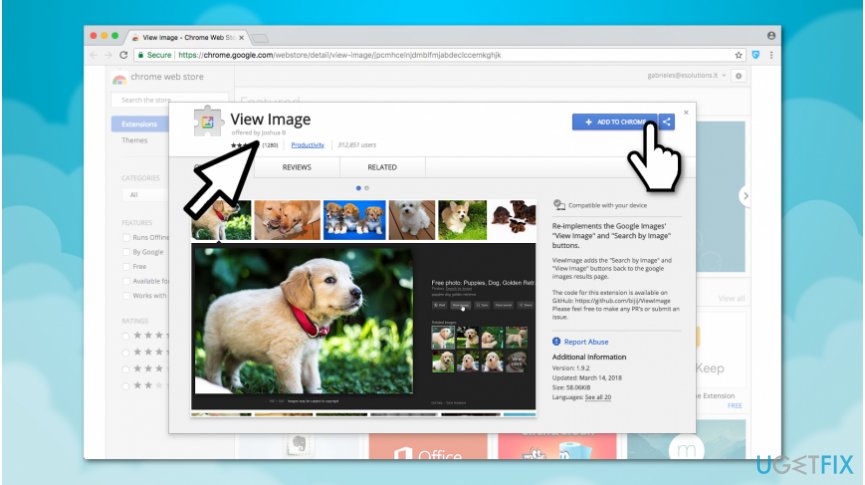
Learn how to install view image extension on chrome - Click on Add to Chrome button on the top-right corner of the window.
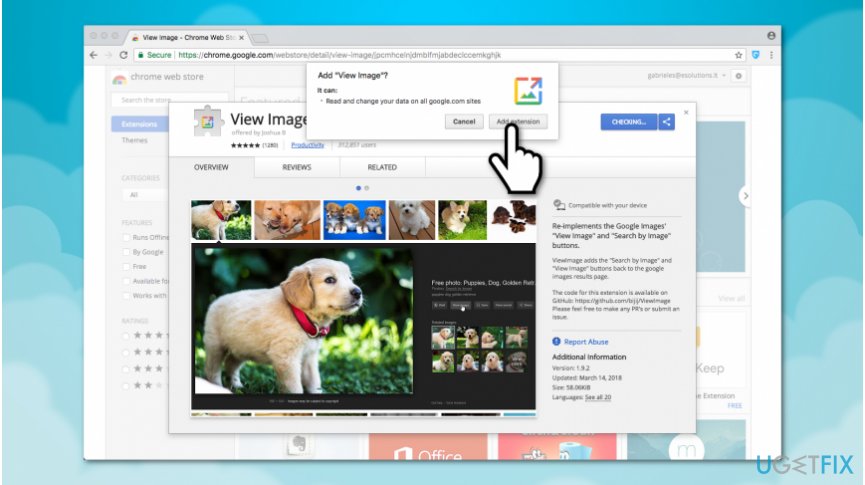
View image button reinstall on google images - Grant permission to read and change your data on Google sites by pressing Add extension.
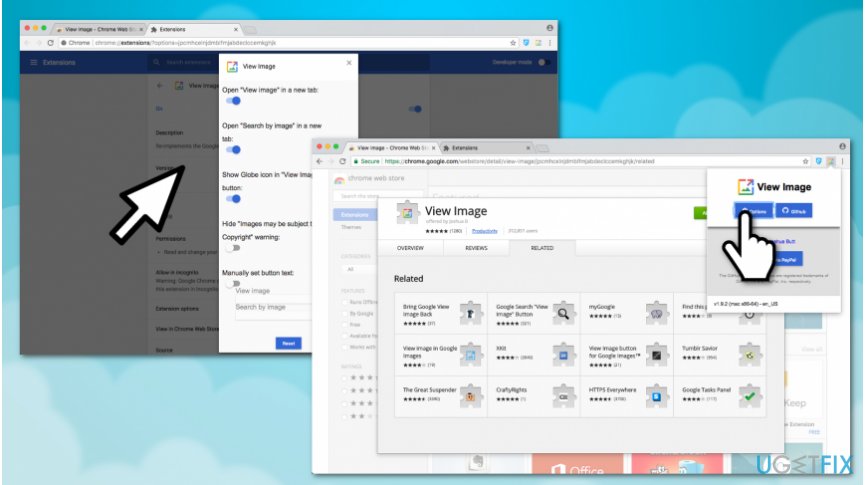
Get back view image button on chrome - After successful installation, you should notice an image icon on the top-right corner of Chrome window;
NOTE: Once you install View Image extension, you can alter its settings by pressing on the image icon in the top-right corner of the window. Select Options and adjust the parameters to suit you.
Bottom line
To restore the View Image button in Chrome, users can install a legitimate extension created by developer Joshua B. It is important to verify the authenticity of the extension before downloading. If none of these solutions work, consider looking for alternative methods or tools that may offer similar functionality.
Frequently asked questions
You can restore the Google View Image button by using a Chrome extension like 'View Image' which re-enables the button for image searches in Google on Windows 10.
Yes, you can install a Chrome extension designed for viewing images directly, which works on Windows 11 and restores the functionality.
If the button is still absent, try clearing your browser cache or checking for updates to ensure your Chrome browser on Windows is fully up to date.




Report an issue
What's wrong with this guide? We review every report and update or remove content.
Report received — thank you. We'll review and fix it.
You need a free account to submit a report.
Be the first to comment