How to recover
.dwqs files
from Windows
Easily recover lost .dwqs files on Windows 10 or Windows 11 with our expert-tested tips. Restore your data quickly and efficiently, with zero traces left.

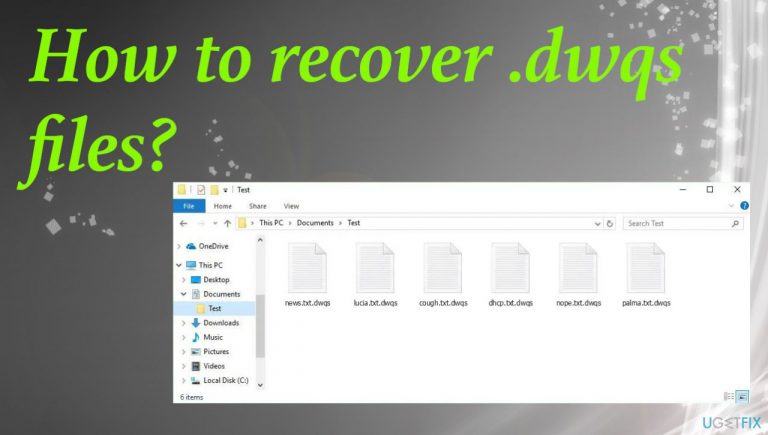
What leads to How to recover .dwqs files?
- Encryption by Dwqs ransomware
- Lack of backups
- Skipping installation steps of programs
- Using pirated software
- Malicious macros in cracked software
Repairs Windows system files, removes malware, and restores a clean OS state — without reinstalling.
Hello. I need help with these locked files. The encryption hit me suddenly and I don't know how to deal with it. Is there any decryption options for this Dwqs virus version or am I screwed for good? Help me, please. I have no backups that could help here.
Threats like this ransomware can affect machines quickly and all the files that get locked are unopenable immediately after the encryption procedure. Creators of the malware can trigger additional processes to ensure persistence, so removing the virus is as difficult as file recovery.
Infections like this are common because users have the bad habit of skipping through steps during installations of programs or freeware. Cracking and using pirating services can also result in an infection deployment like Dwqs ransomware.[ref en-1] The malicious macro technology and files directly added to the package of cracked software are widely used by threat actors.
You need to remove the file virus before you can treat those affected files, however. There are particular risks that an active virus runs another round of the encryption and affects other untouched files or even those that you restored already. It is the worst thing because data might get permanently damaged. Avoid any actions and follow the guide to fully stop the Dwqs ransomware right away.
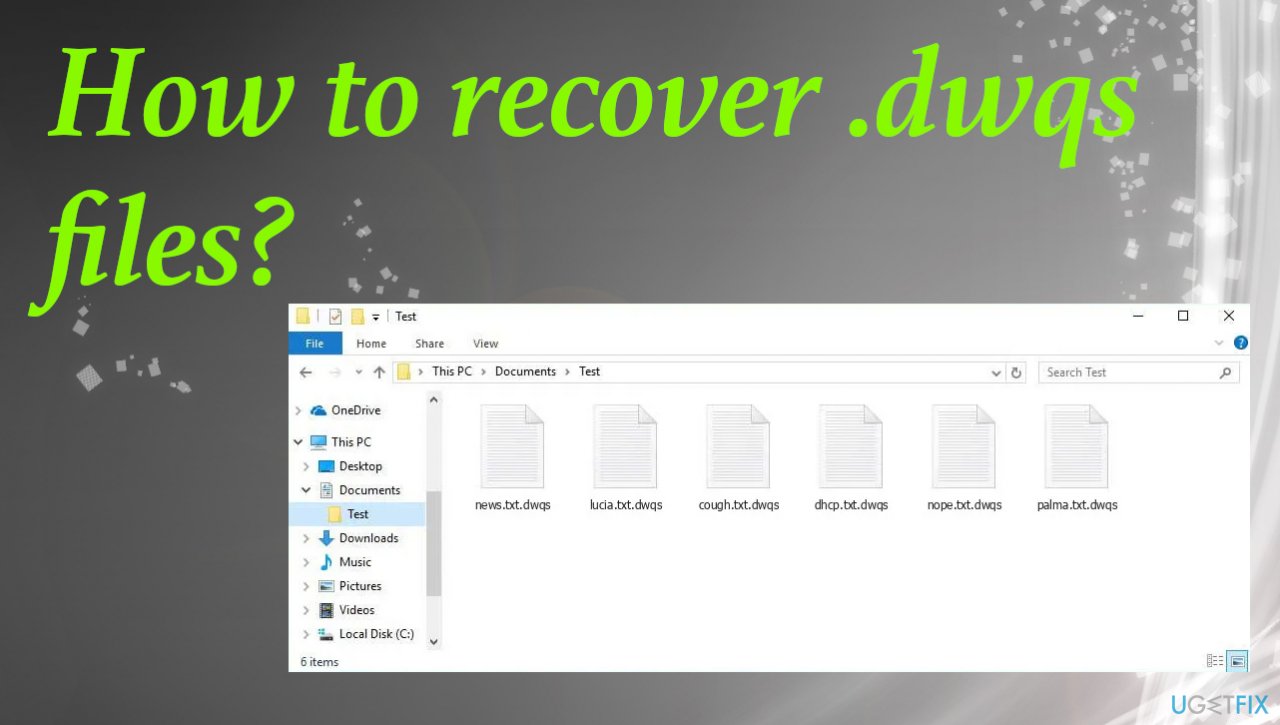
1. Check the decryption option
Djvu ransomware or STOP virus is the family known since 2019. Since then, it is one of the more active and dangerous threats. For a brief moment, victims of the ransomware managed to get their data decrypted with the help of malware researchers and their tools. The program was developed for the variants with offline IDs. These keys were the same for all devices damaged by the same variant.
Dwqs file virus is using the online key method mainly right now, like the other newer versions. Each device gets a unique ID that is later needed for decryption. It is unfortunate, but there is some hope because sometimes server connections fail and you can still restore affected files. Check if the tool can work for you right now. Scan results indicate if the decryption can be performed.
- Download the app on official Emsisoft website.
- Once decrypt_STOPDjvu.exe shows up – click it.
- Follow the steps on the screen.
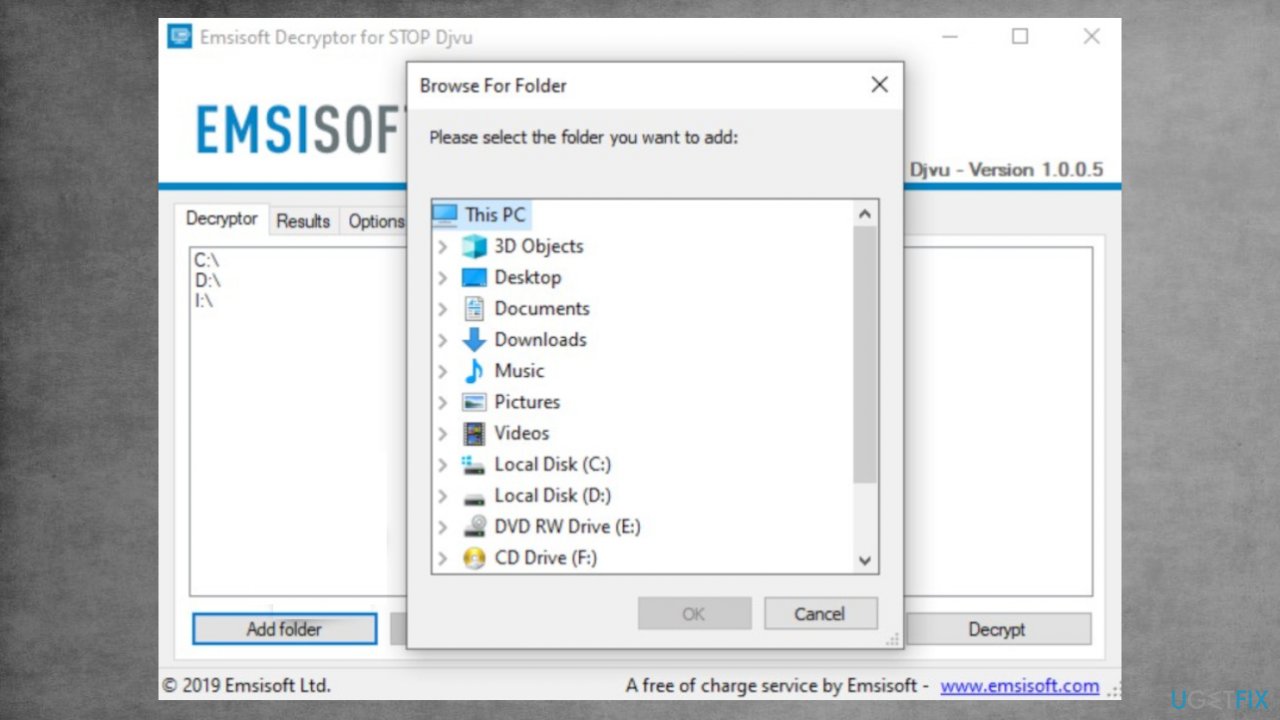
Recover dqws files fix decrypt - The tool should locate the affected folders.
- You can also do it by pressing Add folder at the bottom.
- Press Decrypt.
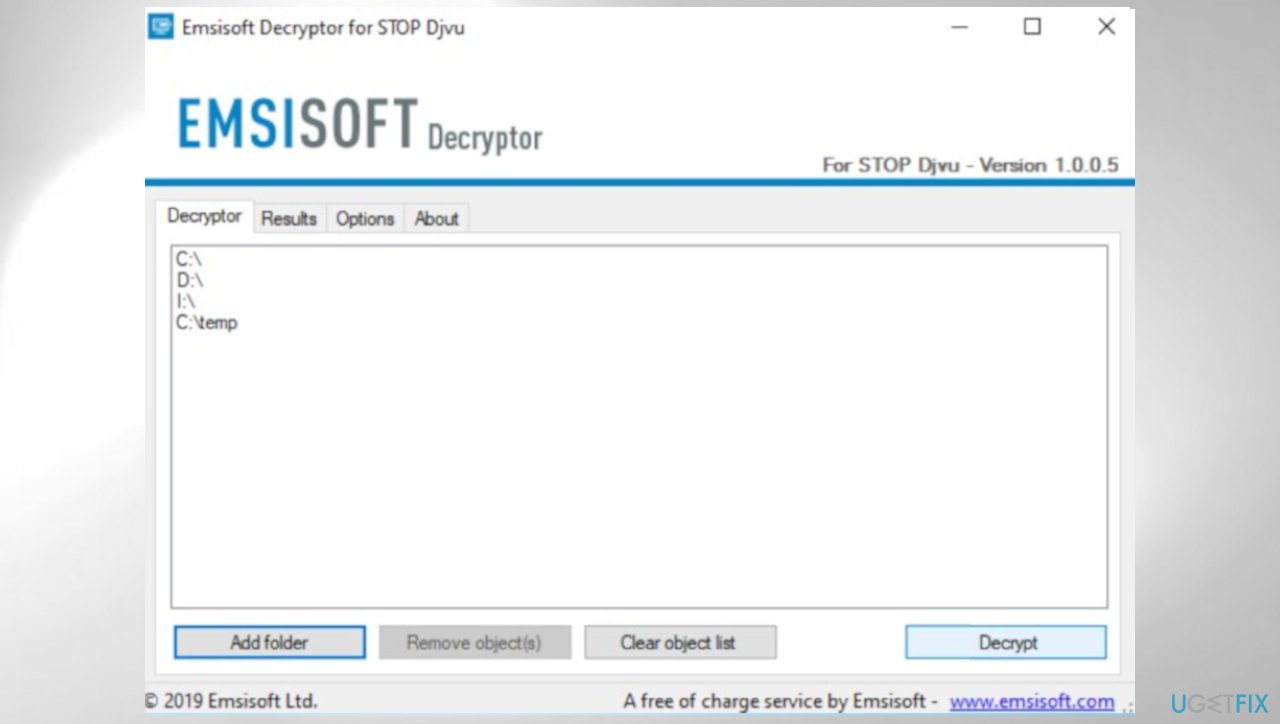
Djvu decrypt emsisoft dqws - Results determine decryption options.
2. Remove the malicious ransomware
A threat like this can be removed and should be terminated as soon as those files get locked.[ref en-2] These issues start immediately after the infiltration because the main purpose of ransomware is to lock files and demand money from people directly by promising decryption and file recovery. The message in _readme.txt file is false and should be ignored.
These alleged promises should make people eager to pay and get the tool from criminals. But there is no better option besides the elimination of ransomware. You need to remove the Dwqs file virus and that can be done with tools like anti-malware or security software. Run a proper system check and remove all malicious pieces from the system.
AV detection-based tools[ref en-3] are not the same as the file recovery with decryption procedure or the full system recovery, but you can rely on the anti-malware tool and remove all malicious programs, so the file recovery is risk-free after.
3. Restore affected system data
- Install [d1].
- Run the full system scan and wait for the analysis.
- Follow the on-screen instructions.
- Allow the machine to get checked.
- Check the Summary.
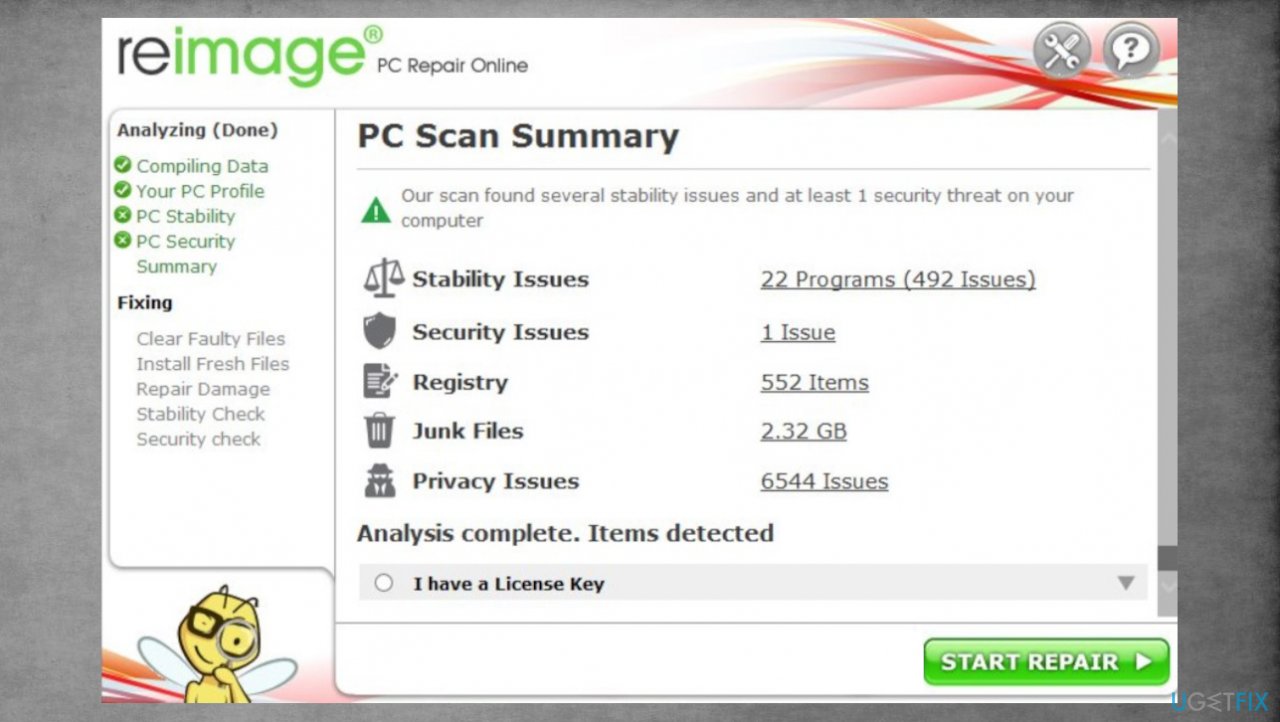
Djvu reimage repair dqws - You can fix issues manually from the list.
- Purchasing a licensed version can help repair serious issues.
4. Try the data recovery software
- Get a tool like [rev id="Data Recovery Pro"] from a trustworthy source.
- Follow installations until it is complete.
- Once that is finished, run the application.
- Select Everything or pick individual folders/ files to recover.
- Press Next.
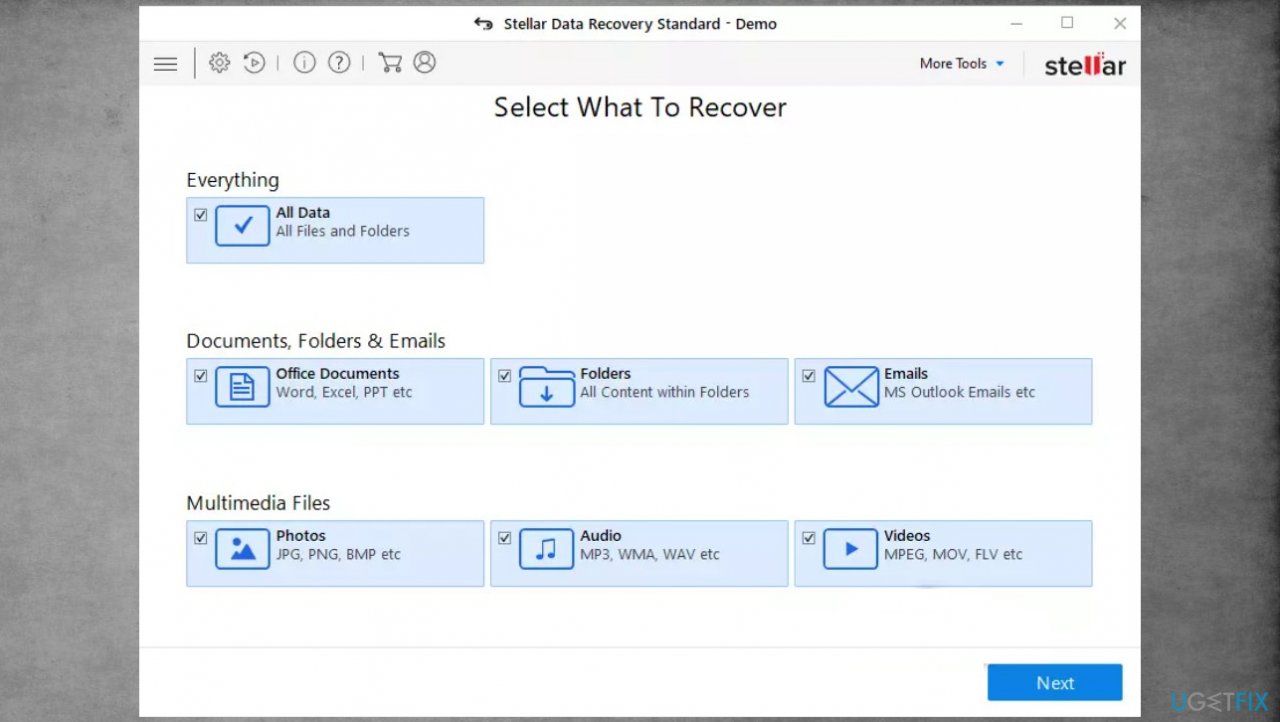
Djvu stellar data recovery dqws - Enable Deep scan at the bottom.
- Pick which Disk you want to be scanned.
- Scan.
- Hit Recover to restore files.
Bottom line
To recover .dwqs files, first remove the Dwqs ransomware to prevent further encryption. Then, check for decryption options related to Djvu ransomware or STOP virus, as some tools may still work if server connections fail. If none of these methods work, consider seeking professional data recovery services.
Frequently asked questions
To recover .dwqs files on Windows 10, check your Recycle Bin first, then use file recovery software like Recuva or Disk Drill to scan for deleted files.
Yes, if you have a backup set up on Windows 11, you can restore .dwqs files using File History or a third-party backup tool.
Windows does not have a specific built-in tool for .dwqs file recovery, but you can use the 'Previous Versions' feature to restore files if System Restore was enabled.




Report an issue
What's wrong with this guide? We review every report and update or remove content.
Report received — thank you. We'll review and fix it.
You need a free account to submit a report.
Be the first to comment