How to recover
Files after Jhbg ransomware
from Windows
Recover your files from Jhbg ransomware on Windows 10 or 11 with our expert-tested solutions. Restore lost data quickly and securely, zero traces left.

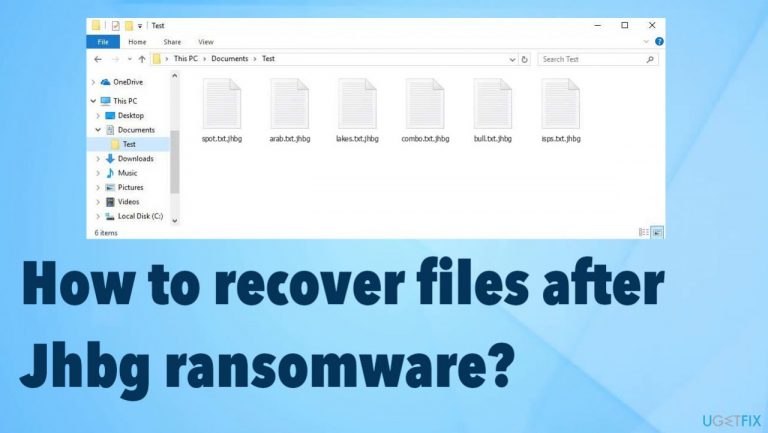
What leads to How to recover files after Jhbg ransomware?
- Installed NBA game
- Used cracking software
- Downloaded from pirating platforms
- Accessed torrent services
- Visited malicious pages
Repairs Windows system files, removes malware, and restores a clean OS state — without reinstalling.
Hello. I am desperate for help. I installed an NBA game and some cracking software that included the virus, apparently. I did nothing else that could cause this infection. I had no idea how to avoid this, so my files were now affected. All data is having .jhbg appendix at the end and I need to restore these documents. I have no idea how. Help me!
These threats focused on file-locking[ref en-1] are spreading around quickly. The ransomware that is affecting your machine, in particular, is known for spreading via pirating platforms, torrent services, and other malicious and dangerous pages. This way payload of the cryptovirus is dropped on the machine and starts the infection.
Jhbg ransomware affects the machine by interfering with the speed of the machine and functions that are related to security and file recovery. The threat uses powerful army-grade algorithms and makes data useless, not openable. The ransomware marks files with the unique appendix and indicates which files got locked.
These files are not the only ones that ransomware like this can affect or damage. Jhbg file virus is running additional processes and makes the system run slow. The threat tries to encourage the users and victims to pay up via the ransom note _readme.txt that lists this paid decryption as the only and the best option.
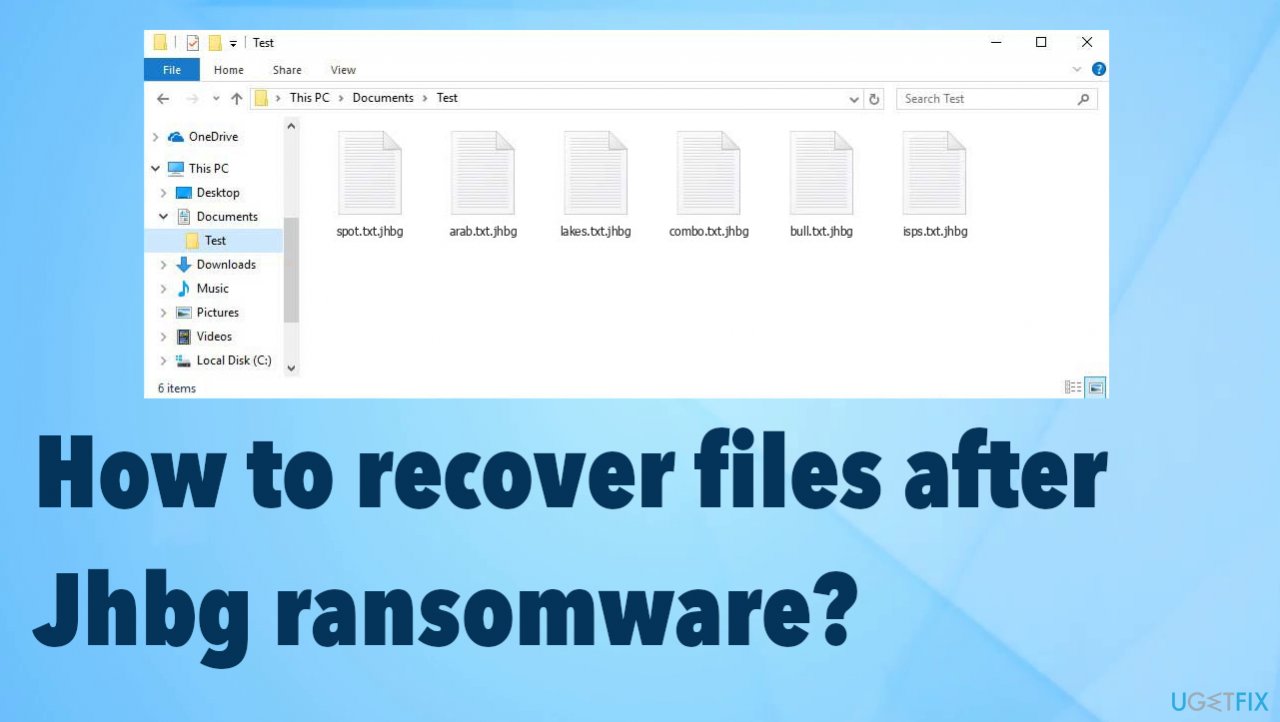
1. Stop the virus
Ransomware can be detected[ref en-2] by the anti-malware tools because those malicious files are hidden in various places on the machine. This is the proper tool that helps with virus removal. Antivirus applications check places on the machine where all the threats acting as vectors[ref en-3] for the cryptovirus deployment in these infections get placed.
A full system scan helps to locate all potentially dangerous tools and files, so the machine is fully cleared, and there are no malware pieces affecting the machine further and damaging the experience on the computer. The list of results after the check shows all pieces related to the file-locker and other malware, so you can remove Jhbg ransomware virus and other related or hidden threats.
You should note that anti-malware tools and security software do not affect those locked files and will not recover or decrypt the locked files for you. You need to clear the machine and stop the ransomware from actively damaging the machine. It can affect files added newly to the machine, so remove the virus and avoid permanent damage.
2. Repair the affected system data
Threats like this Jhbg ransomware can affect various parts of the machine, and it does that to ensure persistence and keep the file recovery options limited, and disturbed. Malware alters registry entries, damages system files, and disables functions. You need to take care of those issues to keep the machine running smoothly. Then you can move on to file recovery.
- Install [d1].
- Run the full system scan and wait for the complete analysis.
- Follow the on-screen steps.
- Allow the machine to get checked.
- Check the Summary.
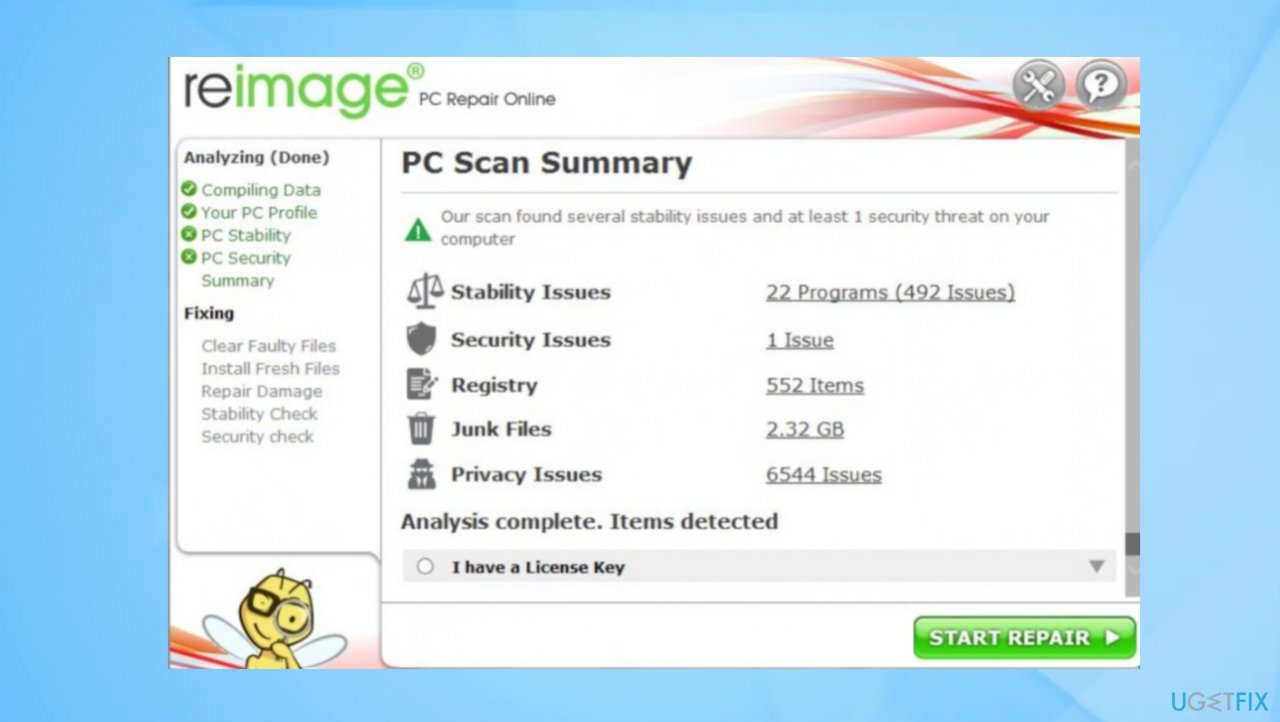
Jhbg ransomware recovery reimage - You can fix issues manually from the list.
- Purchasing a licensed version can help repair serious issues.
3. Check the decryption option
The Djvu ransomware family that releases these versions weekly into the wild is known for years now. The first year released the decryptable versions when the offline keys were used primarily. Then the online ids came into play, and other advanced changes made to the coding affected the persistence and file-locking procedures.
These threats require decryption tools for file recovery, and it is not the easiest application to develop. Researchers need particular decryption codes for this. If the operation of encryption fails and the connection is not possible, so you might benefit from the app developed before. Check the decryption option by scanning those Jhbg ransomware files.
- Download the app on official Emsisoft website.
- Once decrypt_STOPDjvu.exe shows up – click it.
- Follow the steps on the screen.
- The tool should locate the affected folders.
- You can also do it by pressing Add folder at the bottom.
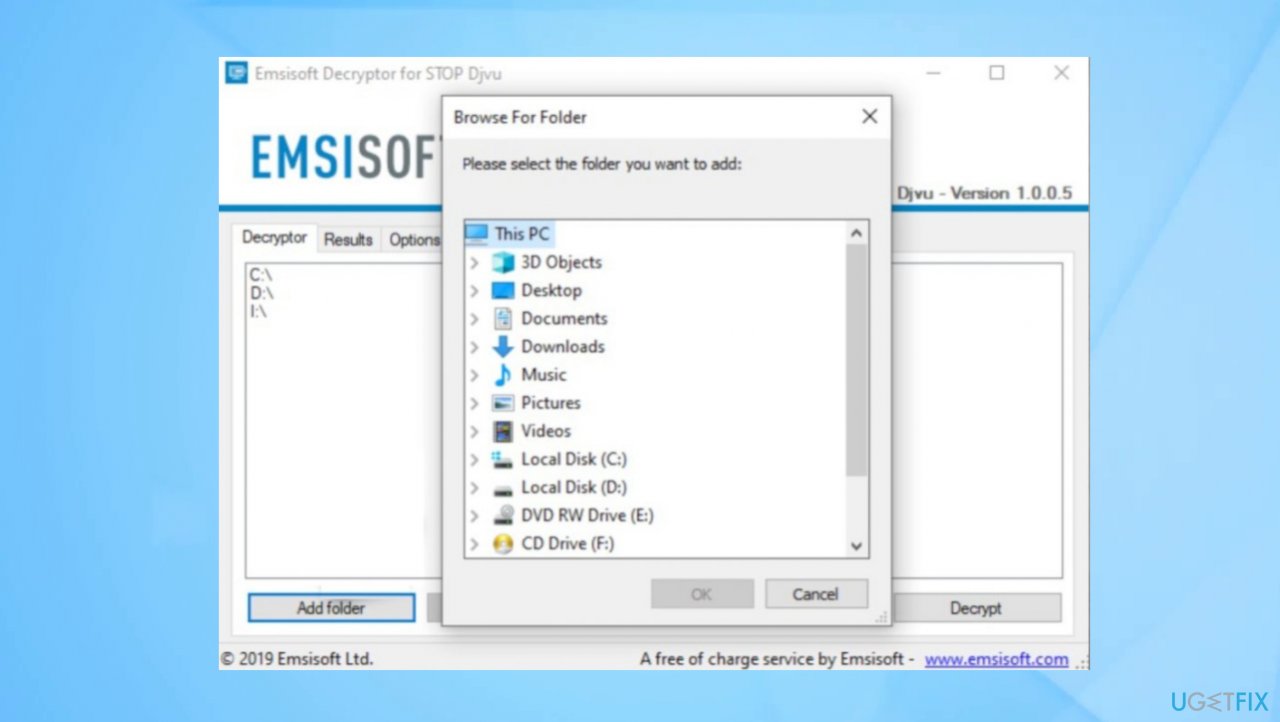
Jhbg ransomware recovery emsisoft - Press Decrypt.
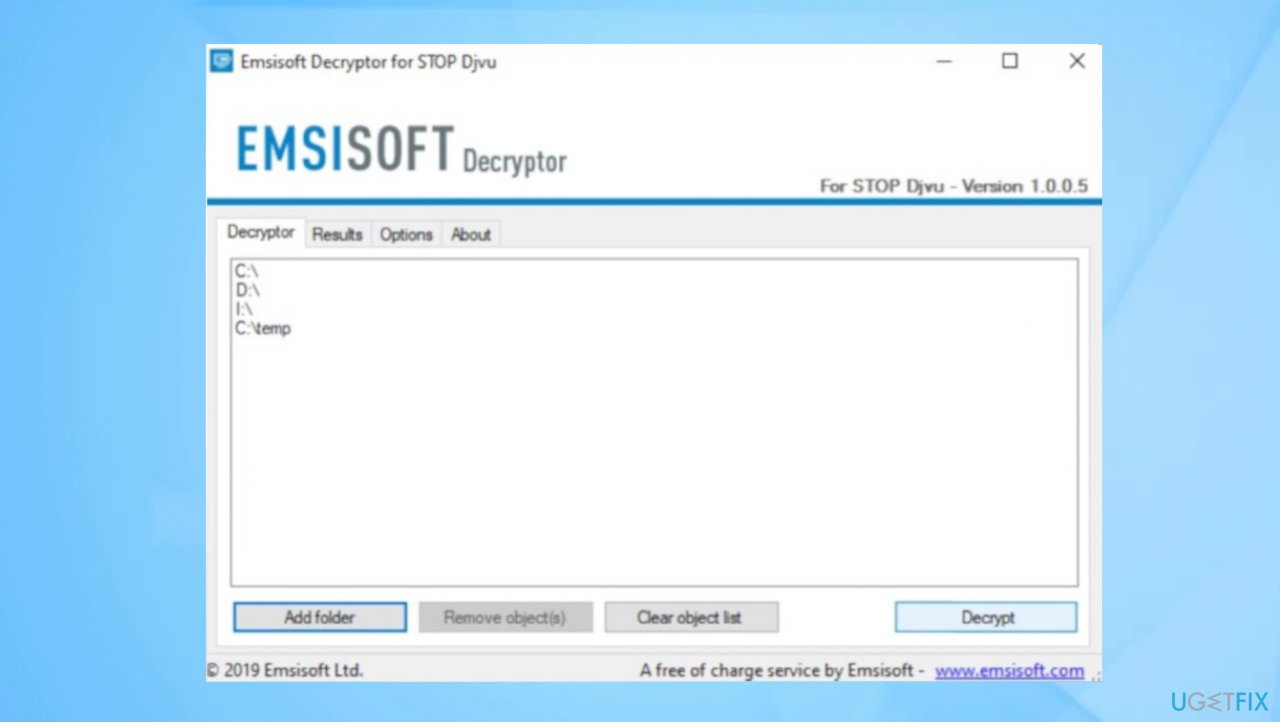
Jhbg ransomware recovery decryption - There are particular results that can occur indicating if the decryption is possible.
4. Use a data recovery tool
You need a proper data recovery application. We can recommend using [rev id="Data Recovery Pro"].
- Get a tool from a trustworthy source.
- Follow installation instructions.
- Once that is finished, use the application.
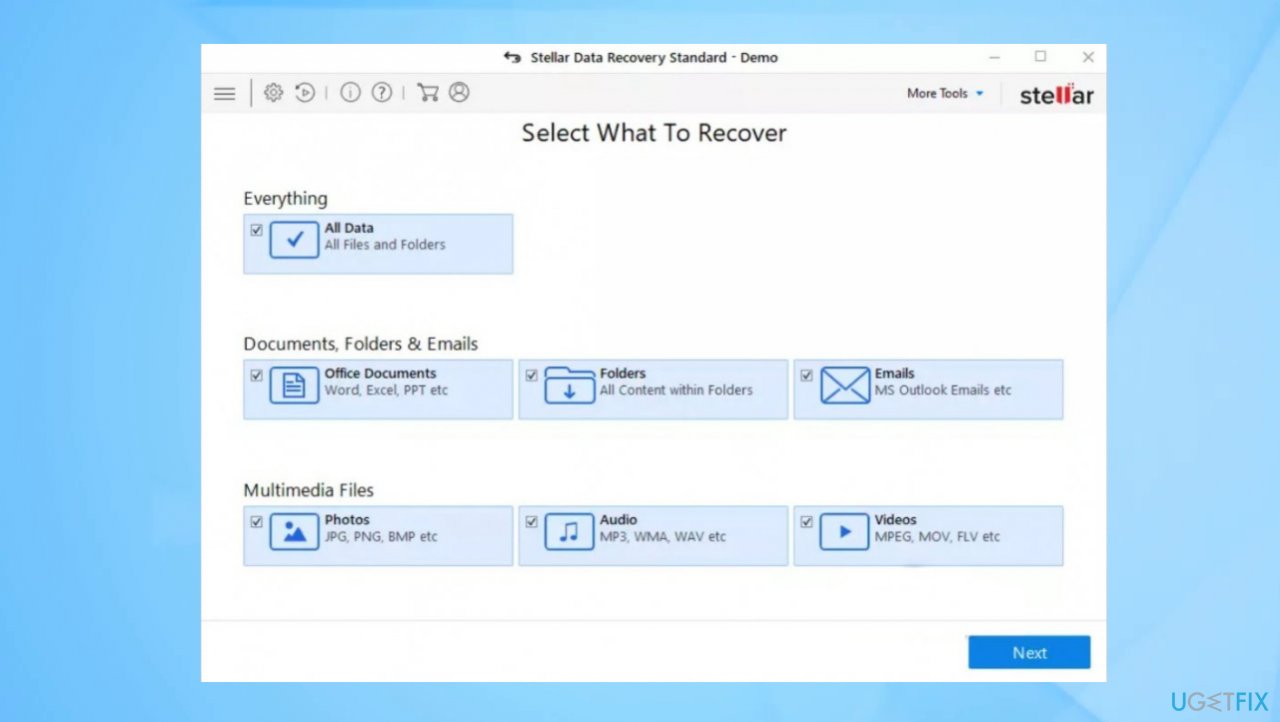
- Select Everything or pick individual folders to recover.
Jhbg ransomware recovery stellar - Press Next.
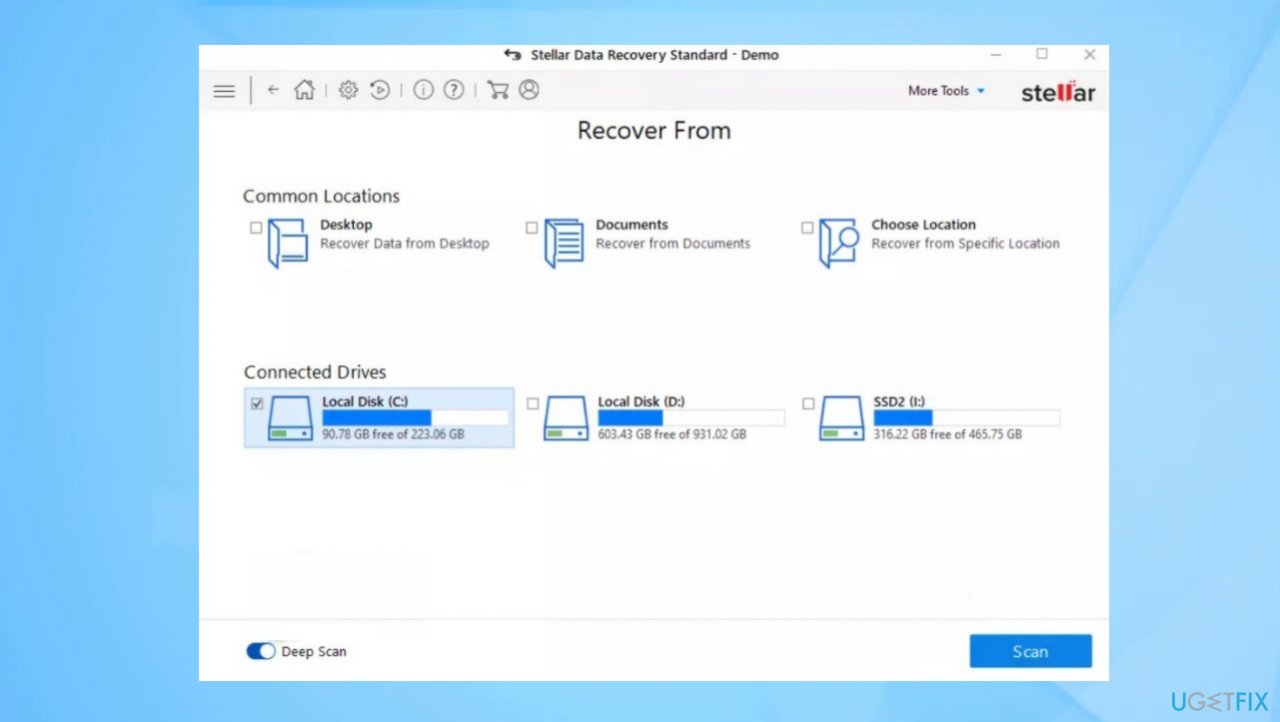
- Enable Deep scan at the bottom.
- Pick which Disk you want to be scanned.
Jhbg ransomware recovery repair - Scan.
- Hit Recover to restore files.
Bottom line
To recover files affected by Jhbg ransomware, you should first stop the virus using anti-malware tools and perform a full system scan to remove any threats. If these steps do not restore your files, consider seeking professional help or data recovery services.
Frequently asked questions
Immediately disconnect your device from the internet to prevent further damage, then use a reputable antivirus program to remove the ransomware before attempting any file recovery.
Yes, you can use data recovery software such as Recuva or EaseUS Data Recovery Wizard to attempt recovery of lost files, but success may vary.
If you have a system restore point created before the infection, you can restore your system settings through the System Restore feature in Windows 10 or Windows 11.




Report an issue
What's wrong with this guide? We review every report and update or remove content.
Report received — thank you. We'll review and fix it.
You need a free account to submit a report.
Be the first to comment