How to recover
Files after Mmob ransomware attack
from Windows
Recover your files after a Mmob ransomware attack on Windows 10 or Windows 11 with proven techniques. Expert-tested methods for fast recovery!

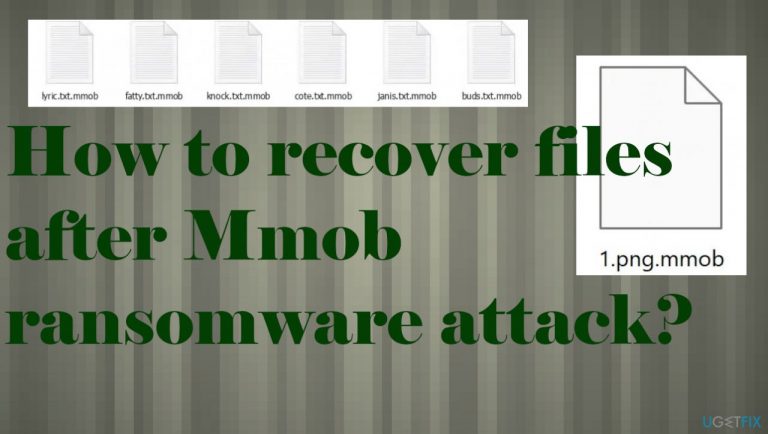
What leads to How to recover files after Mmob ransomware attack?
- Opening infected email attachments
- Receiving emails from seemingly legitimate sources
- Lack of attention to email details
- Ransomware using powerful encryption algorithms
- Trusting criminals offering decryption options
Repairs Windows system files, removes malware, and restores a clean OS state — without reinstalling.
Hello. I caught the ransomware by opening the file attached to my email. It was from the legitimate DHL email address. At least, it seemed like it. I was not checking any details, so files got locked, and I got the ransom demand as soon as the file got downloaded on the computer. Files are now locked with .mmob. Can you help me?
When the Mmob virus infects the machine, it encrypts data that is found on the machine as commonly used and valuable.[ref en-1] The powerful encryption algorithms[ref en-2] allow the threat to make these documents, images, video, or audio files useless and marks them with the indicator .mmob, hence the name of this virus.
You are not advised to pay up even though these criminals offer the discount or the test decryption possibility. These methods are here just to trick people into interaction, so the trust between them and criminals is created, and victims do not look for other options but transfer the ransom amount.
The decryption process requires the particular key that developers usually have. This key unlocks all the affected files. However, it is less likely done by the virus developers themselves because these criminals tend to release false claims, so people are falling for these tricks and lose their funds and files permanently. There is no reason to trust the people behind the Mmob ransomware and over versions of the Djvu file virus.
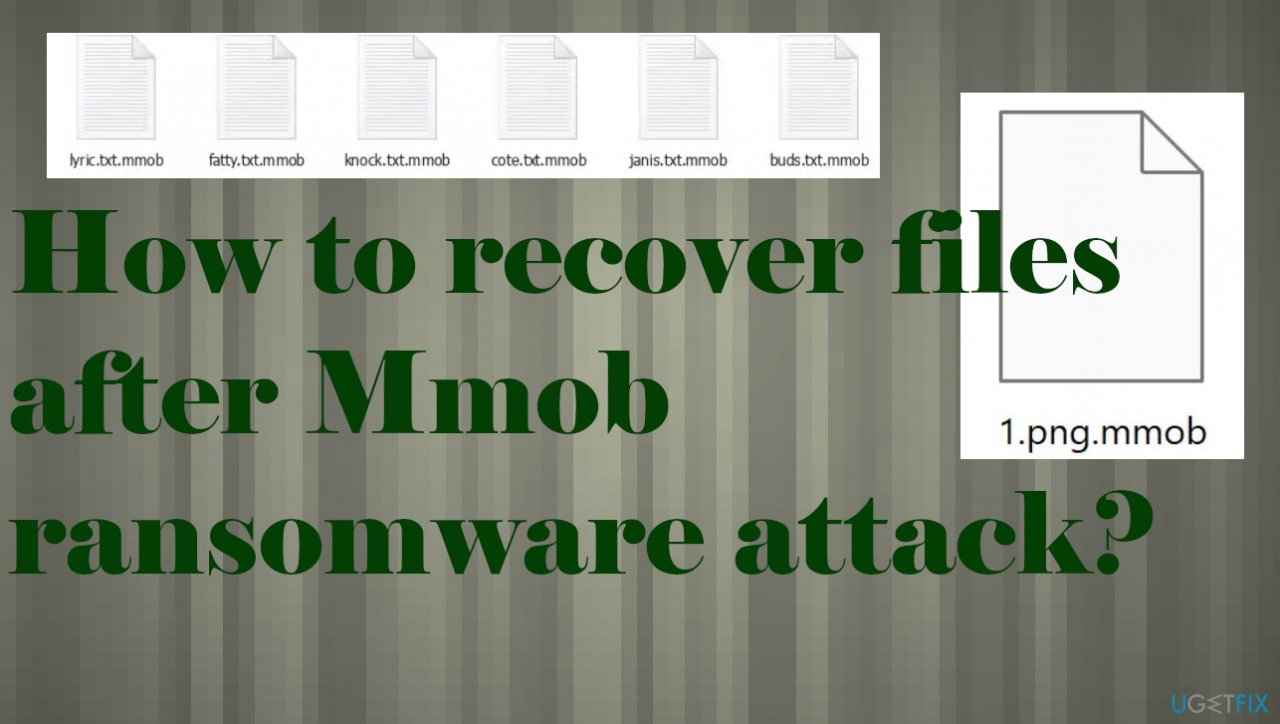
1. Decrypt .mmob files
These threats particularly focused on money that can be obtained from people that got their data locked by the malicious virus. It is easy to get scared when the _readme.txt file lists the ransom payment as the only option for the data recovery. However, payments are never recommended because these criminals do not care about your belongings at all.
Threat actors change encryption methods and improve their coding to ensure persistence and limit solutions for the victims. The decryption success is dependent on the key used during file-locking because Mmob ransomware relies on either offline or online keys. Offline IDs are universal and can help a lot of victims at the same time. Online keys, however, are unique for the device that is encrypted.
The connection that is needed sometimes fails, so even these more advanced versions sometimes use the offline id. If so, the following tool can help you.
- Download the app on official Emsisoft website.
- Once decrypt_STOPDjvu.exe shows up – click it.
- Follow the steps on the screen.
- The tool should locate the affected folders.
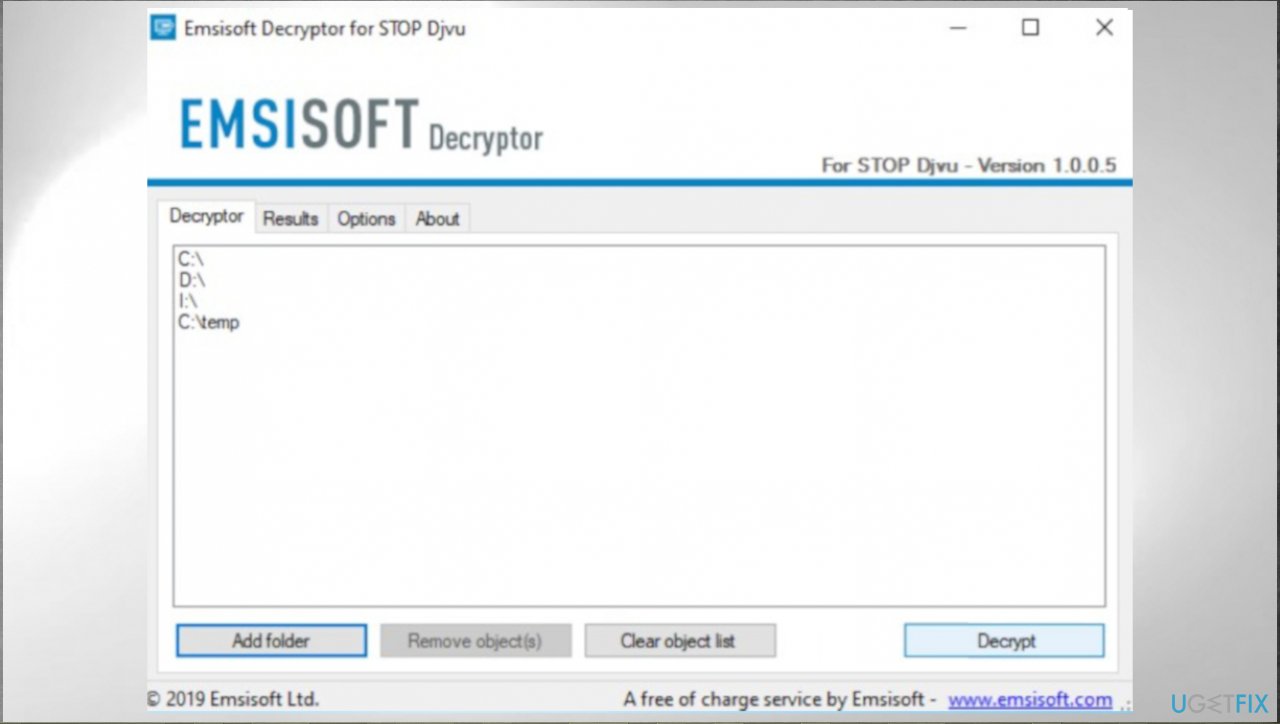
Recover mmob ransomware files emsisoft - You can also do it by pressing Add folder at the bottom.
- Press Decrypt.
- There are particular results that can occur indicating if the decryption is possible.
2. Remove the active virus
The threat is coming from a malicious family that is powerful and more dangerous than ever because it altered particular methods of file encryption to ensure the limited options for the decryption. It is not possible to restore all files easily. It is never recommended to pay the demanded sum. We can't encourage you to contact these criminals via the provided emails or other ways.
Any interaction with these criminals can lead to another malware installation or the particular drop of the infection of the already affected machine. You should rely on removal methods and try to stop the active Mmob ransomware instead of focusing on the file recovery right away. There are issues that can occur due to the existence of this malware on the machine.
Run a proper anti-malware tool or system security program, so the machine is fully checked and all malicious or even potentially dangerous files and programs get detected[ref en-3] and indicated as removable. You need to do this because once you replace locked files or recover those files on the machine that still have the ransomware running, those pieces can get damaged again and permanently.
3. Repair damaged system files
Malware affects a lot more than just those commonly used files and everyday processes. Threats like this are capable of running in the background and affecting various system files, functions, and features. The ransomware can even disable programs needed for virus removal or file recovery. You should repair the virus damage, so all the needed functions and working properly.
- Install [d1].
- Run the full system scan and wait for the complete analysis.
- Follow the on-screen steps.
- Allow the machine to get checked.
- Check the Summary.
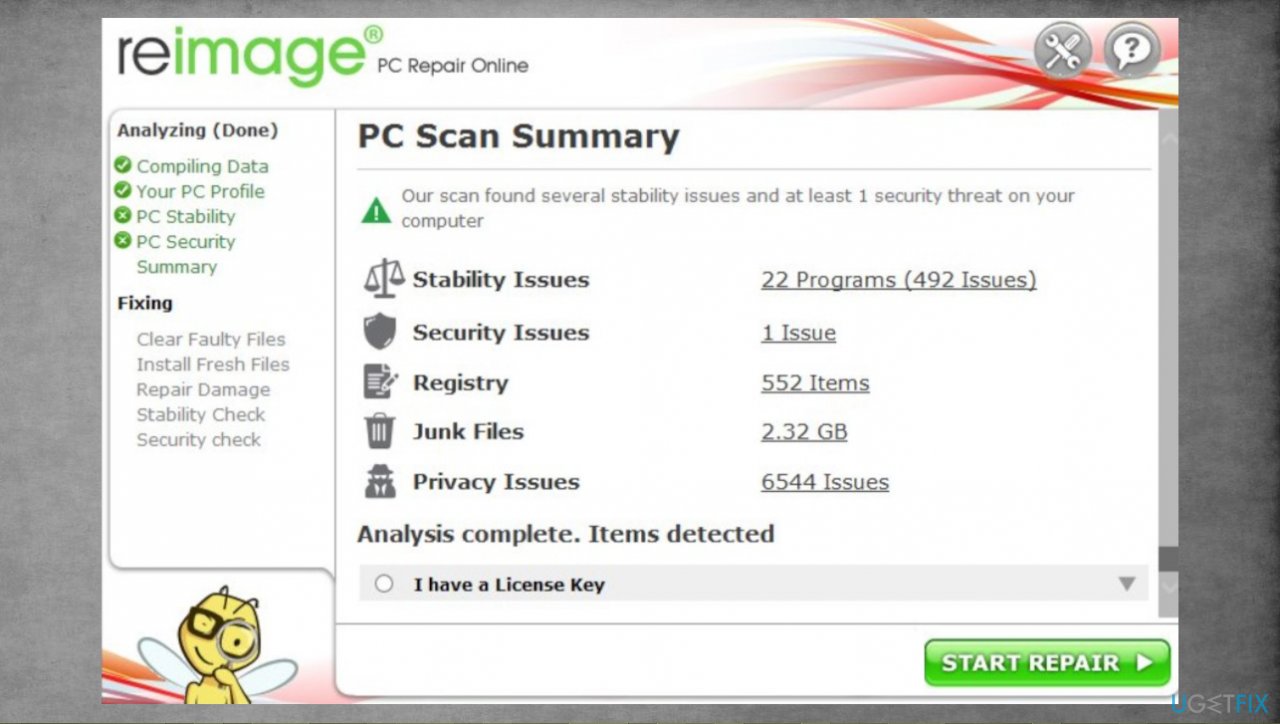
Recover mmob ransomware files reimage - You can fix issues manually from the list.
- Purchasing a licensed version can help repair serious issues.
4. Recover data with a special program
- Get a tool like [rev id="Data Recovery Pro"] from a trustworthy source.
- Follow installation instructions.
- Once that is finished, use the application.
- Select Everything or pick individual folders to recover.
- Press Next.
- Enable Deep scan at the bottom.
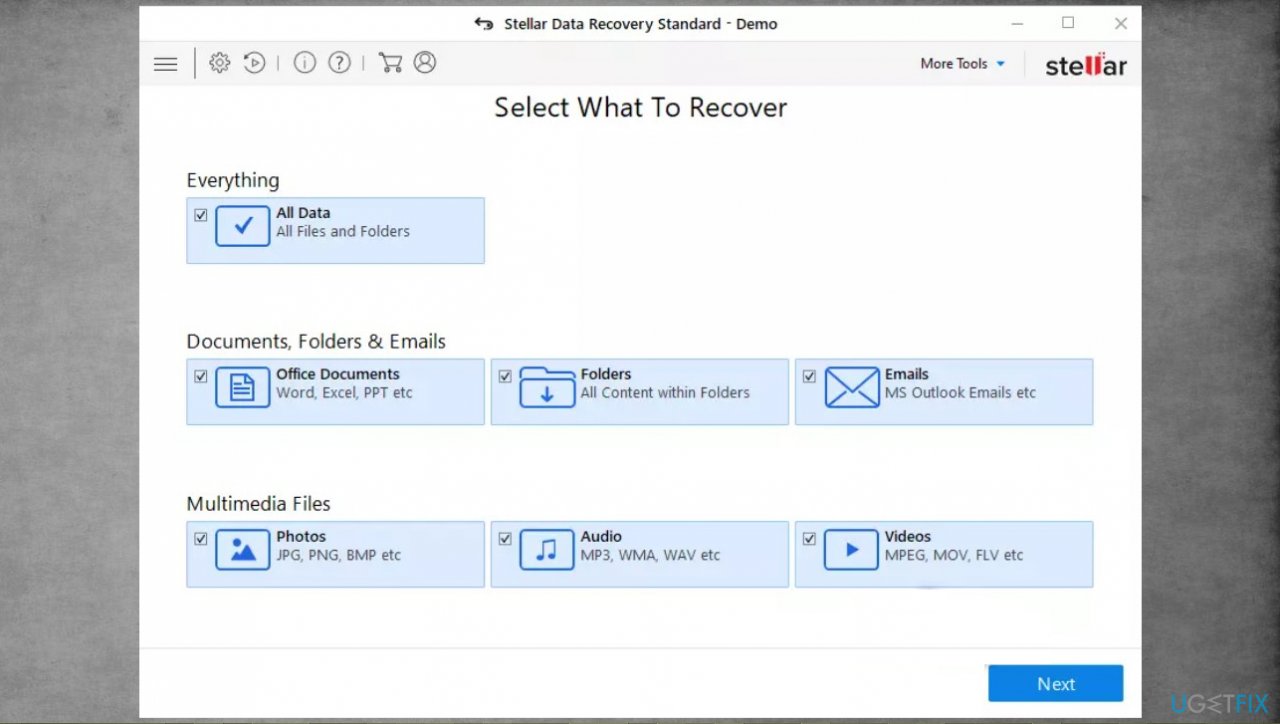
Recover mmob ransomware files recovery - Pick which Disk you want to be scanned.
- Scan.
- Hit Recover to restore files.
Bottom line
To recover files after a Mmob ransomware attack, it is advised not to pay the ransom and to explore alternative recovery methods. Consider using decryption tools or seeking professional help. If these options do not work, it may be necessary to restore files from backups or accept data loss.
Frequently asked questions
Immediately disconnect from the internet to prevent further data encryption and then run a reputable antivirus to remove the ransomware. After that, you can start looking for recovery options for your lost files.
Yes, you may be able to recover your files using backup solutions such as Windows File History or third-party recovery software, but success is not guaranteed.
You can restore your system settings by using Windows System Restore if it was enabled before the attack, or by reinstalling Windows 10 or Windows 11 as a last resort.




Report an issue
What's wrong with this guide? We review every report and update or remove content.
Report received — thank you. We'll review and fix it.
You need a free account to submit a report.
Be the first to comment