How to recover
Files after Qlln ransomware
from Windows
Recover lost files after Qlln ransomware on Windows 10 or 11 effortlessly. Follow expert-tested methods to restore your system quickly and safely.

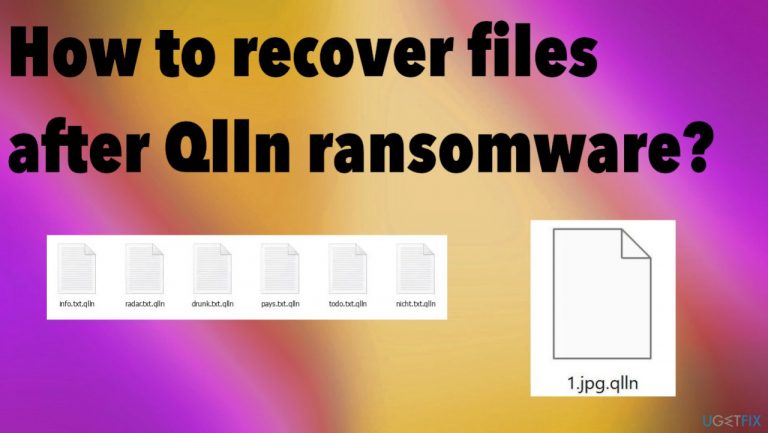
What leads to How to recover files after Qlln ransomware?
- Ransomware infection
- File locking and encryption
- Silent infiltration of malware
- Triggering by opening email or attachments
- Financial motivation of virus creators
Repairs Windows system files, removes malware, and restores a clean OS state — without reinstalling.
Hello. I need the proper decryption for .qlln files. The ransomware damaged most of the data on the system. Can you help me with this? I don't have proper backups that could help me here. Should I pay instead?
Ransomware infections are causing serious issues with the machine because all the processes related to this virus can lead to problems with programs, features, and data. Qlln ransomware focuses on file locking and encryption, but this is not the only problem with the cryptovirus infection.
These threats are based on cryptocurrency extortion because most of the virus creators are financially motivated.[ref en-1] The infiltration can be pretty silent, and the issue with locked files appears first than any system issues or poor performance speed. It is because malware can appear suddenly and go straight to file encoding.
The file virus is capable of locking the commonly used data right away once the ransomware payload is dropped on the system. This is why some of the victims report that opening the email or email attachment file triggered the file locking. This is one of the ways to spread Qlln ransomware and similar viruses.
The payment offers and discounts offered in the ransom note _readme.txt are false. You should not trust these criminals behind the virus because it is not guaranteed that criminals will provide the decryption key or tool in exchange for the Bitcoin transfer. No matter the amount - do not pay these criminals.
The official decryption tool for the Qlln file virus is not released as of right now. It takes a lot of time because researchers need proper keys and other details to form these programs. There are other options, but the most important is to remove the virus and stop it from running on the machine. This way, you can safely restore data.
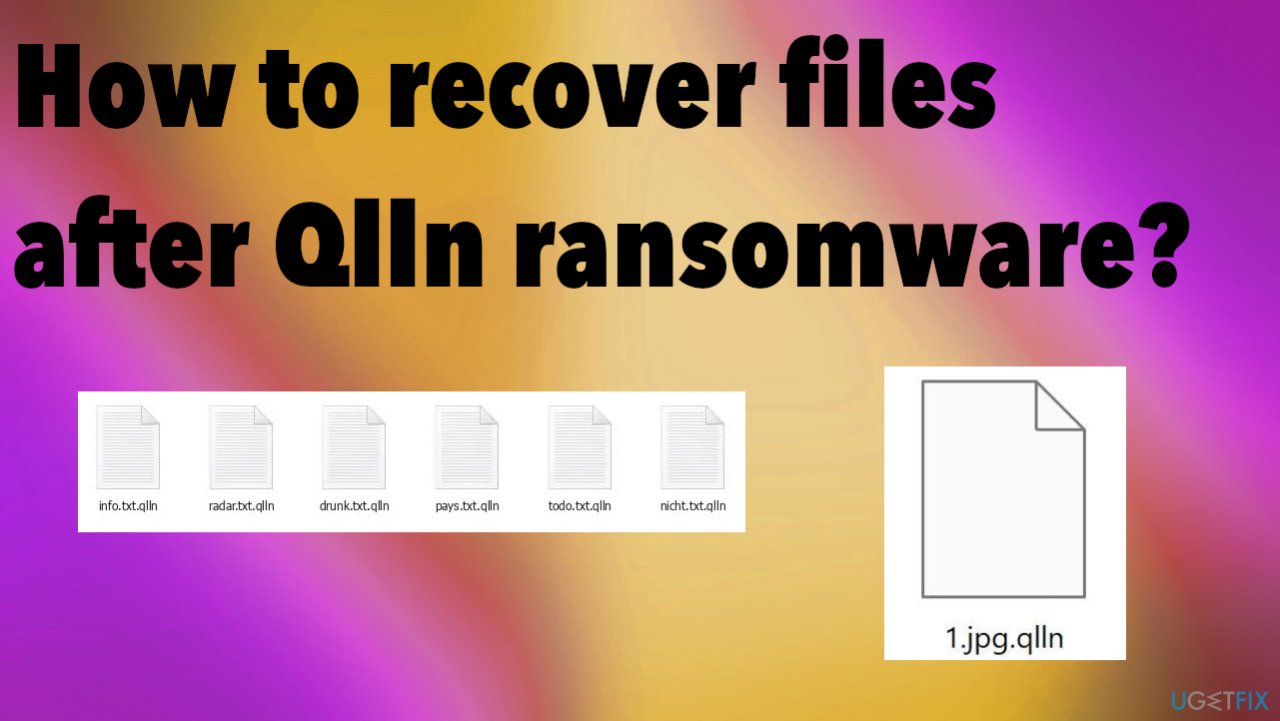
1. Decrypt the locked files
Djvu ransomware virus family is one of the most dangerous right now because these new versions like Qlln ransomware get released weekly and often in bunches of three or four. There are tons of samples on the internet and reports from users and victims that show how widely spread the threat is.
It also shows how successful can the threats be to have developers change the extension and release a new virus out. These latest changes in the coding functions have helped these criminals to ensure persistence and stop the particular virus decryption possibilities. Those were previously available because of the offline id formation.
These newer versions, like the Qlln ransomware itself no longer use the offline keys during encryption. It means that all keys are online and unique per particular device, not only the version of the file virus. Online keys are individual and required for the decryption. If the connection to C&C servers[ref en-2] is proper, the offline keys are never used. But you should still check for the particular option of decryption with the available tool.
- Download the app on official Emsisoft website.
- Once decrypt_STOPDjvu.exe shows up – click it.
- Follow the steps on the screen.
- The tool should locate the affected folders.
- You can also do it by pressing Add folder at the bottom.
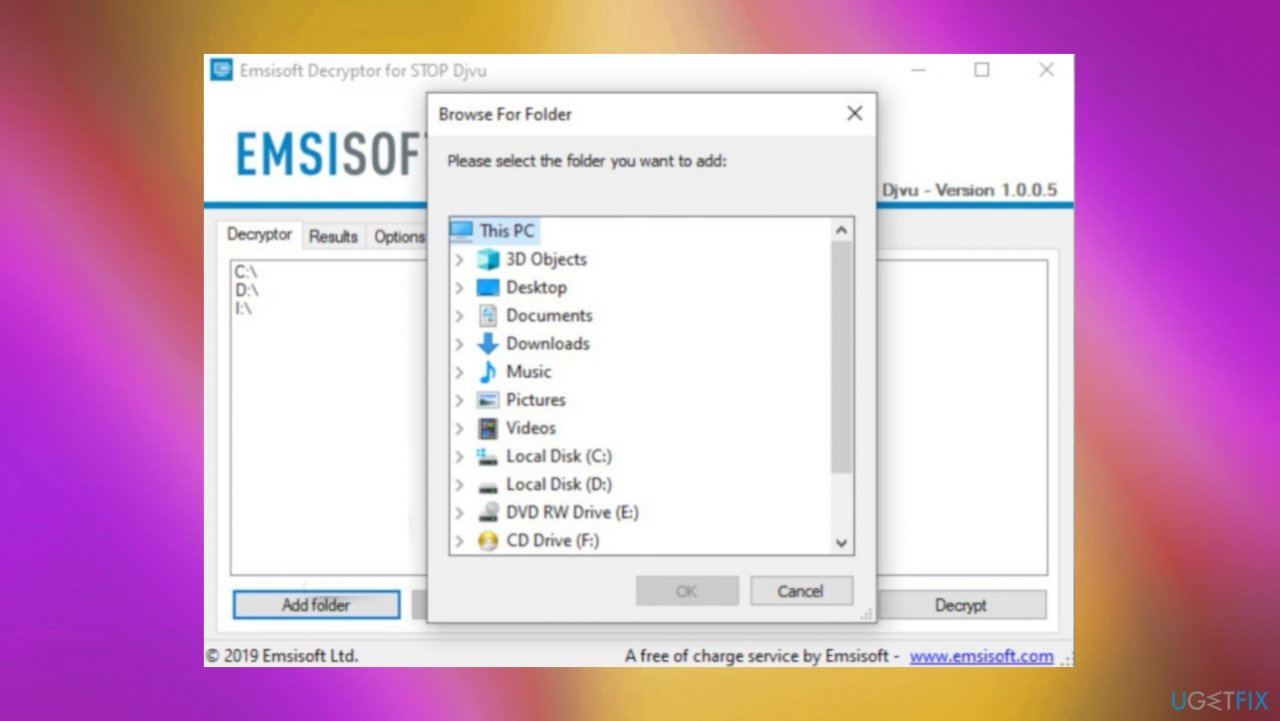
Qlln file recovery decrypto folders - Press Decrypt.
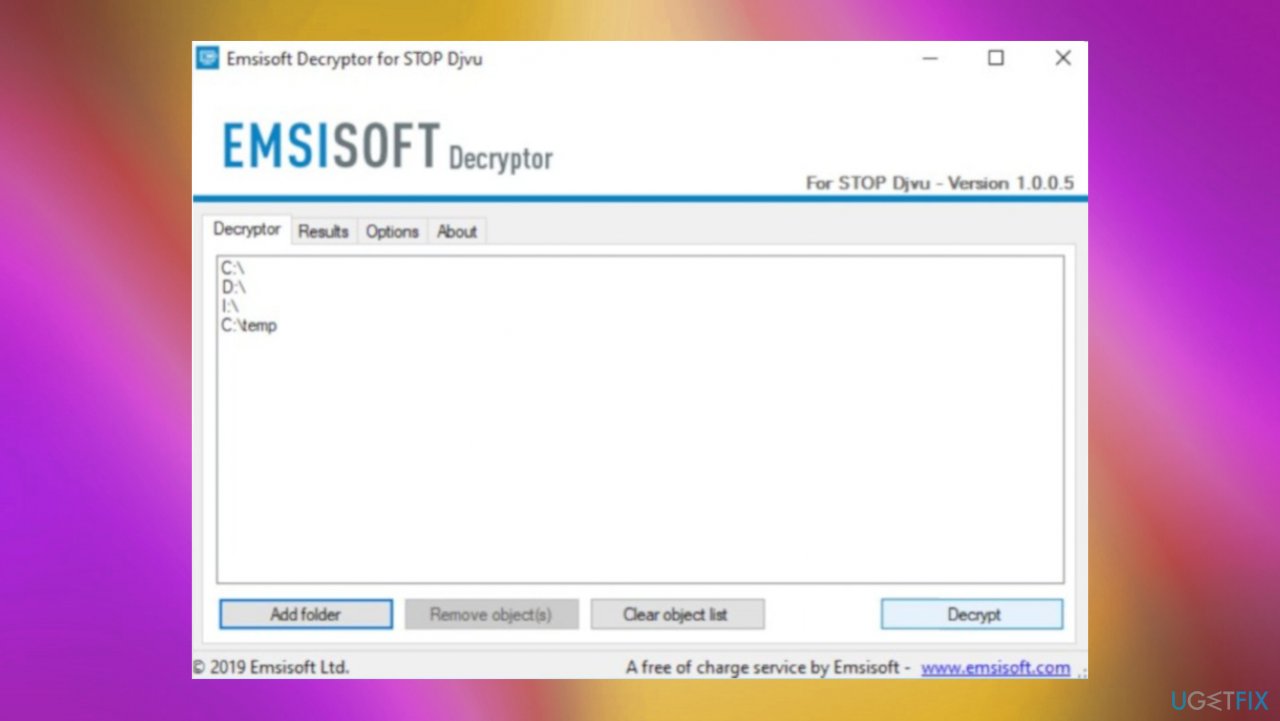
Qlln file recovery decryption emsi - There are particular results that can occur indicating if the decryption is possible.
2. Terminate the ransomware
Infections of various types can spread around using various methods, and these facts can mean that ransomware is spread using other malware as a vector. An infection like this Qlln ransomware can be delivered by the initial trojan and malware pieces that spread via malicious platforms or spam emails and cause zero symptoms.
The infiltration of the ransomware can also include spam email attachments as the files with malicious macros and torrent platforms that deliver software cracks, video game cheats, and other software files pre-packed with malicious files that trigger ransomware payload.
These infections all can be hidden and cryptovirus is one of the main threats that require proper anti-malware tools, so all pieces related to infection could be stopped. Qlln file virus can be detected[ref en-3] by these AV programs alongside other related threats and malicious files. Running a full system scan using a trustworthy application can stop the active virus and help avoid another round of file locking.
3. Restore corrupted system data
- Install [d1].
- Run the full system scan and wait for the complete analysis.
- Follow the on-screen steps.
- Allow the machine to get checked.
- Check the Summary.
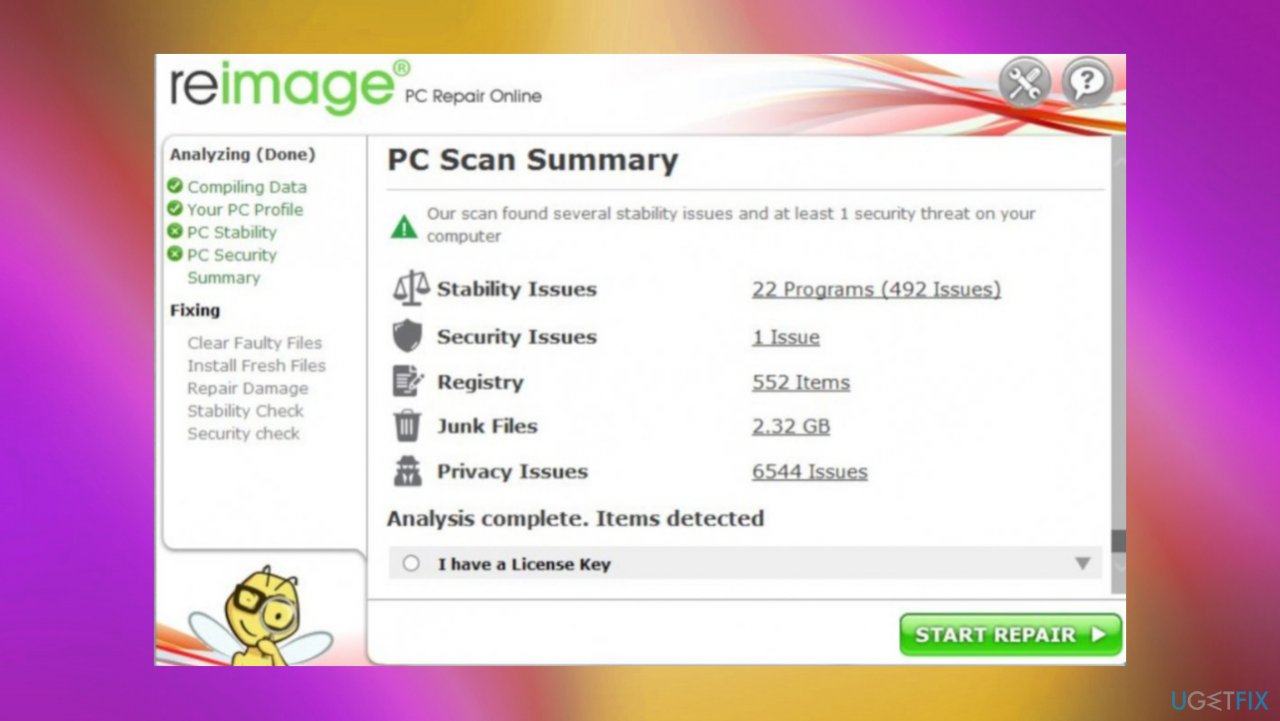
Qlln file recovery reimage - You can fix issues manually from the list.
- Purchasing a licensed version can help repair serious issues.
4. Recover the data with an app
- Get a tool like [rev id="Data Recovery Pro"] from a trustworthy source.
- Follow installation instructions.
- Once that is finished, use the application.
- Select Everything or pick individual folders to recover.
- Press Next.
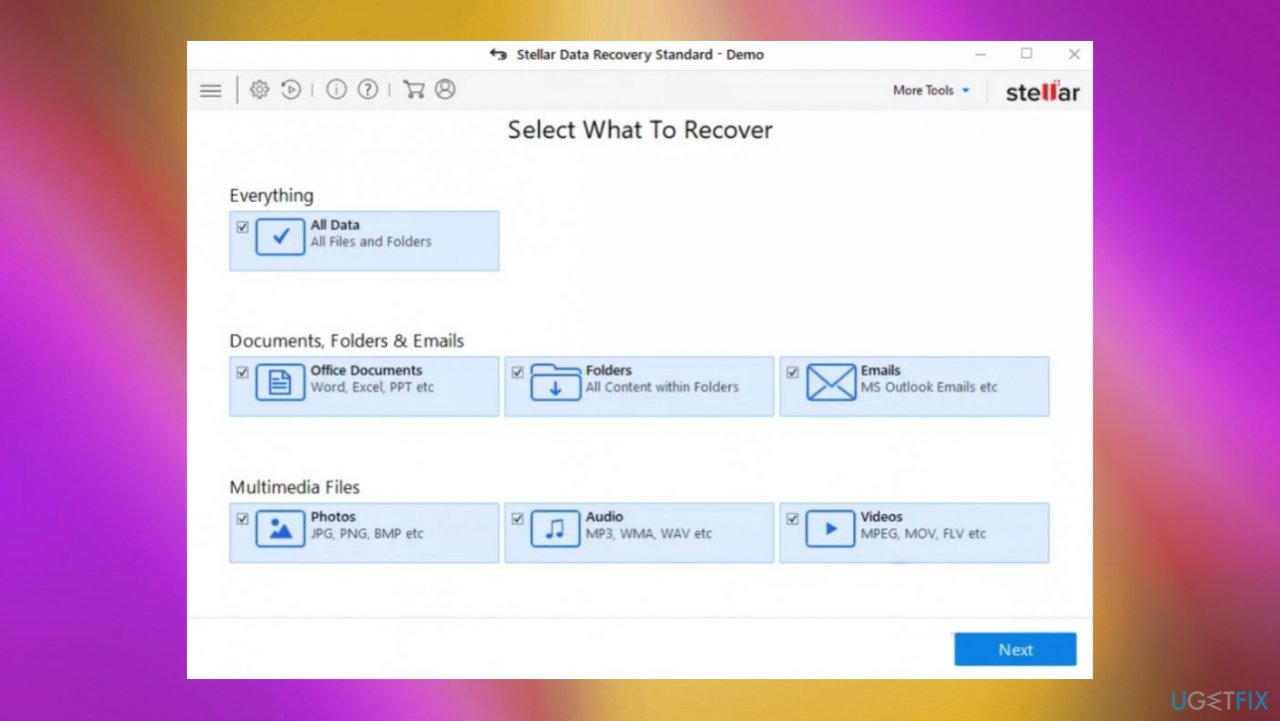
Qlln file recovery stellar - Enable Deep scan at the bottom.
- Pick which Disk you want to be scanned.
- Scan.
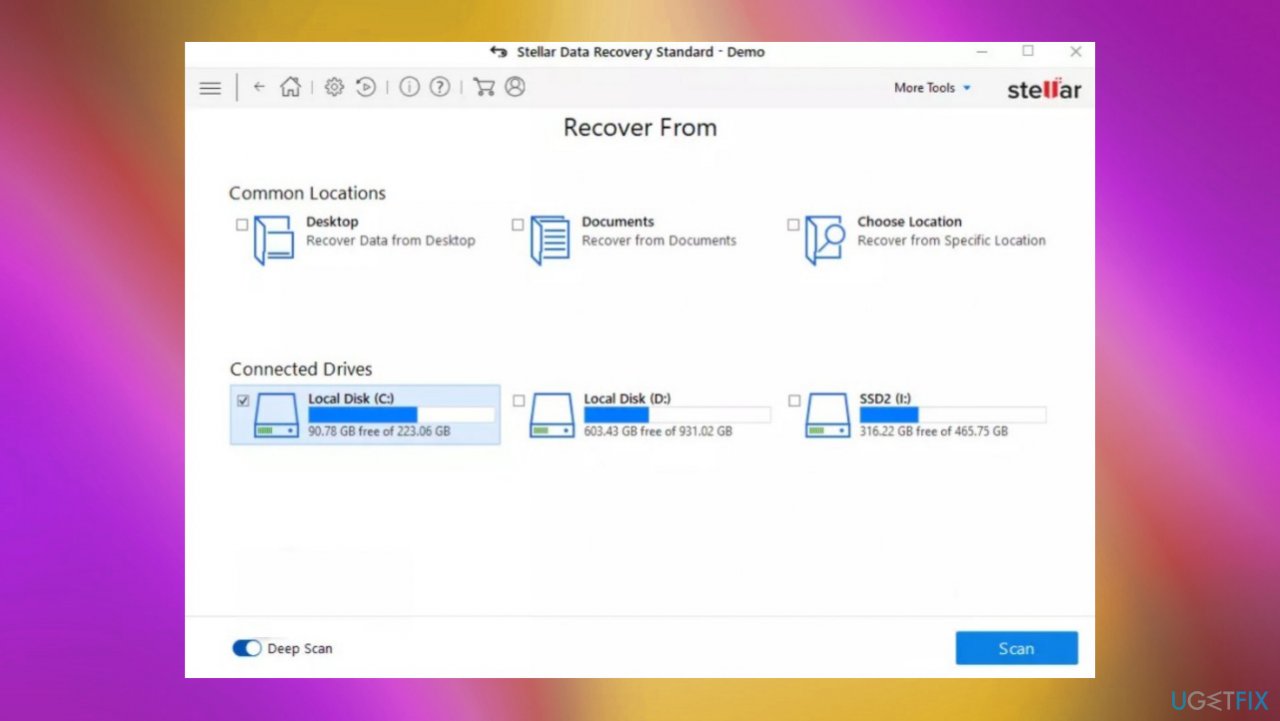
Qlln file recovery deep scan - Hit Recover to restore files.
Bottom line
To recover files after Qlln ransomware, it is crucial to remove the virus from your system and stop it from running. Unfortunately, there is no official decryption tool available at this time. If these steps do not work, consider seeking professional help.
Frequently asked questions
Immediately disconnect your device from the internet and any network to prevent further encryption of files. Then, run a reputable antivirus or anti-malware tool to remove the ransomware.
While recovery without a backup is challenging, you can attempt to use data recovery software or check if any shadow copies of your files exist on your system.
Currently, there is no known universal decryption tool for Qlln ransomware, but you should regularly check cybersecurity forums for any updates or tools released by security researchers.




Report an issue
What's wrong with this guide? We review every report and update or remove content.
Report received — thank you. We'll review and fix it.
You need a free account to submit a report.
Be the first to comment