How to recover
Files after Sijr ransomware
from Windows
Recover lost files from Sijr ransomware on Windows 10 or 11 effortlessly. Our expert-tested methods ensure fast, reliable recovery with zero traces left.

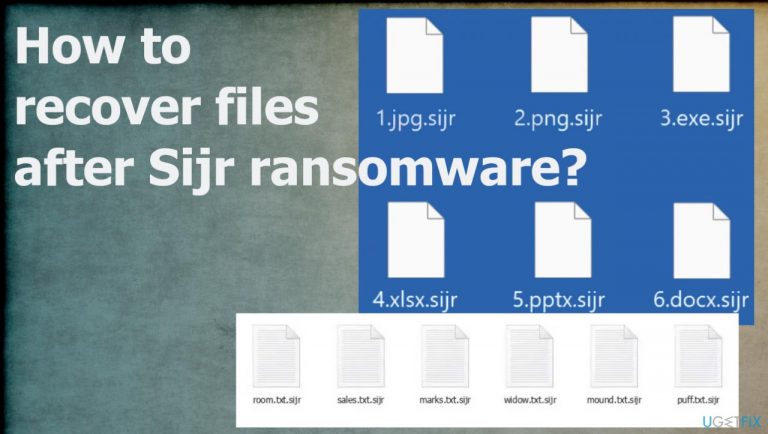
What leads to How to recover files after Sijr ransomware?
- Infection from malicious files
- Use of pirating platforms and torrents
- Spam emails with infected attachments
- Lack of awareness of red flags
- Trusting criminals for data recovery
Repairs Windows system files, removes malware, and restores a clean OS state — without reinstalling.
The system is infected. I need help with these files locked using .sijr extension. It is not useful and I cannot open any files like documents, or images. Entire folders of data. I need serious help and decryption here. Can you help me?
The ransomware starts with the infiltration procedure, but quickly after that, the infection goes for the file-locking. The encryption algorithms[ref en-1] create the opportunity for the virus to alter the original code of the document or video, audio file scrambled, so it is unreachable and useless.
Particular Sijr ransomware is spreading often using the malicious files and methods that allow distributing those around using the pirating platforms, torrents. These files with ransomware payloads can also be attached to spam emails as document or image attachments.
Users skip through these issues and red flags, so the infiltration of the malware happens. The Sijr file virus is the one that can infiltrate the machine and then damage the commonly used files right away. Files that are valuable get encrypted and marked with the unique extension that comes after the original name and file type extension.
The only way to recover them properly and quickly is decryption. However, criminals promise that in exchange for payments in Bitcoin. The claim is listed on the _readme.txt ransom note. However, there is no way to even consider paying these people. There are no guarantees that the promise can become true. Developers are financially motivated, you should never trust them with your data and your money.
1. Remove the infection
Threats can be detected[ref en-2] when the proper anti-malware tool is launched on the machine. These security tools find various potentially unwanted programs on the machine and threats that can damage the state of the affected device. These tools check various places where infections can be hidden, so people can clear threats using the automatic tool.
The full system scan using an AV tool like this can indicate all pieces of the Sijr ransomware virus and help to stop the active virus before any file recovery options and procedures. The scanning of the machine happens quickly, and the tool indicates files and programs for the removal, so the user determines what and if to terminate them.
2. Repair altered system files
Threats like this affect the machine more than it seems. These threats are often using vectors for the distribution.[ref en-3] These include other threats, malware, trojans, and botnets. These infections, besides the Sijr file virus, all together create issues and damage the machine. The virus damage and altered files need to be repaired, and it is difficult to do without proper applications.
Tools like PC repair or optimization engines can find and fix issues created by the damaged pieces on the system. Folders, preferences, settings, and data need to be checked and repaired, so the system scan with a tool like this can do that for you. This is how people avoid full-on Windows reinstallation and other permanent damage issues, direct problems with the operating system of the device.
- Install [d1].
- Run the full system scan and wait for the complete analysis.
- Follow the on-screen steps.
- Allow the machine to get checked.
- Check the Summary.
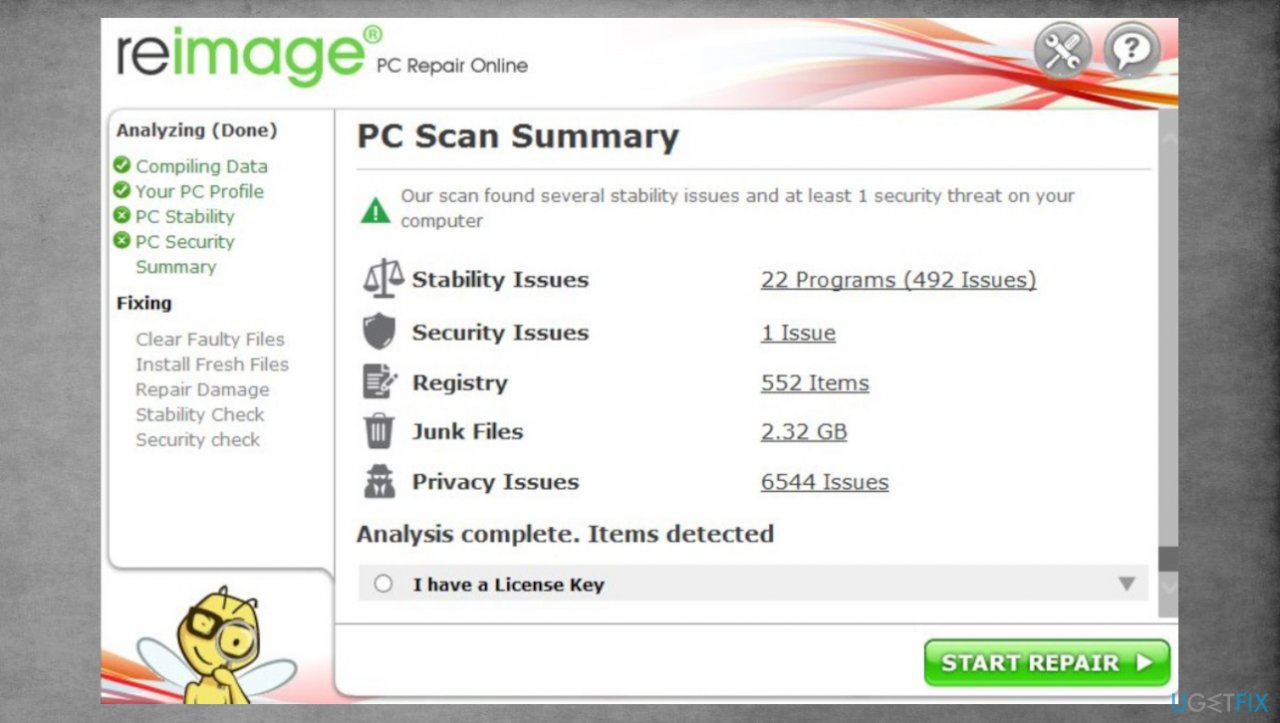
Sijr ransomware file recovery reimage - You can fix issues manually from the list.
- Purchasing a licensed version can help repair serious issues.
3. Decrypt files
Djvu ransomware family that is known since 2018 has not stopped releasing these new versions weekly. The Sijr virus is one of the newer ones that are not decryptable. This family and new variants are not decryptable since the summer of 2019. The changes implemented back then caused issues with decryption because of the method that creators use.
The last versions like Mmob, Ttii, Hhjk are the ones that get developed with the online ids in use. It means decryption possibilities are very limited due to the fact that each key is unique and not obtainable. At least not easily. The best solution is to use alternate methods, but the decryption option that still exists can possibly help.
- Download the app on official Emsisoft website.
- Once decrypt_STOPDjvu.exe shows up – click it.
- Follow the steps on the screen.
- The tool should locate the affected folders.
- You can also do it by pressing Add folder at the bottom.
- Press Decrypt.
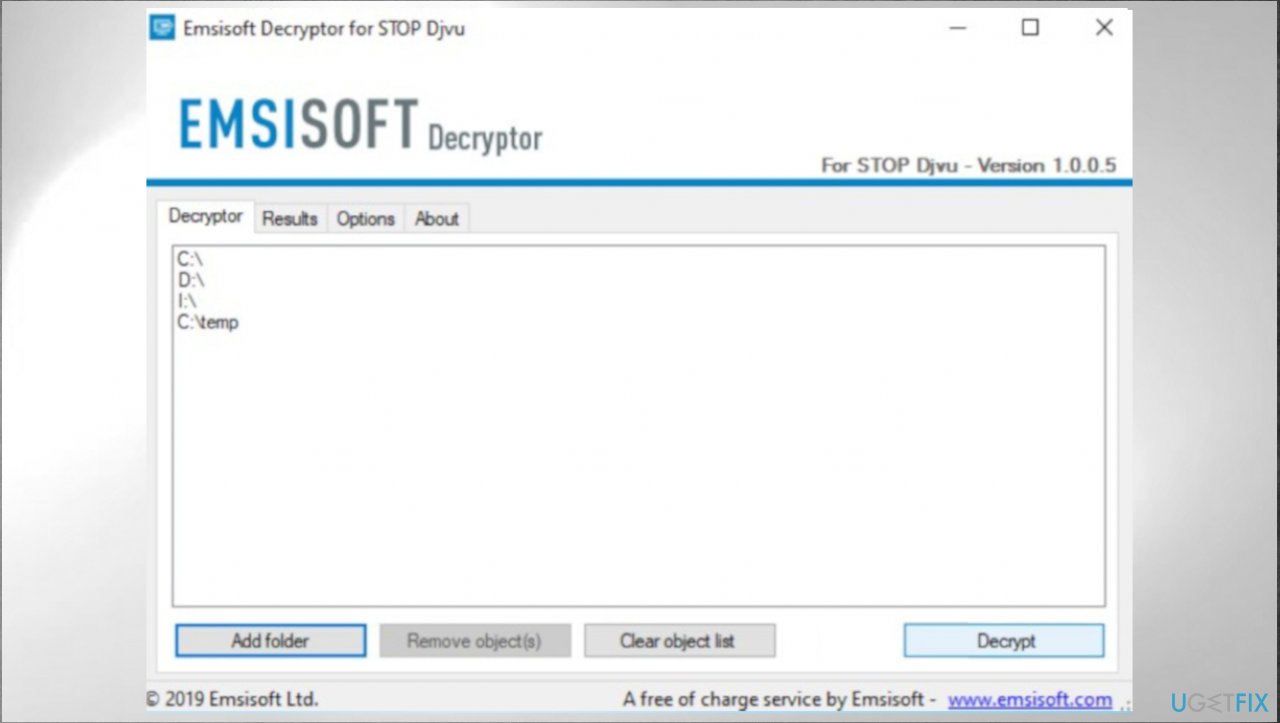
Sijr ransomware file recovery emsisoft - There are particular results that can occur indicating if the decryption is possible.
4. Recover files with the data repair program
- Get a tool like [rev id="Data Recovery Pro"] from a trustworthy source.
- Follow installation instructions.
- Once that is finished, use the application.
- Select Everything or pick individual folders to recover.
- Press Next.
- Enable Deep scan at the bottom.
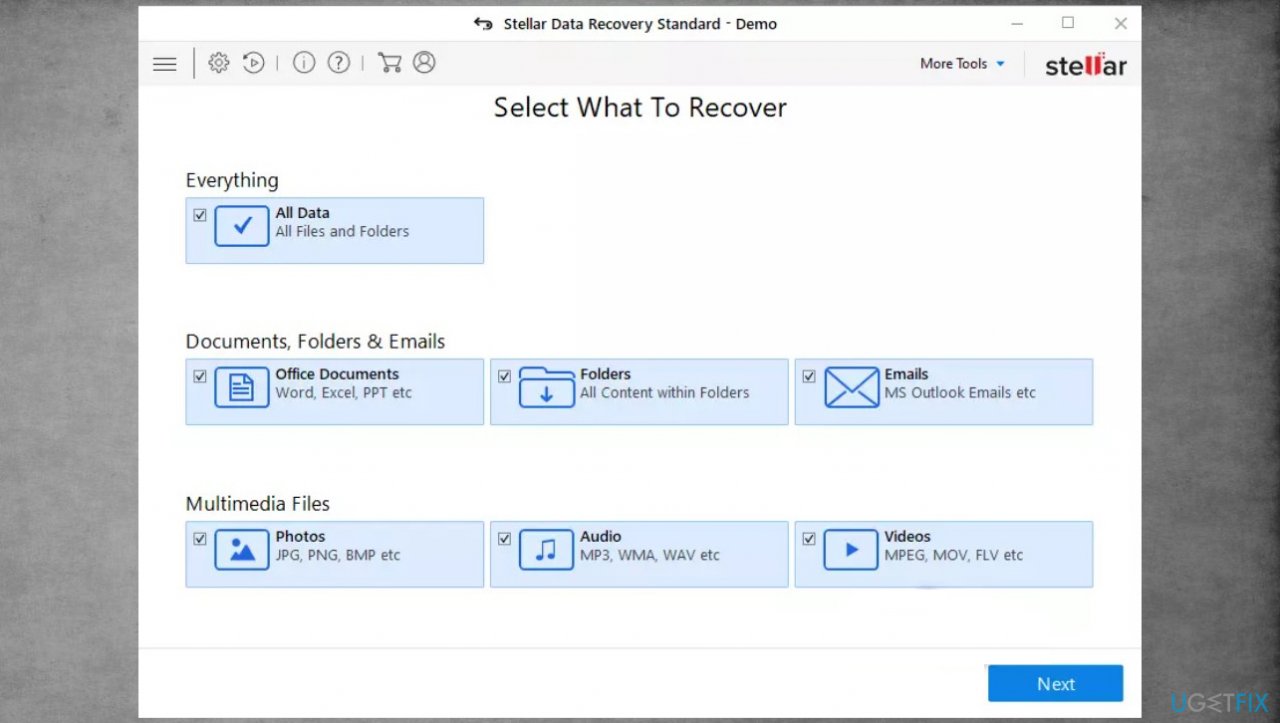
Sijr ransomware file recovery stellar - Pick which Disk you want to be scanned.
- Scan.
- Hit Recover to restore files.
Bottom line
To recover files after Sijr ransomware, first remove the infection using a proper anti-malware tool to detect and eliminate the ransomware. After ensuring the system is clean, consider decryption options, but be cautious of paying the ransom as there are no guarantees. If these steps do not work, seek professional data recovery services.
Frequently asked questions
First, disconnect your computer from the internet to prevent further file encryption. Then, use a reputable antivirus program to remove the ransomware and assess the damage.
Yes, you can use data recovery software like Recuva or specialized decryption tools if available for Sijr ransomware. However, success rates vary depending on the specific version of the ransomware.
You can attempt to restore your system to a previous state using System Restore if it was enabled before the attack, which might help recover some files and settings.




Report an issue
What's wrong with this guide? We review every report and update or remove content.
Report received — thank you. We'll review and fix it.
You need a free account to submit a report.
Be the first to comment