How to recover
Files after Voom ransomware
from Windows
Recover your files from Voom ransomware effectively on Windows 10 and 11. Expert-tested methods to restore lost data with zero traces left.

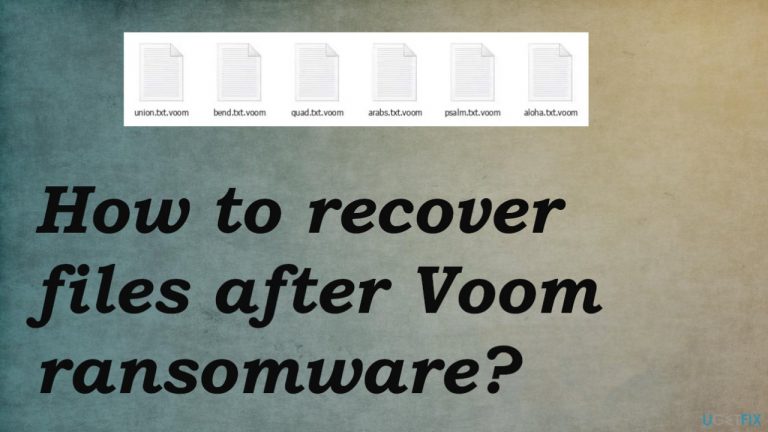
What leads to How to recover files after Voom ransomware?
- Pirating platforms
- Infected emails
- Downloading licensed software
- Unauthorized file extension changes
- Scare tactics from criminals
Repairs Windows system files, removes malware, and restores a clean OS state — without reinstalling.
Hello. I think I messed up while pirating the NBA game on my computer. I have my common files locked and marked with .voom appendix now. I don't know what should I go now. I need your help desperately because I am not going to pay them. Help!
The Voom file virus can be lurking in any data you transmit via pirating platforms or even emails, which is why it's so dangerous. The common spreading method includes these particular videogames, licensed software.
This infiltration happens behind your back without consent, and once the virus is installed it changes files' extensions from the original. The worse thing is that criminals claim that the only solution is paying the demanded sum.[ref en-1]
The virus creators rely on scaring tactics and false claims about possible decryption methods to make people more eager for a quick payout. They offer 50% off if paid before 72 hours, but their only goal seems to be getting rich.
Even contacting criminals via [email protected] and [email protected] can be dangerous. They do not care about saving you from malware or recovering your files. Some of the actors even rely on double-extortion methods.[ref en-2]
Experts recommend staying away because personal information is valuable. We can't be sure that this threat isn't affecting your machine again or further down the line too. It is until the threat is fully removed. Since there are no official decryption tools for this Djvu ransomware family, you need to rely on alternate methods. We have them listed.
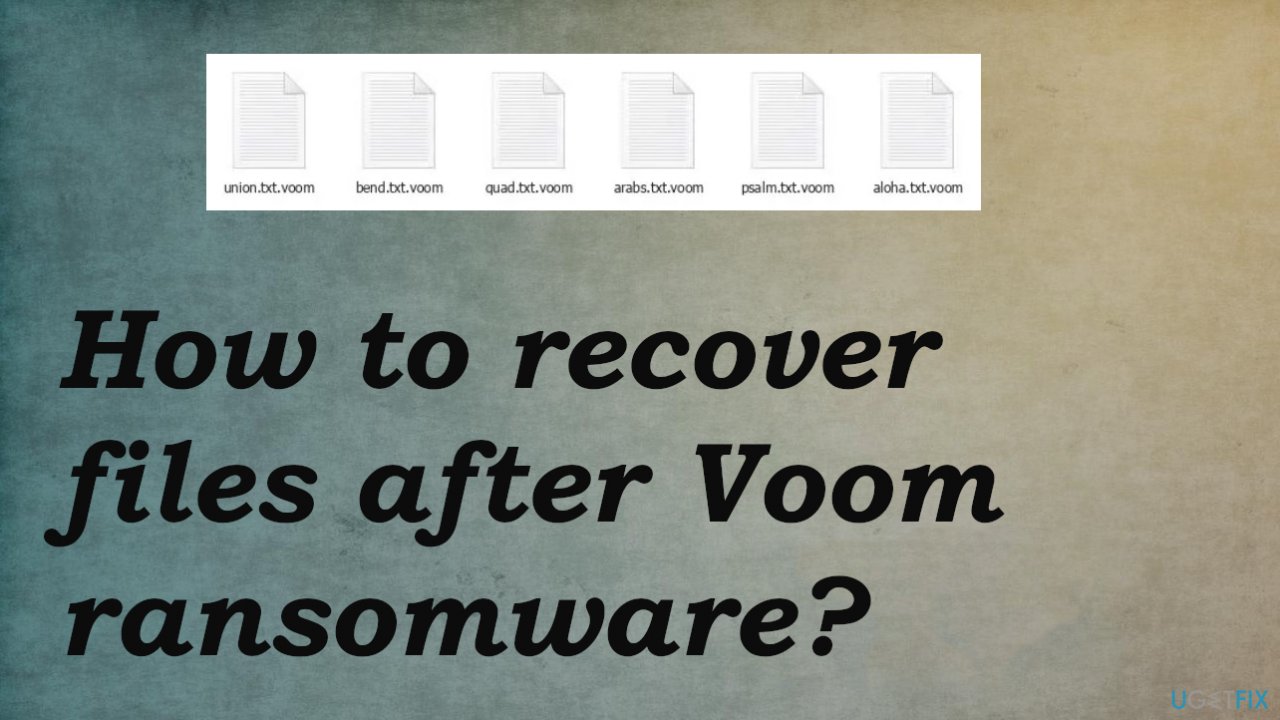
1 step. Remove the ransomware
Threats like this can affect the system quickly, and even though victims notice the virus once data is encoded, the procedures that affect the performance and security of the machine might be running for a while. This is crucial because users often focus on file recovery without thinking about the security and virus damage Voom ransomware creates.
Decryption tools do not exist for this threat, but virus elimination is possible because anti-malware tools are great at detecting[ref en-3] this type and other cyberthreats. A full system scan using a powerful antivirus tool can indicate all the possibly malicious programs and files, so you only need to remove them and double-check before doing anything file recovery-related. Note that this is not the same as file recovery or data decryption. You still need additional help with those encrypted files.
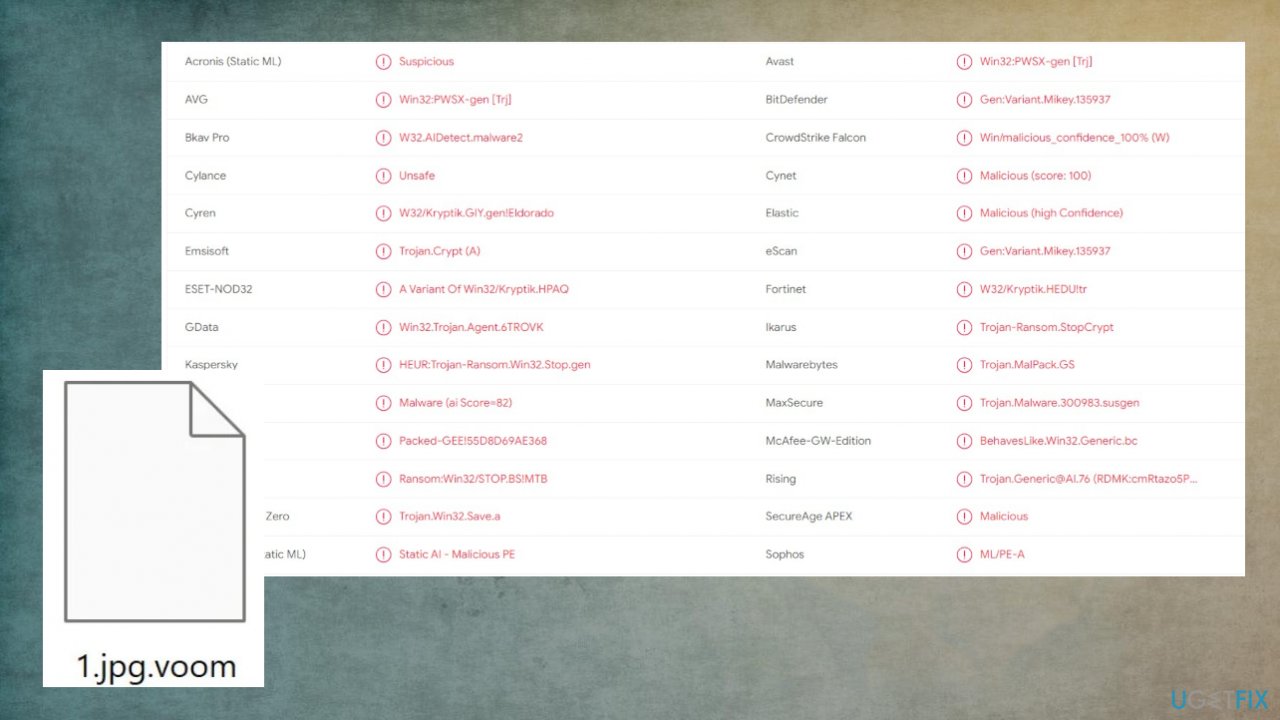
2 step. Fix virus damage and corrupted data
When any type of virus affects your computer, it can bring about many issues. Once the Voom ransomware affects the machine, files need to be repaired, and virus damage cleared out in order for your system's functionality to remain intact. Otherwise, there will eventually come the point where even a startup fails completely, and you might need a full reinstallation.
- Install [d1].
- Run the full system scan and wait for the complete analysis.
- Follow the on-screen steps.
- Allow the machine to get checked.
- Check the Summary.
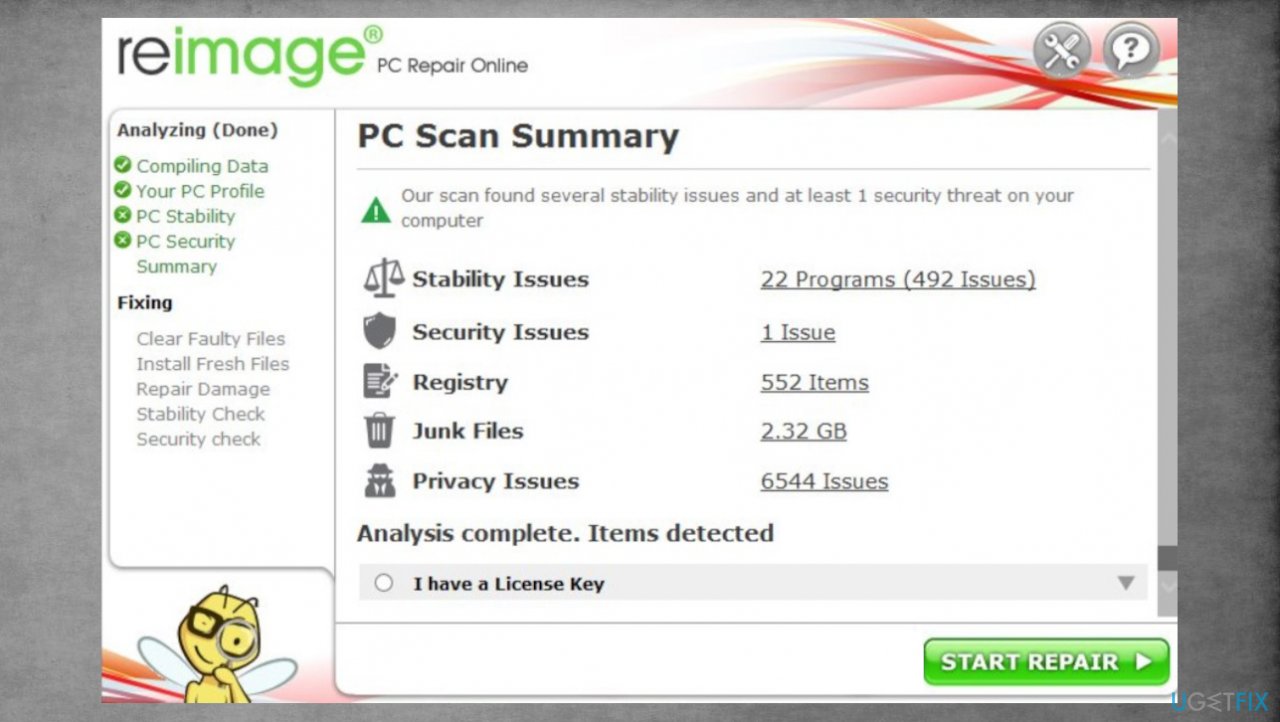
Djvu reimage repair voom - You can fix issues manually from the list.
- Purchasing a licensed version can help repair serious issues.
3 step. Try the alternate decryption option
The need for decryption tools has never been more pressing. New threats are constantly being released, and they're altered or improved each time. This family of threats is known for developing new versions each week. These recent variants depend heavily upon online keys that ensure powerful encryption. Also on online connection points between C&C servers, but sometimes these fail. It means that sometimes threats use the offline id that can be used for decryption.
The tool helps a lot of people because it is based on offline keys, which were primarily used for all variants. You should at least try to check if the decryption is possible in your case.
- Download the app on official Emsisoft website.
- Once decrypt_STOPDjvu.exe shows up – click it.
- Follow the steps on the screen.
- The tool should locate the affected folders.
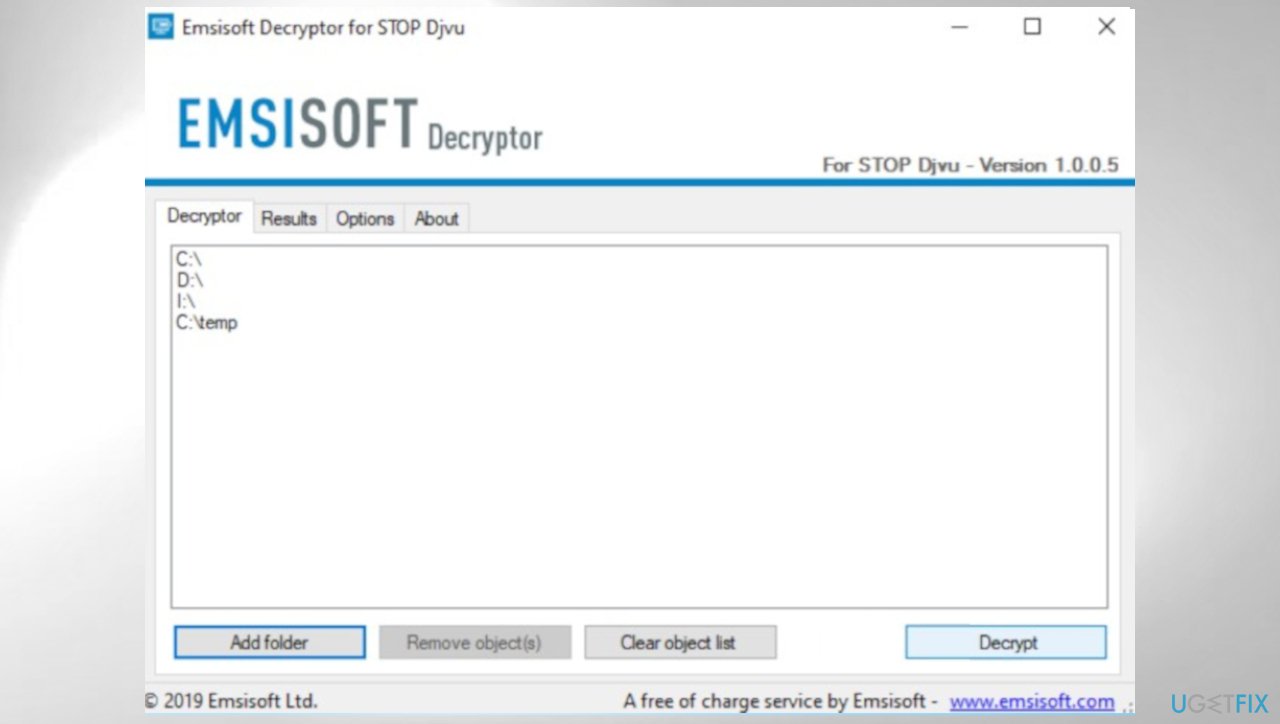
Djvu decrypt emsisoft voom - You can also do it by pressing Add folder at the bottom.
- Press Decrypt.
- There are particular results that can occur indicating if the decryption is possible.
4 step. Check the file recovery options
There are tools that have a particular design and purpose for file recovery. Options can be helpful in various instances. Try [rev id="Data Recovery Pro"].
- Get a tool from a trustworthy source.
- Follow installation instructions.
- Once that is finished, use the application.
- Select Everything or pick individual folders to recover.
- Press Next.
- Enable Deep scan at the bottom.
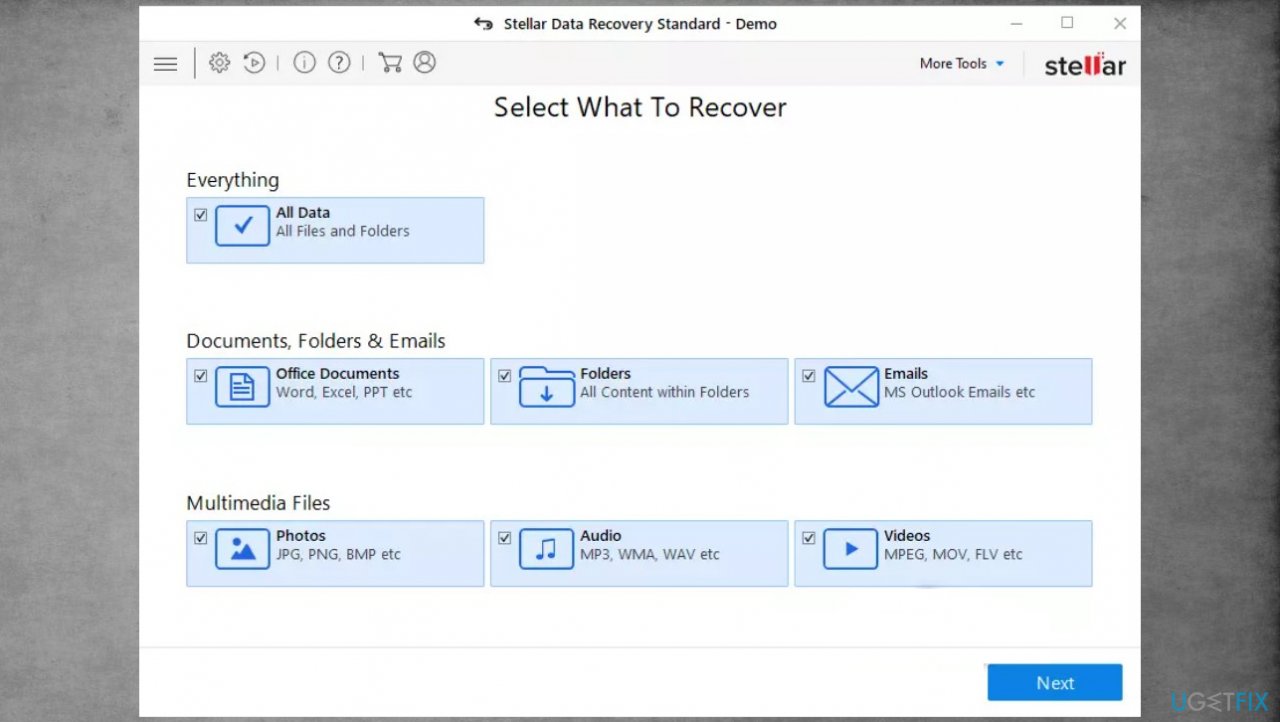
Djvu stellar data recovery voom - Pick which Disk you want to be scanned.
- Scan.
- Hit Recover to restore files.
Bottom line
To recover files after Voom ransomware, it is essential to first remove the ransomware using powerful antivirus tools. Since there are no official decryption tools available, focus on eliminating the threat before attempting any recovery methods. If these steps do not work, consider seeking professional help.
Frequently asked questions
Immediately disconnect your device from the internet to prevent further encryption, then use a reputable antivirus to remove the ransomware before attempting file recovery.
Yes, you can try using Windows File History or Previous Versions feature to restore files if you had these features enabled prior to the attack.
Yes, there are several third-party recovery tools available that may help recover some files, but success is not guaranteed and should be used cautiously.




Report an issue
What's wrong with this guide? We review every report and update or remove content.
Report received — thank you. We'll review and fix it.
You need a free account to submit a report.
Be the first to comment