How to recover
Files after Zpps ransomware attack
from Windows
Recover your files after a Zpps ransomware attack on Windows 10 or 11. Expert-tested solutions to restore your data with zero traces left.

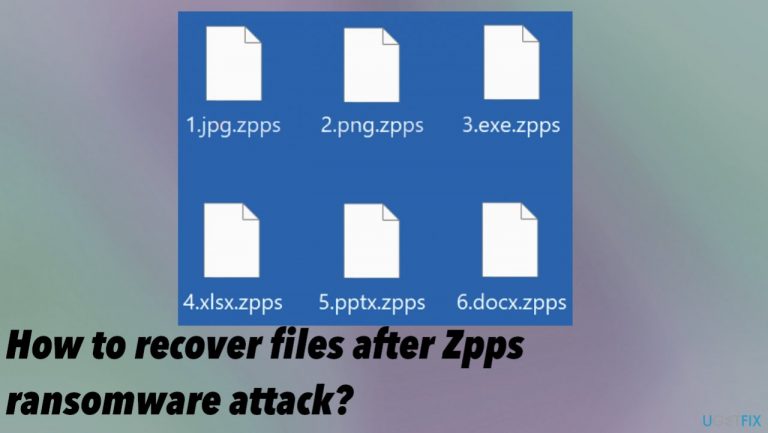
What leads to How to recover files after Zpps ransomware attack?
- Opened a malicious email attachment
- Ransomware infection via other malware
- Lack of available decryption tools
- Ransomware can be persistent and silent
- Files are immediately affected upon infiltration
Repairs Windows system files, removes malware, and restores a clean OS state — without reinstalling.
Hey, I need decryption for files locked using .zpps. The ransomware damaged my files immediately after I opened the email attachment. I was tricked, unfortunately. I need to restore this data, but paying is not a good idea, I guess? Can you decrypt files for me or is there any other application?
Paying cybercriminals in any case, is not a good idea. When it comes to ransomware infections, the payment transfer is the main goal of these threat actors.[ref en-1] The file-locking is the particular reason for the ransom demands. Unfortunately, those files are not decryptable as of now and cannot be easily restored because the official tools for the Zpps file virus are not released.
These tools can take a lot of time to develop because researchers need to decode the virus or obtain the decryption keys otherwise, so these tools can work for many victims. It is not possible when the threat family is known for a while and releases new versions this often.
Zpps ransomware virus can affect files immediately after the infiltration, and it is worse for victims because they cannot be sure what happened until the _readme.txt is delivered on the desktop or in other folders. This is the ransom note and the message from the virus creators. However, do not fall for any claims and lies published there.
Step 1. Remove the active infection
These infections that are silent and can affect the machine significantly should be removed as soon as it is possible. Threat actors can code their ransomware and make it more persistent. It is possible that the threat is delivered via other malware like trojans and worms.
You need to remove all infections, and that is possible with anti-malware tools. Antivirus programs based on proper detection[ref en-2] engines can find Zpps ransomware and other related pieces to clear them from the machine. The full system scan can help with security improvement.
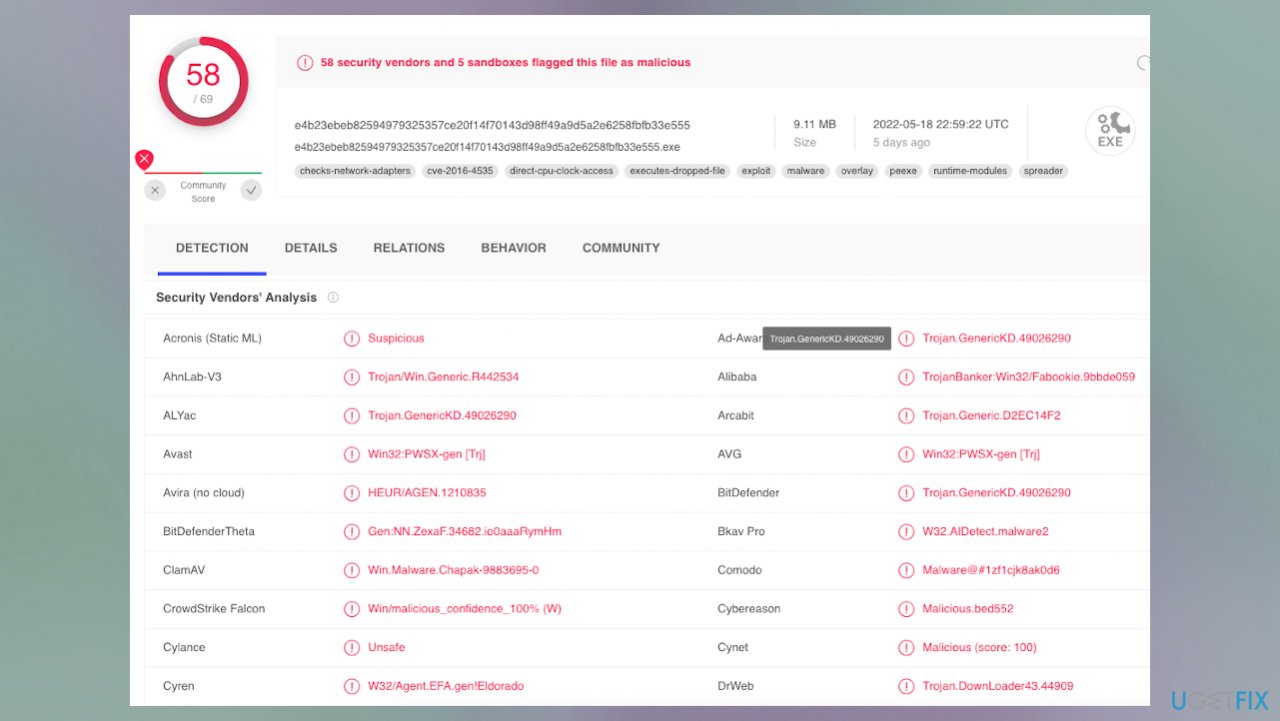
It is crucial and important because threats can be hidden on the machine. Removal of the ransomware is needed because terminating the virus means it is no longer active and cannot run other processes to further affect the machine. Zpps file virus can still trigger damaging processes and corrupt files permanently. It is needed to avoid any further damage and additional extortion.[ref en-3]
Step 2. Try to decrypt the data
The decryption possibilities closely relate to the previous versions and the family this Zpps ransomware virus is coming from. The Djvu virus family is known for years now, and there are no possible options for the more advanced and updated variants released right now.
However, it was previously possible to salvage data affected by the threat from this family. Offline IDs, if used, can be specific to the version of the ransomware only, so it helps with decryption for many victims. This was the primary method before August 2019.
Right now these threats are using online IDs that are unique for each device that is locked and damaged. It is rare, but these processes of forming the key and connecting to the server can fail. This is how the decryption options for Zpps ransomware can become possible for the victims. You can check if the virus used offline or online ids while locking data on your machine.
- Download the app on official Emsisoft website.
- Once decrypt_STOPDjvu.exe shows up – click it.
- Follow the steps on the screen.
- The tool should locate the affected folders.
- You can also do it by pressing Add folder at the bottom.
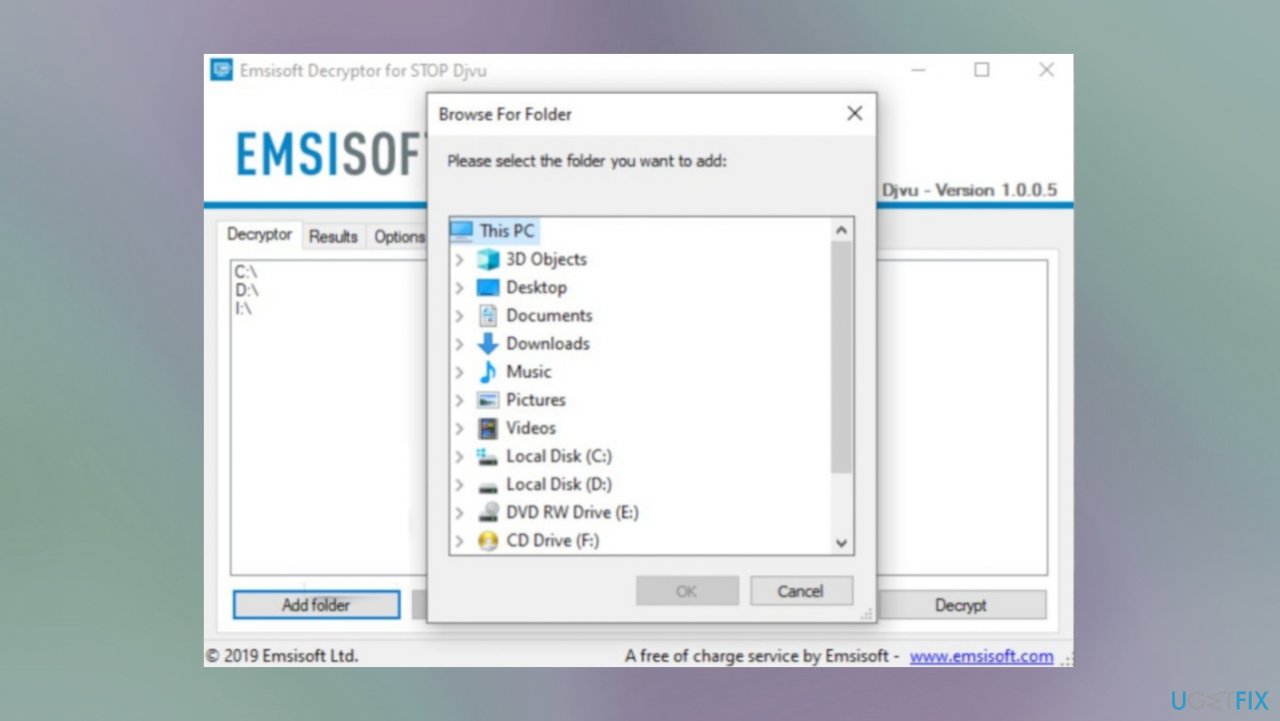
Zpps ransomware recovery emsisoft - Press Decrypt.
- There are particular results that can occur indicating if the decryption is possible.
From here, there are three available outcomes:
- "Decrypted!" will be shown under files that were decrypted successfully - they are now usable again.
- "Error: Unable to decrypt file with ID:" means that the keys for this version of the virus have not yet been retrieved, so you should try later.
- "This ID appears to be an online ID, decryption is impossible" - you are unable to decrypt files with this tool.
Step 3. Restore corrupted system data
- Install [d1].
- Run the full system scan and wait for the complete analysis.
- Follow the on-screen steps.
- Allow the machine to get checked.
- Check the Summary.
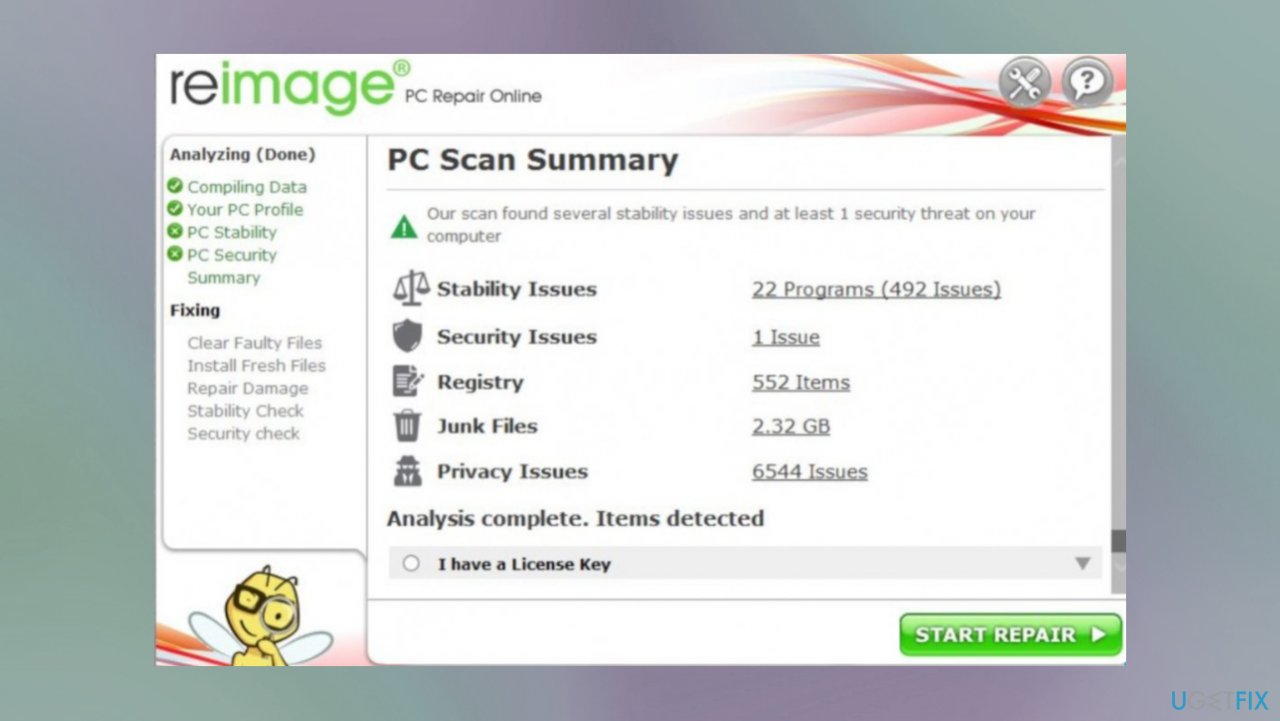
Zpps ransomware recovery reimage - You can fix issues manually from the list.
- Purchasing a licensed version can help repair serious issues.
Step 4. Recover the data with an app
- Get a tool like [rev id="Data Recovery Pro"] from a trustworthy source.
- Follow installation instructions.
- Once that is finished, use the application.
- Select Everything or pick individual folders to recover.
- Press Next.
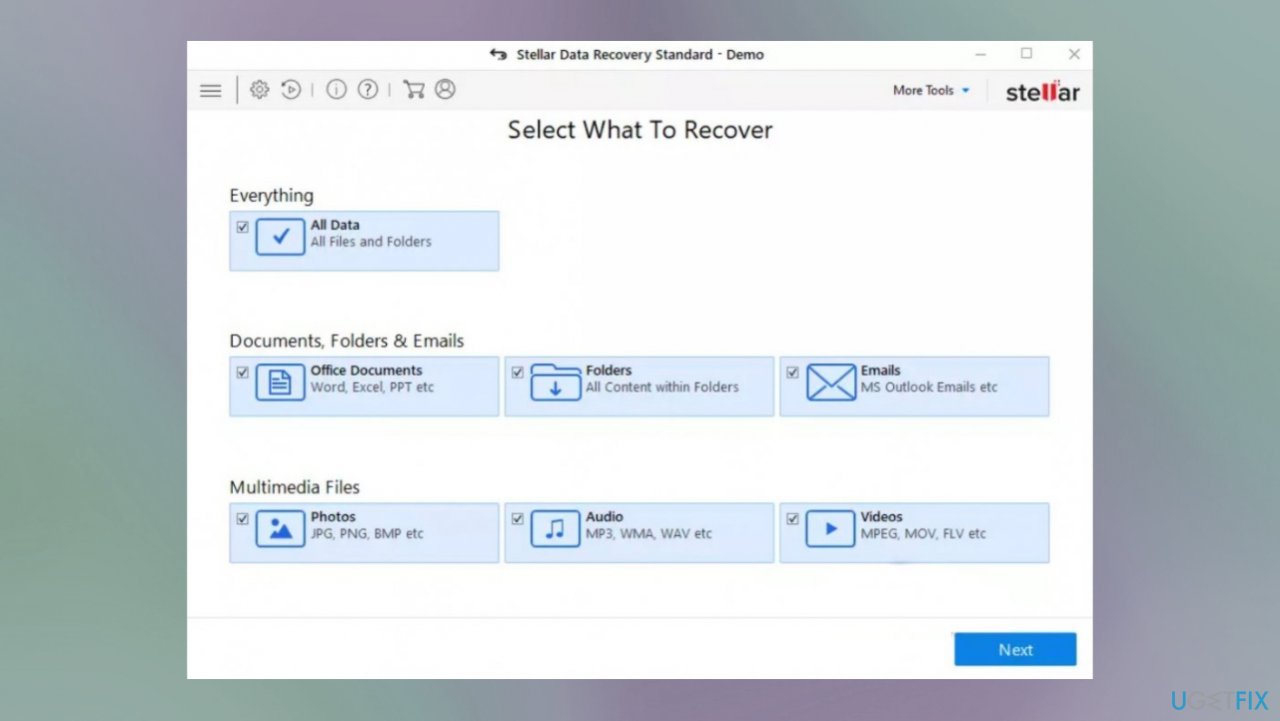
Zpps ransomware recovery stellar - Enable Deep scan at the bottom.
- Pick which Disk you want to be scanned.
- Scan.
- Hit Recover to restore files.
Bottom line
To recover from a Zpps ransomware attack, it is crucial to remove the active infection using anti-malware tools and perform a full system scan. Unfortunately, as of now, there are no official decryption tools available for Zpps files. If these steps do not work, consider seeking professional help or waiting for potential future solutions.
Frequently asked questions
Immediately disconnect your device from the internet to prevent further damage, and then run a reputable antivirus program to remove the ransomware. After that, consider using data recovery software to attempt to recover your lost files.
If you have backups stored on external drives or cloud services, you can restore your files from there. Additionally, using file recovery tools may help retrieve some of the encrypted files.
Currently, there is no universal decryption tool for Zpps ransomware, but you can check for any updates or tools released by cybersecurity firms that may assist in recovery.




Report an issue
What's wrong with this guide? We review every report and update or remove content.
Report received — thank you. We'll review and fix it.
You need a free account to submit a report.
Be the first to comment