How to recover
Files Encrypted by AES-NI Ransomware
from Windows
Quickly recover files encrypted by AES-NI ransomware on Windows 10 or 11. Expert-tested solutions ensure your data is safe—zero traces left!

What leads to How to Recover Files Encrypted by AES-NI Ransomware?
- Malware infiltration
- Access to personal files blocked
- Complex structure of the ransomware
- Specific version targeting with email communication
- Developer's abandonment of the project
Repairs Windows system files, removes malware, and restores a clean OS state — without reinstalling.
I am looking for a way to recover my files which have been encrypted by AES-NI virus sometime last week. Do you have any suggestion how to fix this issue without damaging my PC?
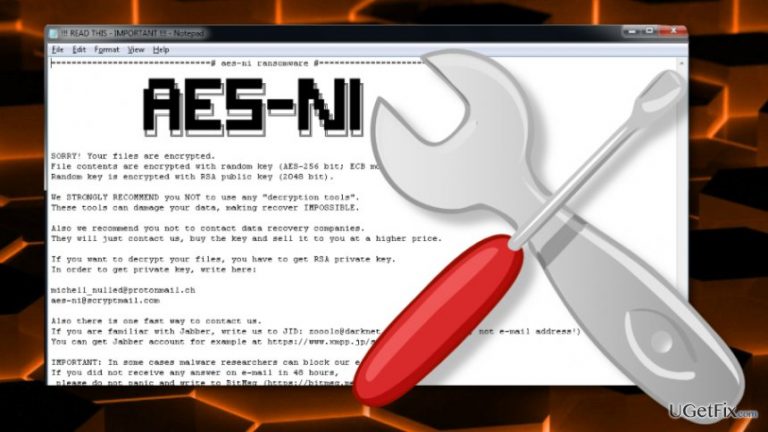
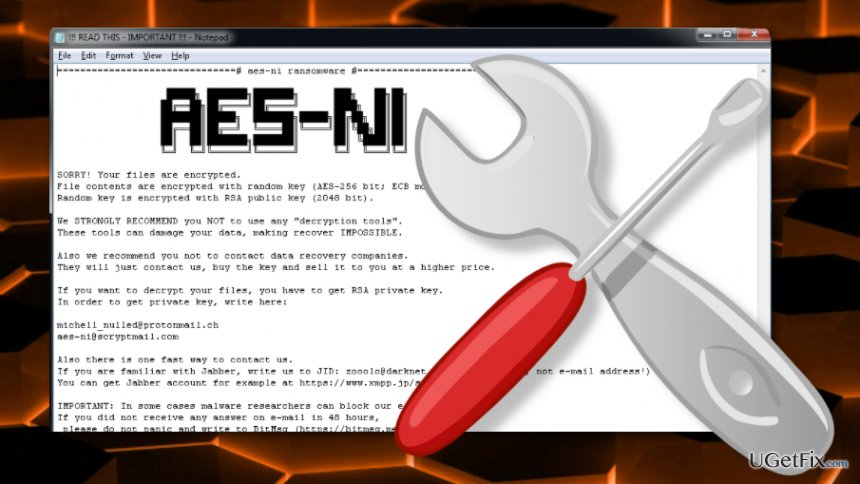
AES-NI is a nasty crypto-ransomware which managed to take the web by storm and now can be located in most countries around the world. This malware infiltrates computers and blocks access to people’s personal files, so there is no wonder that those infected are looking for ways to remove it and recover the encrypted files. Unfortunately, due to the complex structure of this parasite, their efforts usually fly out the window. Not until now, though. Strangely enough, the AES-NI developer himself has given up the master keys to the virus decryption. Even more question-inspiring was the fact these keys, along with the decryption executable and its usage instruction sheet was sent to a security researcher via private message on some Russian web forum. Before posting this set of decryption tools online, the researcher has investigated them closely and found that these 369 keys are only meant for the decryption of AES-NI version which features [email protected] email address for the extortionist-victim communication. However, in a brief conversation with the security researcher, malware developer revealed that he is not planning on keeping this ransomware project going anymore and promised to disclose the rest of the AES-NI ransomware master keys in the near future. If you had your computer infected with [email protected] version, you can head straight to the instructions below and start the recovery.
How to recover files encrypted by AES-NI?
After the release of the AES-NI decryption keys, major antivirus companies such as Avast have set themselves a task of creating a convenient, user-friendly stand-alone tool which would allow even the least technically advanced users to apply AES-NI decrypter for the recovery of their files. All you have to do is download the decryptor and launch it on your computer. Then, following the instructions on the screen, you will eventually recover your files.
Download AES-NI decryptor
If for some reason, the automatic virus decryption does not work you can also carry out the recovery manually. In particular, you will have to download a Zip file with the ransomware’s master keys and run them on your computer using the attached decryptor.
Download AES-NI recovery keys
NOTE: the Zip file you will receive is locked, so when prompted enter or paste the code 6bvlWD9yz3yBtQyOhtAqFheg and hit OK.
We will keep this article updated as more AES-NI master keys, hopefully, will be released soon.
Bottom line
To recover files encrypted by AES-NI, users can download the AES-NI decryptor created by major antivirus companies and follow the on-screen instructions. If the automatic decryption does not work, further assistance may be needed.
Frequently asked questions
Immediately disconnect your computer from the internet to prevent further encryption and seek a reliable antivirus program to scan and remove the ransomware.
While recovery is challenging, you can try using specialized data recovery software or check for previous versions of files using Windows' built-in File History feature.
Some free decryption tools may work, but they are often limited; it's advisable to research tools specifically designed for AES-NI ransomware and ensure they are safe to use.




Report an issue
What's wrong with this guide? We review every report and update or remove content.
Report received — thank you. We'll review and fix it.
You need a free account to submit a report.
Be the first to comment