How to recover
Files Encrypted by Lukitus Ransomware
from Windows
Successfully recover files encrypted by Lukitus Ransomware on Windows 10 and 11 with our expert-tested solutions. Fixed in minutes!

What leads to How to Recover Files Encrypted by Lukitus Ransomware?
- Lukitus ransomware encrypts files using AES-128 and RSA-2048 ciphers.
- The virus drops lukitus.bmp and lukitus.htm files on the target system.
- Files are renamed to a specific pattern upon encryption.
- Lukitus demands a ransom of approximately half a Bitcoin, equivalent to $2000.
- Paying the ransom may not guarantee recovery of files.
Repairs Windows system files, removes malware, and restores a clean OS state — without reinstalling.
My files were compromised by Lukitus ransomware. Are there any hopes to recover them? I found the lukitus.htm file. The criminals demand $2000, and I simply can’t allow myself just to give away such enormous sum of money.
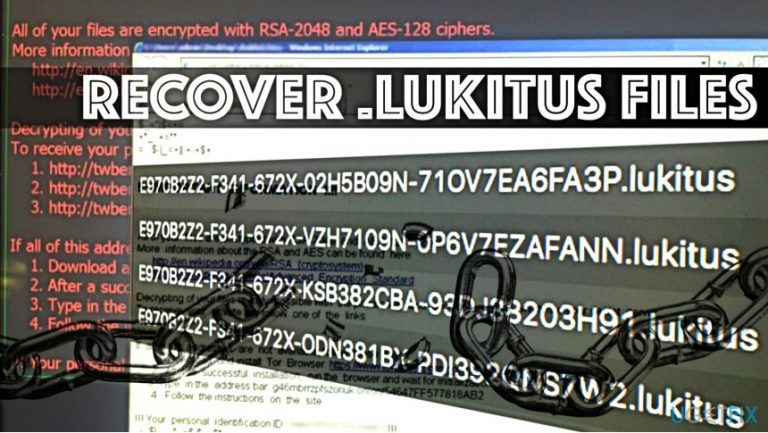
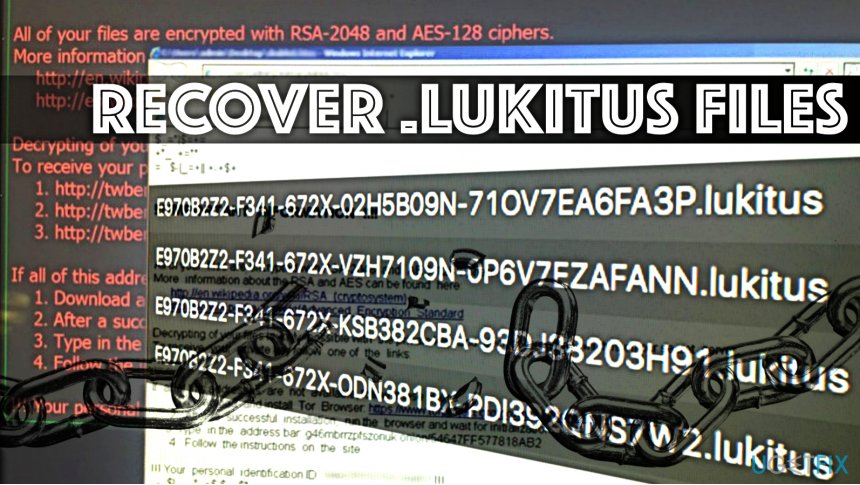
Lukitus virus is the latest variant of Locky ransomware, and it continues to wreak havoc on a global scale. The virus is an improved version of the infamous file-encrypting program that uses AES-128 and RSA-2048 ciphers to lock victim’s files securely. Consequently, the virus drops lukitus.bmp and lukitus.htm files on the target computer system.
Files encrypted by this virus’ variant will be renamed using the following pattern:
[first 8 characters of ID]-[next 4 characters of ID]-[next 4 characters of ID]-[4 characters]-[12 characters].lukitus
The new Lukitus virus demands approximately half a Bitcoin as a ransom, and it is equal to $2000. Since the value of Bitcoin rises and drops regularly, the price of the ransom might differ depending on the time you decide to pay the ransom.
However, paying the ransom isn’t the solution to the problem. Lukitus’ developers might refuse to provide you with a decryption key. In addition, you must remember that paying the ransom is the greatest motivation to cyber criminals. As we have already assumed, you decided not to pay the ransom, which is a praisable choice.
However, to recover .lukitus files efficiently, you will need a data backup. The situation happens to be a lot worse if you do not have any data copies. In such situation, you can try alternative data recovery options which usually appear to be not as effective as we expect them to be.
Currently available methods to decrypt .lukitus file extension files
Method 1. Using a data backup
- If you created a data backup in advance, remove Lukitus using software like [d1] (you can find in-detail Lukitus removal instructions here) and then plug the data storage device into the computer.
- Once the AutoPlay pop-up appears, choose Open folder to view files. Now, access the folders inside your data backup, select all files and drag them to a preferred folder on your computer. You can also right-click on selected files and paste them to a location of your choice.
Method 2. Using Data Recovery Pro
- You can use Data Recovery Pro to restore .lukitus file extension files. Download [rev id=”Data Recovery Pro”] and install it on your system.
- Launch the software and scan your computer to find recoverable files.
Method 3. Use Shadow Explorer
Ransomware typically tends to delete Volume Shadow Copies to prevent the victim from restoring corrupted files for free. However, viruses are programs, too, and they might fail to carry out all of the malicious tasks successfully.
- We suggest downloading ShadowExplorer and installing in on your computer. Follow the steps of the installation wizard carefully.
- Once installed, the program should launch automatically. Otherwise, you may find its shortcut on your Desktop. Double-click it to launch the program.
- In the top left corner, click to open a drop-down menu and choose the disk that contains encrypted .lukitus files.
Right-click a folder to recover and then choose Export. Decide where do you want to move the restored data.
Method 4. Decrypt individual files
This method works if you have a System Restore point on your computer.
- Right-click on an encrypted file that you wish to restore.
- Go to Properties, then choose Previous versions tab.
- Now, look to find the preferable version of your file. Select it and click Restore.
Bottom line
To recover .lukitus files, you should first check for a data backup and use it to restore your files after removing the ransomware. If no backup is available, consider trying alternative data recovery options, though their effectiveness may vary. If none of these methods work, further assistance from data recovery professionals may be necessary.
Frequently asked questions
Disconnect your device from the internet to prevent further damage and then use a reliable anti-malware tool to remove the ransomware from your system.
Yes, you can attempt to use data recovery software or restore files from a backup if you have one, but there's no guaranteed way to decrypt them without the original decryption keys.
Tools like Emsisoft Decryptor or other reputable data recovery programs may help you recover files, but their effectiveness can vary depending on the ransomware variant.




Report an issue
What's wrong with this guide? We review every report and update or remove content.
Report received — thank you. We'll review and fix it.
You need a free account to submit a report.
Be the first to comment