How to recover
Files locked with .ygvb extension
from Windows
Unlock your .ygvb files effortlessly on Windows 10 or 11. Follow our expert-tested guide for quick recovery solutions and zero traces left.

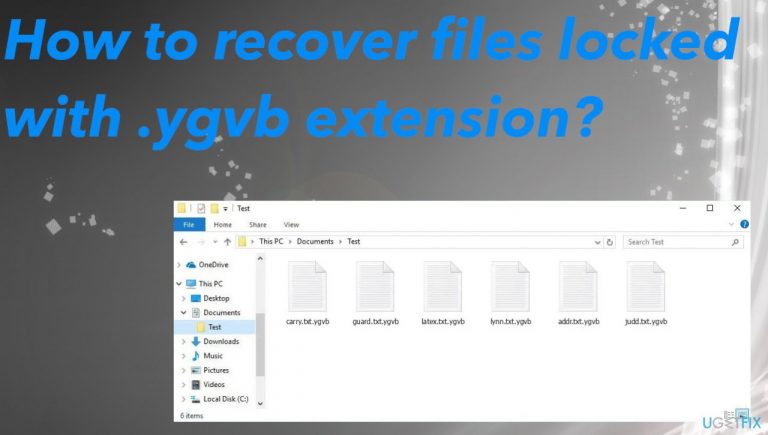
What leads to How to recover files locked with .ygvb extension?
- Ransomware spread through malicious email attachments
- Infection via pirated software or cracked games
- Presence of additional threats like trojans and malware
- Ransomware encrypts files using complex algorithms
- Lack of official decryption options
Repairs Windows system files, removes malware, and restores a clean OS state — without reinstalling.
Hello. Can you decrypt .ygvb files for me? The virus affected my important documents and other files on Windows. I need to get them back, but don't want to pay.
Users often catch the ransomware because it is spread using malicious files attached to emails or included in pirating packages with licensed software versions and cracked games.[ref en-1] The distribution can include additional threats like trojans and malware that acts as vectors for ransomware.
This Ygvb ransomware virus is the version of Djvu ransomware that controls the threat and activities on the machine. It can run additional processes to ensure persistence because these threats can affect a lot of the system besides the file encryption. These issues need to be taken care of as well as the encoded data.
Ransomware infiltrates the machine and locks data using encryption algorithms.[ref en-2] Such affected data is then marked using the .ygvb appendix. This is the indication of the name of the cryptovirus. You should not believe these criminals that send the _readme.txt and demand payments from you.
There are no guarantees that files will get decrypted by the threat actors. Malware creators cause additional issues and are related to money extortion. There are no options for the official decryption, so you need to rely on removal procedures and on the alternate options that we list below.
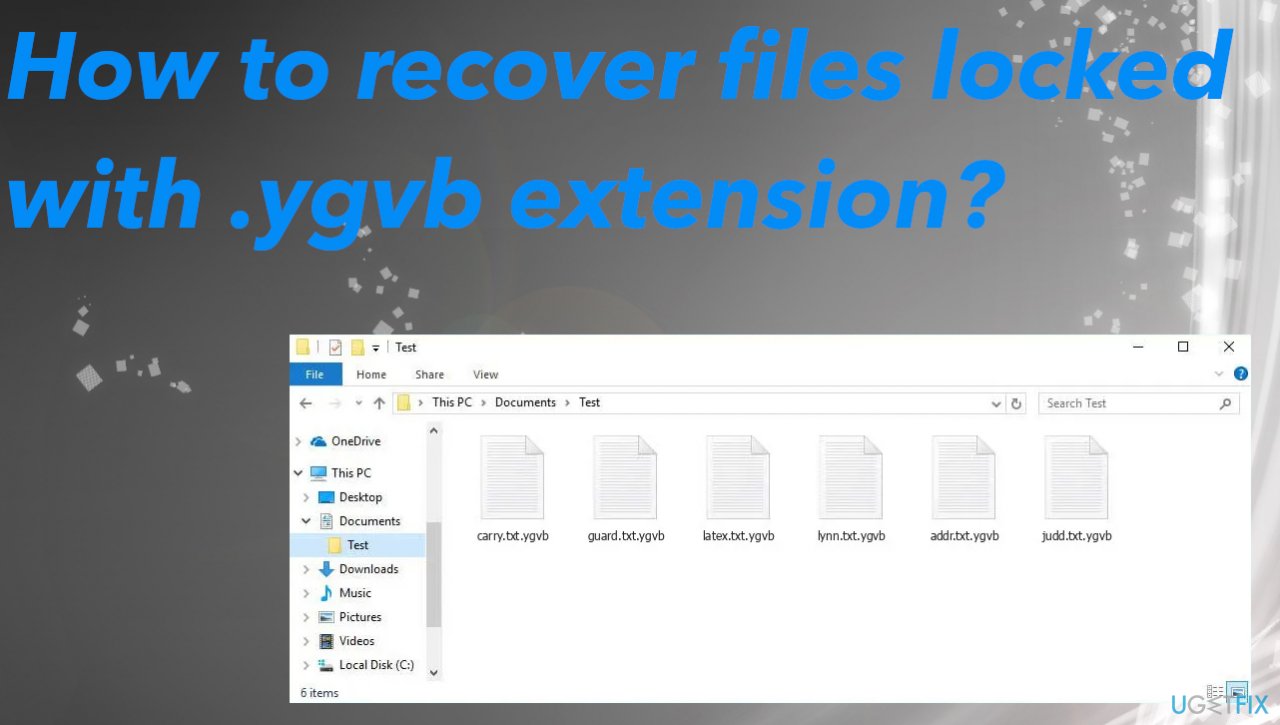
Step 1. Remove the ransomware
Threats need to be removed properly and anti-malware tools are needed. The active virus can damage the machine further than the file-locking, so you should remove the Ygvb file virus and then worry about the data recovery. There are not many options for this but focus on virus elimination first.
Anti-malware tools and security software based on proper detection[ref en-3] techniques can find all threats related to malicious processes and damage. The threat injects various programs and files on the machine, so the system is controlled by the infection. Before you restore files, make sure to take care of these system files and performance.
Step 2. Repair the virus damage
- Install the PC repair tool [d1].
- Run the installation and launch a tool after that.
- Follow instructions for the system check.
- Once it is successful, review the results.
- Check the Summary of the found issues.
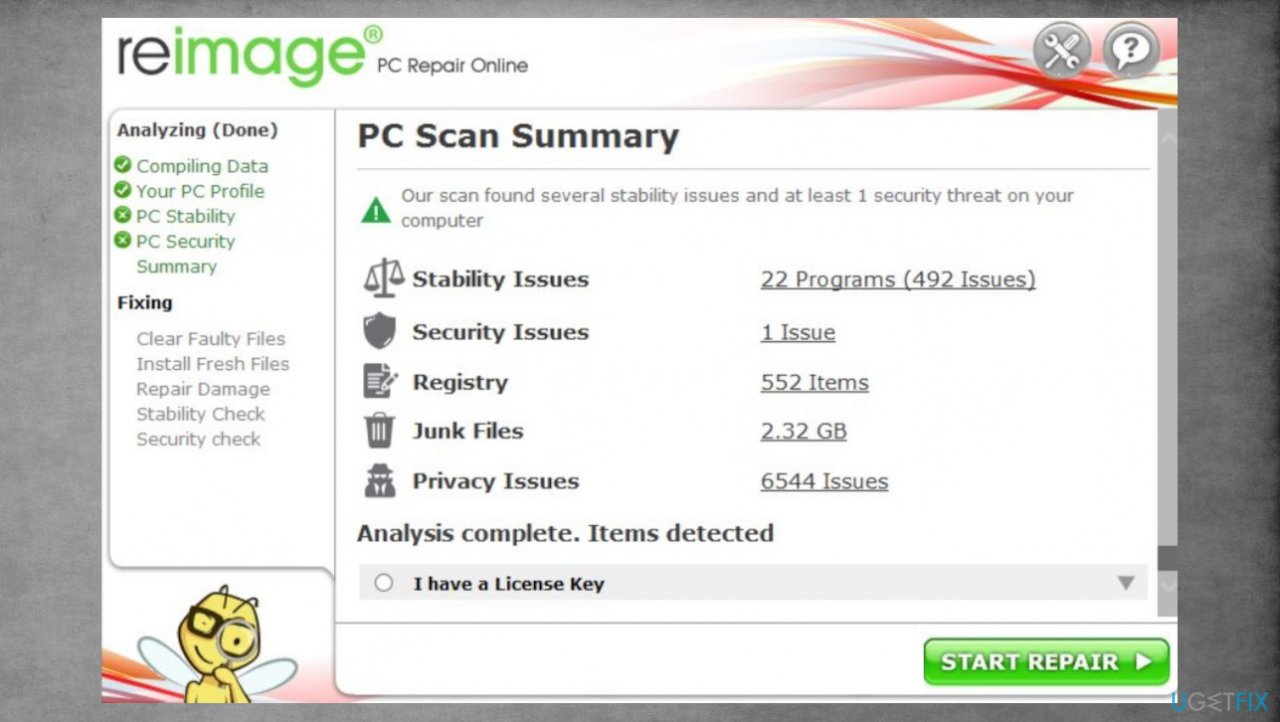
Djvu reimage repair ygvb - Fix any problems manually.
- You can purchase the license, so the machine is properly repaired and all issues get fixed.
Step 3. Try the decryption option
The Ygvb virus is coming from the family of ransomware that has been releasing versions weekly. These threats can be easily modified and virus creators do that. The family before was releasing versions with decryption options because, the offline ids got used and researchers managed to make a tool for users.
Victims got their files decrypted once one id got obtained and all victims of the same threat connected with the researchers and their decryption tool. This application is not working for the advanced versions with the online id method. Versions using this method form the unique key for each device that is affected, so decryption is not possible unless the particular decryption key is obtained.
However, connections sometimes fail and these processes happen differently, so you should check the possibilities yourself. Ygvb ransomware might use the offline id to your device and that can be indicated with t1 at the end of the ID listed in the ransom note.
- Download the app on official Emsisoft website.
- Once decrypt_STOPDjvu.exe shows up, launch the installation.
- The tool should locate the affected folders once the system check is initiated.
- You can also press Add folder at the bottom.
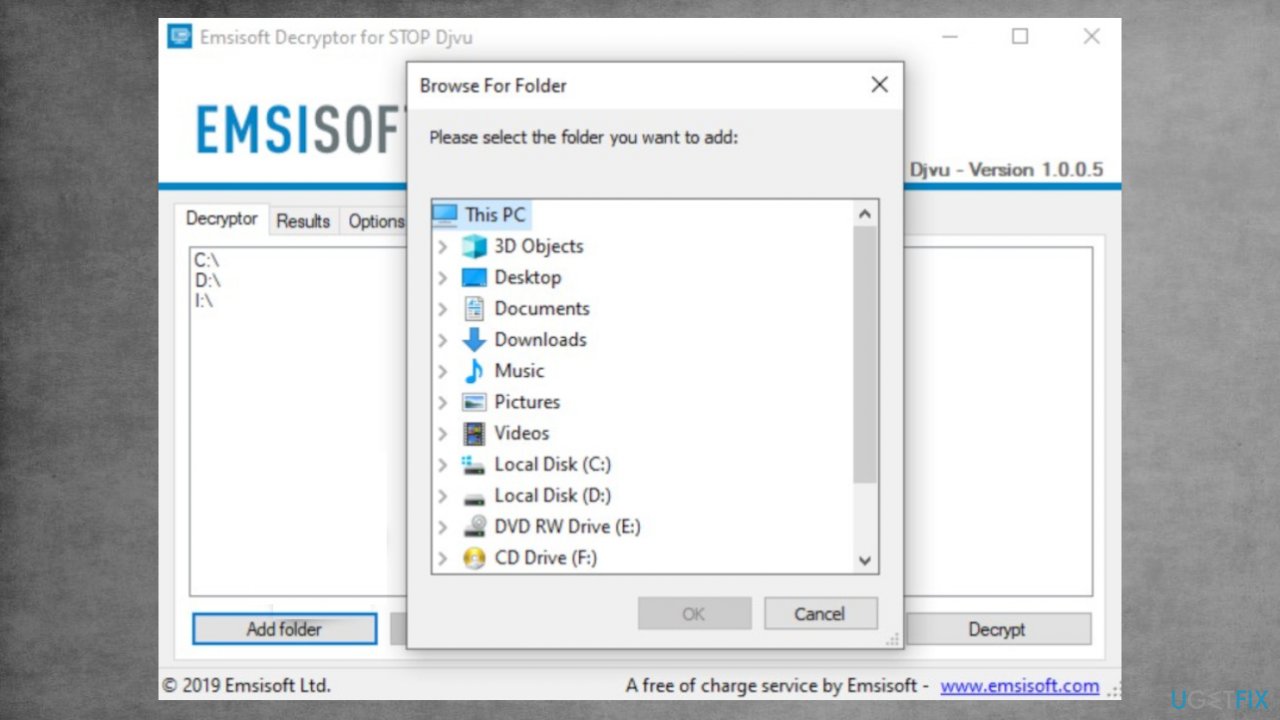
Recover ygvb files fix decrypt - Press Decrypt.
- Results after the check determine if your files can be decrypted.
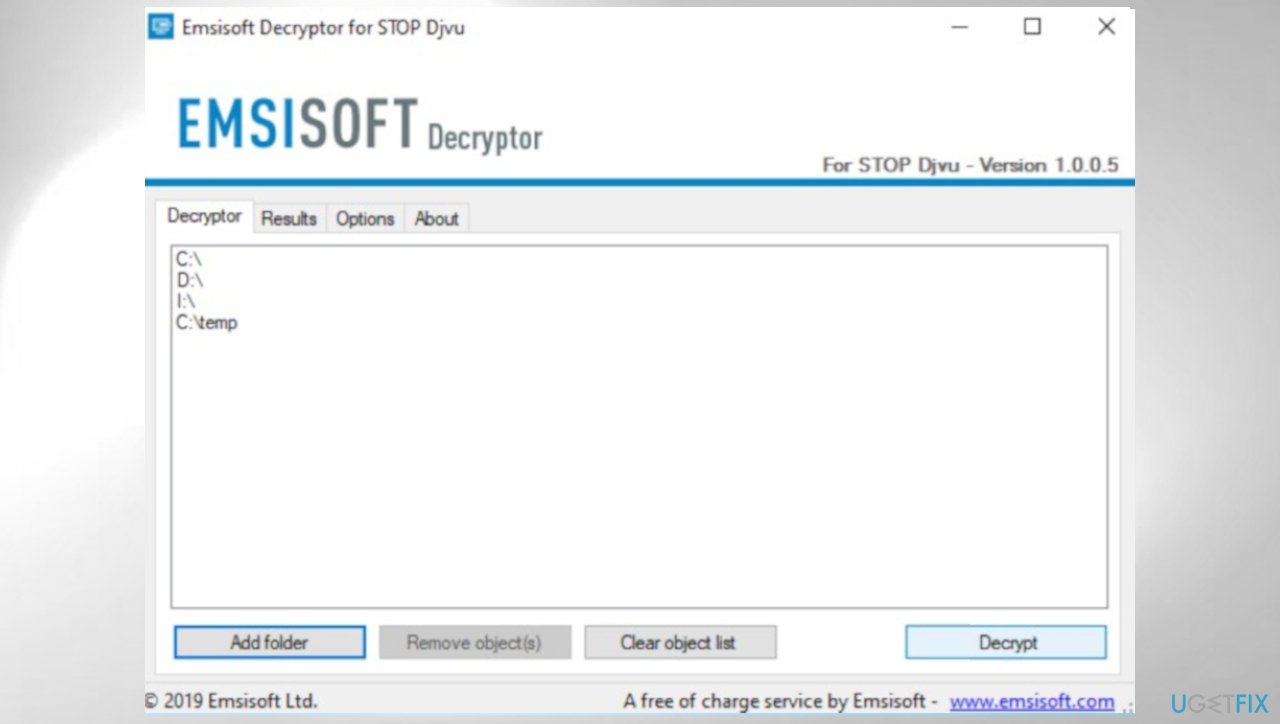
Djvu decrypt emsisoft ygvb
Step 4. Check the data recovery option
- Get a tool for file recovery like [rev id="Data Recovery Pro"].
- Follow installations.
- Use the application once it is done.
- Select Everything or pick individual folders to recover.
- Press Next.
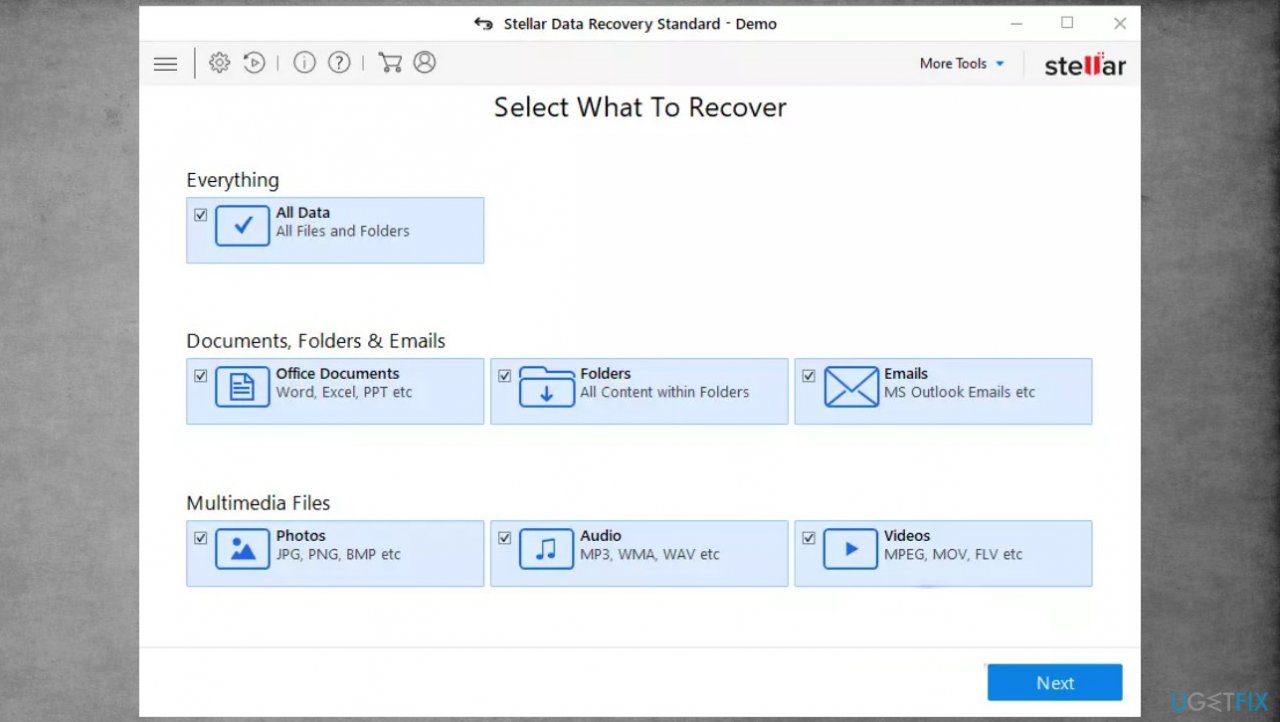
Djvu stellar data recovery ygvb - Run the Deep scan.
- Pick which Disk you want to be scanned.
- Hit Scan.
- Hit Recover to restore files.
Bottom line
To recover files locked with the .ygvb extension, first remove the ransomware using anti-malware tools to eliminate the threat. Afterward, repair any damage caused by the virus with a PC repair tool. If these steps do not work, consider seeking professional help.
Frequently asked questions
You can use file recovery software to scan your drives for recoverable .ygvb files, or try restoring your system to a previous point if you have backups available.
Yes, tools like Recuva or EaseUS Data Recovery Wizard are recommended for recovering .ygvb files on Windows 11.
Ensure your antivirus software is up to date and perform regular system scans to prevent malware that might lock files with a .ygvb extension.




Report an issue
What's wrong with this guide? We review every report and update or remove content.
Report received — thank you. We'll review and fix it.
You need a free account to submit a report.
Be the first to comment