How to recover
Ghas ransomware files
from Windows
Recover your files from Ghas ransomware on Windows 10 and Windows 11. Quick solutions and expert-tested methods to restore your data effortlessly.

What leads to How to recover Ghas ransomware files?
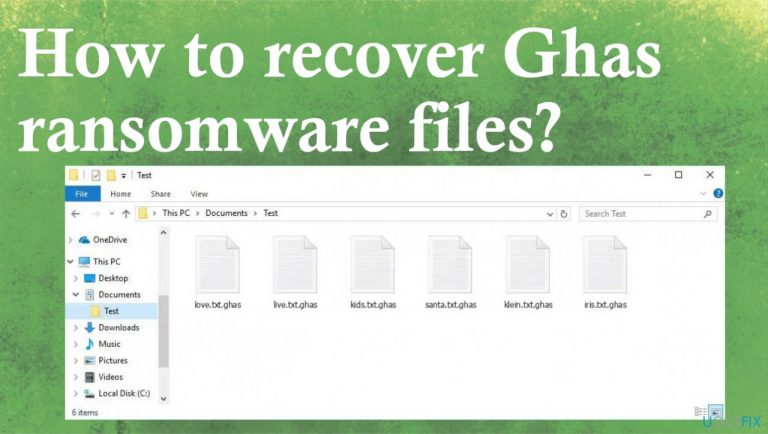
- Files are marked with .ghas extension due to ransomware encryption
- Infection occurs through malicious macros and pirating services
- System performance is affected by the ransomware
- Other malware can be used as vectors to deploy ransomware
- Ransomware can alter system preferences
Repairs Windows system files, removes malware, and restores a clean OS state — without reinstalling.
Hey. Maybe you have experience with a ransomware virus like this already: all windows files are marked with .ghas extension. is there any way for the full-on decryption? Can I help the machine somehow without paying the demand?
Ghas ransomware is a virus that is not only locking the data on the machine but affecting files in the system folders and other parts of the device. The threat actors try to ensure the persistence of the virus, so there are many parts that get damaged and affected besides those encoded pieces.
Paying is not the option, so you shouldn't consider these details listed on the ransom note _readme.txt. These files appear locked immediately after the infection, mostly, because it is the main focus. However, the infiltration happens with the help of malicious macros[ref en-1] and pirating services.
Once the infiltration is done the machine can act up because the process and performance get affected. Speed might be diminished, and it is possible that the threat shows fake update messages or errors to distract from the infection. Once a ransom note is delivered - data is locked and needs recovery. However, this is not easy, and options for .ghas file repair are limited.
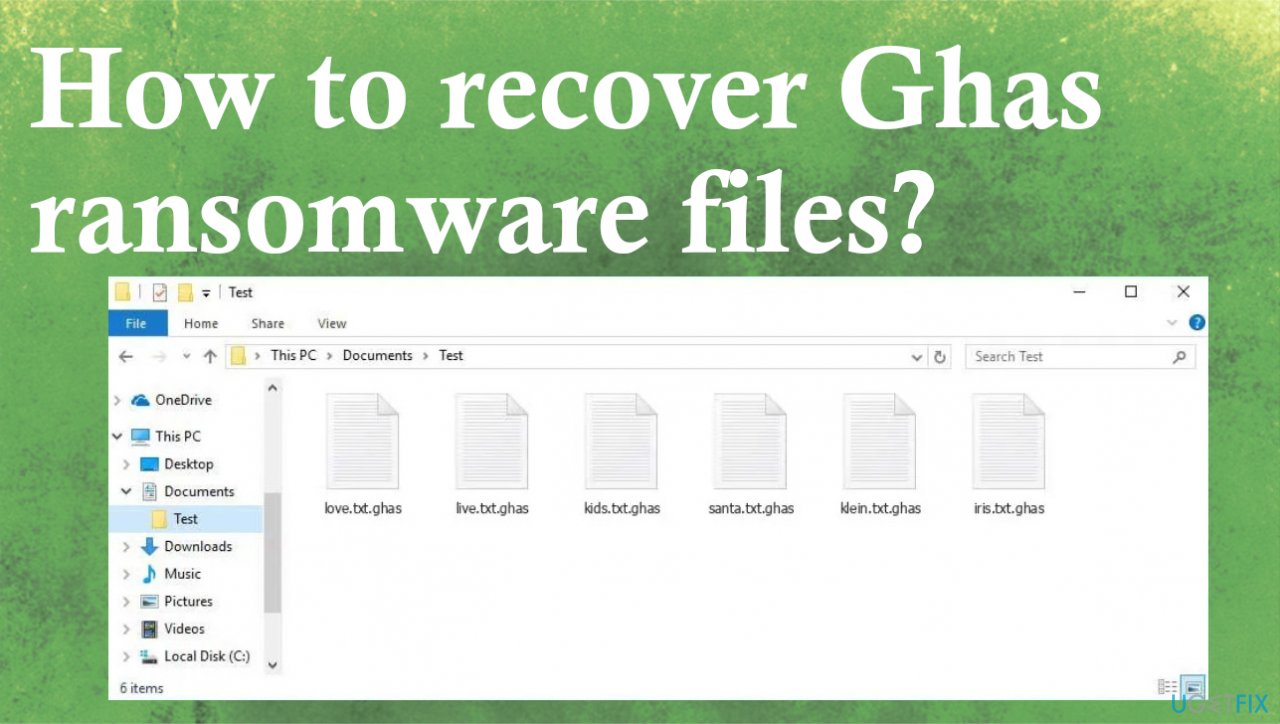
1. Remove the infection properly
Ransomware removal is not an easy process. You need to have proper anti-malware tools and check the machine for malicious files and programs. The detection rates[ref en-2] show the success of antivirus tools while fighting ransomware. Ghas file virus affects files, and you can see that, but system data gets damaged.
However, there are a lot of things besides file encryption that happens on the computer. The threat also is spread using various methods, including other malware. Trojans, malware, worms, and other viruses can be used as vectors to deploy ransomware on various machines. Virus creators can alter preferences and target various people all over the world.
You need to remove Ghas ransomware as soon as it appears on the computer. Threats and all possibly malicious files can be removed using anti-malware applications and security tools. Full system scans with such applications can help with all malware pieces and damage. This is not the file recovery or decryption, however.
2. Repair the virus damage
- Install the PC repair tool [d1].
- Run the installation and launch a tool after that.
- Follow instructions for the system check.
- Once it is successful, review the results.
- Check the Summary of the found issues.
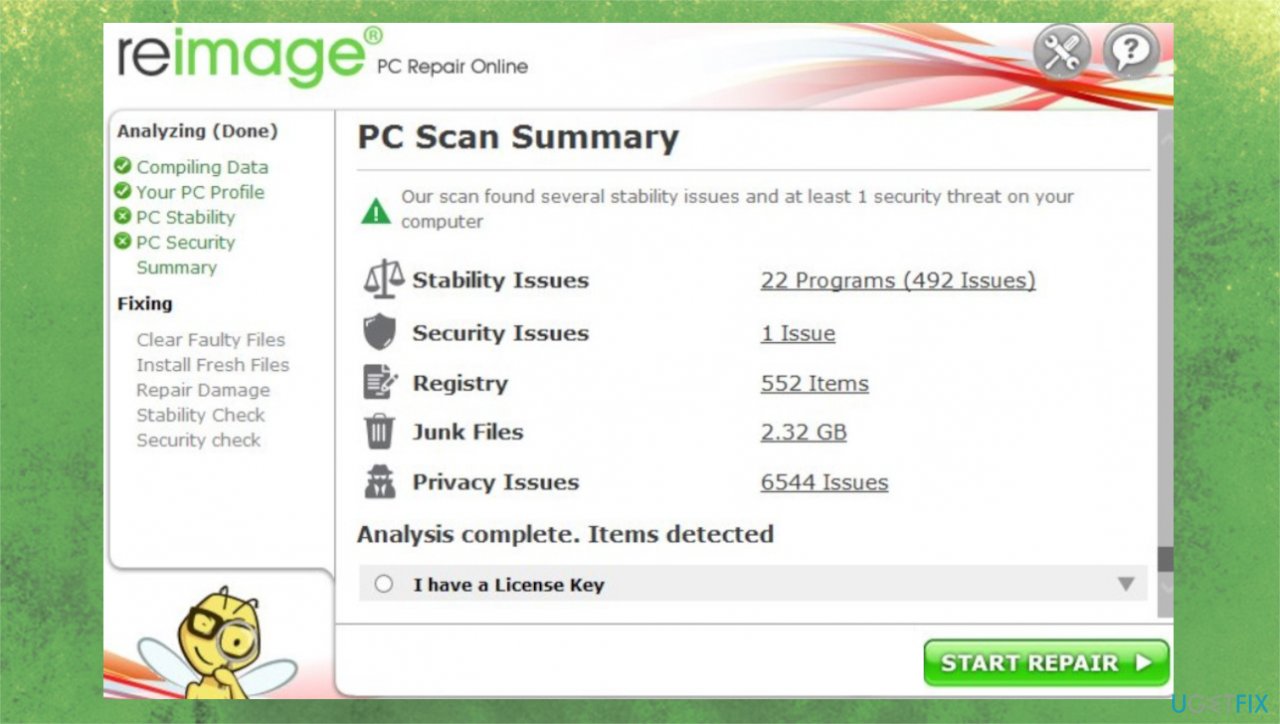
Ghas file recovery repair - Fix any problems manually.
- You can also purchase the license for more in-depth help.
3. Check the possible decryption option
The family this Ghas threat is deriving from is known for years now. Djvu ransomware file virus brings the issue with the decryption limitations that is really frustrating for people. Previous versions were possible to decrypt because offline ids have been more in play, and these less advanced coding methods helped the researchers to develop a tool for file recovery.
However, these days ransomware gets more evolved.[ref en-3] The issue with the decryption is in the online id method and the usage of the unique key that is required for the decryption processes. There are no official tools, but the possible option is related to these ID differences.
- Download the app on official Emsisoft website.
- Once decrypt_STOPDjvu.exe shows up, launch the installation.
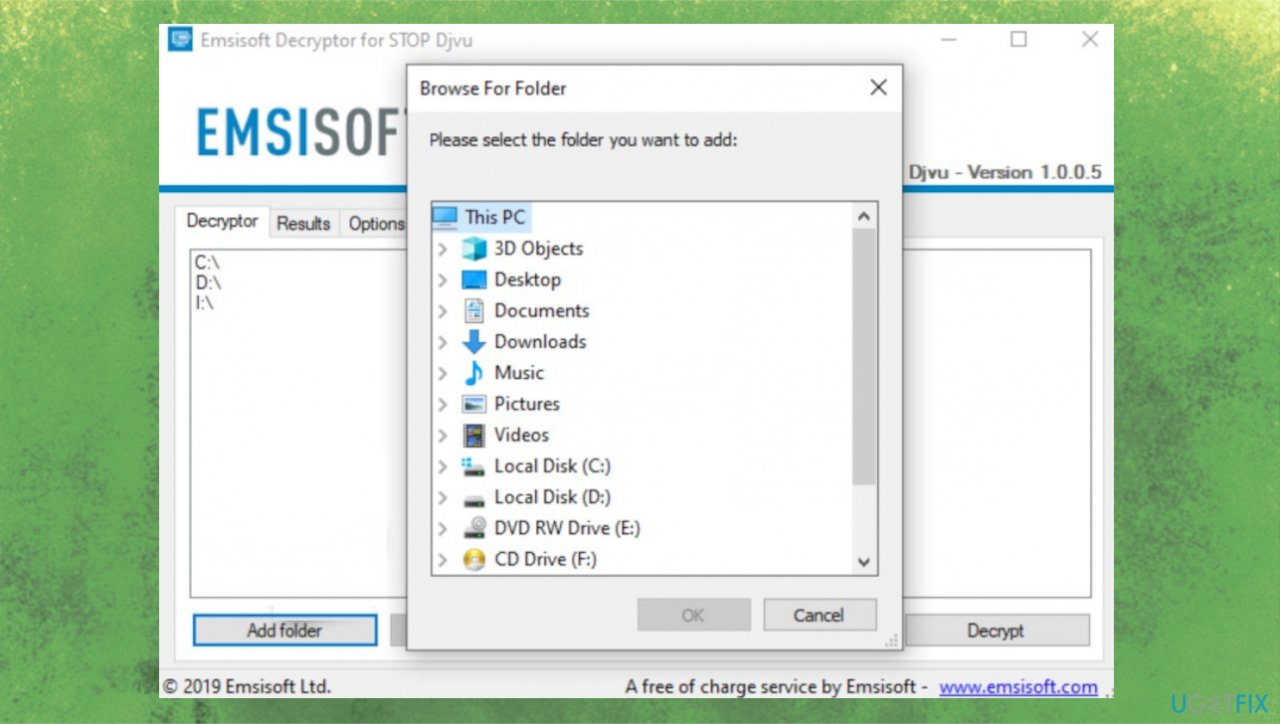
Ghas file recovery decryption tool - The tool should locate the affected folders once the system check is initiated.
- You can also press Add folder at the bottom.
- Press Decrypt.
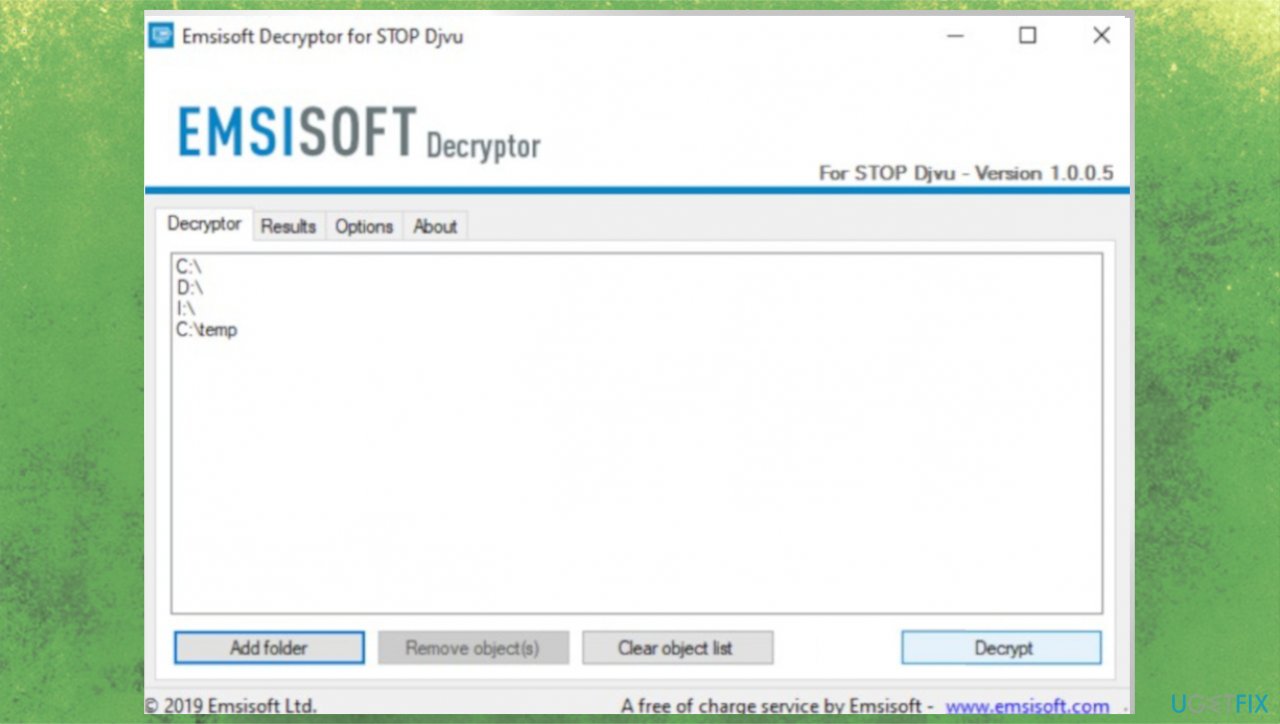
Ghas file recovery decryption - Results after the check determine if your files can be decrypted.
4. Check the third-party tool for data recovery
- Get a tool for file recovery like [rev id="Data Recovery Pro"].
- Follow installations.
- Use the application once it is done.
- Select Everything or pick individual folders to recover.
- Press Next.
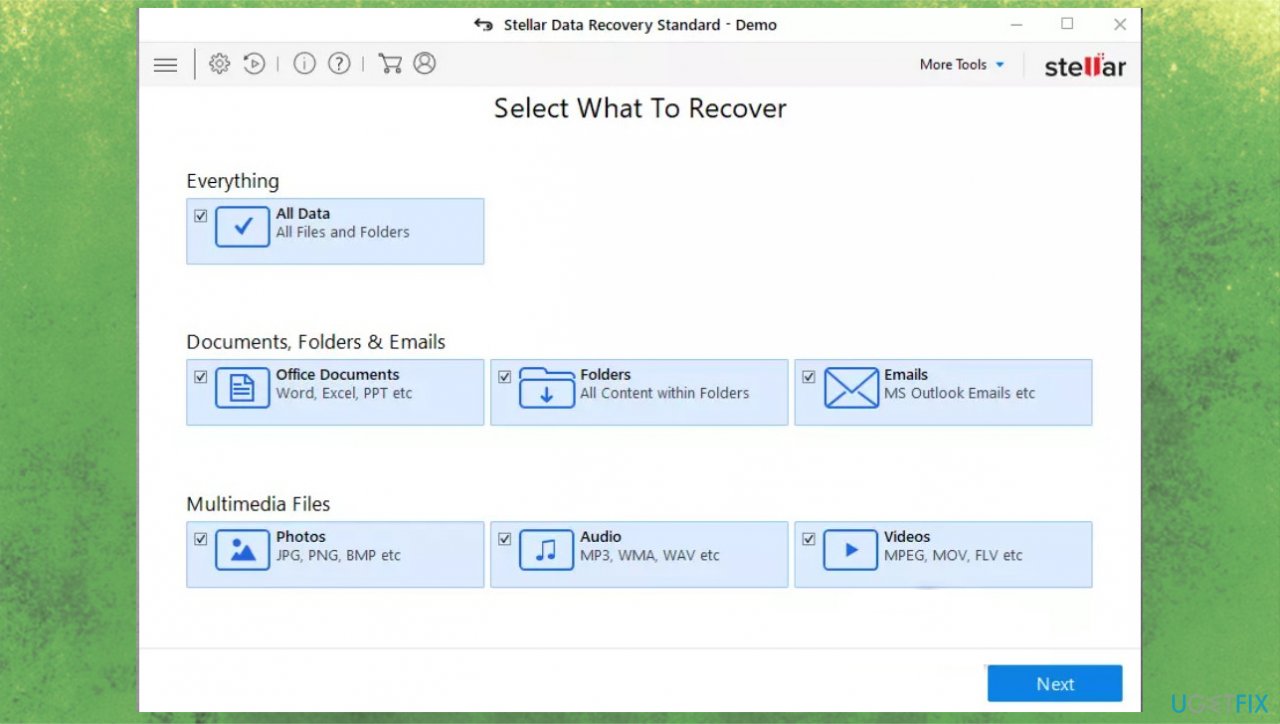
Ghas file recovery data recovery - Run the Deep scan.
- Pick which Disk you want to be scanned.
- Hit Scan.
- Hit Recover to restore files.
Bottom line
To recover files affected by Ghas ransomware, it is essential to remove the infection using proper anti-malware tools and perform full system scans. If these methods do not work, consider seeking professional help or data recovery services.
Frequently asked questions
Immediately disconnect your device from the internet to prevent further encryption, then consider using a reputable antivirus program to remove the ransomware before attempting file recovery.
Yes, you can use data recovery software like Recuva or specialized ransomware decryptors if they are available for Ghas ransomware, but success is not guaranteed.
If you have System Restore enabled, you can try restoring your Windows 10 or Windows 11 system to a point before the infection, which may help recover some files.




Report an issue
What's wrong with this guide? We review every report and update or remove content.
Report received — thank you. We'll review and fix it.
You need a free account to submit a report.
Be the first to comment