How to recover
Kruu ransomware files
from Windows
Recover your files from Kruu ransomware on Windows 10 or 11 with expert-tested methods. Get your data back quickly and safely, fixed in minutes.

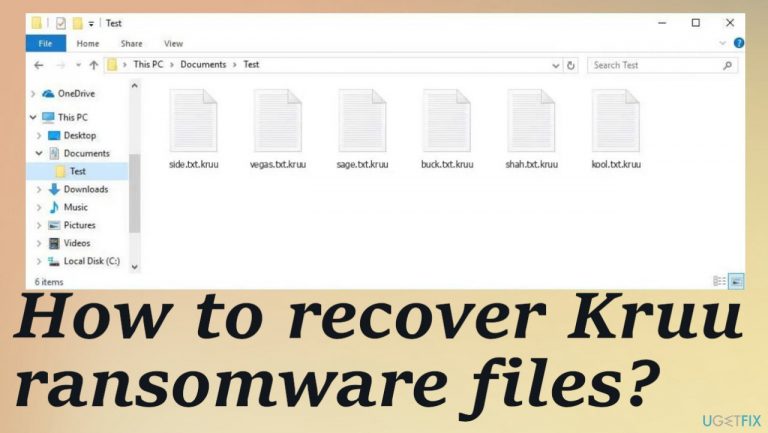
What leads to How to recover Kruu ransomware files?
- Infection from pirated software
- Malicious files distributed via the internet
- Encryption procedures initiated shortly after infiltration
- Locking of commonly used files
- Damage to system files and programs
Repairs Windows system files, removes malware, and restores a clean OS state — without reinstalling.
Hello. I need help with the particular Kruu ransomware. It got on my computer from the pirated package, I believe. Then all files on the common folders got locked and marked with .kruu extension. I cannot open any of them, but the machine seems to be working. Do I have any options for descriptions you can offer?
Cryptovirus threats are one of the most dangerous types of malware out there. These viruses are focused on locking files and cybercriminals demanding money from victims directly. These threat actors often can employ various other techniques to make money too.[ref en-1] Kruu ransomware can be quickly distributed via the internet and these methods involve malicious files.
The infection starts the encryption procedures within minutes after the initial infiltration. The process alters the original code of the documents, audio, image, and video files. These pieces get locked and made useless, so the indication is the appendix at the end after the original filename.
Kruu file virus like this damages those commonly used files directly, but it can damage and disable particular system files, programs, and other parts of the computer. It is to ensure that threats are running on the system and causing issues with the performance further. You need to take care of the machine here.
There are various issues with ransomware, but the symptoms include file locking and ransom demands via _readme.txt ransom note from the Kruu ransomware creators. Payment is not the only option, even though these criminals claim so. You need to remove the virus and repair the damage yourself. There are no particular tools that could work 100%.
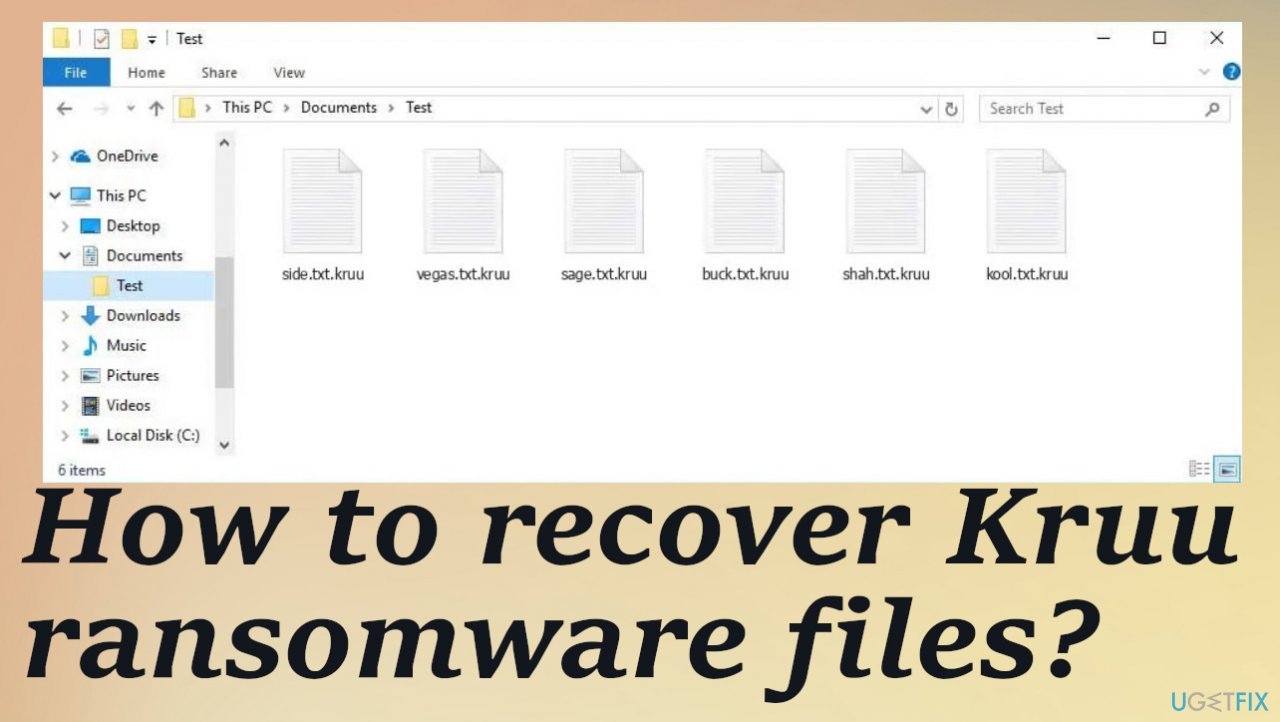
1. Decrypt damaged files
These Djvu ransomware family versions like Egfg, Mine, Xcvf are powerful, and the family is known as one of the older ones, and the ransomware is considered quickly renewed because new variants get released every week. These more recent threats belong to the family that is not decryptable, so people can't repair the data easily.
There are no particular tools officially released for the Kruu ransomware version. However, there is an application that can potentially help with the recovery if the offline ids got used during the initial encryption procedure. This version of the key allows multiple victims to get their files restored. Online id means that each device is receiving a unique key, not helping with the decryption. Try to see if the tool is potentially helping in your situation.
- Download the app on official Emsisoft website.
- Once decrypt_STOPDjvu.exe shows up – click it.
- Follow the steps on the screen.
- The tool should locate the affected folders.
- You can also do it by pressing Add folder at the bottom.
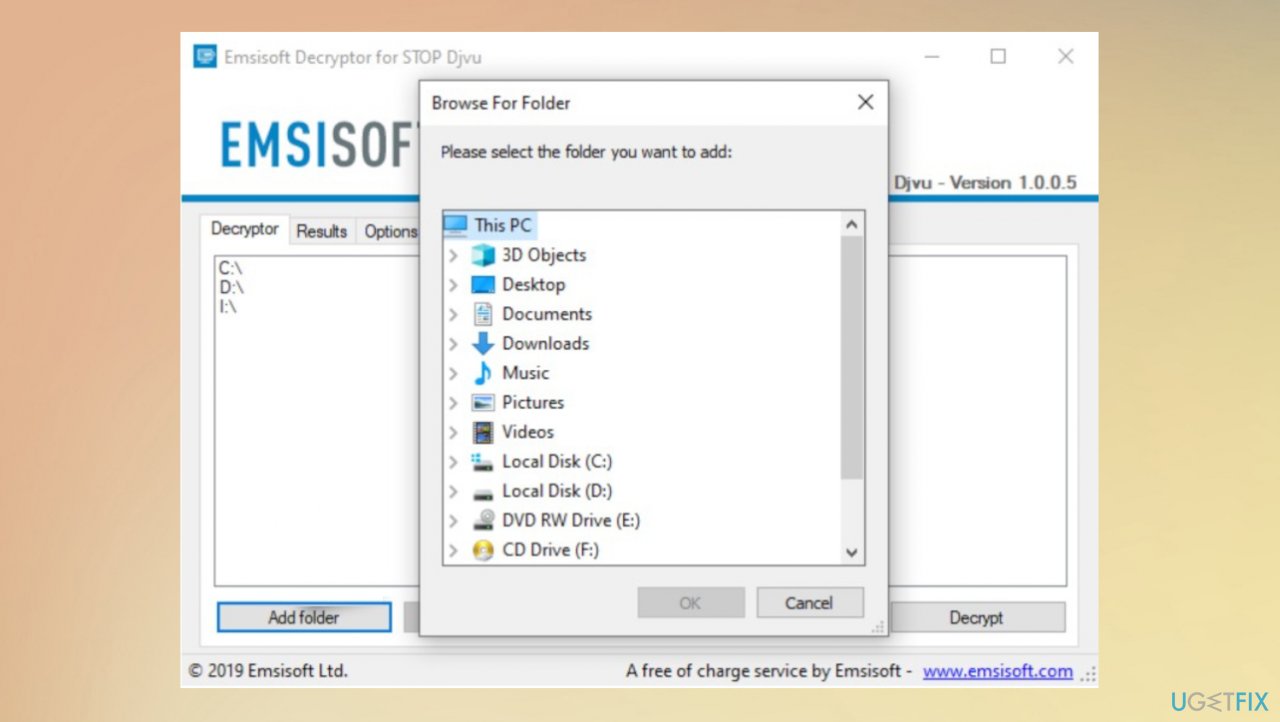
Kruu ransomware repair decryption - Press Decrypt.
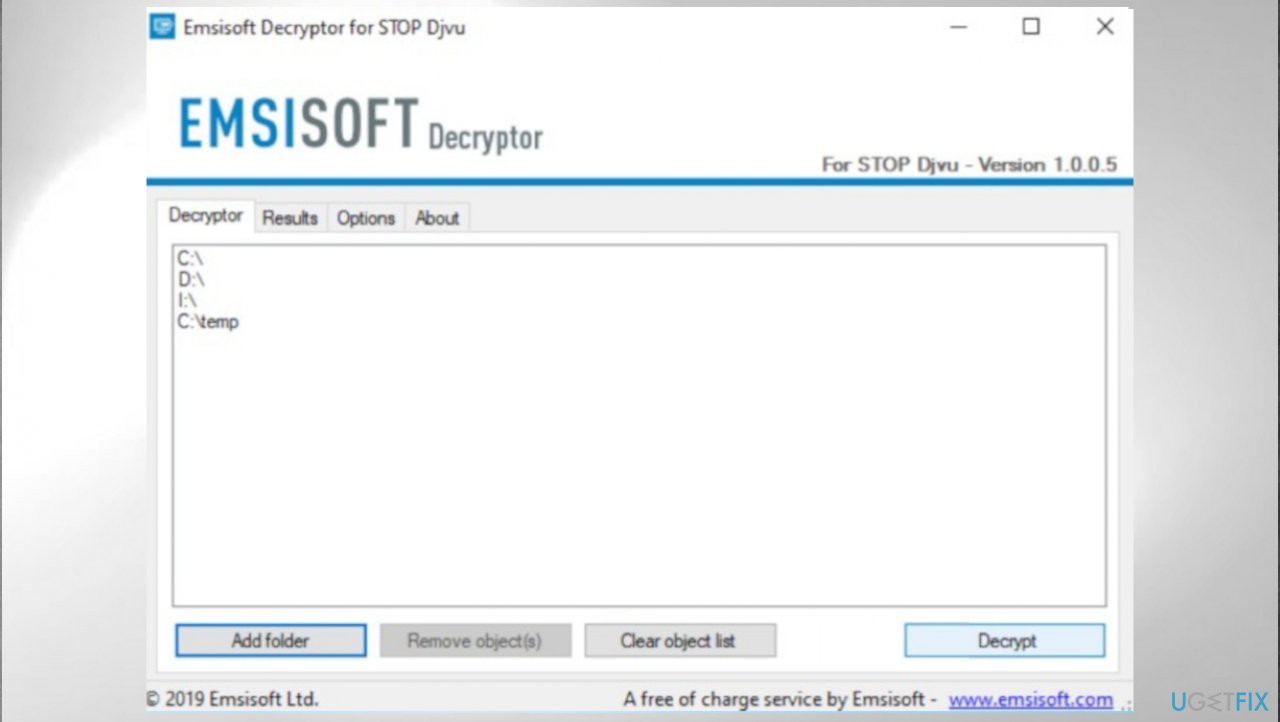
Kruu ransomware repair emsisoft - There are particular results that can occur indicating if the decryption is possible.
2. Remove the ransomware
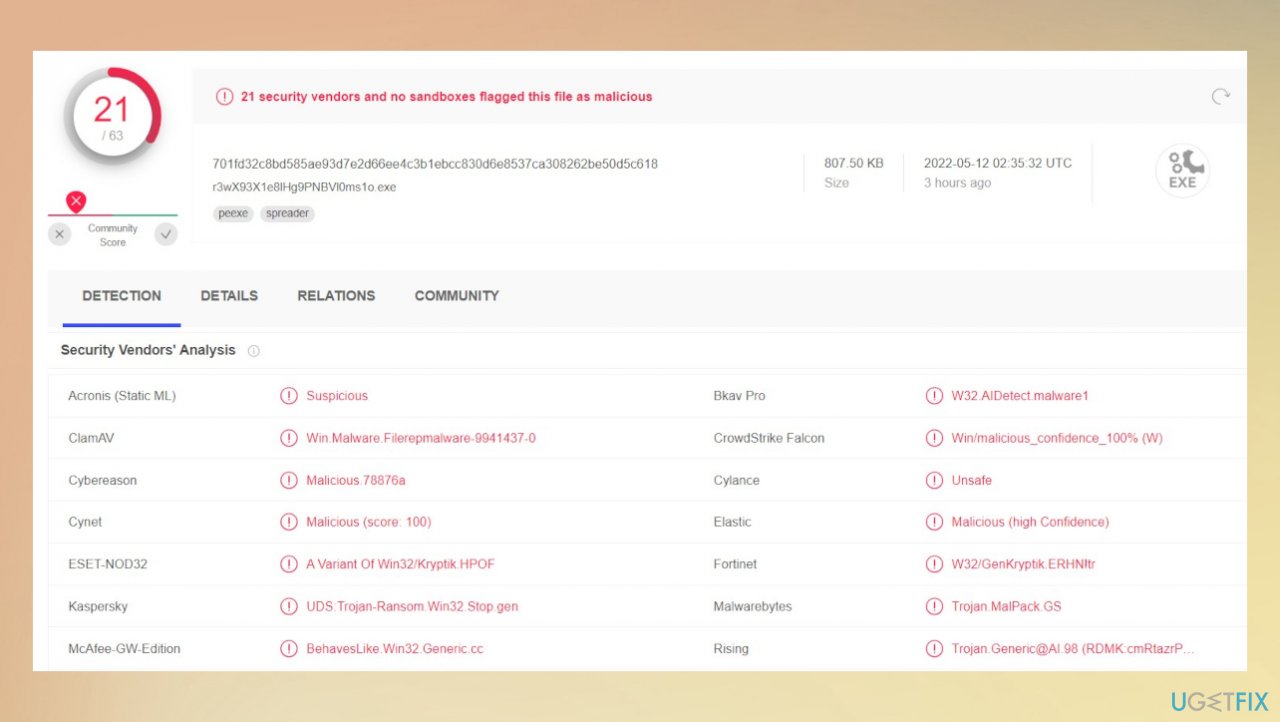
Anti-malware tools are crucial here because the particular detection[ref en-2] rates show that antivirus tools are capable of locating the infection on the machine. These security scans that applications like this can run indicate all threats and potentially malicious files on the machine.
These additional infections and viruses can help the persistence and keep the Kruu file virus processes running. The particular anti-malware tools show what intruders are found, and you can stop the active virus on the machine, so these procedures related to system damage and file alterations cannot run again. This is not the same as decryption or file repair, however.
3. Restore affected system files
You need to repair the damage this virus causes because the machine can be affected significantly, and needed processes cannot run when the security programs are disabled and other machine functions that control the file recovery options and system security applications. Kruu ransomware can alter various files and system functions like startup or DLL files, so the virus is running for longer.
These issues affect the particular options of removing the virus and restoring altered files. These threats can install other programs and malware[ref en-3] to ensure persistence. These issues with corrupted and damaged system files need to be taken care of, so the system runs smooth and files can be recovered using backups or third-party options.
- Install [d1].
- Run the full system scan and wait for the complete analysis.
- Follow the on-screen steps.
- Allow the machine to get checked.
- Check the Summary.
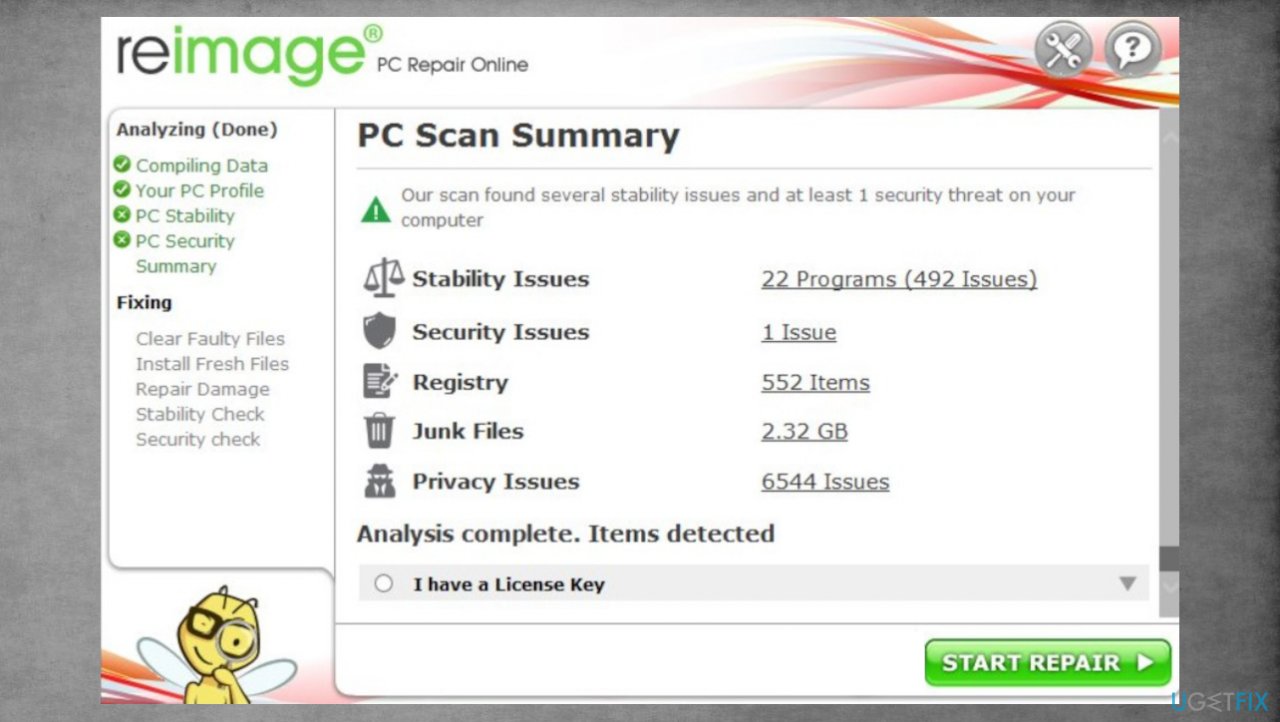
Kruu ransomware repair reimage - You can fix issues manually from the list.
- Purchasing a licensed version can help repair serious issues.
4. Recover locked data
- Get a tool like [rev id="Data Recovery Pro"] from a trustworthy source.
- Follow installation instructions.
- Once that is finished, use the application.
- Select Everything or pick individual folders to recover.
- Press Next.
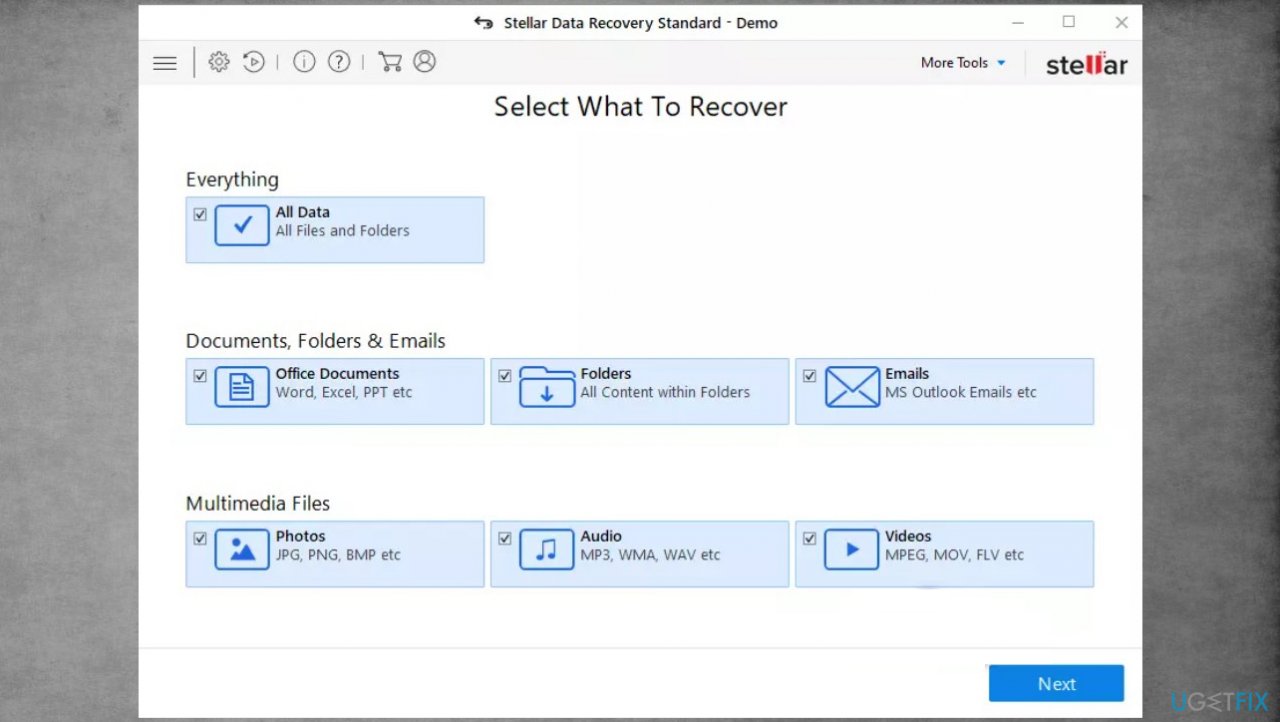
Kruu ransomware repair stellar - Enable Deep scan at the bottom.
- Pick which Disk you want to be scanned.
- Scan.
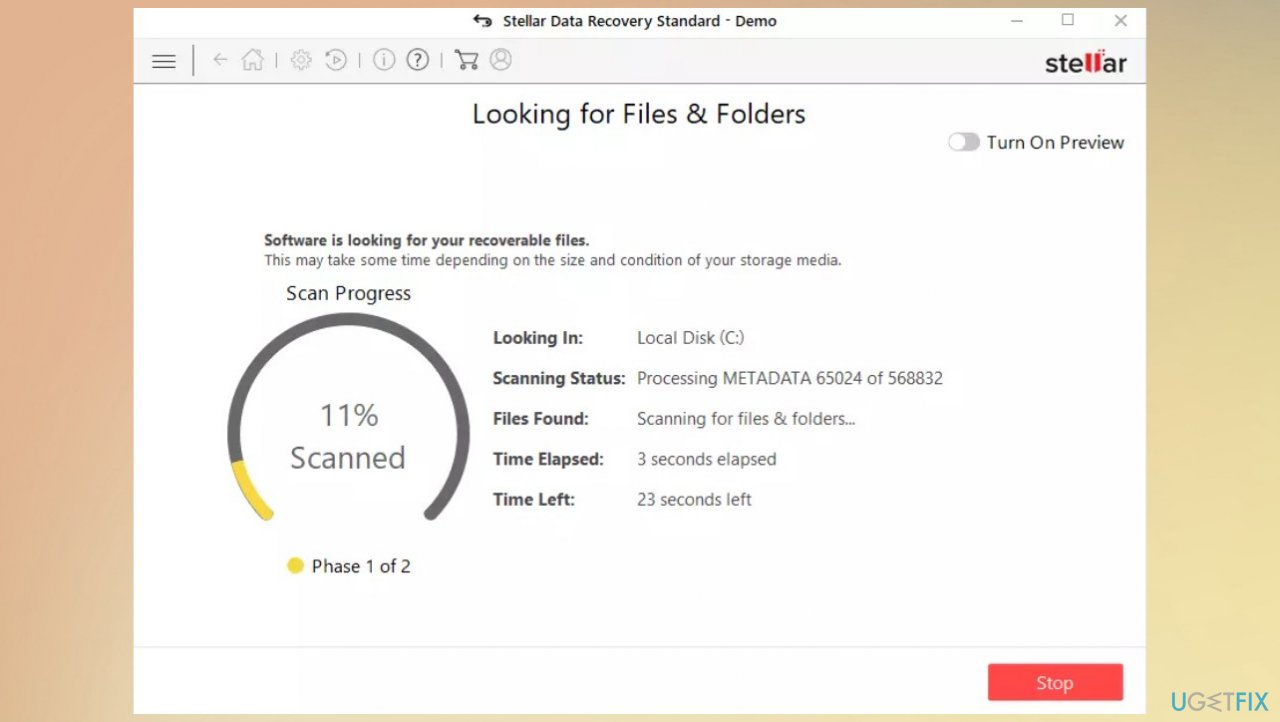
Kruu ransomware repair stellar recovery - Hit Recover to restore files.
Bottom line
To recover files affected by Kruu ransomware, you should first remove the virus and attempt to decrypt the damaged files. Unfortunately, there are no specific tools available for this ransomware version, so if these methods do not work, consider seeking professional help.
Frequently asked questions
Immediately disconnect your device from the internet to prevent further encryption and potential data loss, then boot into Safe Mode to prevent the ransomware from executing.
You can attempt to use data recovery software or restore your files from a backup if available; however, there is no guaranteed method to recover files encrypted by Kruu ransomware without paying.
Yes, you can try using Windows File History or Previous Versions feature to restore earlier versions of your files, provided these features were enabled before the attack.




Report an issue
What's wrong with this guide? We review every report and update or remove content.
Report received — thank you. We'll review and fix it.
You need a free account to submit a report.
Be the first to comment