How to recover
.kxde files
from Windows
Easily recover lost .kxde files on Windows 10 or 11 with our expert-tested methods. Get your important data back quickly and effectively. Fixed in minutes!

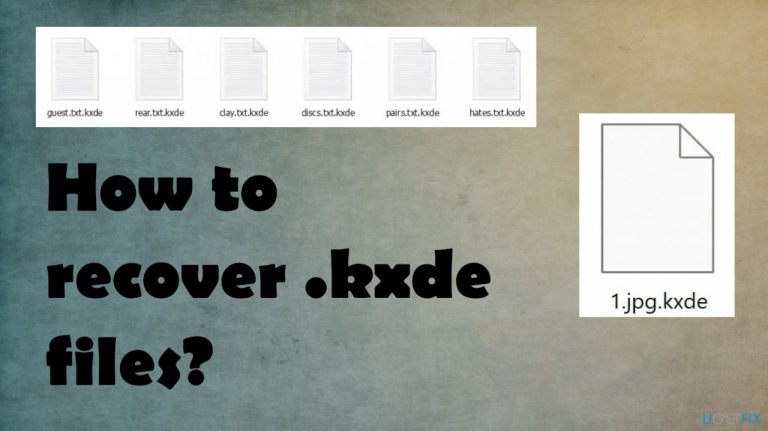
What leads to How to recover .kxde files?
- Pirated software installation
- Infection from Kxde ransomware
- Immediate data encryption after infiltration
- Presence of _readme.txt file indicating infection
- Focus on decryption rather than removal
Repairs Windows system files, removes malware, and restores a clean OS state — without reinstalling.
Hello. I know pirating is not the best, but I needed to get this program. I got the Kxde ransomware with it too. My files are locked right now and marked with the extension of the name. I guess this is the new version. I need help here. Is there anything that I can do with these locked pieces?
Threats like this are spreading very quickly and data gets encoded immediately after the infiltration. It is frustrating that those files get locked and marked and you notice the infection only when the _readme.txt appears on the system. This message encourages to pay $980 in exchange for the decryption tools, but that is not recommended.
Bitcoin cryptocurrency is the preferred payment method for these criminals and such payments cannot be easily traced, so criminals like this choose crypto for their ransoms.[ref en-1] The payment is encouraged with some test decryption options and even discount offers. However, this is never a good idea to pay up, especially when it comes to these threats like the Kxde file virus.
The particular threat family this virus comes from is Djvu ransomware which is known for spreading mainly via pirated packages and files like this. We have already covered issues with the latest releases on the list .pphg and .wdlo. These latest variants that come out weekly are not decryptable, but alternate options are available.
How to recover .kxde ransomware files?
Not only Kxde file virus directly locks your files that are commonly used but it also damages features, system functions to ensure the persistence of this threat. People mainly focusing decryption once these ransomware threats occur on the machine, but there are additional issues that need to be taken care of.
Cryptovirus is focused on encrypting data like documents, images, video, audio files. This is the issue that victims notice, but there are additional things virus affects to keep the processes running. These changes can affect the removal and recovery procedures. Removal of the threat is crucial and should be the first step when dealing with ransomware.[ref en-2]
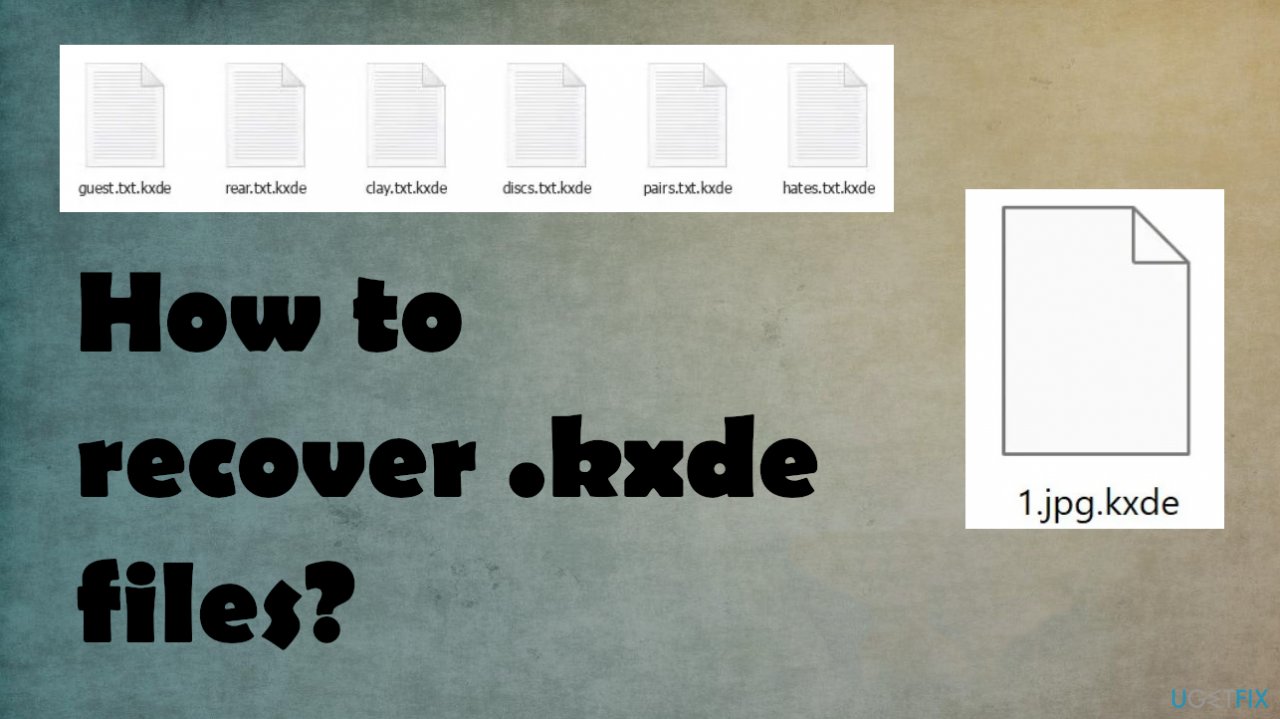
1. Removing the ransomware
Threats infect the machine quickly and those files cannot be recovered. However, the ransomware first needs to be eliminated, so you do not risk permanently damaging the encoded data. If you skip this elimination step and go for file recovery using your backups or files copies, you might lose files.
Run anti-malware tool and base the selection of applications on detection rates[ref en-3] related to the family of viruses. Security applications, AV detection-based programs are capable of finding these malicious programs and files possibly controlling the behavior and encryption. Rely on a trustworthy AV tool and scan the system fully, so you can remove the Kxde file virus fully.
2. Restoring the system performance
A threat like this causes system corruption and alters settings to ensure virus persistence, keeping users from easily recovering encoded files. To fix that:
- Get [d1].
- Download the app, launch installation.
- Once the program is running, run the analysis.
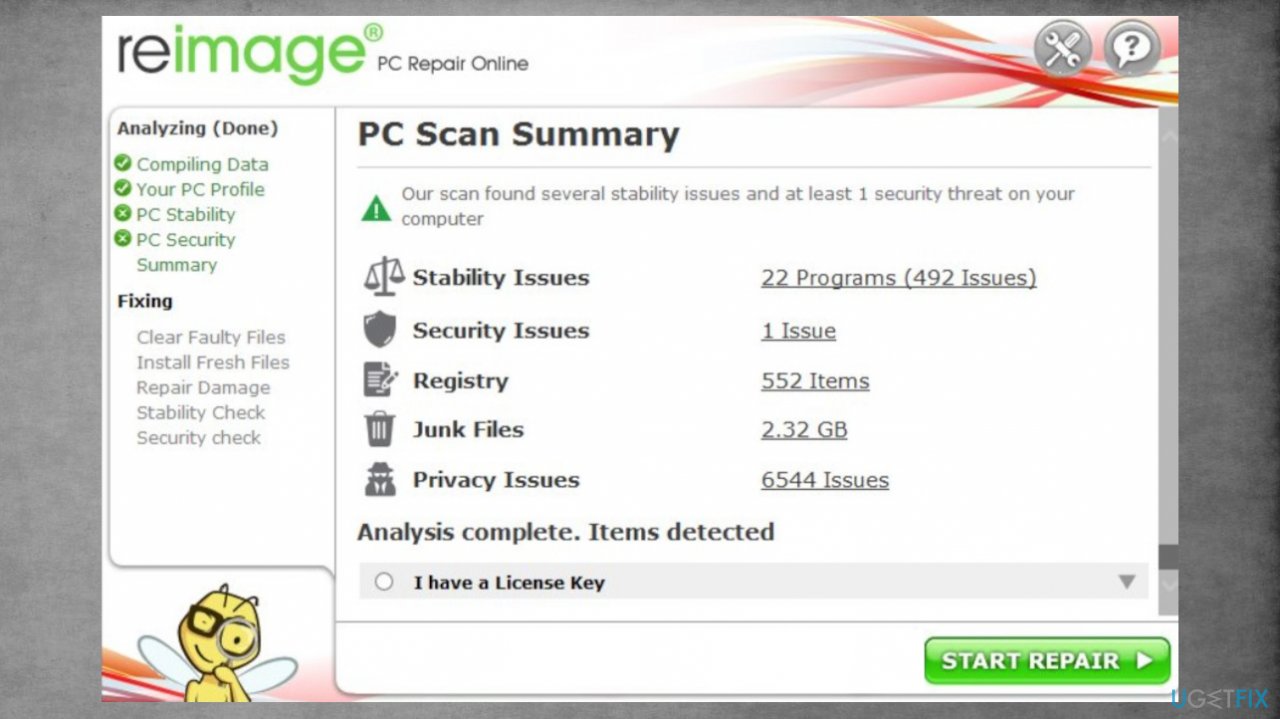
Recovering kxde files repair - Check the results in the Summary.
- Fix problems that are detected.
- We recommend you purchase the license and fix them automatically.
3. Data decryption
Previously decryption tools were helpful for many victims. The offline id usage helped researchers to decrypt files for all victims with one key obtained from victims. This is no longer possible, but sometimes ransomware fails to use inline ids and needs to rely on offline IDs. The tool can work for you, check it:
- Download the app on official Emsisoft website.
- Once decrypt_STOPDjvu.exe shows up – click it.
- Follow instructions on the screen.
- The tool should automatically locate the affected folders.
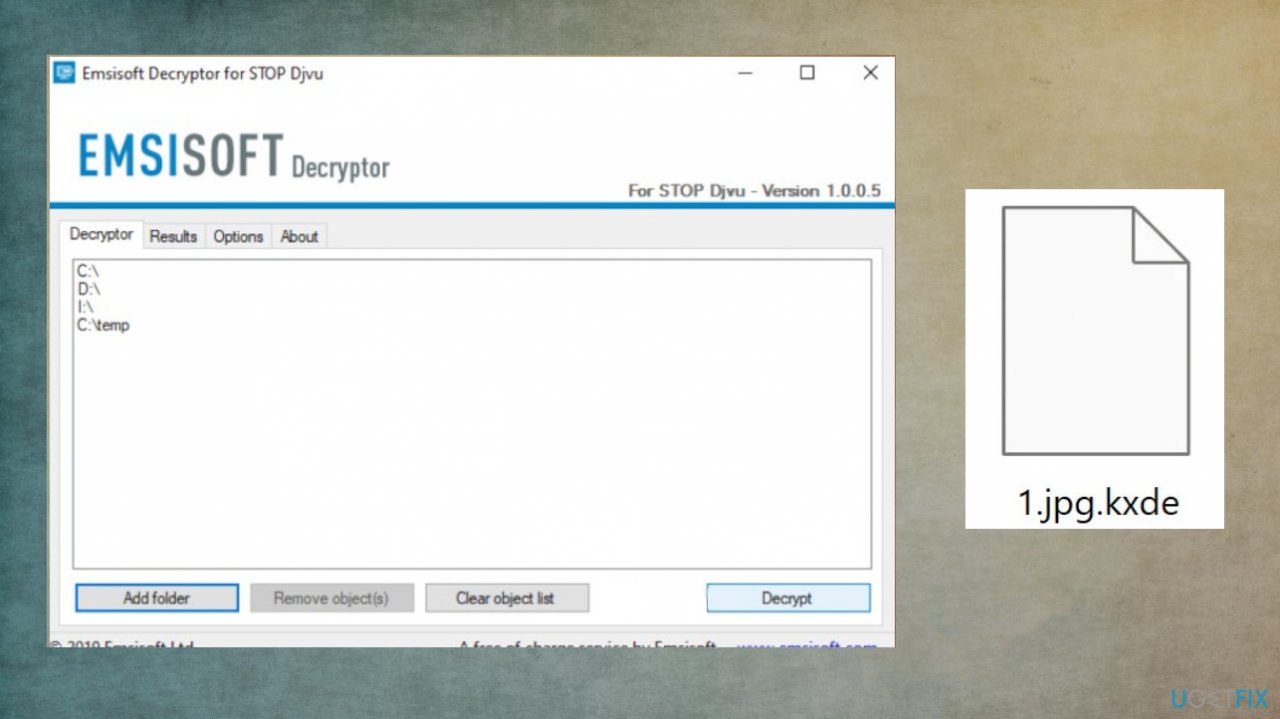
Recovering kxde files decryption - You can also do it by pressing Add folder at the bottom.
- Press Decrypt.
- There are particular results that can occur. Those determine if the decryption option is possible for your files or not.
4. File recovery software
- Get the [rev id="Data Recovery Pro"].
- Install it fully n the machine.
- Follow the instructions.
- Select Everything or pick individual folders for recovery.
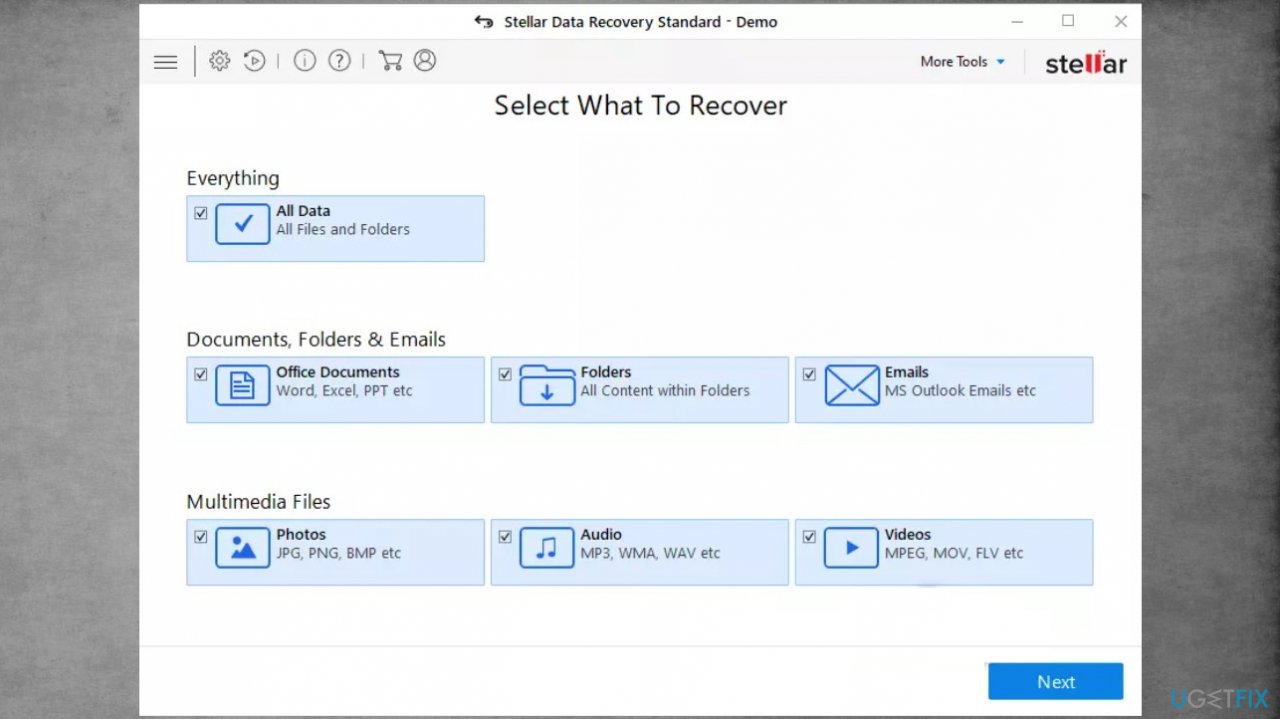
Recovering kxde files data - Press Next.
- Enable Deep scan and pick which Disk you want to scan.
- Press Scan and wait for the process to end.
- You can now pick which folders/files to recover.
- Press Recover to repair your files.
Bottom line
To recover .kxde files, it is crucial to first remove the ransomware threat. After removal, explore alternate recovery options for your files. If none of these methods work, consider seeking professional data recovery services.
Frequently asked questions
You can use file recovery software like Recuva or EaseUS Data Recovery Wizard, which are compatible with Windows 10 and Windows 11, to scan for and recover lost .kxde files.
Windows 10 and Windows 11 do not have specific built-in options for .kxde file recovery, but you can try using File History or Previous Versions if you have them enabled.
If your .kxde files are missing after a Windows update, check for temporary file backups or restore points created before the update on your Windows 10 or Windows 11 system.




Report an issue
What's wrong with this guide? We review every report and update or remove content.
Report received — thank you. We'll review and fix it.
You need a free account to submit a report.
Be the first to comment