How to recover
SD card
from Windows
Easily recover lost files from your SD card on Windows 10 or Windows 11. Expert-tested methods ensure quick and reliable recovery with zero traces left.

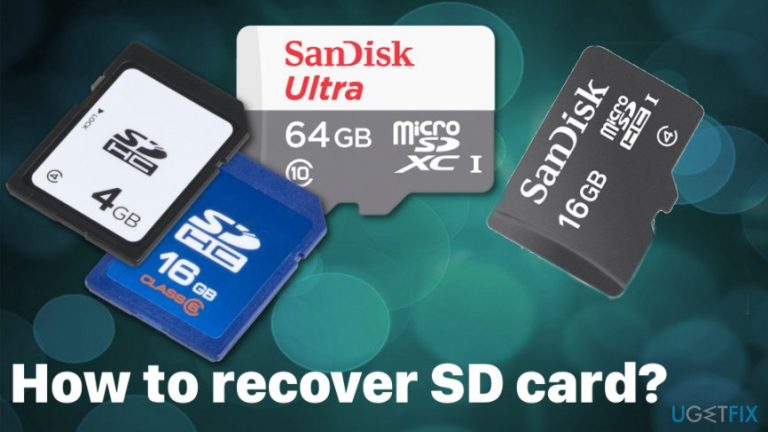
What leads to How to recover SD card?
- Accidental formatting of the SD card
- Infection by viruses
- Physical damage to the SD card
- Corruption due to improper ejection
- Aging of the SD card
Repairs Windows system files, removes malware, and restores a clean OS state — without reinstalling.
Hi guys. My roommate lost all her holiday pictures due to carelessly formatting her SD card this morning. She went crazy and still goes. Is there any way to extract data from the SD, which is empty due to formatting or damaged for some reason? Thanks in advance!
Probably the majority of us use SD (Secure Digital Card) on a digital camera, mobile device, tablet, laptops and so on. Unfortunately, just like USB external drives, hard drives, and other devices used for data storage are very vulnerable and may suddenly break down resulting in the loss of important data.[ref en-1]
Even if you treat your SD card properly, it may come to a risky age, or you may unconsciously insert it to a device that is infected by viruses. Fortunately, there is a way to recover data that has been stored on a damaged/corrupted/formatted SD card.
Take corresponding actions as soon as you can. SD cards are very vulnerable. If your card has just broken down, you have accidentally formatted it, or whatever other reason caused data loss, the first thing that you have to do is to stop using SD card until you start data recovery. Otherwise, documents, photos, music, and other personal information may be damaged permanently.
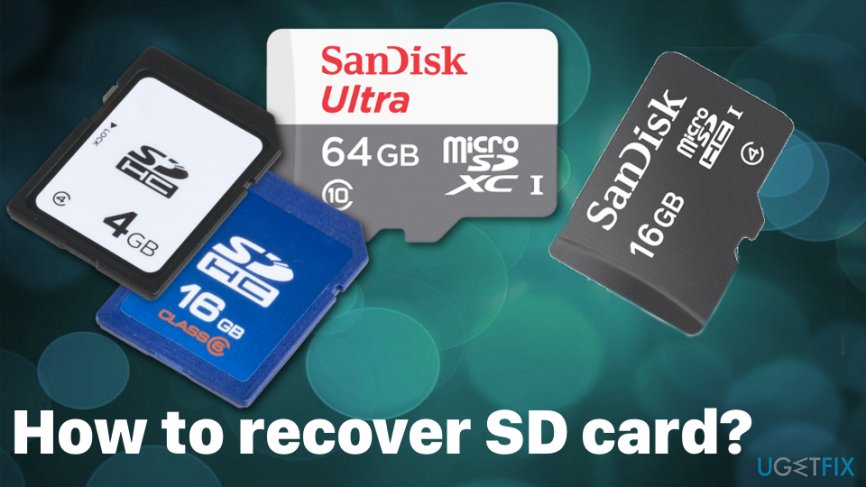
Various issues and symptoms may indicate that your SD card is corrupted. Direct error messages stating about the inaccessible SD card or file directory issues, lost files or unreadable card can be one of many different indicators. Also, there is a common issue when you can see photos on your phone or in the system but copying those files is not allowed.
Often the error states about needed formatting to your SD. However, DO NOT format the disk until you haven't restored lost data. By formatting, you may lose a piece of data that has been lost. Therefore, delay this process after data recovery from SD card will be executed.
Possible ways to recover SD card
Unfortunately, you need to take additional steps to make sure that the device itself is virus-free and have no intruders who can affect the file recovery process or even cause damage. System optimizers like [d1] can indicate possible cyber threats or applications that need fixing.[ref en-2] Make sure to use reputable tools and get them from the official sources or the direct developer since the internet is filled with rogue tools and applications.[ref en-3]
Try an alternative card reader
Quite often the problem is not the SD card itself but its reader. Therefore, if you have inserted it to your laptop built-in slot and your SD does not respond, you can try to insert it to another computer that has a built-in SD card slot or buy a USB SD card reader.
Check alternative locations
If your SD does work except your files are gone somehow, you should check alternative locations. First of all, open Recycle Bin and check maybe you've accidentally removed them. In case it is full of deleted items, use a search box or filter deleted files according to the date of removal.
If you cannot find the lost data anywhere and if you are sure that they have been lost along with your SD crash, then you should employ a specialized software for data recovery.
Fixing a dead SD card
Thin plastic shell may lead to the break of a card and other functions like write-protection switch may fall out and not work. This way your SD card stops working and becomes useless. The switch on your SD card allows or blocks the writing to the card function. When the witch is in the unlocked position, you can try the tool on Windows which allows the fix.
- If your SD card appears in Windows Explorer, you can click on it and go to Properties.
- Then select Tools and choose Check button.
- This way Windows will scan the card for errors and may solve them.
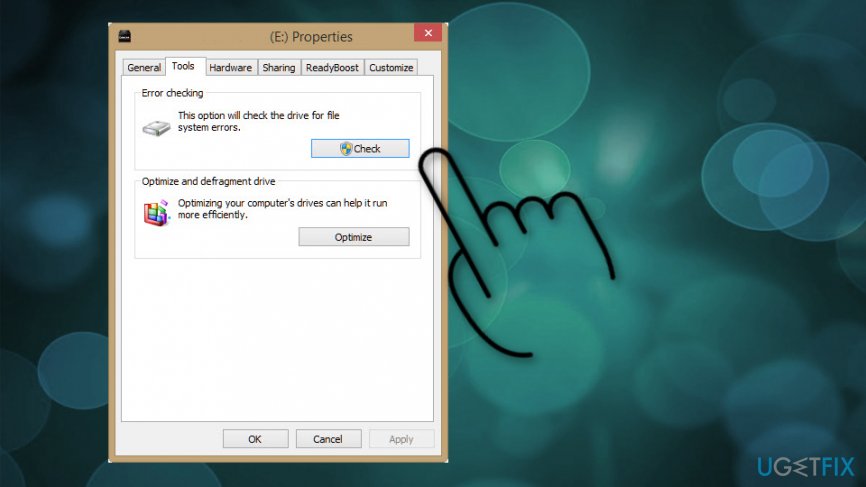
How to recover sd card properties check
Check for SD card errors
- Insert the card into the reader and connect it to the system.
- Click Start in the Windows taskbar and select Computer.
- Search for your card under Devices with Removable Storage and note which drive letter is assigned.
- Open Command prompt window and enter chkdsk followed by a colon and the drive letter.
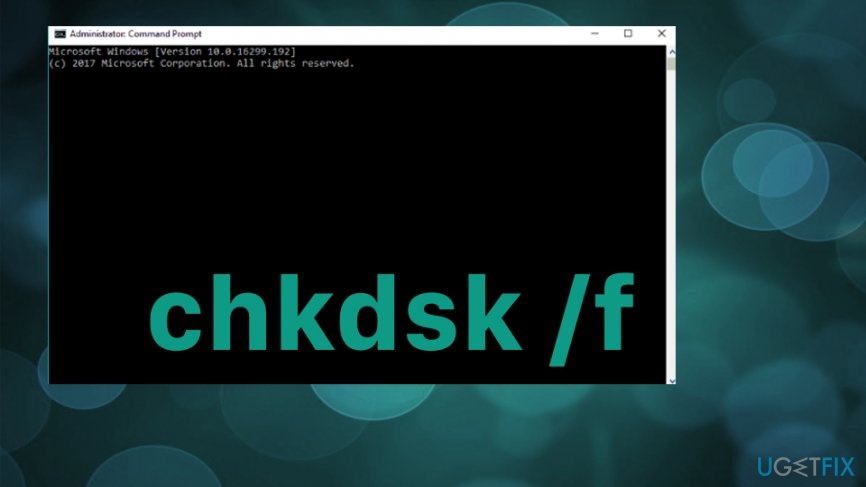
How to recover sd card disk check - After you press Enter possible errors should be found and corrupted SD card fixed.
- Check the drive for recovered files.
Reinstall the needed driver
- Locate to Device Manager.
- Double-click Disk Drives.
- Find the removable drive and Right-click.
- Uninstall the driver.
- Disconnect the storage media and restart the PC.
- Reconnect the card and make sure it gets detected.
Recover data from SD card automatically
You may find a long list of free programs that claim to be able to recover data from SD and other data storage devices. However, if you need to get back the data stored in SD card, be very careful when selecting data recovery programs and avoid third-party apps because they may restore only a small part of data resulting in the loss of the others.
To recover SD card files, we recommend using [rev id="Data Recovery Pro"] application. First of all, it is free to use. Moreover, it is a powerful tool that can retrieve deleted/lost files and re-save them. It supports the majority of file types and can recover data from devices, such as iPods, MP3 players, flash drives including SD cards.
Moreover, it features easy-to-use interface, allows users to preview recovered files before re-saving them, has a search function, and allows sorting data to categories. Once recovery steps are finished, don't forget to select a destination folder for the data that you want to recover. Otherwise, you may not find re-saved data again.
Bottom line
To recover data from a corrupted or formatted SD card, it is crucial to stop using the card immediately and avoid formatting it. Use data recovery software and ensure that the device is virus-free before attempting recovery. If these methods do not work, consider seeking professional data recovery services.
Frequently asked questions
You can use file recovery software like Recuva or EaseUS Data Recovery Wizard to scan your SD card for lost files on Windows 10. Simply install the software, connect your SD card, and follow the prompts to recover your files.
If your SD card is not recognized by Windows 11, try using a different card reader or USB port, and check Disk Management to see if it needs to be initialized or assigned a drive letter.
Yes, you can restore SD card settings by using Windows built-in tools or third-party software to recover data, but note that formatting may lead to permanent data loss.




Report an issue
What's wrong with this guide? We review every report and update or remove content.
Report received — thank you. We'll review and fix it.
You need a free account to submit a report.
Be the first to comment