How to recover
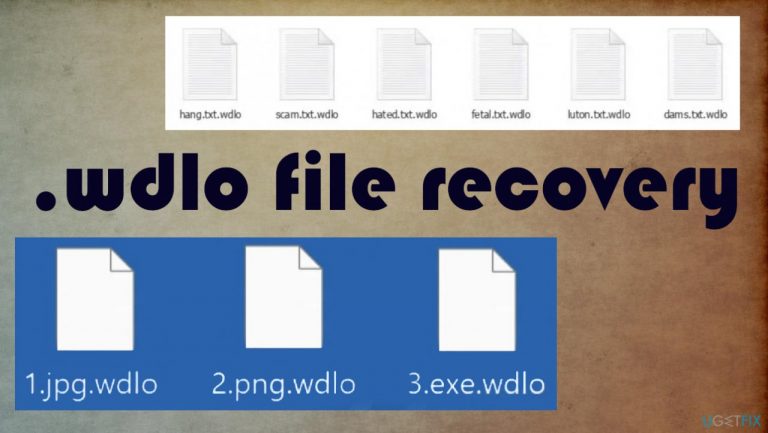
Wdlo ransomware files
from Windows
Recover your Wdlo ransomware files on Windows 10 or 11 effortlessly. Follow our expert-tested methods to restore your data safely and securely.

What leads to How to recover Wdlo ransomware files?
- Ransomware infection
- Files locked and encoded
- Original code altered
- No official decryption tools available
- Payment options offered by criminals
Repairs Windows system files, removes malware, and restores a clean OS state — without reinstalling.
Hello, my computer got infected with Wdlo ransomware. All files now are locked and I cannot open them to see what is there. My backups are not up to date, so I may lose many of these files because I have no option for recovery. I don't want to pay them of course. I hope that there are additional solutions here. Can you help me?
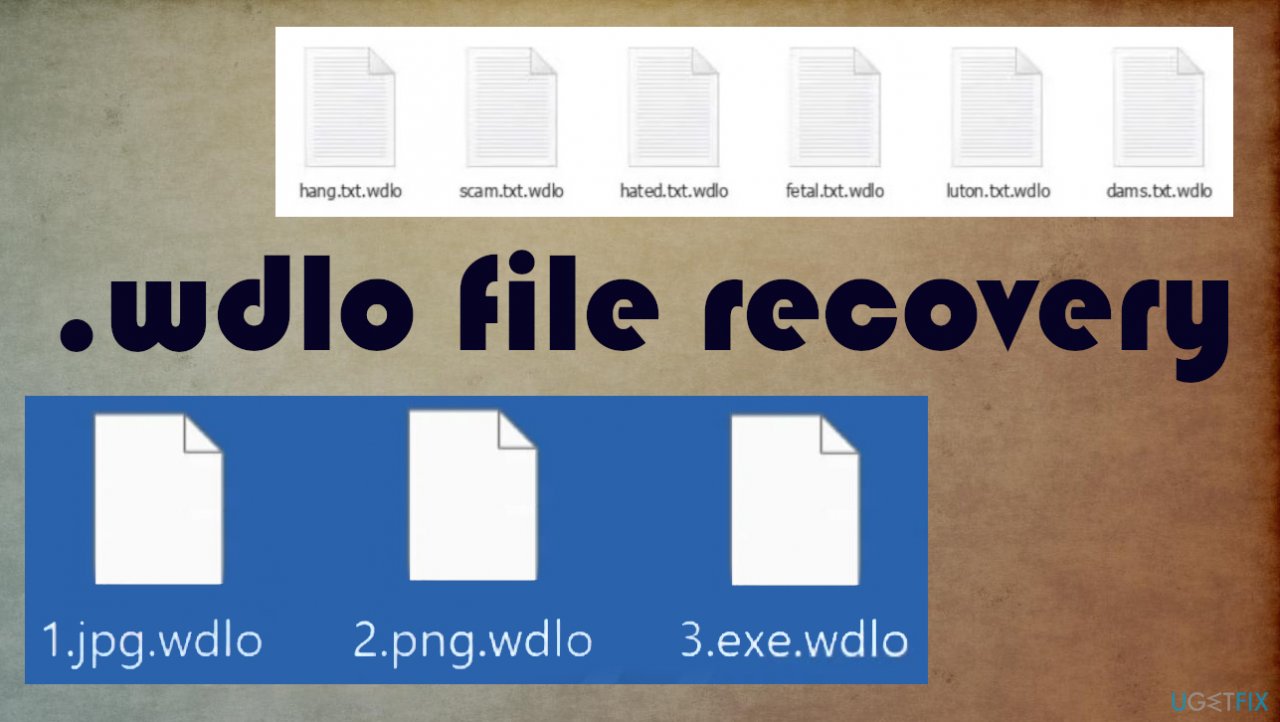
The threat that locks files and demands a ransom focuses on encryption procedure.[ref en-1] Wdlo file virus infects the machine quickly, but the ransom note _readme.txt appears only then when files are already locked and encoded. It means that the ransomware processes are done when people notice these issues.
Data is not easily recovered because the original code is altered. This is not reversible by hand and any everyday user is not capable of such a process. It is understandable that data is a serious issue and worry here, but the virus needs to be removed fully first, and only then things for file recovery can be done.
Wdlo ransomware virus overview
This threat is not new because the infection is a version of the Djvu ransomware threat. These versions come out weekly right now and this makes it difficult for the users and researchers. The file-locker is known since 2019 and these new versions come out altered slightly, so decryption tools cannot get developed that quickly. There are no official options for this.
The payment option is offered by the criminals and they even suggest paying in the first 72 hours, so the amount of the ransom starts with $490 and can go up to $980. This is not the best solution and users should never consider a money transfer because criminals use many techniques just to get payments from people.[ref en-2]
There are no guarantees for file decryption or recovery. Even if you pay up! We will try to list all possible options and alternate solutions for the file decryption and recovery. Your data backups can help, but not everyone has their files frequently backed up.
1. Terminate the infection
You need to remove the Wdlo ransomware and do that as soon as possible and as soon as those files get locked. That is crucial because when you remove the active virus from your machine you avoid the permanent damage and second round of file encryption. If the threat is still running on the computer and you add files from the backup, your data can get damaged again.[ref en-3]
Anti-malware tools are here for help because AV detection tools are the ones that can find malware files on the machine. Full system scans with antivirus tools or security software can indicate any possibly malicious programs and files, so you allow the elimination of the threat from the machine. The process is not recovering files or decrypting them, but terminating the virus stopping the ransomware from damaging the computer further.
2. Fix virus damage and corruption issues
Computer gets significantly affected when infections like this appear on the machine. Files need to be repaired and virus damage cleared out. Damaged system files can even lead to computer issues, so this is the indication for you to save the computer right away. Wdlo file virus is capable of affecting various processes to ensure persistence.
- Get [d1].
- Install the application on the machine.
- Run the full scan and wait for analysis.
- Follow the on-screen steps.
- Check the Summary.
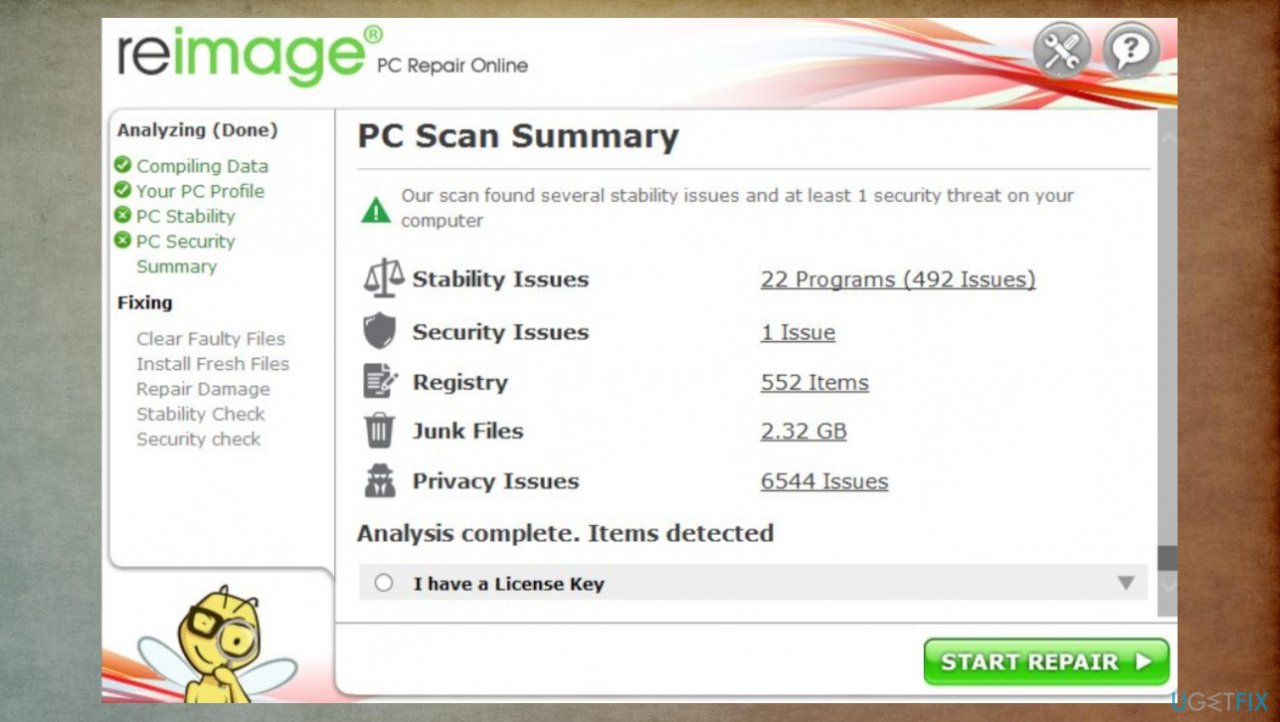
How to recover wdlo ransomware files reimage - You can fix issues manually from there.
- Purchasing a licensed version can help repair serious issues automatically too.
3. Check for the decryption possibility
Decryption tools are not easily created for these new threats. Especially when those programs get released altered and improved all the time. Decryption is possible right now when the offline keys are used in the file-locking process because obtaining one key helps to recover files for all victims of the same virus. These recent variants rely more on online keys, but C&C server connections[ref en-4] sometimes fail, so the tool might still work for you.
- Download the app from the official Emsisoft website.
- Launch decrypt_STOPDjvu.exe.
- Agree to License Terms by pressing Yes.
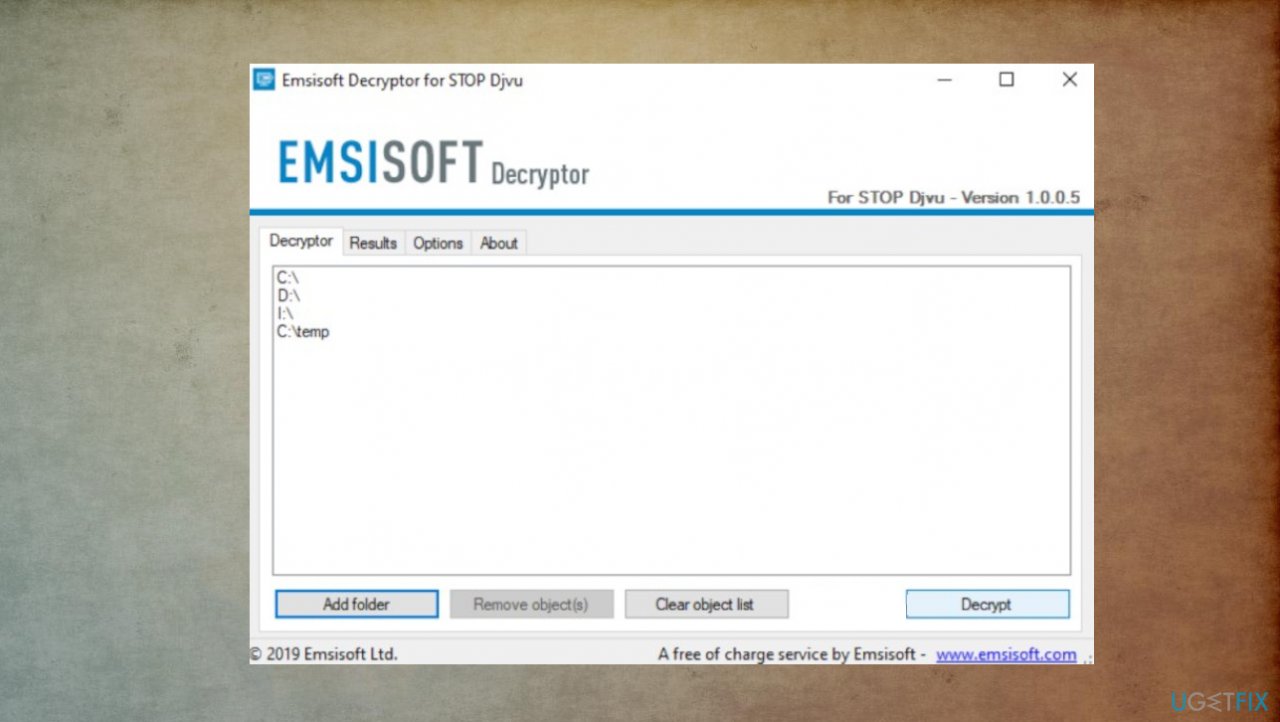
How to recover wdlo ransomware files decrypt - The tool should automatically populate the affected folders or you can do it by pressing Add folder at the bottom.
- Decrypt.
- Possible results after a scan:
Decrypted!
Error: Unable to decrypt file with ID:
This ID appears to be an online ID, decryption is impossible
4. Use data recovery software
- Get a tool that is designed to repair files like [rev id="Data Recovery Pro"].
- Follow installation instructions.
- Once that is finished, use the application.
- Select Everything or pick individual folders which you want the files to be recovered from.
- Press Next.
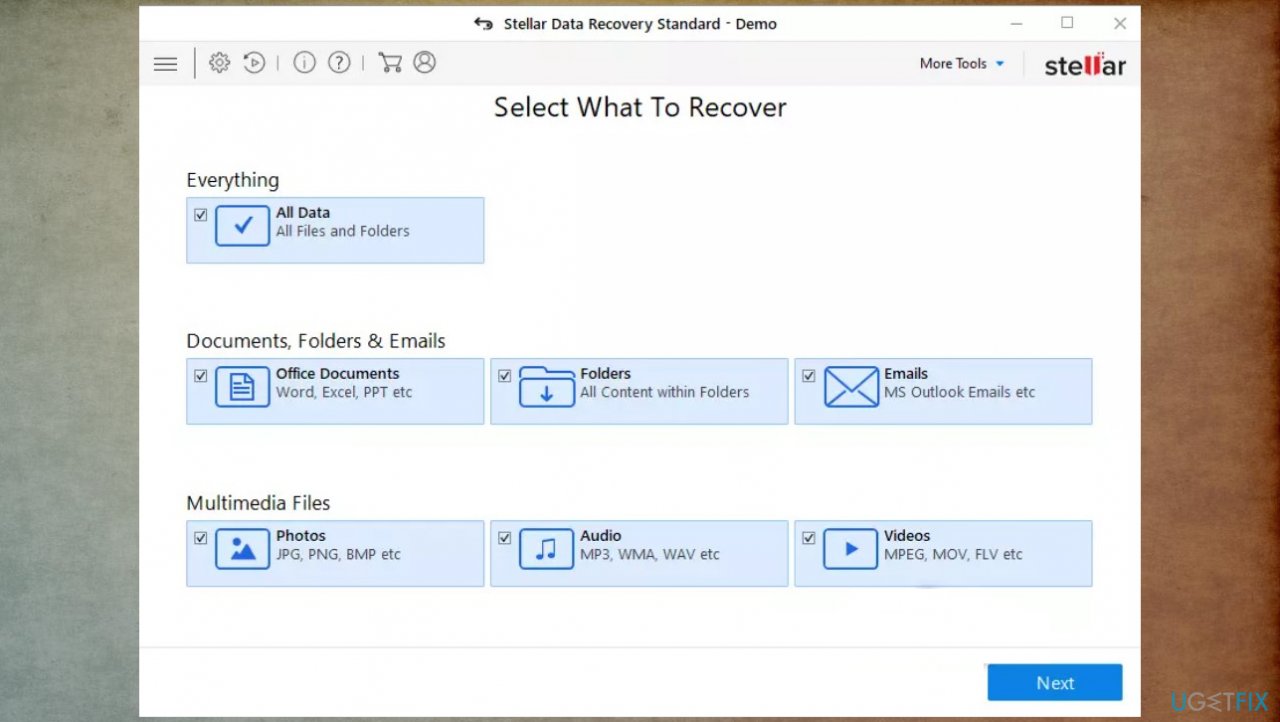
How to recover wdlo ransomware files data recovery - Enable Deep scan at the bottom.
- Pick which Disks you want to be scanned.
- Scan.
- Hit Recover to restore files.
An additional tip for media files
You can recover files of a particular type like media data with a Disktuna media repair tool for Djvu ransomware affected files. You can find it here.
Bottom line
To recover files affected by Wdlo ransomware, it is essential to first remove the virus completely. After that, users can explore options such as data backups or alternate solutions for file recovery. If none of these methods work, seeking professional help may be necessary.
Frequently asked questions
Immediately isolate the infected system to prevent further damage, then use a reliable antivirus tool to remove the ransomware. After that, check for any available backups or restore points to recover your files.
Yes, you can try using Windows File History or Previous Versions feature to restore earlier versions of your files, provided that these features were enabled before the infection.
Currently, there are no widely recognized decryption tools specifically for Wdlo ransomware, so your best bet is to restore from backups or seek professional data recovery services.




Report an issue
What's wrong with this guide? We review every report and update or remove content.
Report received — thank you. We'll review and fix it.
You need a free account to submit a report.
Be the first to comment