How to recover
Undelete files from USB drive
from Windows
Recover lost files from your USB drive effortlessly on Windows 10 or Windows 11. Follow our expert-tested methods to restore your data in minutes.

What leads to How to undelete files from USB drive?
- Accidental deletion of data from USB flash drive
- Failed transfer of data stored in the USB flash drive resulting in file deletion
- Accidental formatting of the device
- Unplug of the device during the transfer of the data
- Virus attack
Repairs Windows system files, removes malware, and restores a clean OS state — without reinstalling.
I saved a great amount of important data on a USB flash drive, but my brother deleted it since it is his USB and he wanted to create more space. Does anyone know how to recover deleted files from a USB flash drive?
Such and similar scenario might happen to everyone, can't it? That's why it's not recommended to store important data on the USB Flash drive only. In many cases, users ask how to restore data on USB drive[ref en-1] after accidentally formatting it or deleting the entire data. By the way, do not reject the fact that you may expose your USB flash drive to a virus-infected computer or even accidentally lose your device. The main causes of data loss on USB flash drive:
- Accidental deletion of data from USB flash drive,
- Failed transfer of data stored in the USB flash drive resulting in file deletion.
- Accidental formatting of the device.
- Unplug of the device during the transfer of the data.
- Virus attack.
Therefore, our advice in advance is to keep extra backups[ref en-3] of your data in order to prevent data loss. If, however, due to any of the aforementioned reasons you have just gone through that miserable experience of data loss on your USB device, don't lose hope! There is still a possibility to get your photos, files, music, videos, documents, and other important data back.
How to recover files from USB flash drive?
What can a person feel when he/she understands that all documents, photos or similar data that has no extra copies have been deleted from the USB flash drive? Of course, panic. Nevertheless, panic is the worst companion in solving problems. Instead of that, it's very important to think soberly, STOP using the USB drive (no data transfer, no connection to other PCs) and don't try to fix it manually since it's NOT possible. Otherwise, you may permanently damage deleted files and lose the possibility of recovering important data once and for all.
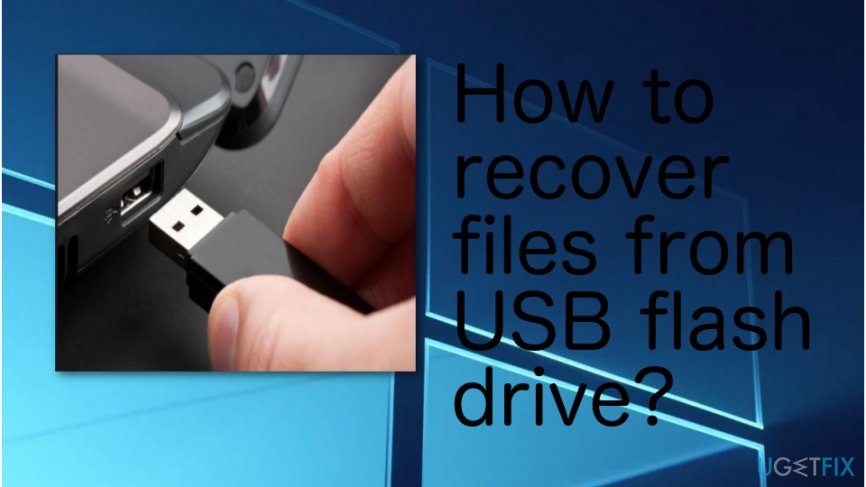
Method 1. Run Command Prompt
Continue with the following steps if you want to restore some files that were deleted from your USB drive for some type of reasons. Make sure that you perform each step as required.
- Plug the USB device from which important data was eliminated.
- Go to your Windows search zone and launch Command Prompt.
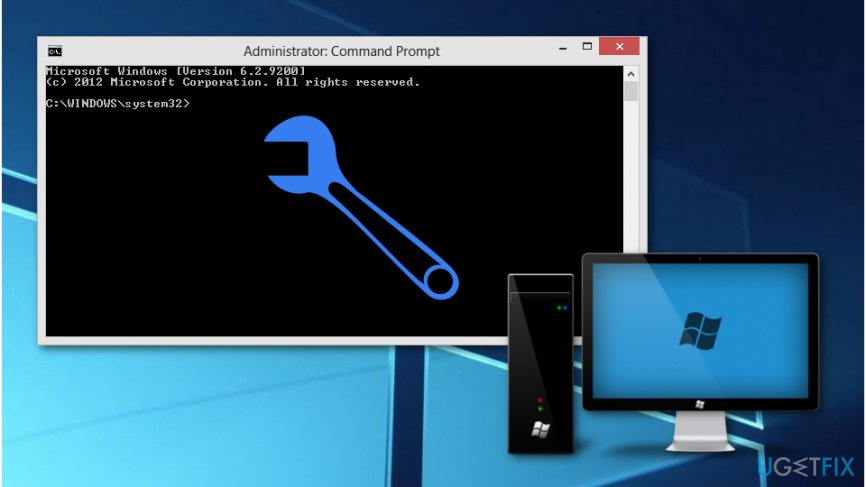
Fix with cmd - Once the black dialogue box opens, type in chkdsk H: /f by replacing the H which the name of your drive.
- Press the Enter key.
- After that, type in "Y" and select Enter.
- Type H by replacing it with your drive's name and hit Enter again.
- Continuously, write H:>attrib -h -r -s /s /d *.* (H is the name of the USB also).
- Select the Enter button.
Method 2. Use "Previous Versions" for file recovery
If the method that was given above did not appear to be successful, you can continue with this one.
- Select your Windows Start button.
- After that, choose Computer and open the Windows Explorer app.
- Find the file which is the data that has been deleted.
- Right-click on the file and choose Properties.
- After that, select the tab that says "Previous Versions".
- Choose the version of the data you want to recover and select Restore.
When you restore data that has been deleted from your USB device, the next time be more careful and think about the immunity of the data. Neither your computer nor USB flash drive is good storage for important data because they may be affected by various external causes. That's why we highly recommend you to backup files from time to time using CDs, DVDs, cloud storage, such as Dropbox, Google Drive,[ref en-2] Mega, etc. and other peripheral storage. This way, USB wreck will not be your wreck!
Bottom line
To recover deleted files from a USB flash drive, it is crucial to stop using the device immediately and avoid manual fixes. One method to attempt recovery is to run Command Prompt. If these methods do not work, consider seeking professional data recovery services.
Frequently asked questions
You can use the built-in File History feature or a third-party recovery tool to restore deleted files from a USB drive on Windows 10. Make sure to act quickly and avoid writing new data to the USB to improve recovery chances.
Yes, Windows 11 users can utilize the Windows File Recovery tool or data recovery software to retrieve lost files from a USB drive. Ensure that the USB drive is connected and follow the software instructions carefully.
If the files are not in the Recycle Bin, you can try using recovery software specifically designed for USB drives on Windows 10 or Windows 11 to scan and recover the files directly from the device.




Report an issue
What's wrong with this guide? We review every report and update or remove content.
Report received — thank you. We'll review and fix it.
You need a free account to submit a report.
Be the first to comment