How to recover
Unlock Apple device after [email protected] ransomware attack
from Windows
Unlock your Apple device post-ransomware while recovering files on Windows 10 or 11. Expert-tested methods ensure quick recovery and zero traces left.

What leads to How to unlock Apple device after [email protected] ransomware attack?
- Ransomware infection via [email protected]
- Lock-screen malware targeting iOS and macOS devices
- Demand for payment in Bitcoin to unlock the device
- Potential theft of Apple ID and iCloud credentials
- Criminals threatening to block all devices within 24 hours
Repairs Windows system files, removes malware, and restores a clean OS state — without reinstalling.
My iPhone screen is locked and asks to send an email to [email protected]. I am pretty sure it’s a virus because I was asked to pay 50 USD for unlocking the phone. Is there a way to get back my phone without paying?
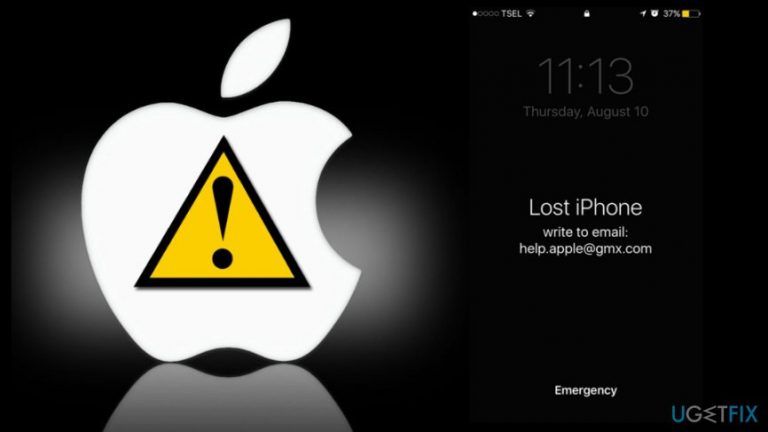
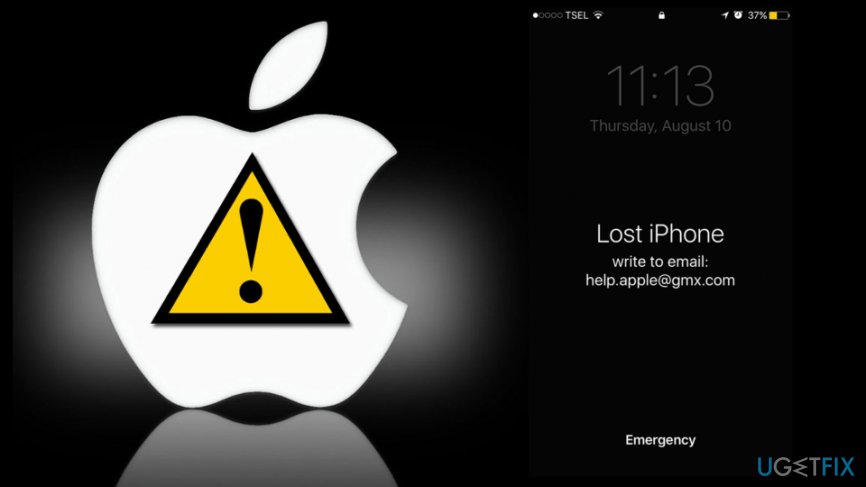
[email protected] ransomware is a lock-screen malware that aims ant iOS and macOS[ref en-1] devices. It is reported that malware aims at iPhones and MacBook Air laptops. Once the infection gets into the device, it locks the screen where crooks ask to contact them via [email protected] email address:
Hello! Your device is blocked for activation of device: pay $50 for a Bitcoin address. Inform us about the payment and we will send the passcode.
All your devices will be blocked within 24 hours if not receive payment.
Criminals who are standing behind this cyber threat demand to pay $50 for unlocking the device. Even though it’s a considerably small ransom, security experts do not recommend paying it.[ref en-2] It might not only be a motivation for cyber criminals to create further illegal projects, but they might ask for more money and never unlock your iPhone, iPad or MacBook.
Security experts claim that this threat mostly operates as screen-locker and barely can damage the system. However, it might be capable of stealing Apple ID and iCloud credentials[ref en-3] and enabling “Find My iPhone” feature. As a result, criminals have full access to the device.
Instead of paying the ransom, you should try to unlock the device yourself and terminate the virus.
Methods to remove [email protected] virus from the device
As you already know, you should not pay the ransom to get back access to your device. Thus, you should remove this Apple malware from the device by following these steps:
Step 1. Restart or force-restart your device
In order to restart your iPhone or iPad, follow these instructions:
- Press and hold the Sleep/Wake button until you see the slider on the screen.
- Then drag the slider for the shutdown.
- Press Sleep/Wake button again.
If [email protected] malware prevents from restarting the device, you can force re-start it.
Force re-start iPhone 6 and earlier version of the device:
- Simultaneously press and hold Sleep/Wake button and Home button for about 10 seconds.
- Release the keys when you see the Apple logo on the screen.
Force re-start iPhone 7 and iPhone 7 Plus:
- Simultaneously press and hold Sleep/Wake and Volume Down buttons for about 10 seconds.
- Release the buttons once you see the Apple logo on the screen.
If your MacBook suffered from he [email protected] virus, you could restore the device by removing the battery and inserting it again.
Step 2. Stop malicious processes and delete malware-related files
Once you unlock the device, you have to check for virus-related files and processes that might be running on the system:
- Open Finder, got to Applications.
- Open Utilities folder and access Activity Monitor.
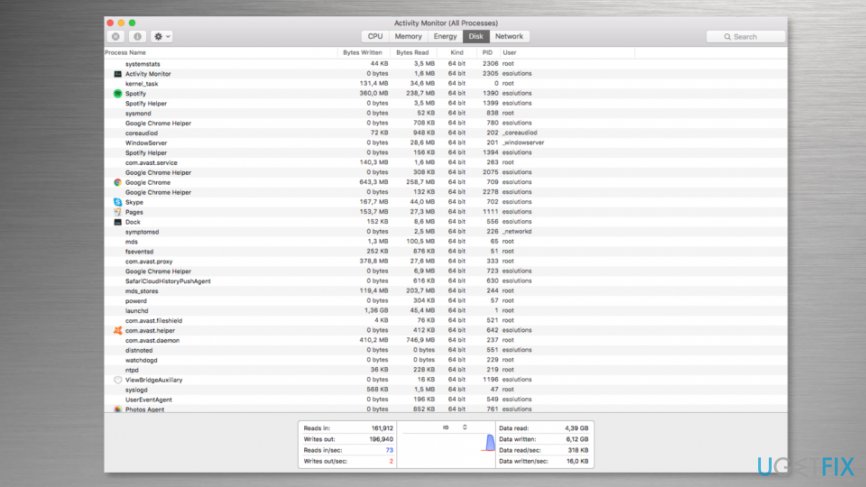
Open activity monitor on mac - Attentively look through the running processes. If some of the entries seem malicious, highlight the process with the mouse and click the “i” button located on the top.
- It will open a window with technical information.
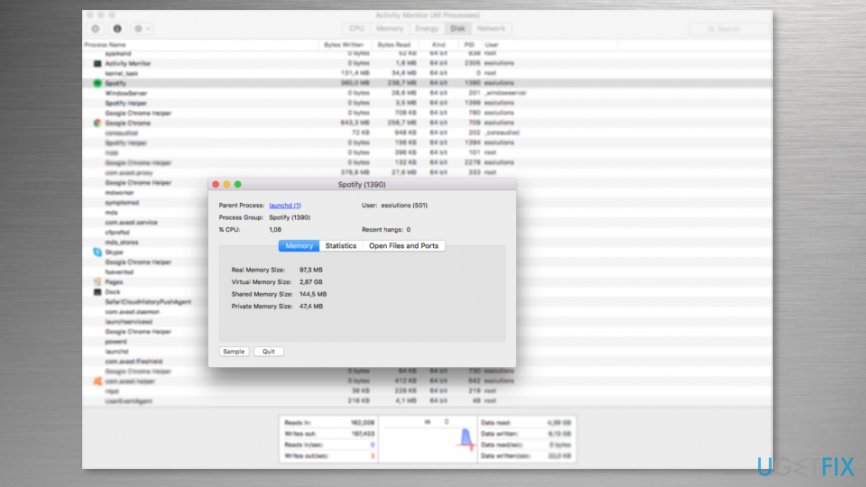
Technical information about the process - Click Sample button and wait until the file will be generated.
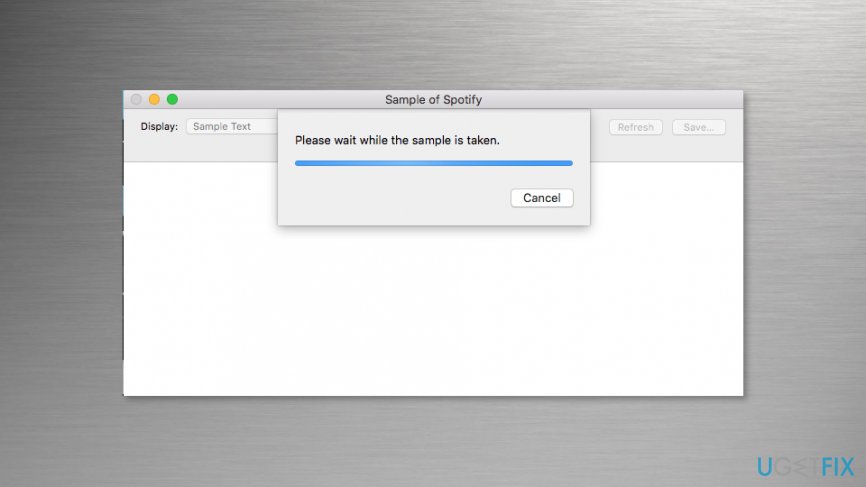
Creation of file sample - Check the file in Virus Total online scanner or antivirus program. If the file is identified as dangerous, delete it.
Note. You have to check all files that seem suspicious.
Step 3. Run security software
To make sure that [email protected] ransomware virus is terminated entirely, you should scan the system with reputable and updated security software. We recommend [rev id=”MacCleanse”] or [rev id=”MacKeeper”]. If some malicious entries were left on the system, your chosen security software will remove them.
Unlock hijacked iPhone by changing your Apple ID
- Go to iforgot.apple.com using your computer or another device.
- Choose “Forgot Apple ID?” option.
- Enter requires details: firs name, last name and email address.
- Click Continue.
- Enter the requested information and choose between two options how you want to reset your password - get an email or answer security questions.
- Follow the further instructions to reset the password.
What should you do if nothing has worked?
In some cases, ransomware prevents from restarting and force re-starting computer. If you found yourself in such an unpleasant situation, you should contact Apple Support. The specialists will provide you further instructions how to get back access to your device.
Keep in mind that paying the ransom should not be considered! There’re no guarantees that authors of the ransomware will provide a working solution.
Bottom line
To unlock your device, you should first attempt to restart or force-restart it. If these methods do not work, consider further troubleshooting steps to remove the malware. If none of these solutions are effective, seek professional assistance.
Frequently asked questions
First, disconnect your device from the internet to prevent further data loss. Then, use a reputable antivirus software to scan and remove the ransomware.
Yes, you can try restoring files from a backup if you have one, or use file recovery software to attempt to recover lost files.
You can perform a system restore to revert your settings to a previous state or reset your PC through the Settings menu to remove any malicious changes.




Report an issue
What's wrong with this guide? We review every report and update or remove content.
Report received — thank you. We'll review and fix it.
You need a free account to submit a report.
Be the first to comment