How to remove
Npmozcouponprinter.dll file
from Windows
Easily remove the Npmozcouponprinter.dll file from your Windows 10 or Windows 11 system. Say goodbye to unwanted clutter with expert-tested methods.

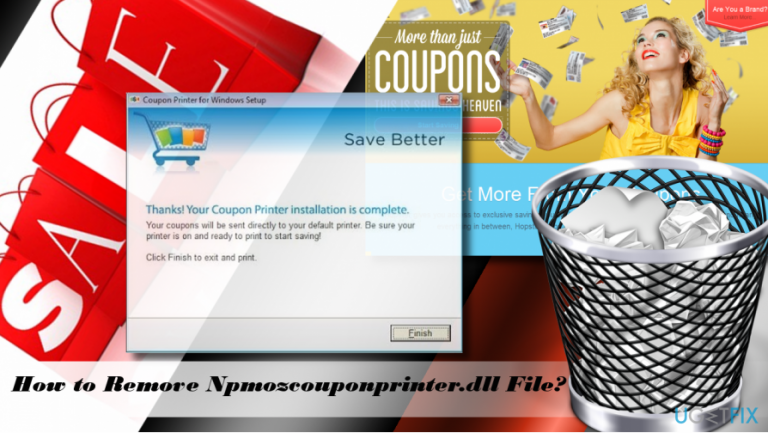
How does How to remove Npmozcouponprinter.dll file from Windows end up on your PC?
- Returns an error
- Consumes too much CPU
- Associated with potentially unwanted program (PUP)
- Displays third-party ads
- Injects CouponBar toolbar by default
Repairs Windows system files, removes malware, and restores a clean OS state — without reinstalling.
Could someone please tell me how should I find and remove the npmozcouponprinter.dll? My PC runs Windows 10 (V1703).
Npmozcouponprinter.dll file is not a component of Microsoft Windows operating system. Therefore, it can be disabled, modified or removed if required. Up-till-now, not many people expressed interest regarding npmozcouponprinter.dll removal, but for the last couple of month, the number of related threads increased. UgetFix team initiated a research on this file and found our several interesting details.
Npmozcouponprinter.dll is associated with the Coupon Printer software utility. It has been circulating on the internet for several years and has a relatively big number of users. Coupon Printer is powered by Coupons.com Incorporated and represented as a coupon supplier, which is supposed to increase people’s saving. It offers people coupons with the 10%, 20%, 30%, and even 50% off, which can be utilized at retailer stores from coupons(dot)com. However, in 2015, security experts discovered suspicious activity performed by this tool and classified it as potentially unwanted program (PUP) or adware. For example, Coupon Printer has been accused of spreading via software packages, displaying third-party ads, injecting CouponBar toolbar by default, runs several processes in the background (including Npmozcouponprinter.dll), diminished web browser’s performance, and so on.
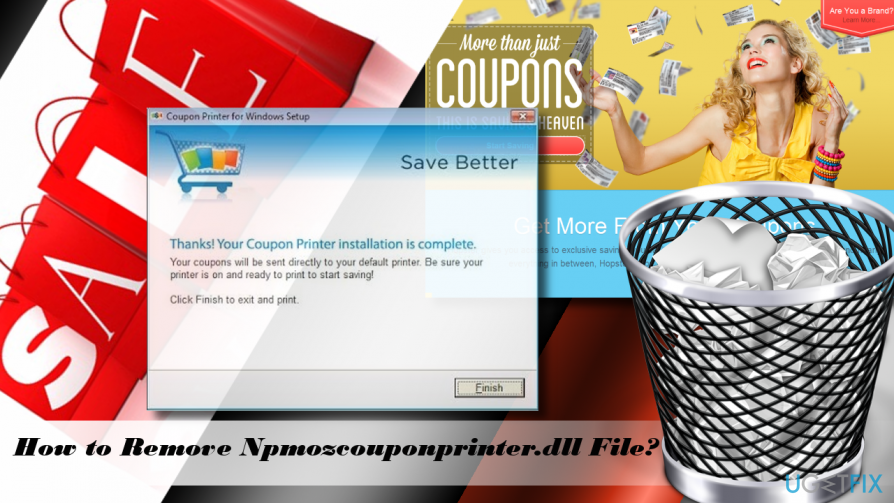
It would be useful to know what exact reasons prompt people to draw their attention to Npmozcouponprinter.dll file and opt for its removal. Maybe it returns an error or consumes way too much CPU? Probably yes. In this case, the Npmozcouponprinter.dll removal would be clever, but the problem is that you won’t be allowed to remove or modify the stand-alone file. To remove it, you will have to remove the root software, which is Coupon Pinter adware.
Few people reported that they get a warning from McAfee, which reports Adware Generic7.GVZ in the Npmozcouponprinter.dll. Unfortunately, the software starts buffering and fails to remove the Adware Generic7.GVZ. That explains the fact why people started asking how to fix Npmozcouponprinter.dll error.
A guide on how to remove the Npmozcouponprinter.dll file from Windows
If you have been using Coupon Printer purposely, most probably you tied up the software with the Adware Generic7.GVZ infected Npmozcouponprinter.dll file. In case the software was installed along with another third-party utility and you did not know that, it may be difficult to isolate the culprit. One way or another, we’ll explain you what to do.
To start with, you will have to uninstall Coupon Printer adware. For this purpose, you should either run a scan with a professional anti-malware utility, for example, [d1] or perform its removal manually. In this case, we would recommend excluding McAfee antivirus from the list of tools suitable for the Npmozcouponprinter.dll and Generic7.GVZ removal. Security tool should automatically detect unwanted program, it’s components, processes, and registry entries, so Npmozcouponprinter.dll file should also be eliminated. After that, you should reset your web browser to disable Coupon Printer add-on and other unwanted add-ons permanently. If you opt for removing Npmozcouponprinter.dll manually, you should follow these steps:
- Boot your system into Safe Mode.
- Disable Coupon Printer related processes via Task Manager. To do that, press Ctrl + Shift + Del, open Processes tab, and find unknown/suspicious processes that contain "coupon," "print" or similar words in their names. Click them and select End Task.
- After that, Right-click on Windows key and select Control Panel.
- Open Programs & Features and look for the Coupon Printer.
- Click it and select Uninstall.
- Follow the on-screen instructions and the click Remove on the confirmation pop-up.
- After that, launch your web browser and reset it.
- Finally, reboot your PC.
Bottom line
To remove the Npmozcouponprinter.dll file, you need to uninstall the root software, which is the Coupon Printer adware. If you encounter issues with McAfee reporting Adware Generic7.GVZ, it may fail to remove it. If these steps do not resolve the problem, consider seeking further technical assistance.
Frequently asked questions
Npmozcouponprinter.dll is a dynamic link library file associated with coupon printing software, which may have been installed inadvertently. It can slow down your system and may pose security risks if not removed.
You can remove Npmozcouponprinter.dll by uninstalling the associated program via the Control Panel or Settings app, followed by running a malware scan to ensure complete removal.
If Npmozcouponprinter.dll keeps coming back, it may be reinstalled by a related program or malware; ensure to check your installed applications for any suspicious software and run a thorough antivirus scan.




Report an issue
What's wrong with this guide? We review every report and update or remove content.
Report received — thank you. We'll review and fix it.
You need a free account to submit a report.
Be the first to comment