How to fix
ITunes Error 1671
on Windows
Troubleshoot iTunes Error 1671 on Windows 10 and 11 effortlessly. Follow our expert-tested solutions to get your music back in minutes!

What causes How to fix iTunes Error 1671?
- Antimalware program interference
- Antivirus program interference
- Issues with the host file
- Connection problems between iTunes and iOS device server
Repairs Windows system files, removes malware, and restores a clean OS state — without reinstalling.
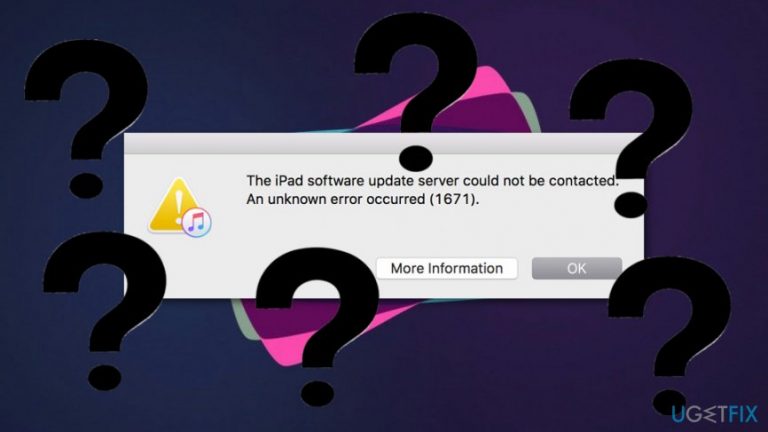
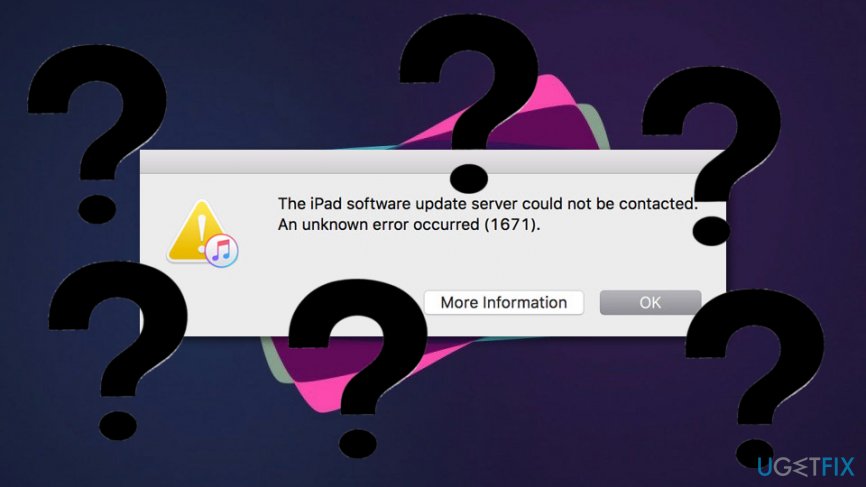
Good morning. I have come here with a certain question. Yesterday I tried to restore my iPad device via iTunes, however, I could not succeed in this process and received a message which said: "The iPad software update server could not be contacted. An unknown error occurred (1671)". What does this mean? Is there a way to fix this issue?
We are glad that you have contacted us with this problem, and we are going to try to provide as many fixing steps as possible. However, first, let us provide you with some information about this error code. iTunes Error 1671 often bothers iOS users[ref en-2] while performing a restore or some updates on Apple devices such as iPhone, iPad, and iPod.
It is known that the iTunes Error 1671 can be caused by more than one reason. As we can see, you also have overcome the error message while trying to restore your Apple device via the iTunes application.[ref en-3] According to the Apple organization, such problem bothers many iPad and iPhone users when they try to synchronize, restore, or perform updates to their device via iTunes.
Furthermore, Apple also has claimed that this error might appear due to some third-party programs which might prevent proper connection between iTunes[ref en-1] and the iOS device server. However, we have provided some steps how to try to fix iTunes Error 1671. Complete each method as shown in the instructions and you should reach successful results.
How to fix iTunes Error 1671?
Method 1. Try to update the device again
- Deactivate the antimalware program you have installed on your Mac computer.
- Restart your iPhone, iPad, or iPod device.
- Connect the device to your computer.
- Activate the iTunes app.
- Try to perform updates.
Method 2. Fix the error via your Mac machine
- Disable the antivirus program that is running on your Mac.
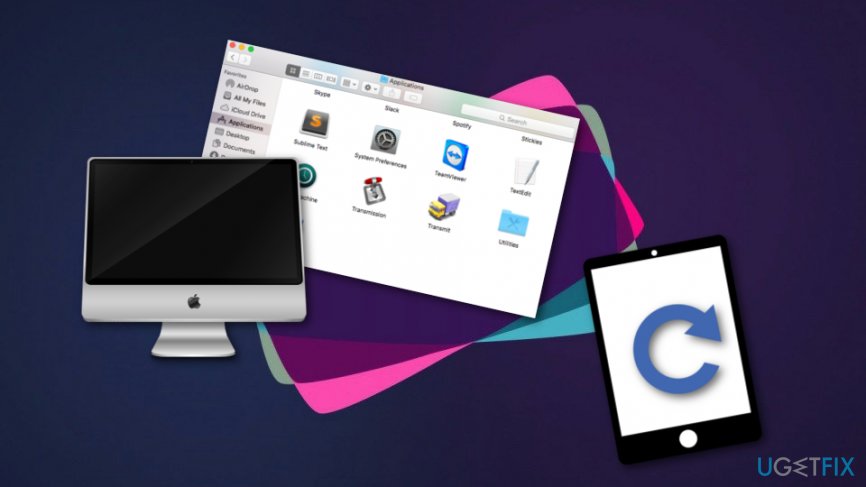
- Open the Finder application and find the "host" file.
Fix method - Drag the file to your desktop.
- Go to the Finder menu bar.
- After that, choose Go ---> Go To Folder.
- Once a box appears, type in: /private/etc/hosts.
- When a new Finder window appears, drag the host file to your desktop.
- Memorize the location of the file.
- Open iTunes and restore your iPhone or iPad.
- Once you are finished, find the "host" file that you have dragged to your desktop and bring it to its original location.
Method 3. Take care of the error by performing all needed updates
- Update the antivirus software that you have on your PC.
- Update your iDevice. Make sure that it has the latest version of iOS.
- Make sure that you have performed all the recommended updates on your computer also.
Fix method 3
Method 4. Use the DFU mode to take care of the error
- Connect your iDevice with a USB cable to your PC.
- After that, press and hold the Wake/Sleep and Home buttons together.
- Now, take your finger of the Wake/Sleep button but continue holding the Home button.
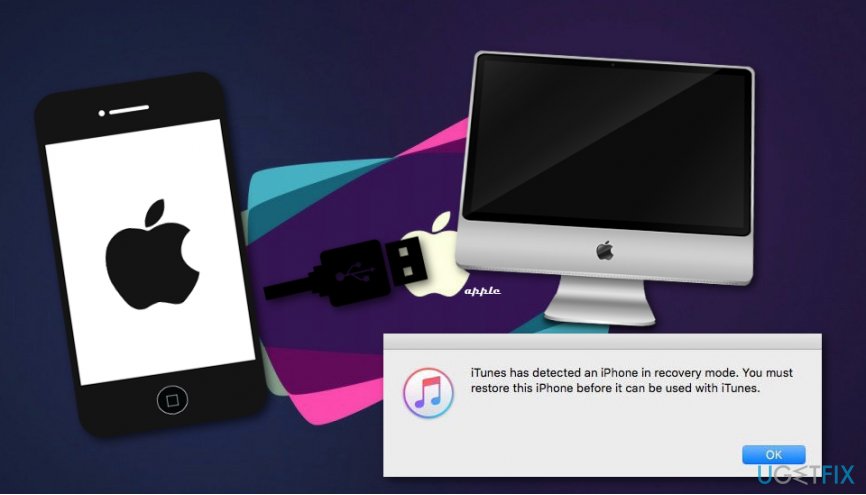
- After that, you should receive a message which says: iTunes has detected an iPhone in recovery mode. You must restore this iPhone before it can be used with iTunes.
Fix method 4 - Take your finger of the Home button.
- Restore your iDevice.
- If it does not work, try completing the steps all over again.
Bottom line
To fix iTunes Error 1671, you can try updating the device again after deactivating any antimalware programs, or you can address the error via your Mac by disabling the antivirus and modifying the host file. If these methods do not resolve the issue, consider seeking further assistance or checking for additional troubleshooting steps.
Frequently asked questions
iTunes Error 1671 typically indicates a problem with the iTunes installation or a communication issue between your device and the software. This error often arises during the update or restore process.
To fix iTunes Error 1671 on Windows 11, try uninstalling and reinstalling iTunes, ensuring you also remove any related components like Apple Mobile Device Support and Bonjour. Additionally, check for Windows updates and make sure your USB connections are secure.
To prevent iTunes Error 1671 on Windows 10, keep your iTunes software updated and ensure that your device drivers are current. Regularly check for Windows updates and avoid using third-party software that might interfere with iTunes.




Report an issue
What's wrong with this guide? We review every report and update or remove content.
Report received — thank you. We'll review and fix it.
You need a free account to submit a report.
Be the first to comment