How to fix
Netflix proxy error
on Windows
Resolve the Netflix proxy error on Windows 10 or 11 quickly and easily. Enjoy seamless streaming with our expert-tested solutions. Fixed in minutes!

What causes How to fix Netflix proxy error?
- Using a VPN or proxy service
- Netflix's detection of VPN/proxy IP addresses
- Geographical restrictions on content
- Copyright issues related to different packages for different countries
Repairs Windows system files, removes malware, and restores a clean OS state — without reinstalling.
Hello, I tried bypassing Netflix restrictions by using a VPN. However, I get the error which prevents me from viewing any content. Is there any way to fix this?
Netflix is one of the largest media service providers in the world, with over 150 million users worldwide.[ref en-1] Besides the US, the service is available in 200 other countries, including the United Kingdom, Germany, France, Norway, Brazil, Canada, Philippines, and many others.
However, there are four countries that do not employ Netflix services, including:[ref en-2]
- China
- North Korea
- Crimea
- Syria
China uses its own firewall to prevent foreign video service streaming, while other mentioned countries suffer from war or use anti-US propaganda. Such censorship might prevent users from accessing all-time favorite shows, such as House of Cards, Black Mirror, Stranger Things, and many others. Additionally, the content of Netflix UK differs from materials provided in the US version, for example (the largest library is in the US for obvious reasons).
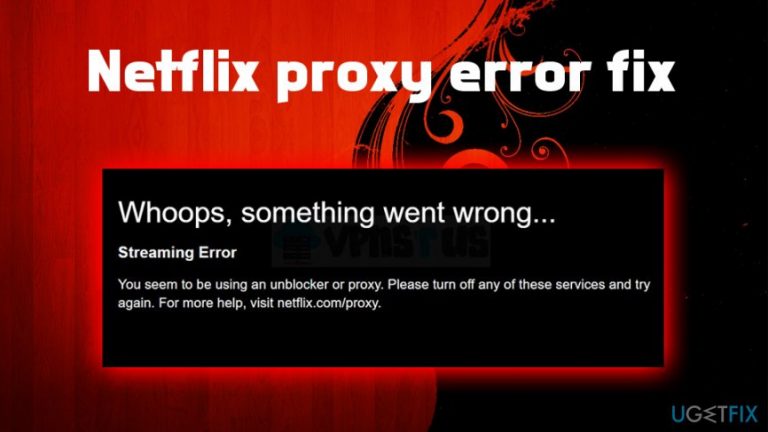
Therefore, many users are looking to bypass the restrictions set up by using Proxies or VPN (Virtual Private Network) services. Unfortunately, many also notice that they are greeted with Netflix proxy error (netflix.com/proxy), which states:
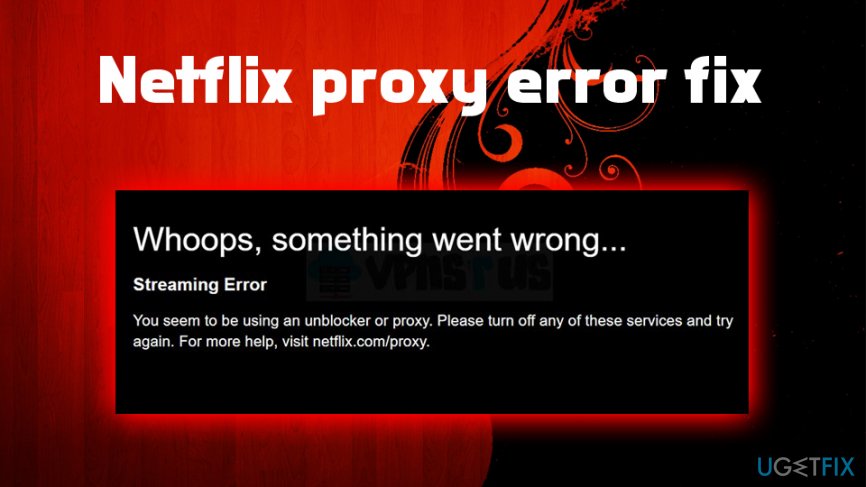
Whoops, something went wrong.
Streaming error. You seem to be using an unblocker or proxy. Please turn off any of these services and try again.
Proxies and VPNs serve as alternative routes which provide users with anonymous connections, consequently hiding their original location, and bypassing Netflix' proxy/VPN ban. However, the video streaming giant is more than aware of that and uses a predetermined list of IP addresses used by most popular VPNs (such practice was first implemented in 2016,[ref en-3] and continues up to this day).
VPN and proxy are useful tools that provide complete anonymity, preventing data tracking, which is currently a big problem among consumers. While GDPR and similar implementations help with privacy, VPNs and proxies are the way to go if you want to take matters into your hands.
The reason for Netflix proxy and VPN ban is copyright issues - the company is using different packages for different countries as per deals, to avoid lawsuits. Therefore, Netflix will not unblock these restrictions any time soon and is definitely doing an excellent job by detecting most IP addresses used by VPNs.
Thus, many users are asking: "How to bypass Netflix proxy error?." To do that, you will have to use a VPN service that works with Netflix. Below you will find a list of VPN services that would fix the Netflix proxy error, as its servers provide a variety of IP addresses, which prevents its detection.
Option 1. Private Internet Access
[rev id="Private Internet Access"] is a relatively new player in the VPN scene but already has been nominated for being one of the best anonymous browsing service providers in the world. Developed in the US in 2010, the company behind the software was successful in providing reliable and stable connections across the globe.
There are several features that are being praised by the community:
- Over 2,500 servers in 77 countries to choose from
- Dedicated streaming servers
- Super-fast connection speeds
- Multi-platform compatibility
- Military-grade encryption of online data
- Strict zero-logs policy
- Layered security scheme
- Advanced VPN tunneling.
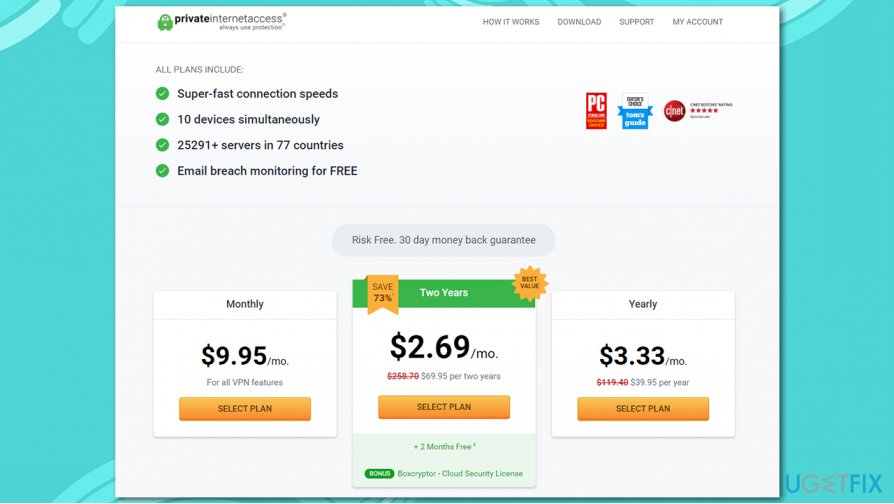
And that is not all! If you decide to use PIA to avoid Netflix proxy errors, you will be able to connect to 10 devices simultaneously without any extra charges. As for extras, you will also acquire a free ad-blocker, as well as an email breach monitoring service, which would improve your online safety and security - all for free!
With this VPN, you will not only unlock Netflix, Disney+, or Amazon Prime Video, you will also be able to enjoy streaming without any buffering thanks to its impressive connection speeds. Do not delay and download [rev id="Private Internet Access"] now, and it can be yours for only $2.69/mo. No risks involved - if you don't like it, you can get all your money back within 30 days of purchase.
Option 2. NordVPN
NordVPN is one of the largest VPN service providers. It offers its services to PC, Mac, Android, and iPhone users, which is an excellent functionality if you are using different platforms.
One of the key features of NordVPN is ease of use, as its setup only takes a few minutes. Additionally, its UI provides easy access to various servers.
NordVPN provides over 5,000 servers in 57 countries, including the UK, US, Mexico, Romania, Italy, Japan, Norway, Iceland, Israel, and many others. Additionally, this VPN can grant access not only for Netflix but also for other streaming sites, such as Amazon or Hulu. Finally, NordVPN is one of the cheapest providers around, as it costs only $107 for 3 years.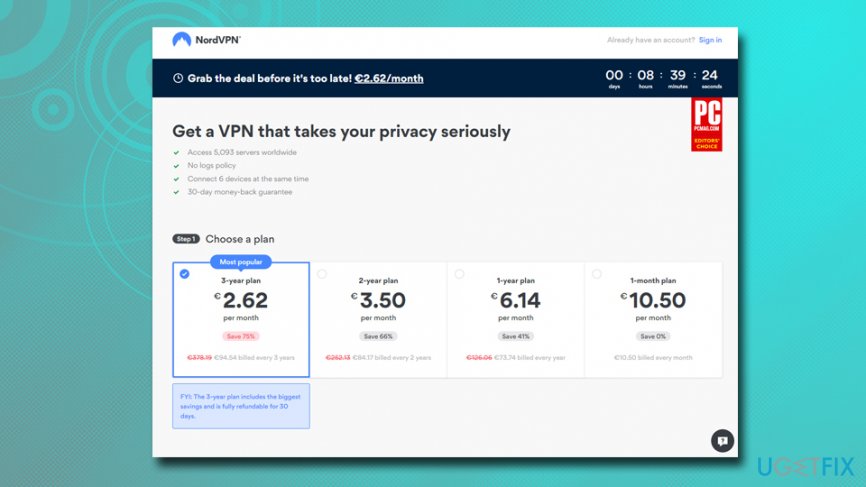
Option 3. ExpressVPN
ExpressVPN is one of the fastest VPN providers around, providing reliable performance, all while maintaining your privacy. Note that multiple similar tools, which are initially developed to provide anonymity, often track users' data, including technical information, visited sites, and similar.
ExpressVPN provides all-around technical support 24/7 and can link users to 94 countries around the world, providing unlimited access to different IP addresses and providing access to Netflix, Hulu, BBC, Amazon, iPlayer, and many others.
That being said, the quality of this tool is obviously not free, and its services can cost up to $13 monthly. Nevertheless, ExpressVPN offers a 30 day trial period with a money-back guarantee.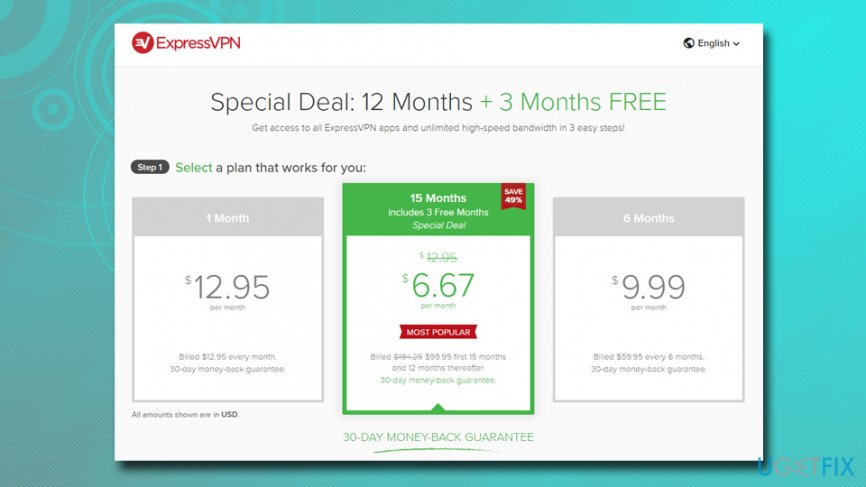
Option 4. StrongVPN
Along with the fact that StrongVPN can fix Netflix proxy error, it is also one of the cheapest options available, especially if you are mainly interested in the US or UK shows. As evident, your best bet would be subscribing for a year, which would cost you $69.99 in total. StrongVPN also offers a money-back guarantee.
StrongVPN provides 650 servers in 20 countries (which may seem quite limited in comparison to others, although it does not matter much if your interest is unblocking Netflix) and never logs your online activities.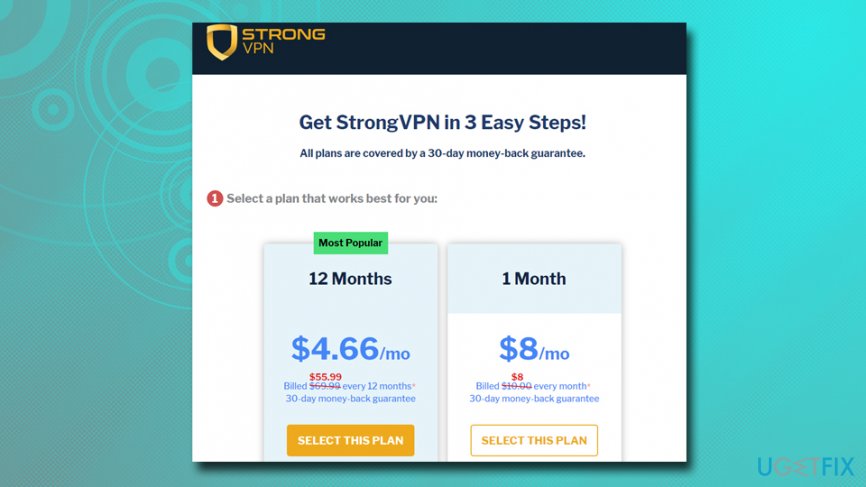
Option 5. PrivateVPN
While PrivateVPN is one of the smaller providers, it can unblock various streaming services and help you fix Netflix proxy error in over 20 countries. Besides, its no logs policy and fast speeds compensate for any negatives. The service is available on Windows, macOS, iOS, Android, and Amazon Fire.
PrivateVPN is as well one of the cheaper options, as some deals provide a price of only $1.89 a month if a 24-month plan is chosen. Despite being relatively inexpensive, it provides an impressive amount of simultaneous connections - 6. 
Option 6. PureVPN
PureVPN is a great option for those who want to fix Netflix proxy error and keep their browsing history private. The service, which provides access to 2,000 servers in 140 countries, allows users to connect to it on desktops, mobiles, gaming consoles, routers, TVs, etc.
PureVPN allows 5 simultaneous connections, which is ideal for large families. Besides its impressive capabilities, the service is relatively cheap, with some offers reaching $1.82 monthly payment.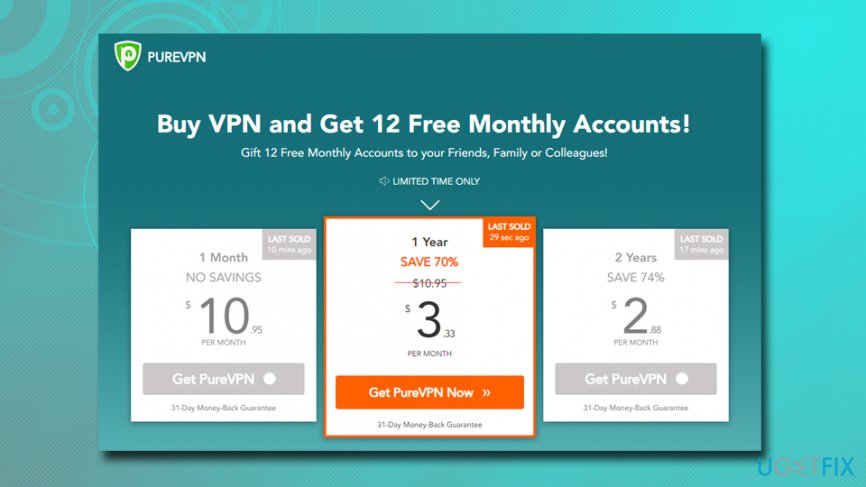
Bottom line
To fix the Netflix proxy error, you can try disabling your VPN or proxy service, using a different server, or choosing a VPN that is known to work with Netflix. If none of these solutions work, consider contacting your VPN provider for assistance or checking for updates on their compatibility with Netflix.
Frequently asked questions
First, try disabling any VPN or proxy settings in your network configuration, as Netflix often blocks these services. If the issue persists, clear your browser cache or use the Netflix app on Windows 10 instead.
Yes, you can attempt to fix the error by logging out of Netflix and then logging back in, which may refresh your connection. Additionally, ensure your Windows 11 is updated to the latest version.
Yes, incorrect DNS settings can lead to the Netflix proxy error; consider switching to a public DNS like Google DNS (8.8.8.8 and 8.8.4.4) in your Windows network settings.




Report an issue
What's wrong with this guide? We review every report and update or remove content.
Report received — thank you. We'll review and fix it.
You need a free account to submit a report.
Be the first to comment