How to fix
Games missing from Facebook Gameroom – how to fix
on Windows
Fix missing games in Facebook Gameroom on Windows 10 or 11 effortlessly. Get expert-tested solutions to restore your gaming experience in minutes.

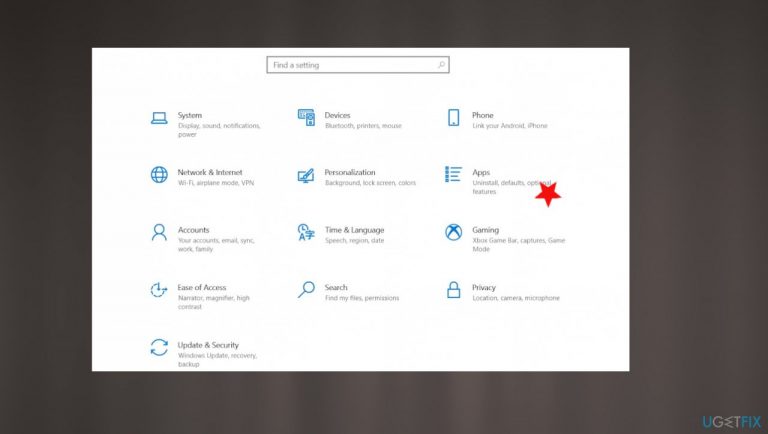
What causes Games missing from Facebook Gameroom – how to fix?
- Recent update causing missing games
- Errors during installation or updating games
- End of Flash affecting Facebook Gaming
- Malware affecting functions and system files
- Need for program or OS updates
Repairs Windows system files, removes malware, and restores a clean OS state — without reinstalling.
Hey, I use the Gameroom App on my Windows 10 PC. I have some missing games from the app. I haven't changed anything. I had a whole list of games, and after the recent update, I suppose, it is missing. Can you help me fix Facebook Gameroom not working problem?
Games missing from Facebook Gameroom appears to be an issue for a while. Facebook is a popular platform, and interest in the gaming section pushed developers to release Facebook Gameroom for Windows. This is the easier way to install and play various online games.
Users who encountered this Games missing from the Facebook Gameroom problem[ref en-1] state that the application has various issues. Errors occur when installing or updating games on the app. Some minor issues can be fixed by reinstalling the program or updating the app/OS.
Games that are accessible on the browser can be consuming, so people get excited when such a function is easy to start and play on your own device. However, these issues and the need to fix Games missing from Facebook Gameroom or different errors can build frustration.
Facebook Gameroom not working is the possible issue that can be triggered by the end of Flash at the end of 2020.[ref en-2] It was the change that made some improvements for Facebook Gaming and caused issues for developers, but users shouldn't be affected that much. So this is not the root cause for the Games missing from Gameroom.
Updating the program or operating system can help fix some of the problems with applications and launching. Quick patch for bugs and system files can improve the performance significantly. Facebook Gameroom can trigger issues when it is not opening or downloading, installing the app or the wanted games.
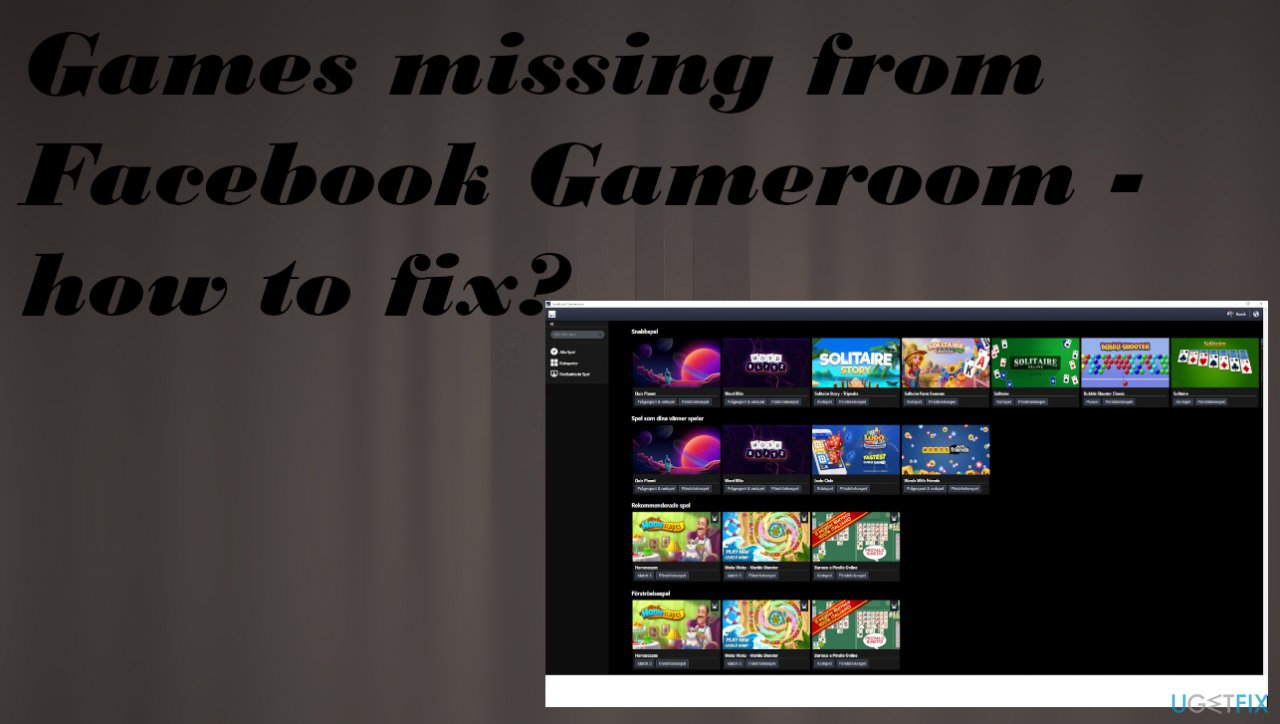
How to fix Games missing from Facebook Gameroom
Facebook Gameroom not working issue is not the problem with a computer system or the security.[ref en-3] However, running a tool like the anti-malware program or security application could improve other things than just the security. Also, since malware affects some of the functions and even system files, running programs like [d1] could repair some of the registry entries other files in the system and help to fix problems with applications and general functions of the computer.
Some of the fixes for the Games missing from Facebook Gameroom could include troubleshooting the installation or opening issues. You need to install a compatible .NET Framework depending on the version of your Windows system. You might also want to reinstall the app entirely or start downloading the wanted game again if that is the issue if you encounter.
Run the app in compatibility mode to fix Games missing from Facebook Gameroom
- Right-click the application and go to Properties.
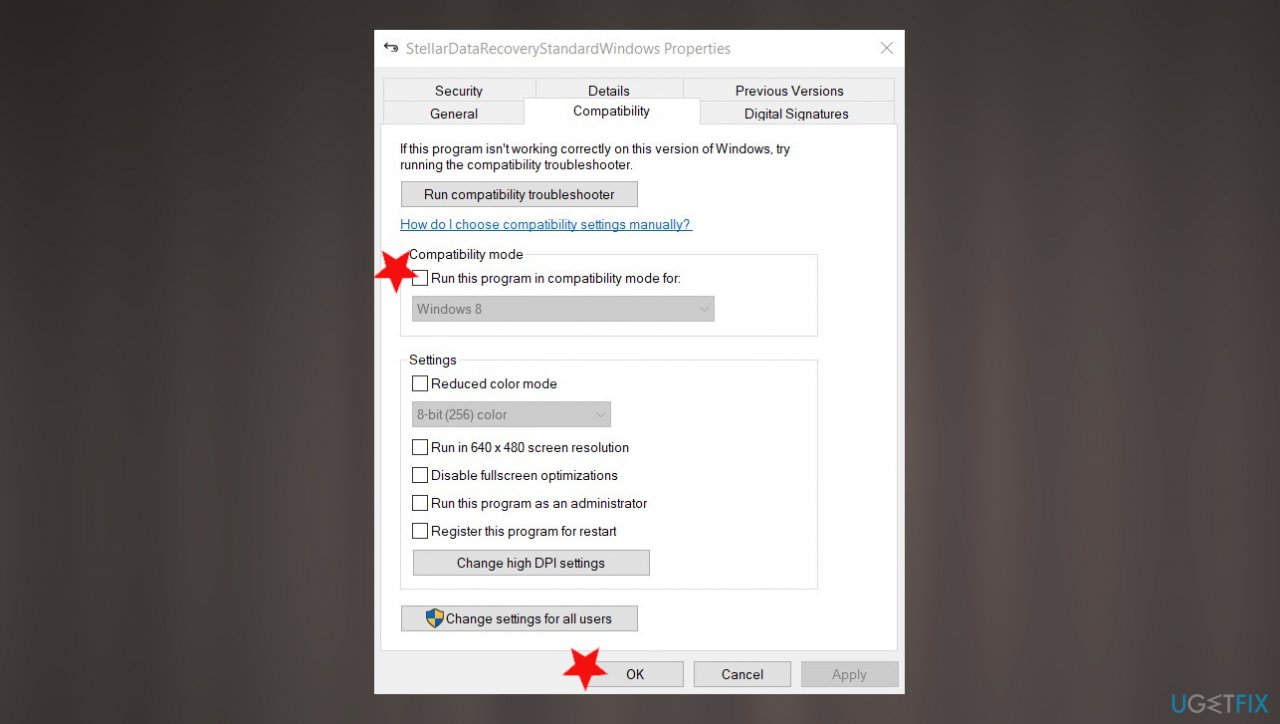
Gameroom games mising compatibility - Click on the Compatibility tab and then uncheck the box next to Run this program in compatibility mode.
- Hit Apply and run the program again.
Run program as an administrator
- Click Start and search for the Programs.
- Once there, right-click the app and click Run as administrator.
- Put in passwords and confirm.
- Click Continue.
Uninstall Facebook Gameroom
- Right-click Start and choose Apps and Features or go to settings and click on Apps.
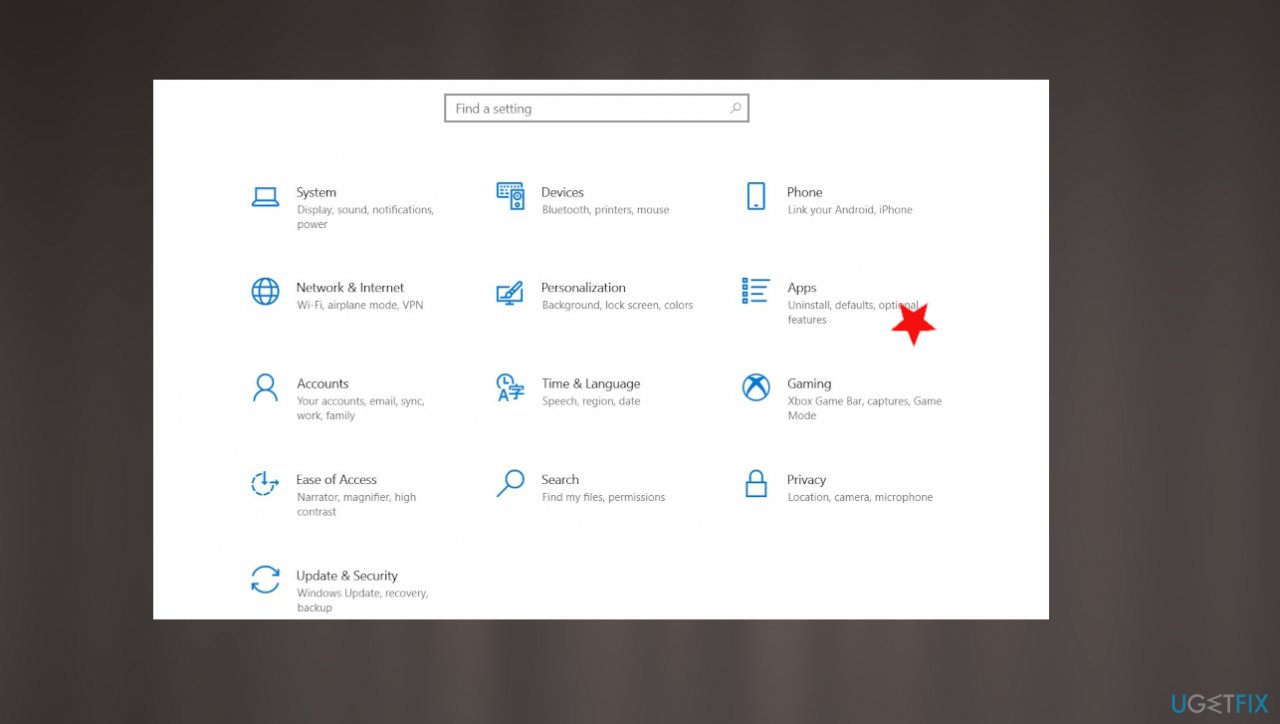
Gameroom games mising fix apps - Find Facebook Gameroom from the list and click the program.
- Select Uninstall.
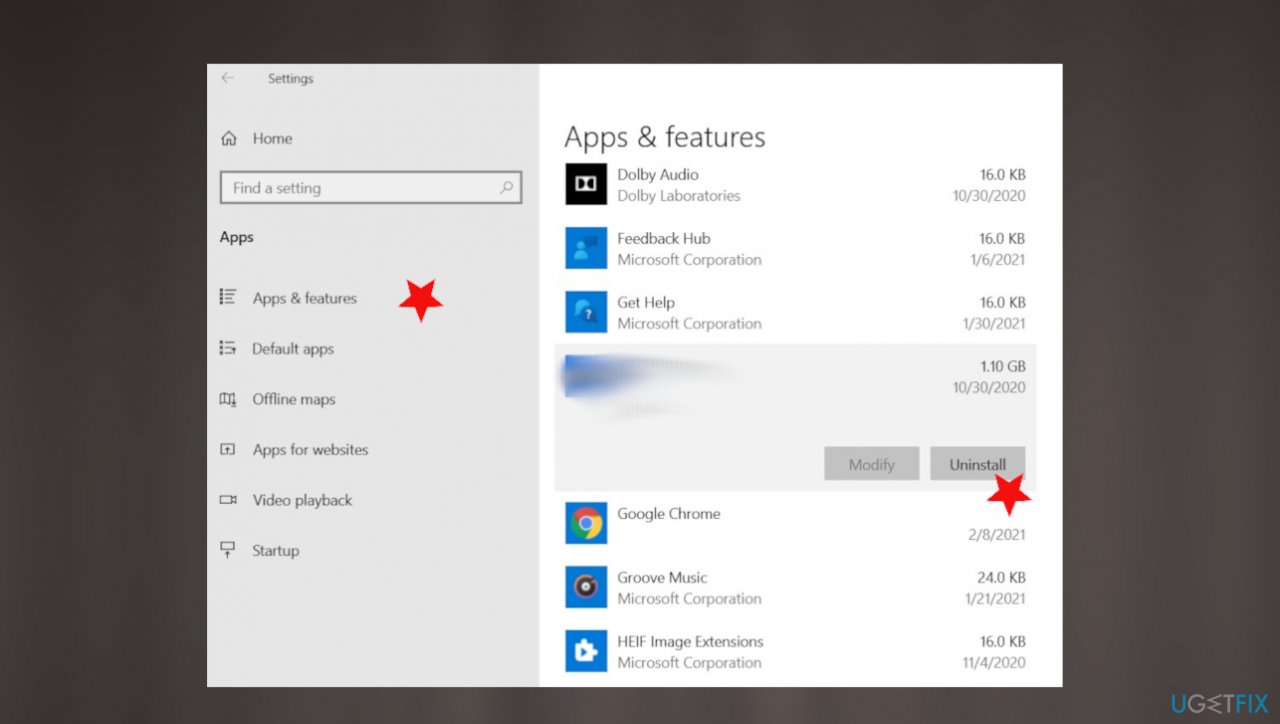
Gameroom games mising fix app uninstall
Bottom line
To fix the Games missing from Facebook Gameroom issue, users can try reinstalling the program, updating the app or operating system, and running anti-malware tools. If these solutions do not resolve the problem, further troubleshooting may be required.
Frequently asked questions
Games may be missing due to an outdated version of Facebook Gameroom or issues with your internet connection. Ensure you have the latest version and check your network settings.
Try clearing the cache of Facebook Gameroom and restarting the application, as this can resolve many loading issues. If the problem persists, reinstall the Gameroom app.
Ensure that your games are properly installed and compatible with Facebook Gameroom; you might need to reinstall them. Additionally, check for any updates to Windows 10 or Windows 11 that might affect app performance.




Report an issue
What's wrong with this guide? We review every report and update or remove content.
Report received — thank you. We'll review and fix it.
You need a free account to submit a report.
Be the first to comment