How to fix
PC Shut Downs While Streaming Videos on Youtube
on Windows
Resolve unexpected PC shut downs during YouTube streaming on Windows 10 or 11 with our expert-tested solutions. Get back to seamless viewing today!

What causes How to Fix PC Shut Downs While Streaming Videos on Youtube?
- Overheated hardware
- Outdated graphics card drivers
- Failed Windows Updates
- Issues with media players
- General system instability
Repairs Windows system files, removes malware, and restores a clean OS state — without reinstalling.
Hello. I have a problem with my computer which is driving me crazy. My laptop shuts down each time I try to watch the video and it doesn’t matter if I’m doing this on YouTube or any Media Player. Everything else seems to be working fine. I have NVIDIA Geforce FX5500 as a graphics card in case it’s important. Could you please help?
We’ve made a research on this issue and were quite surprised that so many people are struggling with unpredicted PC/laptop shut down while watching videos. This problem most frequently emerges when the user is viewing videos on YouTube or another website. The video is launched successfully, but then freezes at around 10-15min, the system shuts down, and the user is no longer able to continue watching his video.
Nevertheless, there are many cases when the same happens when using media players. Unexpected PC/laptop shut down is a very annoying and problem-causing issue because it may cause file loss, interrupt the activities and processes that were going on at the moment, make the user lose track of what and where they were doing when the shut down occurred, waste user’s time to wait for the system boot again, and so on.
Some specialists claim that forced PC shutdowns while viewing videos on YouTube is a matter of overheated hardware. However, it seems that the problem steps from the graphics card driver. Therefore, check your graphic card drivers and update them if needed. Also, there might be some Windows Updates that might have failed to install and are now causing problems. Try to fix PC Shut Downs While Streaming Videos on Youtube by looking through the following methods.
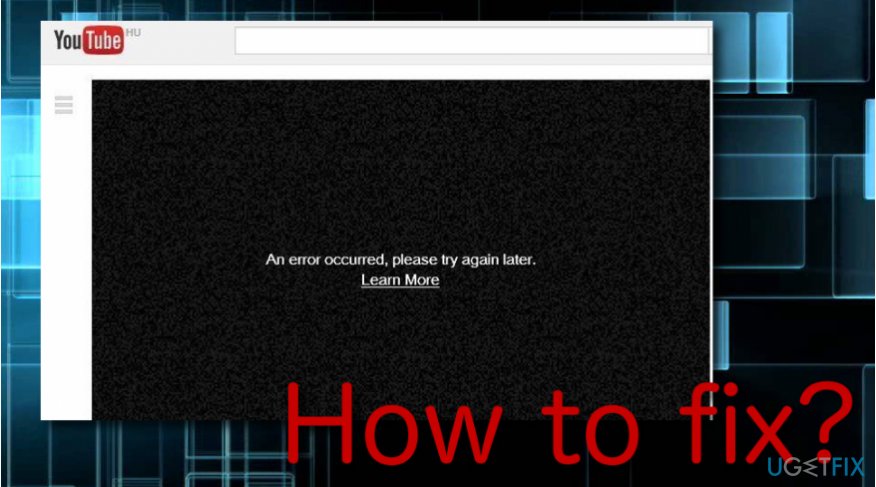
How to Fix PC Shut Downs While Streaming Videos on Youtube?
Probably these days none of us imagine being restricted from video viewing on our PCs or laptops. Therefore, system shut down while viewing videos on YouTube or other sources may be a miserable experience. If you are going through this now, check your graphics card drivers and update them if needed. The guide down below will explain how to do that in detail.
Step 1. Run Automatic Windows Updates
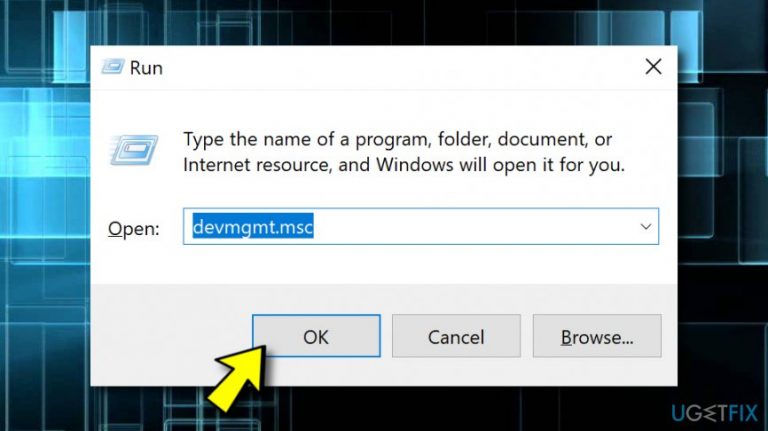
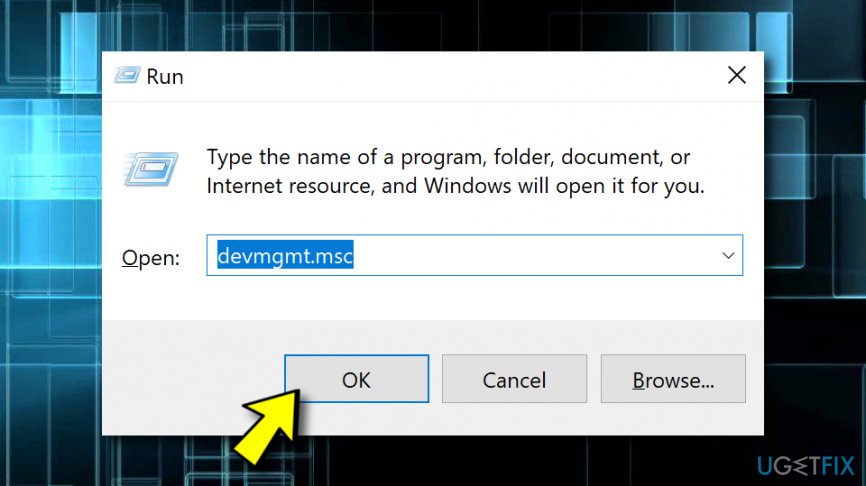
- Click the Win key + R, type devmgmt.msc, and press Enter on your keyboard.
- Once the Device Manager is opened, locate Display Adapters on the left and expand it.
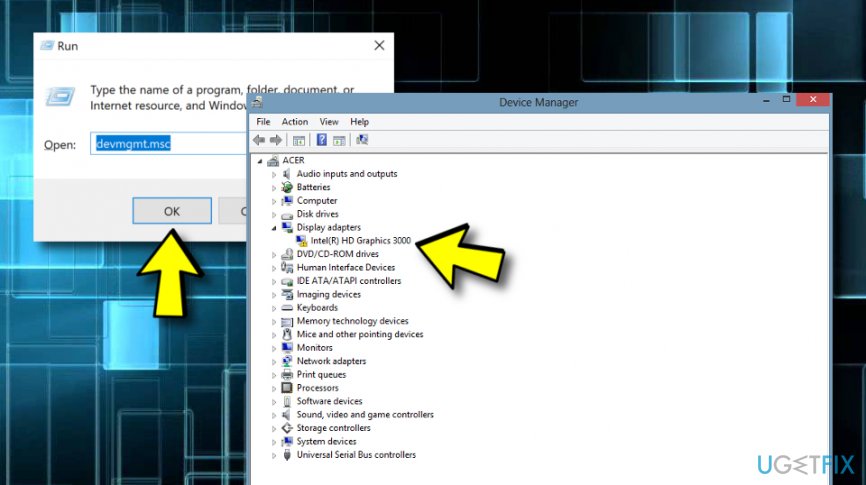
Run automatic windows updates - Find your Graphics Card (Intel, Nvidia,[ref en-1] or AMD), right-click on it, and select Update Driver Software.
- After that, restart your PC/laptop.
Alternative:
- Click the Win key and type Check for updates.
- Select the first option from the search results.
- On the new window, click Check for updates and let the system perform the scan.
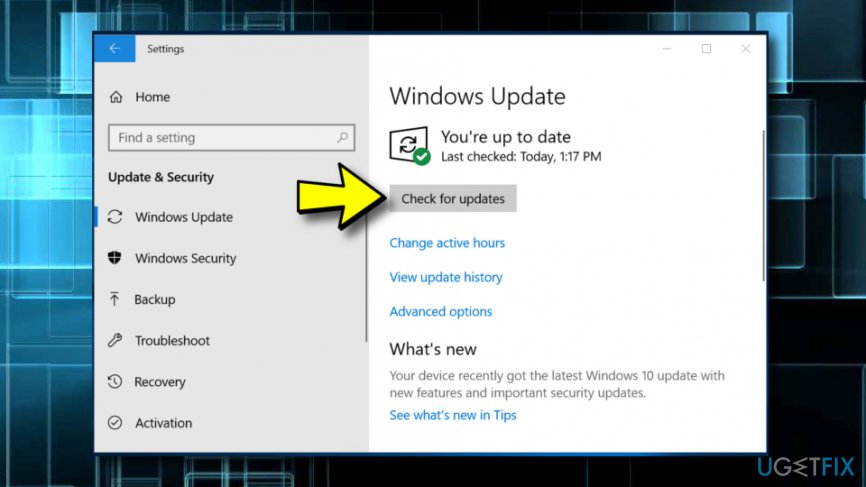
Check for updates - When you receive the list of available Windows updates, click Update now and let updates run automatically.
- After that, reboot your PC.
Step 2. Undo Graphic Driver’s Changes
In some of the cases, the system starts crashing and shutting down when viewing videos right after initiating some driver changes. If you remember updating Graphic drivers or performing other changes before the issue started, then you should roll back to the previous driver. For this purpose, you have to:
- Hold Win key + R at the same time.
- Type devmgmt.msc in the search bar to open Display adapters. Expand the section by double-clicking on it.
Undo grafic drivers changes - Right-click on PRO METHOD: Use DDU (Display Driver Uninstaller) for AMD/NVIDIA Cards and select Properties.
- Select the Driver tab in the Property window and click on Roll back to the previous build.
In case the tips listed above did not help, then it might be that the culprit of this bug is related to hardware. Therefore, you should contact a professional technician. Another alternative you can try is antimalware software.[ref en-3] Get a tool such as [rev id="Reimage] and try completing a full system scan with it as the problem has a chance to be detected, e.g. malware.[ref en-2]
Bottom line
To fix PC shut downs while streaming videos on YouTube, check and update your graphics card drivers, and ensure all Windows Updates are installed. If the problem persists after these steps, consider checking for hardware issues or seeking professional assistance.
Frequently asked questions
Unexpected shutdowns can be caused by overheating, power supply issues, or driver conflicts. Ensure your system is properly ventilated and update your graphics drivers.
Check your power settings and ensure that your laptop is plugged in while streaming to avoid power-saving features that may trigger shutdowns. Additionally, monitor your system's temperature to prevent overheating.
Adjust your advanced power settings to prevent the computer from sleeping or shutting down during video playback. Disable any automatic shutdown features under the 'Power Options' menu in Windows 10 or 11.




Report an issue
What's wrong with this guide? We review every report and update or remove content.
Report received — thank you. We'll review and fix it.
You need a free account to submit a report.
Be the first to comment