How to fix
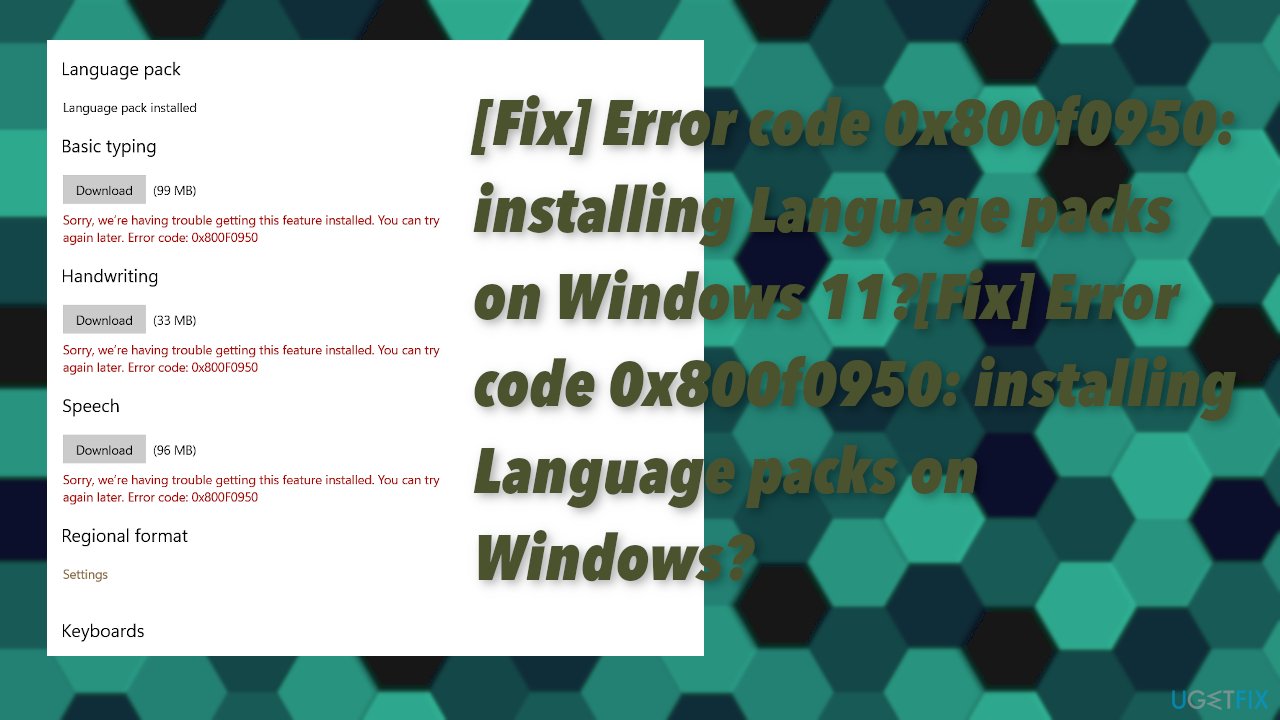
Error code 0x800f0950: installing Language packs
on Windows
Resolve error code 0x800f0950 when installing language packs on Windows 10 or 11 effortlessly. Expert-tested solutions await, fixed in minutes!

![[Fix] Error code 0x800f0950: installing Language packs on Windows?](https://ugetfix.com/wp-content/uploads/articles/askit/error-code-0x800f0950-installing-language-packs-on-windows-fix_en-768x432.jpg)
What causes [Fix] Error code 0x800f0950: installing Language packs on Windows?
- Too many devices connected at once
- Firewall settings blocking downloads
- Poor internet connection quality or speed
- Network type issues, such as Wi-Fi vs Ethernet
- Data plan set as metered
Repairs Windows system files, removes malware, and restores a clean OS state — without reinstalling.
When I got the OS upgrade, I discovered that there was an error with my computer and could not continue with the installation process because I needed to update some language packs first. I got an error code 0x800f0950 while trying to install them. Would you tell me what exactly this error means?
Windows has a feature called Windows Update that not only keeps the machine up to date but also allows the user to install language packs for their device. This is important because it will allow you, as well as anyone else who can't read English fluently, to see all of your menus and dialog boxes in Spanish, or Russian, or French if they so choose.
If this Error Code 0x800f0950 occurs when installing these languages through Windows Update then there may be something wrong with either:
- how many devices are connected at once;
- firewall settings which might block downloads from outside sources;
- internet connection quality/speed;
- network type being used - like Wi-Fi vs Ethernet;
- time is taken to download updates/language pack.
Users installing language packs on their computers might be met with a message saying that installation has failed. This error could either have been temporary or related to an update for Windows 10[ref en-1] - but the good news is we just need some troubleshooting tips!
This particular problem can also be linked with the new Windows 11 built, but the issue occurred at the time when the preview version was available only.[ref en-2] This Error Code 0x800f0950 is universal and appears on various versions of Windows, so fixes are universal.
The main reason why this error occurs in the first place is problems related to the Internet connection. Most of the time fixing some settings of your internet options and preferences will help you solve this issue. Often people who are connected to a Wi-Fi network receive these errors because their data plan may be set as metered. This is one of the possible reasons.
The limited connectivity can create issues and when users are provided with only so much bandwidth additional system failure gets triggered. If too many things try connecting then it becomes overloaded and disconnects automatically or causes outages in service for everyone else when there's not enough available space on one user’s account.
A commonly repeated outage can lead to additional issues or damaged files when the installation or download cannot happen fully as it is supposed to. These issues can open the path for malware[ref en-3] too. You may need to run a tool like [d1] that can find problems with the system files, damaged pieces, and altered preferences.
1. Try downloading the language pack again
- Go to C:\\Windows\\SoftwareDistribution\\Download.
- Delete all files and sub-folders within the Download folder.
- Go back to the language pack page and try downloading again, and then set it as default.
2. Check for Windows Update
- Go to Settings and find Update & Security.
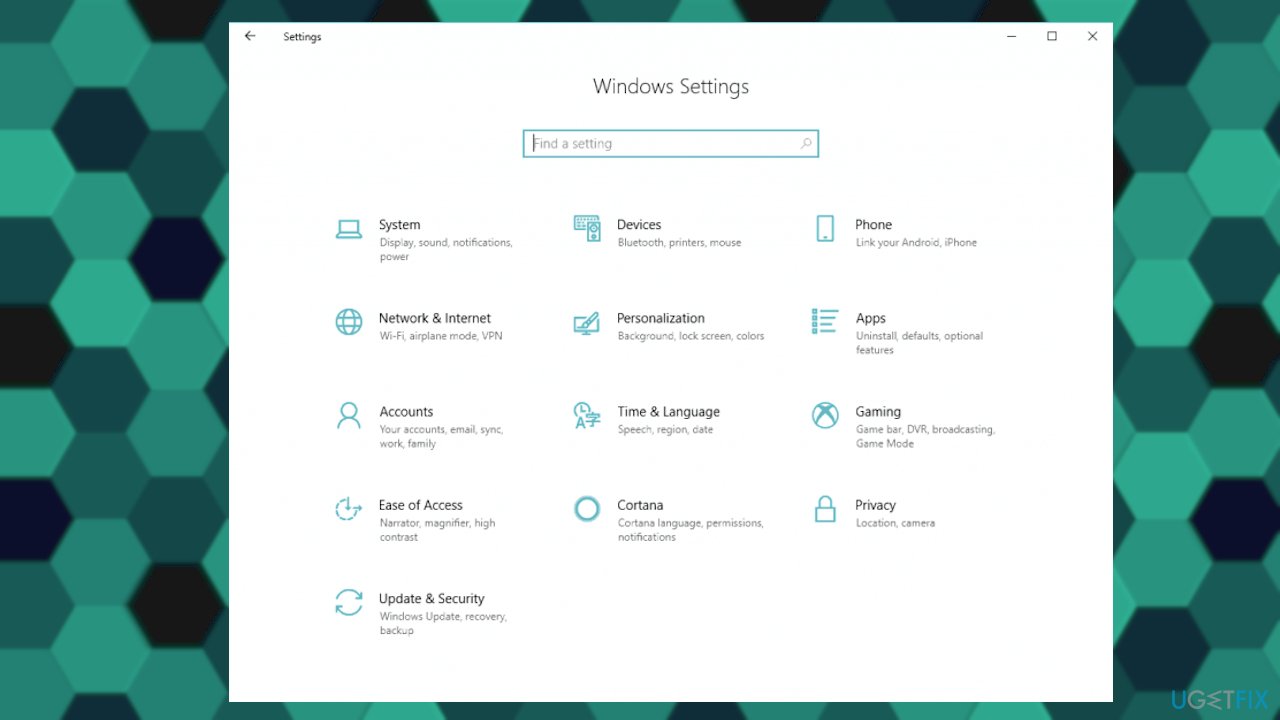
Error code 0x800f0950 installing language packs on windows fix settings - Click Check for updates to see if there are any new OS updates.
- Install if there is any.
3. Change Windows Update Service startup type
- Press Windows and R keys.
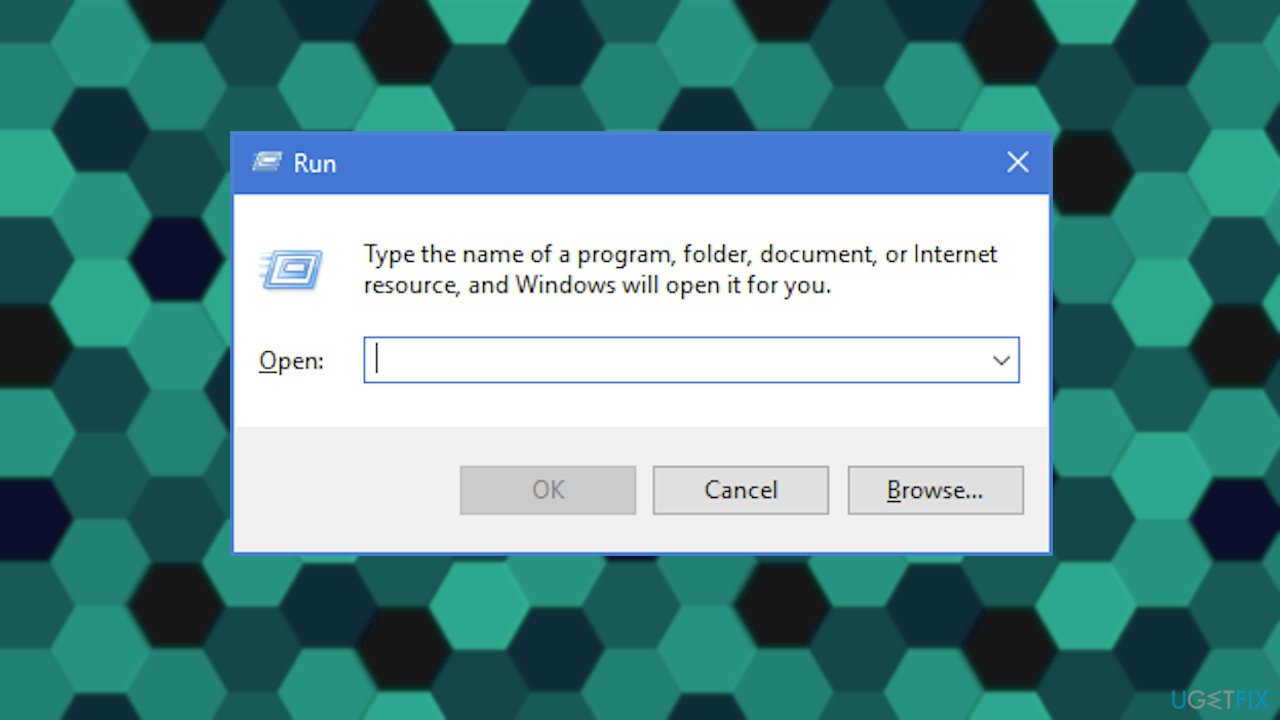
Error code 0x800f0950 installing language packs on windows run box - Type services.msc and hit Enter.
- Locate Windows update service.
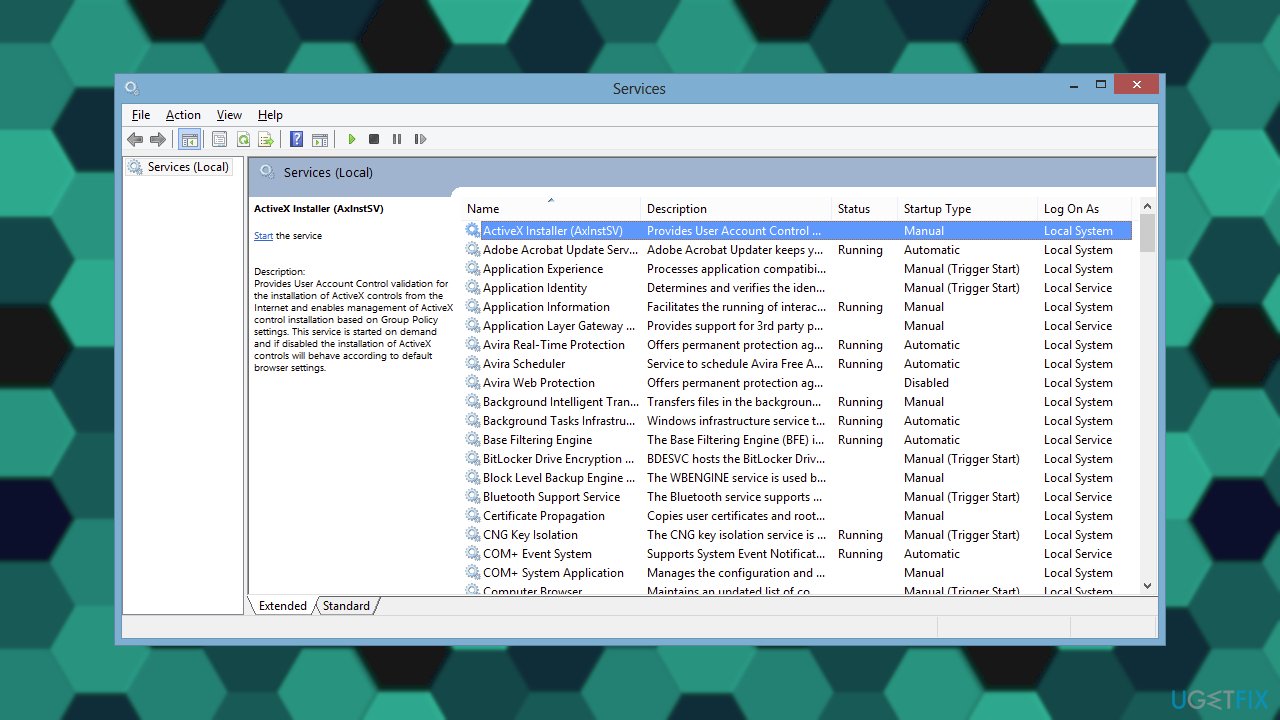
Error code 0x800f0950 installing language packs on windows services - Make a right-click on this one and then select Properties.
- On the Windows Update Properties panel, go to dropdown Startup Type and change it to Automatic (Delayed Start).
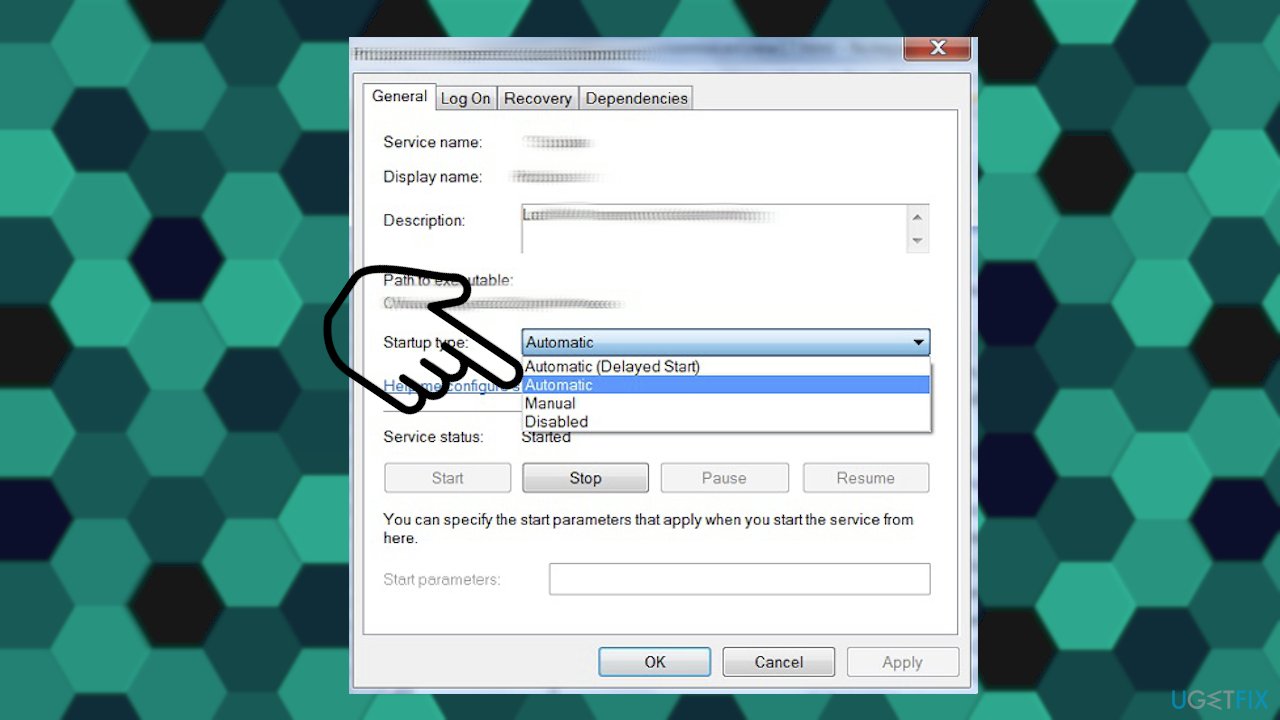
Error code 0x800f0950 installing language packs on windows startup type - After changing that - click Apply.
- Move the Service Status and choose Start to run the process.
- Click OK to exit the window.
4. Install the .NET Framework 3.5
The same error code can also appear when the issue is related to .NET Framework 3.5 installation. Fixes for the problem include solving the installation issue manually and can get solved whit the newer Windows OS version install. This error also comes with a message:
The following feature couldn’t be installed
- Open up a Run dialog box by pressing Windows key + R.
- Type appwiz.cpl in the box and press Enter.
- This will open up the Programs and Features menu.
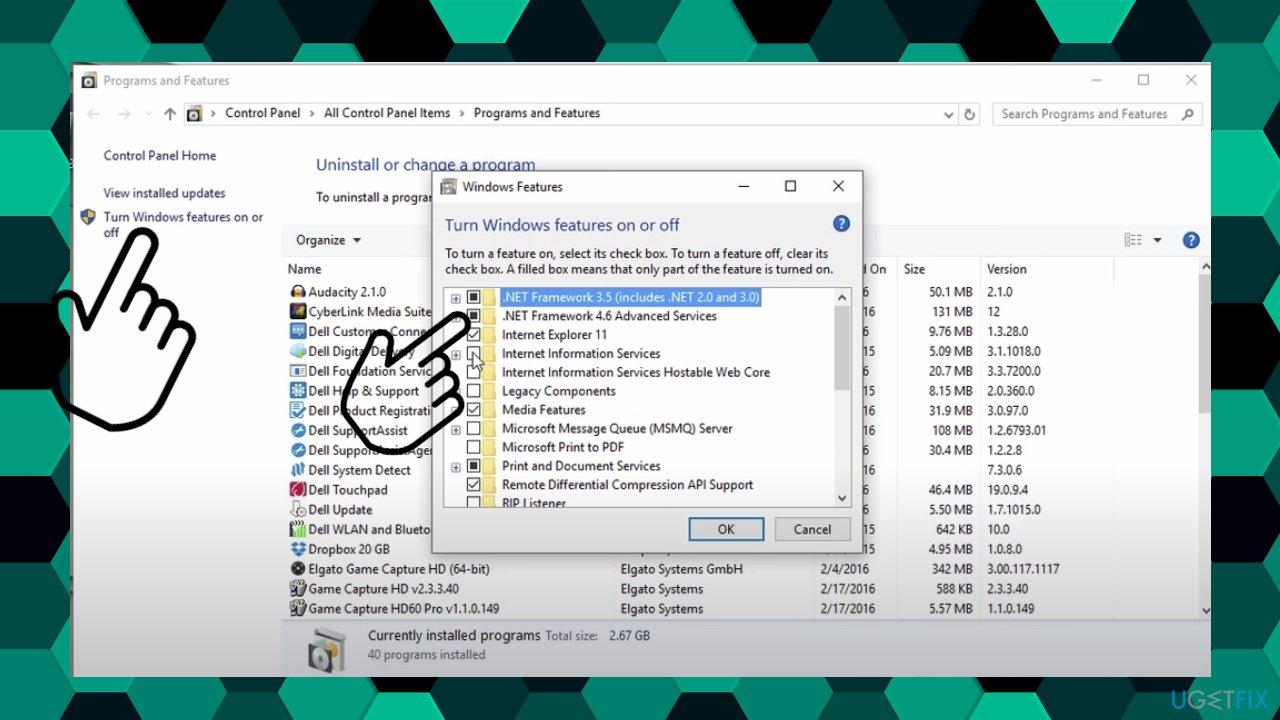
Error code 0x800f0950 installing language packs on windows net framework - Click on Turn Windows features on or off.
- When inside the Windows features screen, start by checking the box associated with .NET Framework 3.5.
- Click OK to save the changes.
- Choose Yes to initiate the procedure.
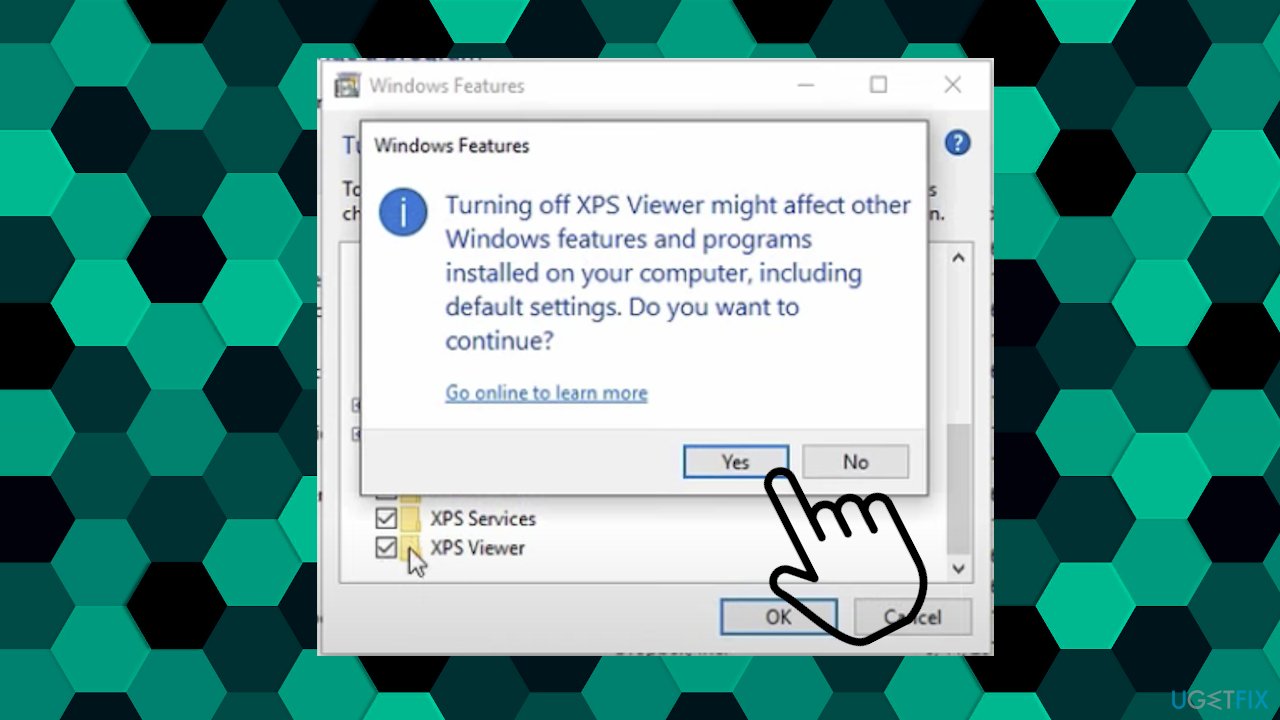
Error code 0x800f0950 installing language packs on windows turn off on - Wait for the installation.
- Reboot your computer and see if the problem is fixed.
Bottom line
To resolve the error code 0x800f0950, users should check their internet connection settings, adjust firewall settings, and ensure their data plan is not metered. If these fixes do not work, further troubleshooting may be necessary.
Frequently asked questions
Error code 0x800f0950 typically indicates that Windows cannot find the necessary files to install the language pack, often due to missing components or a corrupted Windows Update service.
To resolve this error, you can run the Windows Update Troubleshooter, or use the DISM and SFC commands to repair any corrupted system files.
Yes, ensure that your Windows 10 is fully updated, and consider resetting the Windows Update components or checking your Internet connection for stability.




Report an issue
What's wrong with this guide? We review every report and update or remove content.
Report received — thank you. We'll review and fix it.
You need a free account to submit a report.
Be the first to comment