How to fix
Error Code -36
on Windows
Struggling with Error Code -36 on Windows 10 or 11? Discover effective troubleshooting tips to resolve this issue quickly and restore your system seamle…

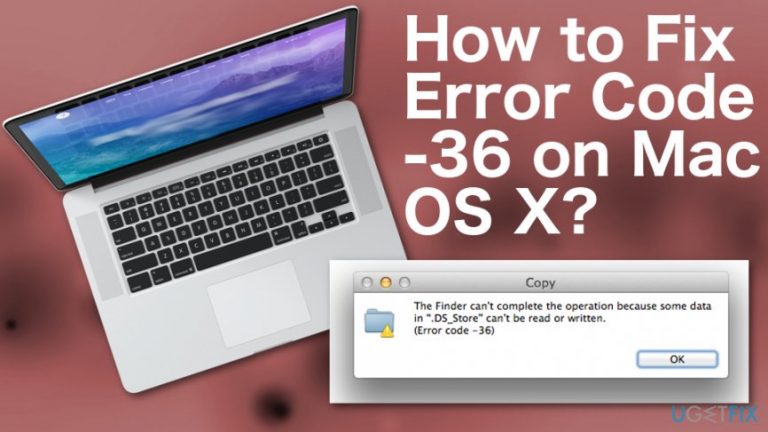
What causes How to Fix Error Code -36 on Mac OS X?
- Inappropriate OS maintenance
- Malware infection
- System malfunctioning
- Issues with .DS_Store file
- Problems while copying files
Repairs Windows system files, removes malware, and restores a clean OS state — without reinstalling.
Hello. I’m running Mac OS X El Capitan. Yesterday I’ve started receiving a pop-up message reporting an Error Code -36. Could you please tell me why it shows up on my Mac?
While Mac OS X,[ref en-2] in general, is a hard nut to crack, it may also get infected with malware and experience numerous system errors. Usually, infections and system malfunctioning like Error Code -36 appear due to inappropriate OS maintenance, so make sure that you take care of the latest updates, system files, uninstall irrelevant software, clean file leftovers, and so on.
Recently, one Mac OS user wrote us asking for help to fix Error Code -36, which says that “The Finder can't complete the operation because some data in ".DS_Store" can't be read or written” Once we received Mac owners email, we’ve performed research related to this error and we want to share some information with you.
We have found out that the Error Code -36 prevails on Mac OS when trying to make copies of certain files and documents.[ref en-1] If you have dealt with this error, you should have spotted in the Mac OS X Finder application.[ref en-3] Nevertheless, this type of problem can occur on any version of the Mac operating system, not minding that you are using a desktop computer or laptop.
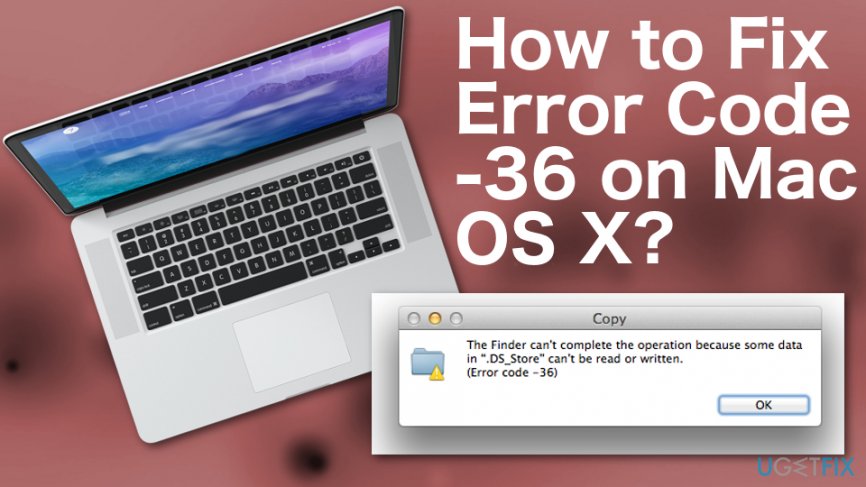
According to Mac experts, this bug usually appears while trying to copy your files from one directory to another or while copying your documents to an email message. Even though the Error Code -36 on Mac OS X is not a very common problem to experience on Mac computers, users who run into this issue find it extremely annoying as they are not able to copy any valuable information.
How to Fix Error Code -36 on Mac OS X?
Further down you can find problem-solving steps. We suggest that you look through all of them and perform each method with big attention. However, we suggest performing a computer scan with reliable tools as your first step. We recommend scanning your Apple device with [d1]. This program might be able to detect what is wrong that you are experiencing the Error Code -36 on Mac OS X.
Reset PRAM
- Shut down your Mac.
- While Mac is shut down, prepare to press Command + Option + P + R keys simultaneously.
- Then turn on your Mac and press Command + Option + P + R command before grey startup screen shows up.
- Hold those until you hear a startup sound three times and then release the keys.
Delete locked files
- Navigate to Applications -> Utilities -> Terminal.
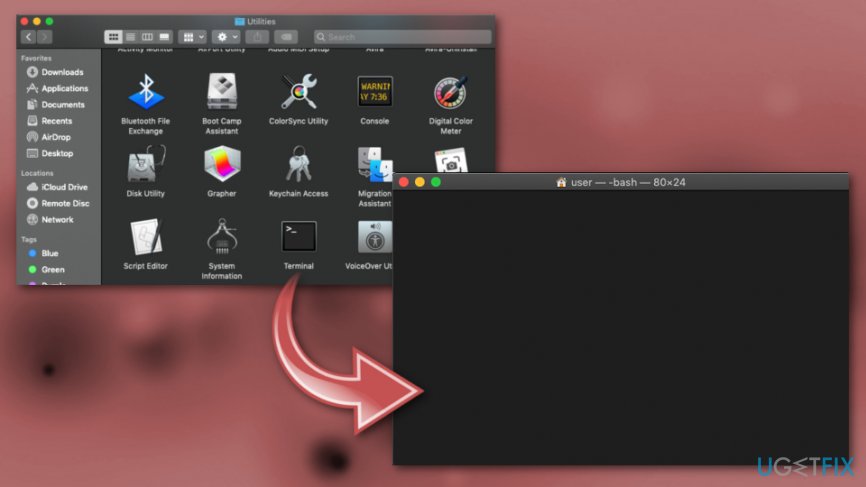
How to fix error code 43 on mac os x terminal - Open the Terminal and type chflags -R nouchg command on it.
- Double click on the Trash icon (at the bottom Dock).
- Press Command + A to mark all the files in the Trash.
- Drag all the files that you want to delete from Trash to Terminal.
- In case you cannot see the Terminal window, arrange Finder window, so that you could see at least a part of Terminal window.
- Once done, press Return key on the Terminal and empty the Trash.

How to fix error code 43 on mac os x empty trash
Bottom line
To fix Error Code -36 on Mac OS X, users should ensure they perform regular OS maintenance, scan for malware, and check the .DS_Store file. If these steps do not resolve the issue, consider using reliable tools to scan your Apple device for further problems.
Frequently asked questions
Error Code -36 is specific to Mac OS X and doesn't directly apply to Windows 10 or Windows 11. However, similar file transfer errors can occur on Windows systems.
If you face a file transfer error on Windows 10, try checking the file path for any issues, or ensure that the destination drive is not corrupted or full.
Yes, you can troubleshoot file access errors on Windows 11 by running the built-in troubleshooter for hardware and devices or checking for system updates that may resolve underlying issues.




Report an issue
What's wrong with this guide? We review every report and update or remove content.
Report received — thank you. We'll review and fix it.
You need a free account to submit a report.
Be the first to comment