How to fix
0x0000007f Stop Error
on Windows
Resolve the 0x0000007f Stop Error in Windows 10 or 11 effortlessly with our expert-tested solutions. Get your PC running smoothly in no time!

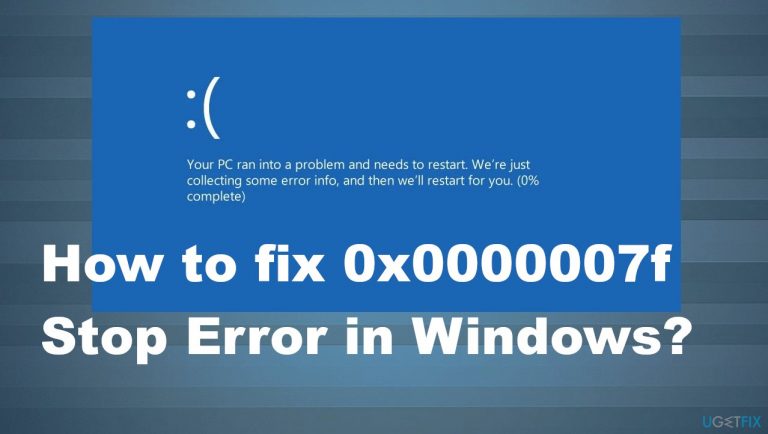
What causes How to fix 0x0000007f Stop Error in Windows?
- RAM module failure
- Kernel-mode trap
- Mismatched memory modules
- Faulty motherboard
- Overclocking issues
- Problems with antivirus tools
Repairs Windows system files, removes malware, and restores a clean OS state — without reinstalling.
I got to check my machine and the reboot happened. I got the Blue screen with 0x0000007f error code after that. The issue occurred with other codes, but this particular was listed a few times already. The stop error appears on my Windows 8 computer. I found online that people get this often, but no fixes. Help!
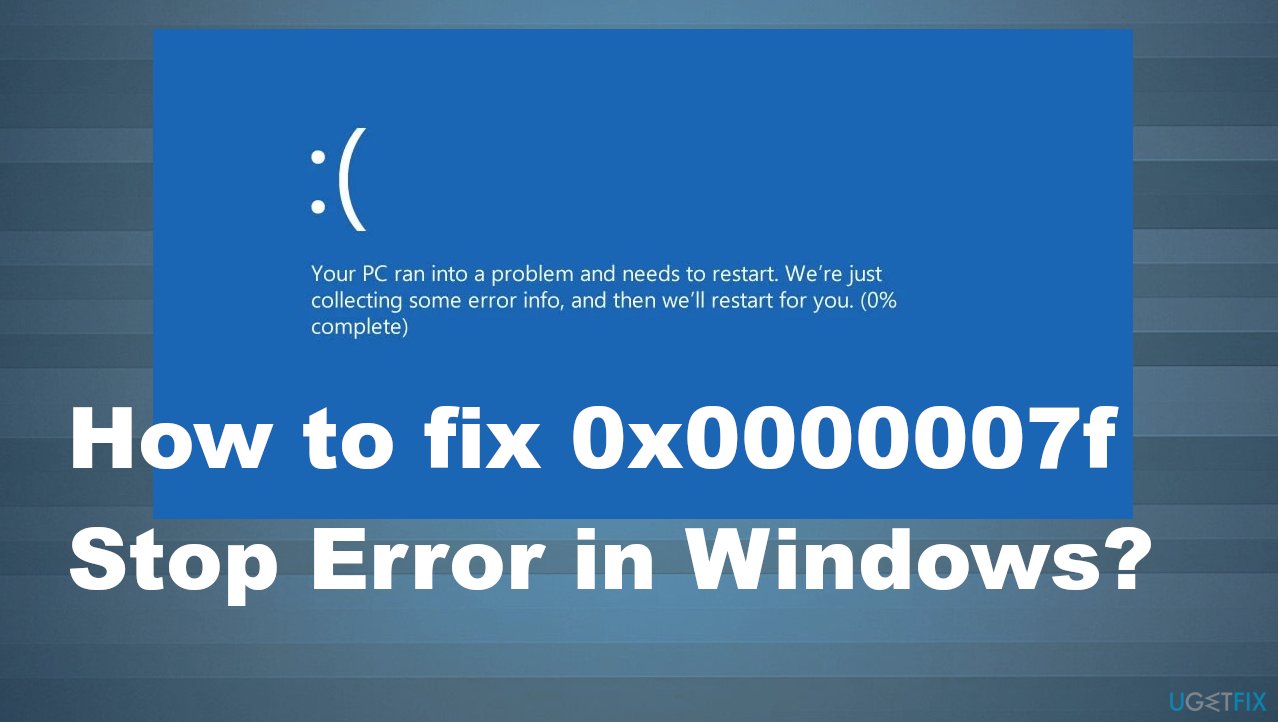
The 0x0000007f Stop Error in Windows can appear with the indication of the reason and not only the numeric error code but the issue explanation about kernel-mode problems, other parameter configurations. The problem can appear out of nowhere, and users[ref en-1] continuously get frustrated because of this.
Blue Screen of Death is a serious error that can lead to concerns and even panic.[ref en-2] Installed hardware like motherboard failure, RAM issues can lead to a system problem like this. This error is mainly related to hardware, not software bugs. These problems include RAM module failure, kernel-mode trap. Solutions can include the change the RAM slot on the motherboard.
The more common cause is the stack exhaustion that is triggered by the Transmission Control Protocol or Server Message Block data. The error occurs because the thread on which this information is sent and received does not have the proper stack space, so the call fails. There are some hotfixes from Microsoft that can work.[ref en-3]
Other reasons behind the frustrating 0x0000007f Stop Error in Windows can be mismatched memory modules or faulty motherboard in full. Contents of the motherboard can result in stop code, and running diagnostics should show the particular causes. Overlocking the system trigger problems too, so setting the speed of the system to normal can get a quick fix.
Problems with overprotective antivirus tools can lead to various problems. There are malware[ref en-] leftovers and programs that lead to false AV detections, compatibility issues that lead to the stop code appearing on the screen. These installation, failure, conflict issues can result in 0x0000007f Stop Error in Windows that is not indicating any further explanation.
However, system file corruption can trigger the problem with software compatibility or the same antivirus software issues. Fixing those files can help fix the problem. Corruption, affected, or damaged pieces can lead to failure of system functions, so running the [d1] application can repair issues and ensure that the error can be fixed.
You might need to reset other Windows components using the clean install options or uninstalling problematic apps. But it is possible to fix 0x0000007f Stop Error in Windows on different machines. Just note that scenarios vary, and solutions are not all universal. Try to use a few from the list before giving up on everything.
1. Test RAM memory
- Click Start.
- Type in
Memory Diagnostics Toolin the search box.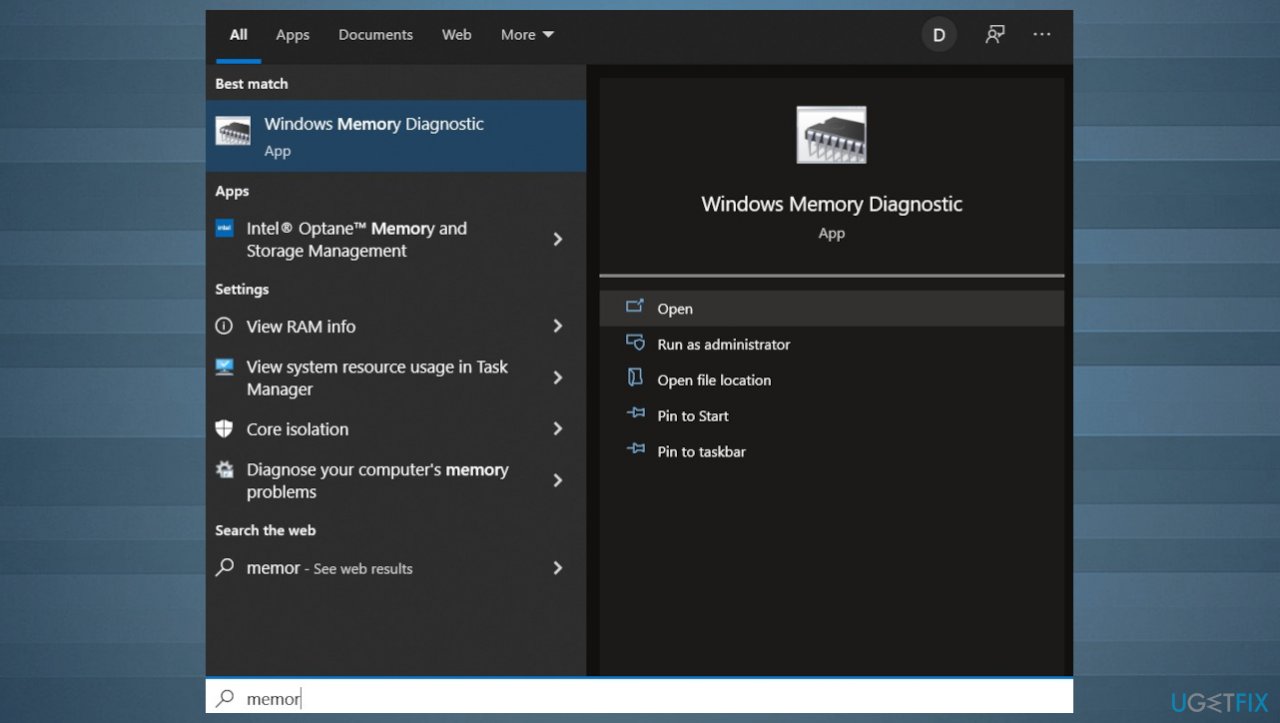
0x0000007f stop error windows memory diagnostics - Right-click on Memory Diagnostics Tool.
- Choose Run as Administrator.
- Follow the instructions to begin the diagnostic process.
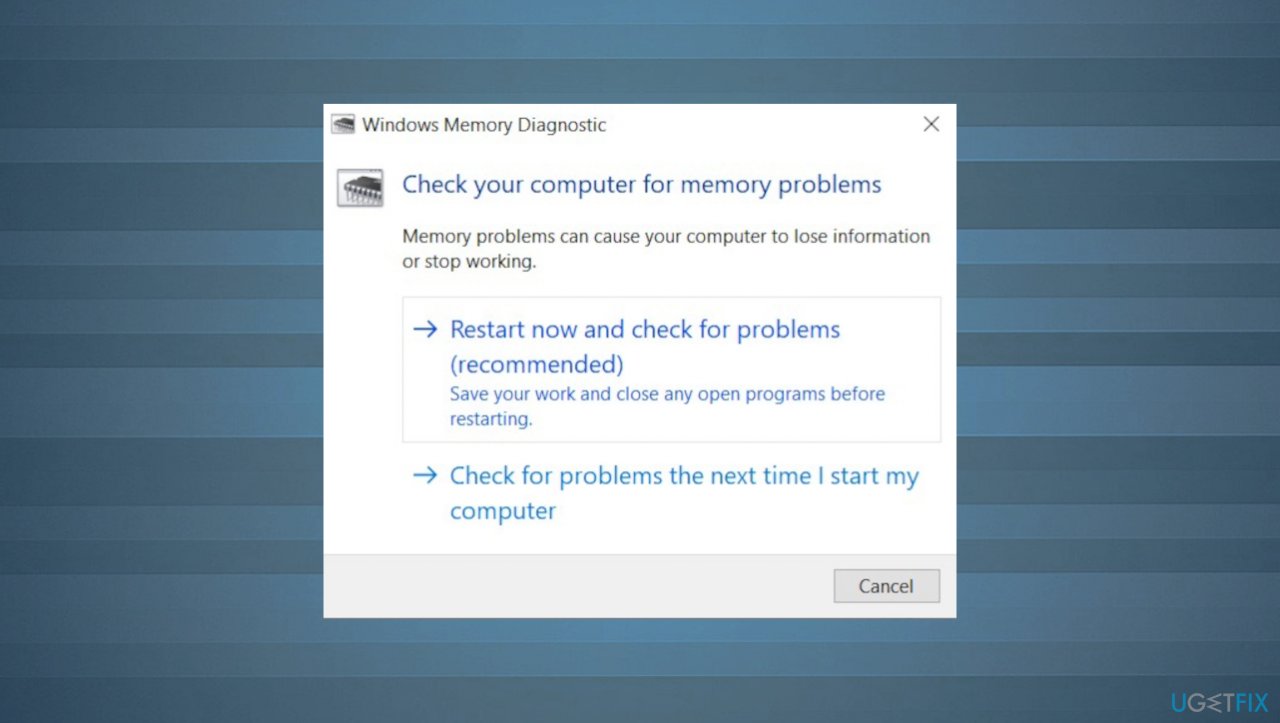
0x0000007f stop error diagnostics
2. Update or uninstall controllers
- Press Windows key + R to open up a Run dialog box.
- Type devmgmt.msc and press Enter to open up Device Manager.
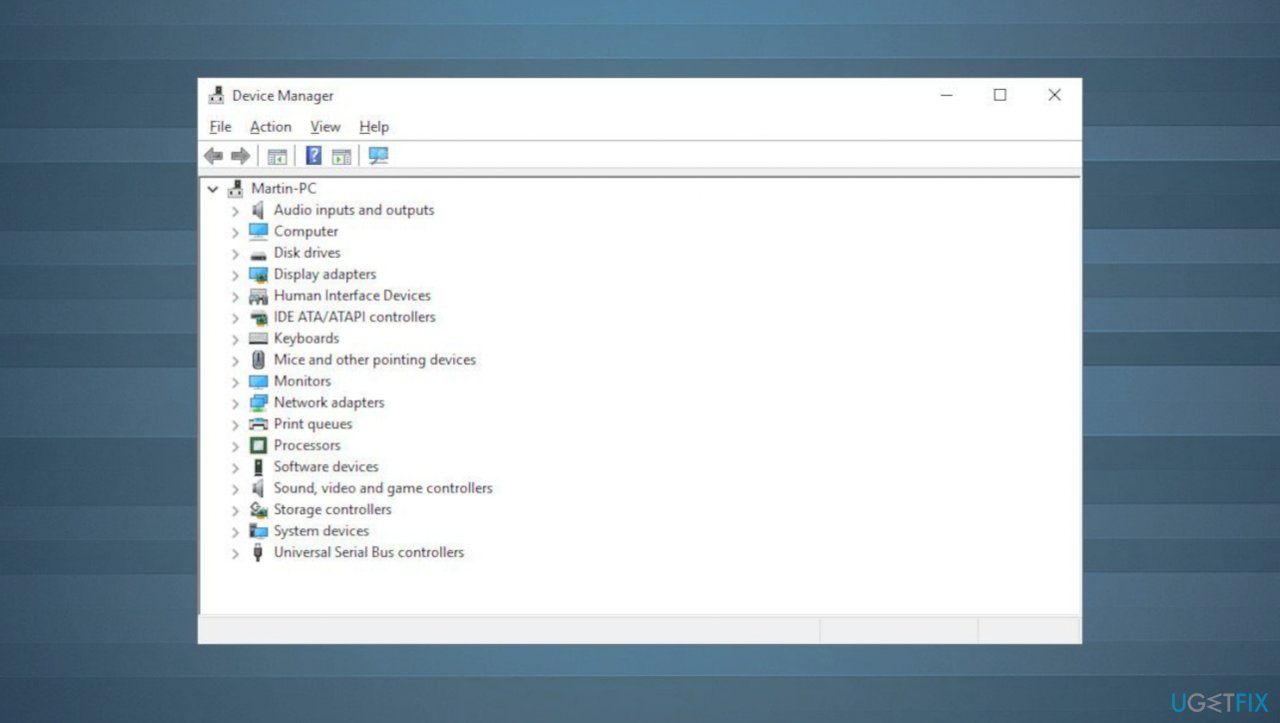
0x0000007f stop error device manager - If you’re prompted by the UAC (User Account Control), click Yes to grant administrative privileges.
- Scroll down through the various sections and expand the drop-down menu associated with IDE ATA/ATAPI controllers.
- Start to systematically uninstall every controller by right-clicking on each of them and then choosing to Uninstall or Update the device from the context menu.
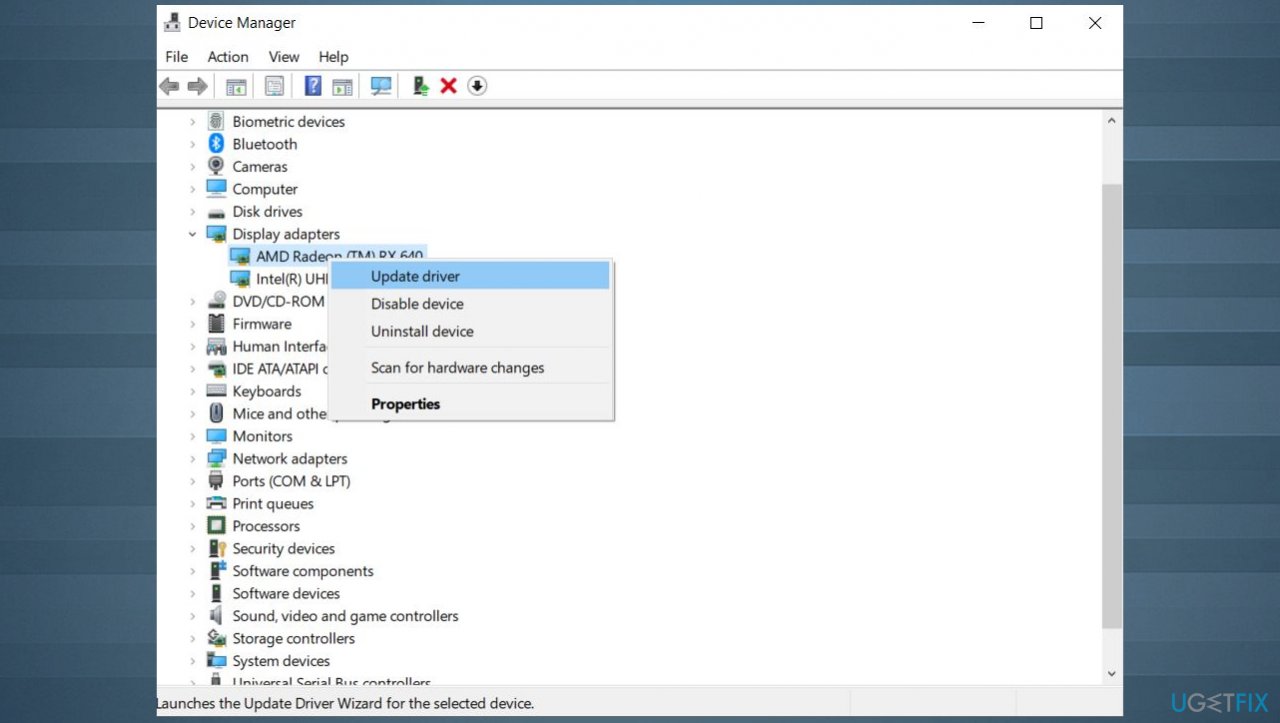
0x0000007f stop error update drivers - Uninstall each item under IDE ATA/ATAPI controller, then restart your computer.
- During the reboot, the operating system will install the generic equivalent drivers.
3. Uninstall third-party applications
- Open up a Run dialog box by pressing Windows key + R.
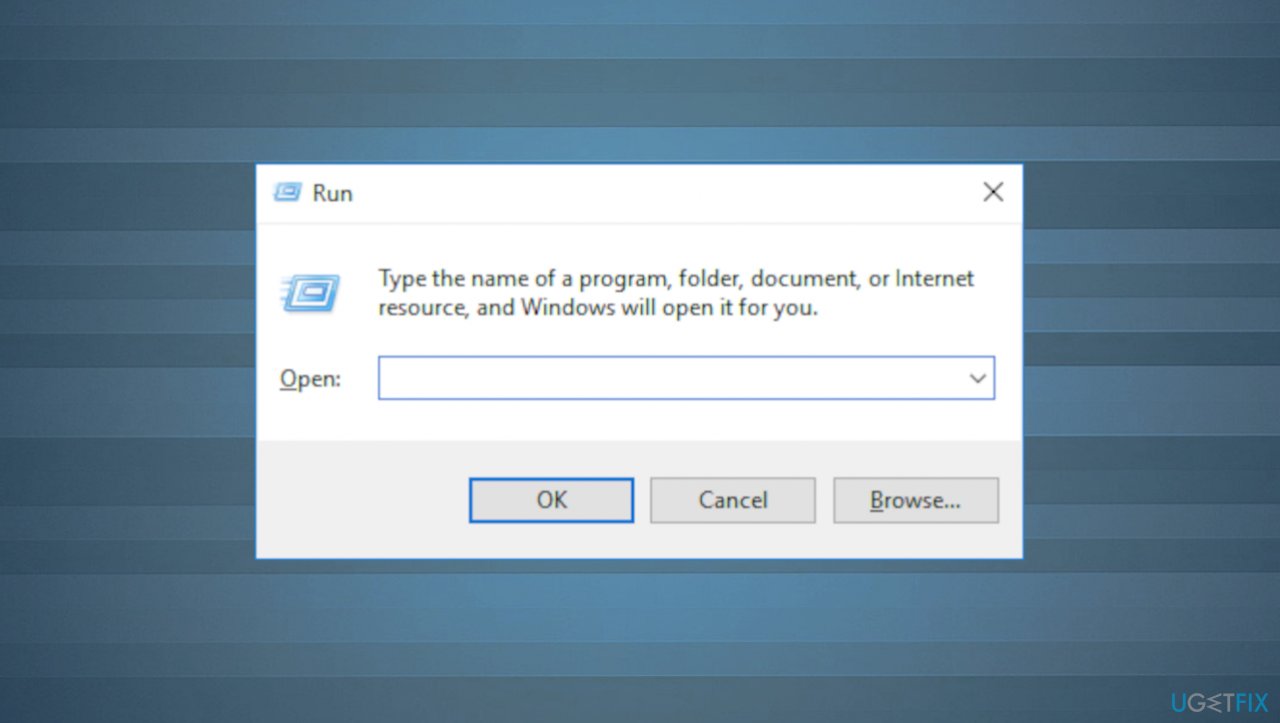
0x0000007f stop error run box - Type appwiz.cpl and press Enter to open up a Programs and Features window.
- Scroll down through the list of installed applications and locate the 3rd party security suite that you plan on uninstalling.
- Right-click on particular apps and choose Uninstall from the newly appeared context menu.
- Follow the on-screen prompts.
- Restart your computer once the operation is complete.
4. Uninstall HP credentials manager
The issue can appear on HP laptops or commented devices, so this is a particular fix that might not be applicable for everyone. The issue here is related to BSOD and high CPU, GPU temperatures.
- Press Windows key + R to open up a Run dialog box.
- Type appwiz.cpl and press Enter to open up the Programs and Features menu.
- Once inside, scroll down through the list of installed applications and locate HP Credential Manager or HP Protect Tool Security Manager Suite.
- Right-click on it and choose Uninstall from the context menu to begin the uninstallation.
- Follow the on-screen instructions.
- Once the operation is complete, restart your computer.
Bottom line
To fix the 0x0000007f Stop Error, consider changing the RAM slot on the motherboard, running diagnostics to identify hardware issues, or resetting the system speed to normal. If these solutions do not resolve the issue, check for malware leftovers and consider reinstalling or updating antivirus software.
Frequently asked questions
The 0x0000007f Stop Error often occurs due to hardware issues, corrupted drivers, or conflicts with installed software in Windows 10. It's important to check for any recent changes or updates that may have triggered the error.
To troubleshoot the 0x0000007f Stop Error on Windows 11, start by booting into Safe Mode and uninstalling any recent updates or drivers that may be causing the issue. Additionally, running a memory diagnostic tool can help identify hardware-related problems.
Yes, using System Restore is a safe method to revert your Windows 10 or Windows 11 system to a previous state before the 0x0000007f error occurred. This can help eliminate the problem if it was caused by recent changes.




Report an issue
What's wrong with this guide? We review every report and update or remove content.
Report received — thank you. We'll review and fix it.
You need a free account to submit a report.
Be the first to comment