
Cortana is a useful virtual assistant that more people should make use of
Cortana is a virtual assistant and one of the most prominent new features of Windows 10 OS. It can be used on a variety of devices, including computers, Android, iOS, Windows mobile devices, Xbox One, Windows Mixed Reality, and others. While Cortana resembles a simple search that we are used to using in Windows 8 and other versions, it‘s referred to as a „personal assistant“ meaning that there‘s a lot more you can do with it than simply perform a search.
Cortana makes the lives of Windows 10 users much more comfortable as it reminds them about upcoming events, continuously learns about the user by tracking packages, teams, interests, etc., allows sending emails/texts, manages the calendar, can open any app installed on the system directly, etc. Additionally, if you are bored, she can serve as a companion or even a friend – she will tell you a joke or play a video game with you.
Cortana can be used in the written and spoken form, meaning that you can type a needed question in Cortana‘s search box or select a microphone and talk to her. Basically, Cortana is an Artificial Intelligence project, just as Apple's Siri or Amazon's Alexa.

Since Cortana was officially unveiled in the July of 2016 (along with the official release of Windows 10), most of the Windows 10 users already adopted the new feature and adjusted its benefits to the everyday life, but the number of users who fail to use Cortana is still immense. Nevertheless, Microsoft announced that Cortana has almost 150 million monthly users.
Microsoft speculates that this might be due to the people‘s unawareness of Cortana‘s capacities. Therefore, in this post, we would like to introduce a couple of examples of not-so-obvious commands that prove the fact that Cortana is more than useful.
To get started using Cortana, you have to enable some privacy settings in „Speech, Inking, & Typing.” Besides, it requires access to the location. After that, you can open Cortana and talk to her by saying “Hey Cortana.” Here are several commands that you may not know and that prove the fact that it's worth trying – hopefully, this will answer how your question “How useful is Cortana?”
Text translation
Instead of using Google's translate service or another corresponding translator, you may use Cortana. It is capable of translating English to 50 languages and more in the near future. To enable Cortana’s translation, you have to say something like: “How do I say “I am from France” in German?” and Cortana will give you the answer.
Usage of emoticons
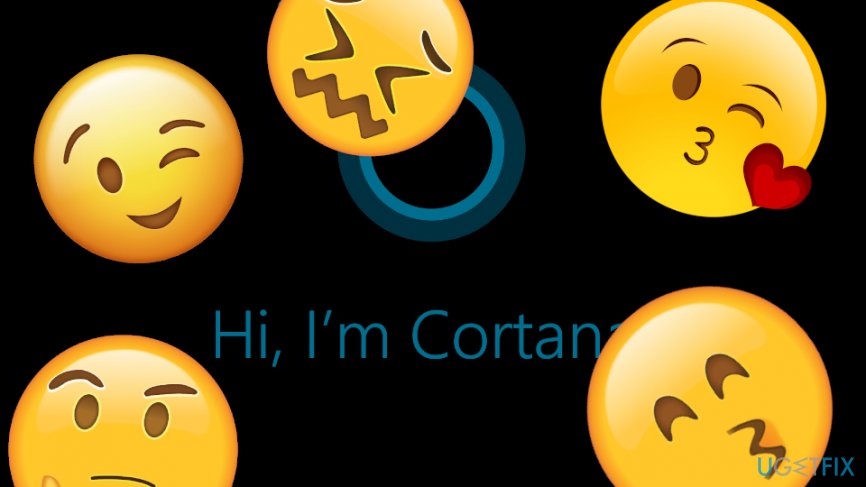
You must have heard about Cortana’s text dictation. By this, you may simply say words to Cortana, and she will automatically write everything down. However, you might not hear that it is also capable of placing emoticons in the written text. For this purpose, you just have to say “smiley,” “frownie,” “cwl,” “hearteyes,” etc. and Cortana will add the corresponding emoticon into the text.
Multimedia search
You don’t have to remember the exact names of the files that you save. That’s because Cortana is capable of sorting out the data, including word, excel, power point files, pics, docs, etc. according to the date of creation. Thus, to find what you need, you can ask Cortana to “Show me pictures, documents, etc. from yesterday/last week” or similar.
Reminder
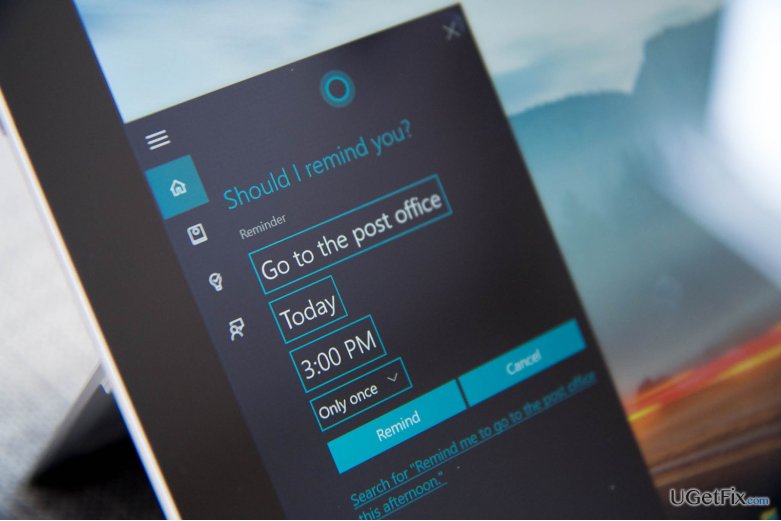
Our busy lifestyle requires setting an agenda that would help us to manage our day without forgetting important things. Cortana is right here to help its users! It allows settings reminders that give an alarm at a certain time of a day or when you are in a particular place. For example, you can command Cortana “Remind me to call mother when I finish the lunch” or “Remind me to take my son to the basketball at 6 pm”. This applies to the combination of task and location.
Avoid heavy traffic
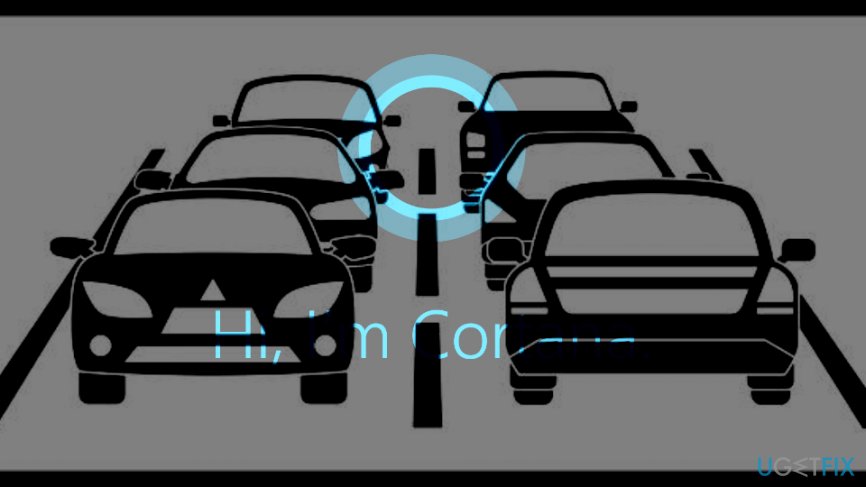
Big city life is all about massive traffic. If you want to find out what is the state of the traffic to the bank, home or another location, you may ask Cortana „What is traffic like on the way to home?“ and she will inform you about the obstacles and current traffic jams.
Although these are just a few examples of Cortana‘s usefulness, they perfectly illustrate how handy the application. Thus, don‘t hesitate and start using your personal assistance in real life, especially when it‘s for free!

Report an issue
What's wrong with this guide? We review every report and update or remove content.
Report received — thank you. We'll review and fix it.
You need a free account to submit a report.
Be the first to comment