How to fix
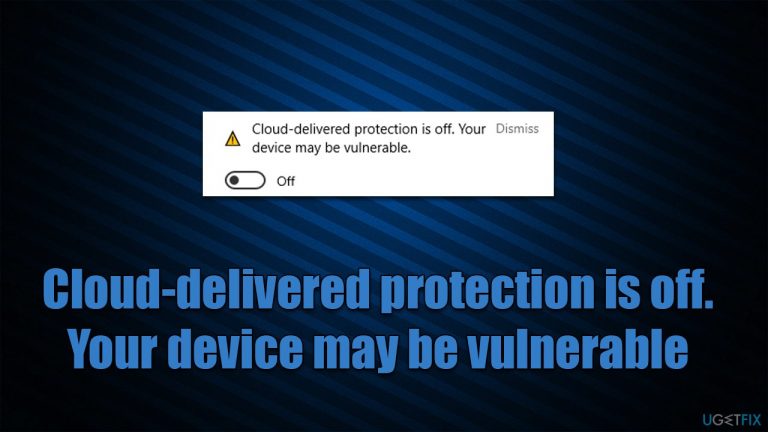
“Cloud-delivered protection is off. Your device may be vulnerable”
on Windows
Resolve the "Cloud-delivered protection is off" error on Windows 10 and 11 quickly and effectively. Expert-tested solutions to keep your device secure.

What causes How to fix “Cloud-delivered protection is off. Your device may be vulnerable”?
- Cloud-delivered protection was deliberately turned off
- Device configured by an administrator
- Automatic sample submission is disabled
- User is on a work computer with restricted settings
Repairs Windows system files, removes malware, and restores a clean OS state — without reinstalling.
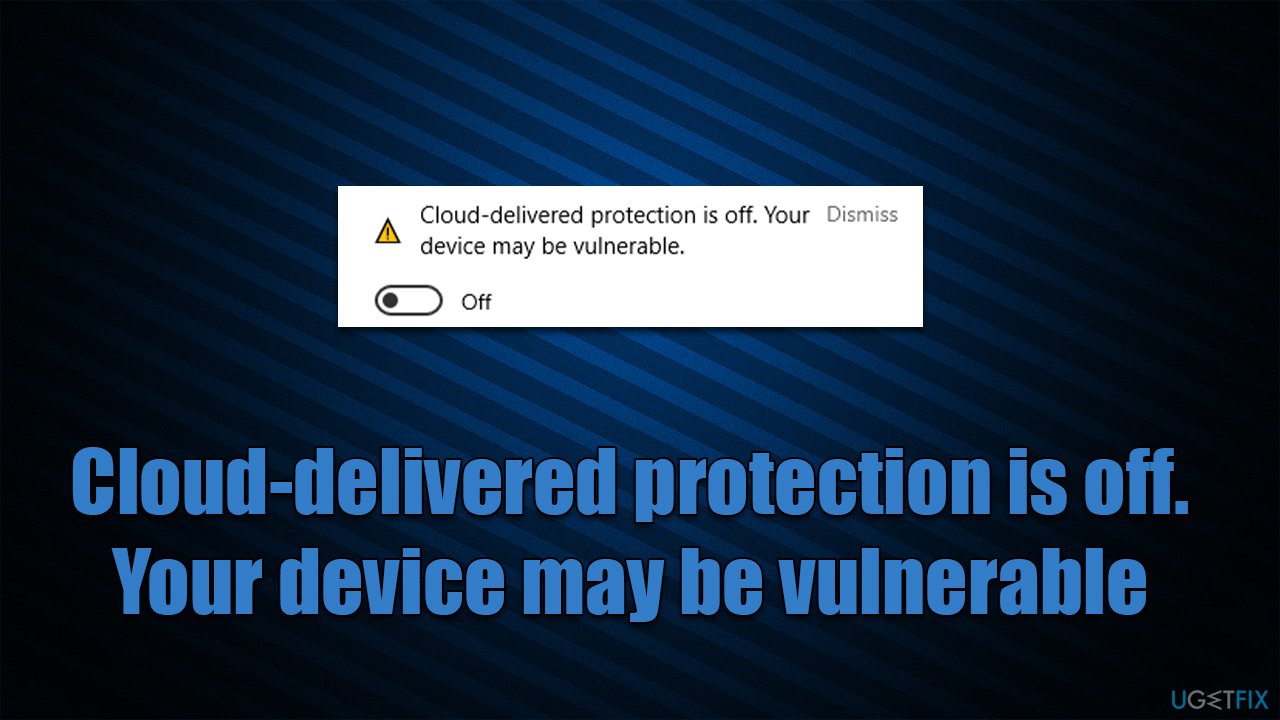
Hi, I have noticed that Windows Security is displaying a yellow exclamation mark, so I clicked the icon in the taskbar. Apparently, there is a message saying, "Cloud-delivered protection is off, Your device may be vulnerable." I am not sure how this happened, but I'd like to fix it ASAP, seeing how it could be a security issue.
"Cloud-delivered protection is off. Your device may be vulnerable" is a message that some users may encounter when they open Microsoft Defender Antivirus. By default, this feature is turned on, as it helps users defend themselves from viruses, ransomware, and other dangerous malware.[ref en-3]
Cloud[ref en-1] Protection by Microsoft is an intelligent system that allows various advantages when it comes to one security in real-time. It offers various perks, including emergency signature updates, tamper protection enforcement, using Indicators of compromise (IOCs),[ref en-2] Endpoint detection and response, etc. It works in conjunction with automatic sample submission, which helps Microsoft to improve its security engine greatly.
As reported by many users, those who have Cloud-delivered protection off also have the automatic sample submission disabled. These two components work together, so both of these should be enabled by users (unless there are some problems, which is not usually the case).
There is one of the two scenarios why the "Cloud-delivered protection is off. Your device may be vulnerable" message could be showing up - it was either deliberately turned off by someone or something, or the device was configured by an administrator. If you are dealing with this issue on a work computer, you should contact your administrator to remediate the situation.
However, some users reported that they had the "This setting is managed by your administrator/organization" message next to the warning, which made the setting to be unchangeable - it was grayed out instead. Below we list solutions for both of these scenarios, so please follow the correct steps appropriate for your situation.
Method 1. Dismiss the warning or enable cloud protection
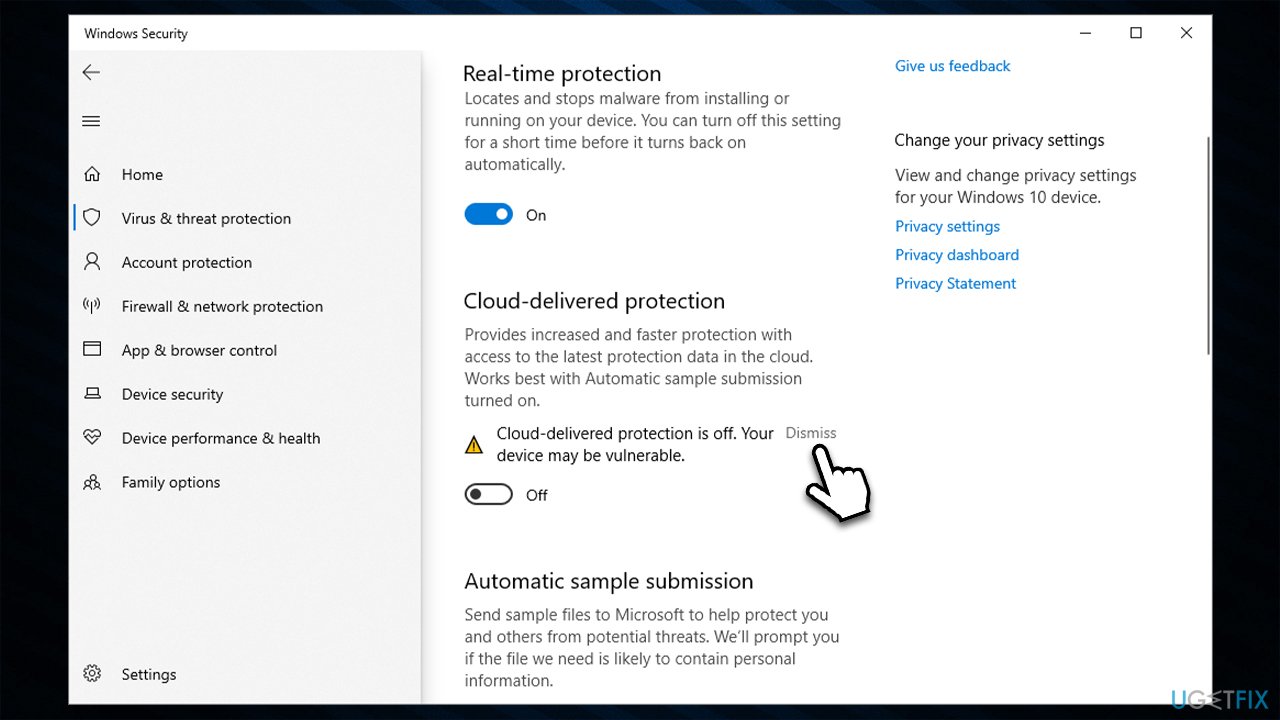
If you have, for some reason, disabled the cloud protection feature yourself (which you shouldn't do for your own safety), you can simply dismiss the message so it wouldn't show up as a yellow exclamation mark.
- In the taskbar, click Show hidden icons button and select the Windows Security icon by clicking it
- Select Virus and threat protection
- Scroll down a bit to find Virus and threat protection settings section
- Click Manage settings
- Under Cloud-delivered protection, click Dismiss.
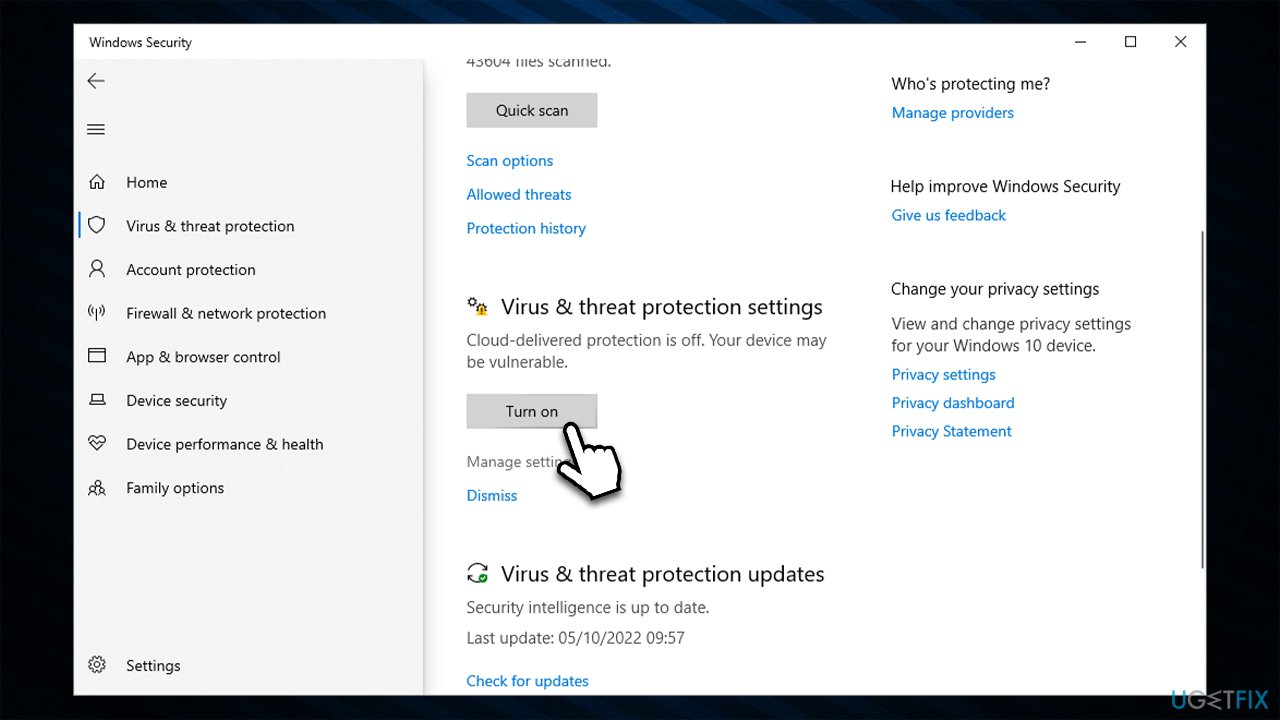
If you have accidentally disabled Cloud protection, you can simply turn it back on in the Virus & threat protection settings as shown below.
Method 2. Use elevated Command Prompt to bypass the "Managed by your organization" setting
When dealing with a situation where you can't enable Cloud protection due to the "Managed by your organization" setting, you can use an elevated Command Prompt to remove these restrictions. Keep in mind that you will need the Administrator's account in order to proceed with the following solution.
Note that you may receive errors while using these commands. If you do, simply ignore them and proceed with the next command.
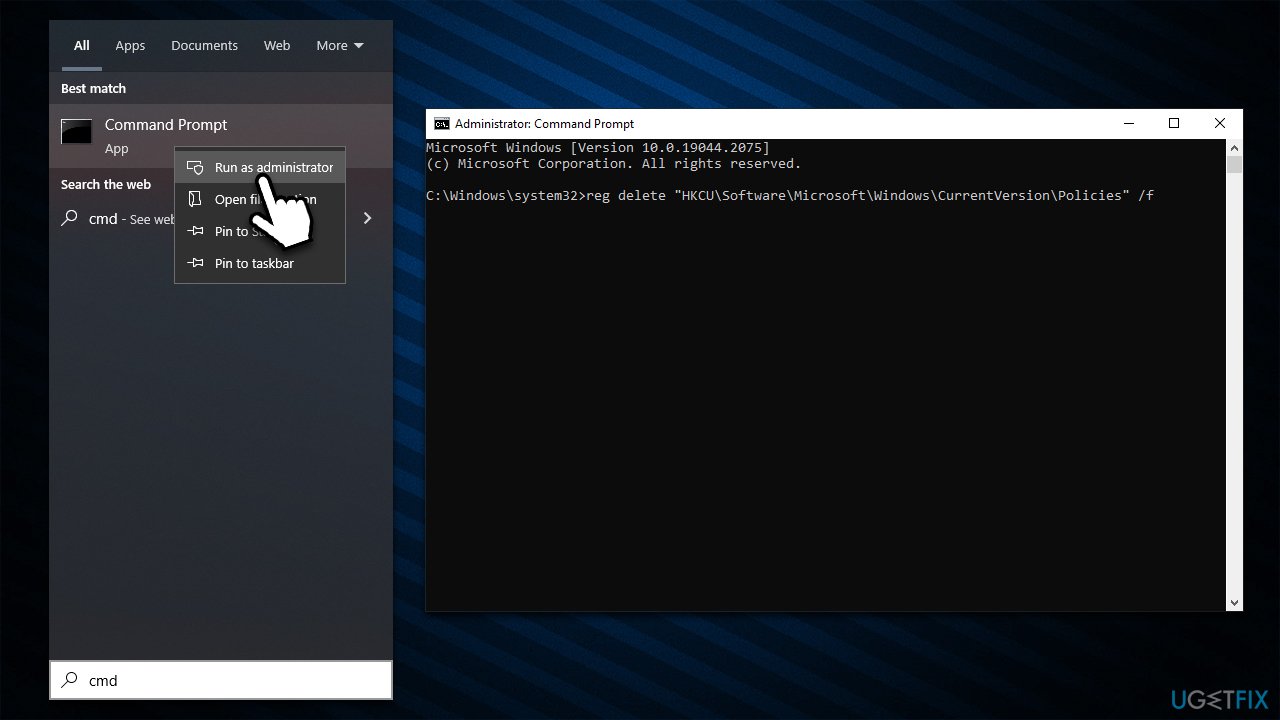
- Type cmd in Windows search
- Right-click on Command Prompt and select Run as administrator
- In the User Account Control pop-up, click Yes
- Once Command Prompt shows up, you need to copy and paste each of the following commands, pressing Enter after every one of them:
reg delete "HKCU\Software\Microsoft\Windows\CurrentVersion\Policies" /f
reg delete "HKCU\Software\Microsoft\WindowsSelfHost" /f
reg delete "HKCU\Software\Policies" /f
reg delete "HKLM\Software\Microsoft\Policies" /f
reg delete "HKLM\Software\Microsoft\Windows\CurrentVersion\Policies" /f
reg delete "HKLM\Software\Microsoft\Windows\CurrentVersion\WindowsStore\WindowsUpdate" /f
reg delete "HKLM\Software\Microsoft\WindowsSelfHost" /f
reg delete "HKLM\Software\Policies" /f
reg delete "HKLM\Software\WOW6432Node\Microsoft\Policies" /f
reg delete "HKLM\Software\WOW6432Node\Microsoft\Windows\CurrentVersion\Policies" /f
reg delete "HKLM\Software\WOW6432Node\Microsoft\Windows\CurrentVersion\WindowsStore\WindowsUpdate" /f
reg delete "HKLM\SOFTWARE\Policies\Microsoft\Windows Defender" /v DisableAntiSpyware
- Once done, restart your system
- After a reboot, you should be able to restore the protection and get rid of the "Cloud-delivered protection is off, Your device may be vulnerable" notification for good.
Bottom line
To fix the issue, you can either enable cloud protection or dismiss the warning if it was disabled intentionally. If the setting is managed by your administrator, contact them for assistance. If none of these solutions work, further investigation may be needed.
Frequently asked questions
To enable Cloud-delivered protection in Windows 10, go to Windows Security, select 'Virus & threat protection', then under 'Virus & threat protection settings', toggle on 'Cloud-delivered protection'.
In Windows 11, open Windows Security, navigate to 'Virus & threat protection', and ensure that both 'Cloud-delivered protection' and 'Automatic sample submission' are turned on.
If Cloud-delivered protection remains off, check for any pending Windows updates or security component issues that may require a system restart or further troubleshooting.




Report an issue
What's wrong with this guide? We review every report and update or remove content.
Report received — thank you. We'll review and fix it.
You need a free account to submit a report.
Be the first to comment