How to fix
“The data area passed to a system call is too small” error
on Windows
Resolve the "The data area passed to a system call is too small" error on Windows 10 and 11 effortlessly. Expert-tested solutions with screenshots.


What causes How to fix “The data area passed to a system call is too small” error in Windows?
- Full path of the driver files is longer than SMS 2003 can handle
- Miscommunications between filter drivers like Desktop Bridge - WCNFS and RsFxXXXX.sys
- Startup failures
- Issues with applications
- Problems with the SSD
- Corrupted system data
Repairs Windows system files, removes malware, and restores a clean OS state — without reinstalling.
Hello. I need your help here because I am annoyed with the "The data area passed to a system call is too small" error. I run Windows 10, but my friend also has this error on his Windows 11 HP computer. I cannot understand what the problem is. Can you offer any solutions?
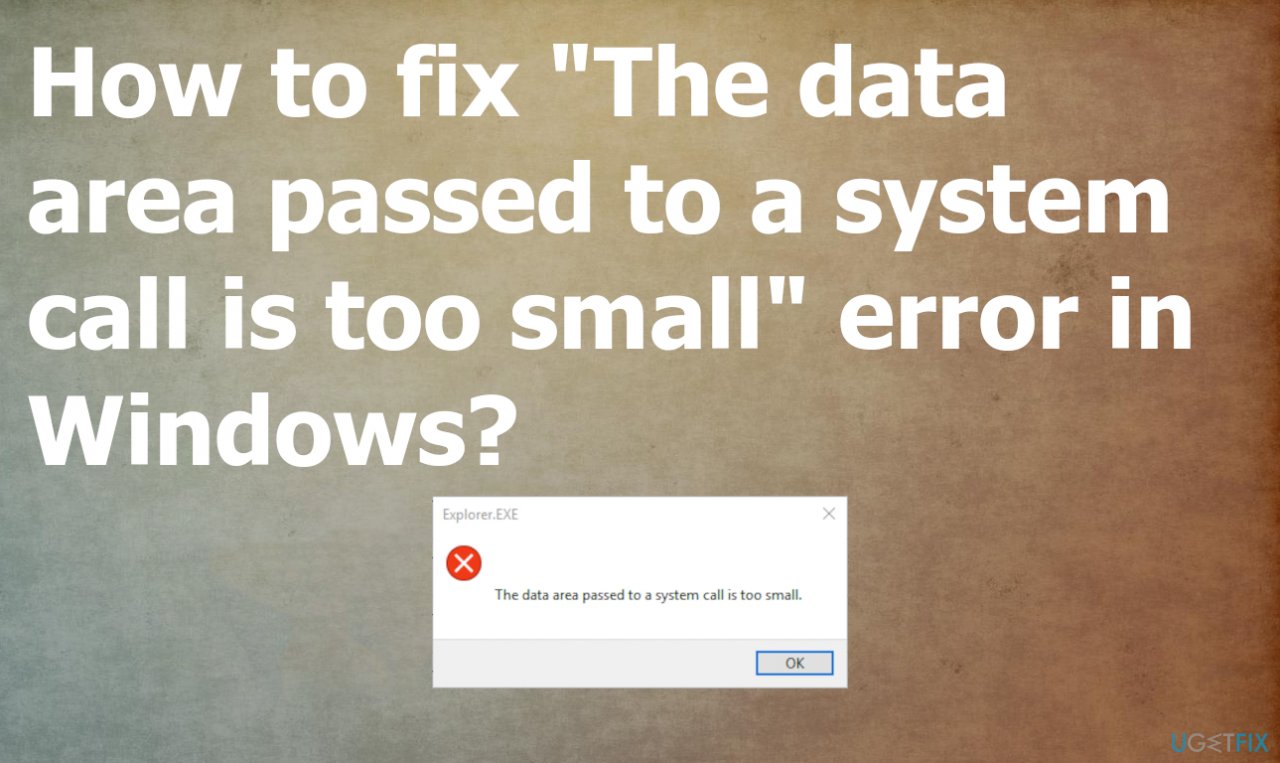
"The data area passed to a system call is too small" error in Windows is a problem that can cause issues on the machine, and the pop-up appearing during various processes annoys and frustrates people. The cause for this error can be related to the full path of the driver files that is longer than the SMS 2003 can handle.
Other reasons for the particular error could be miscommunications between two filter drivers like the Desktop Bridge - WCNFS and the RsFxXXXX.sys driver SQL Server FILESTREAM system driver. It can be a problem because the RsFx system driver cannot honor flags being passed by the other driver.
Startup failures and issues with other applications lead to the "The data area passed to a system call is too small" error in Windows. These are the main reasons for the reports[ref en-1] that users post online. The error might occur when running server webpages or while connecting to Active Server Pages on the machine that runs the Internet Information Server.
The check for the issue can include finding problems with the computer or the SSD. You might need a replacement of the SSD to see if the issue occurs when that is done. If the machine is working fine, "The data area passed to a system call is too small" error in Windows might be caused by the problem with your SSD.
You can check the system for affected files or issues with the data on the machine. Those can be affected by malware[ref en-2] or updates in the operating system.[ref en-3] The application like [d1] can help with the check on the computer, so all the problems with corrupted system data could be solved and these errors fixed.
Other solutions for the "The data area passed to a system call is too small" error in Windows might include more in-depth steps and changes to the settings of your device. So follow these listed instructions and make sure to check a few methods yourself.
Method 1. Change Website properties
- Press Windows key and R key together to open Run dialog.
- Then type mmc in the box and click OK to continue.
- Then, open the Web site Properties, and then click the Home Directory tab.
- In the Application Settings tab, click Configuration.
- Click to check the Cache ISAPI Applications check box.
- Stop and restart the Web site.
- You’re all set.
Method 2. Reinstall problematic apps
If you can pin to the particular application that is causing these issues, you might want to remove that application and reinstall it again. Those applications can require proper updates and installation, so the problem does not occur again. You can also rely on [rev id="Driver Fix"], which finds particular pieces that are outdated and installs proper drivers on the machine that cause issues similar to this error.
Method 3. Check for OS updates
- Press Windows key + I to open Settings.
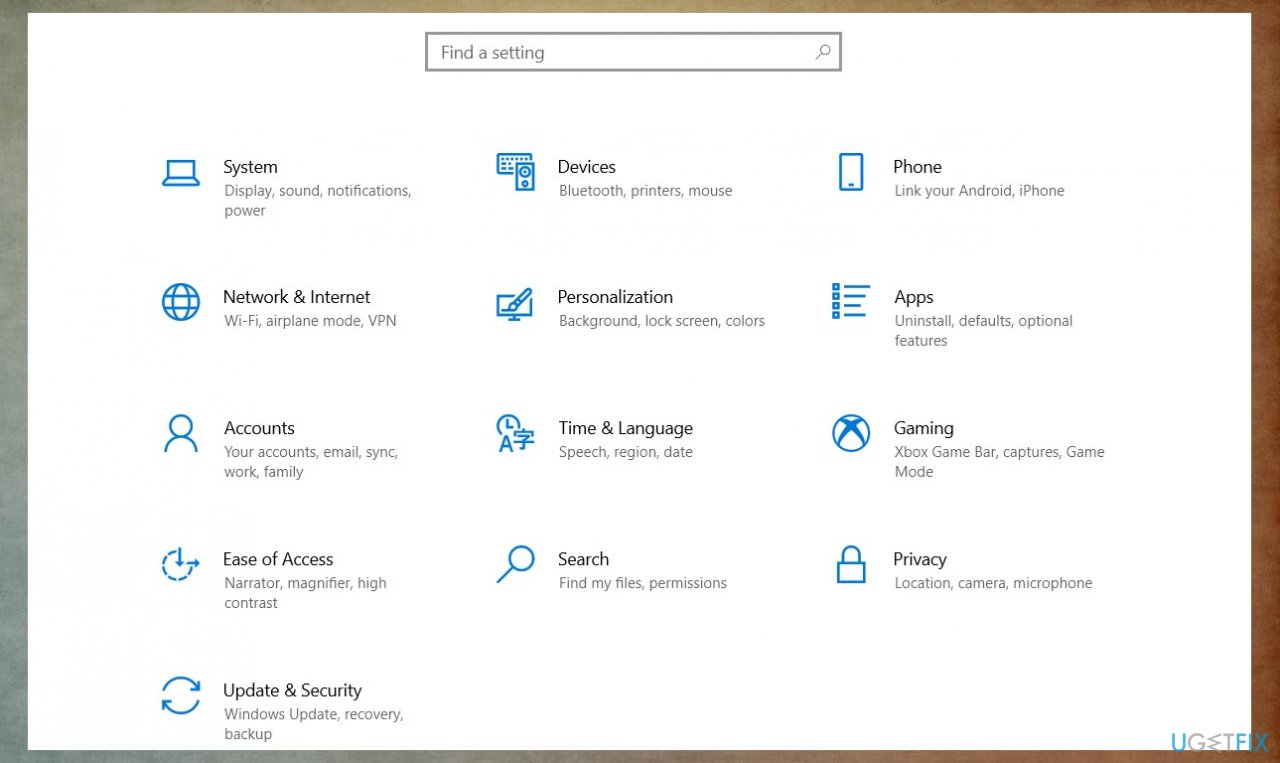
The data area is too small error settings - Open Updates & Security section.
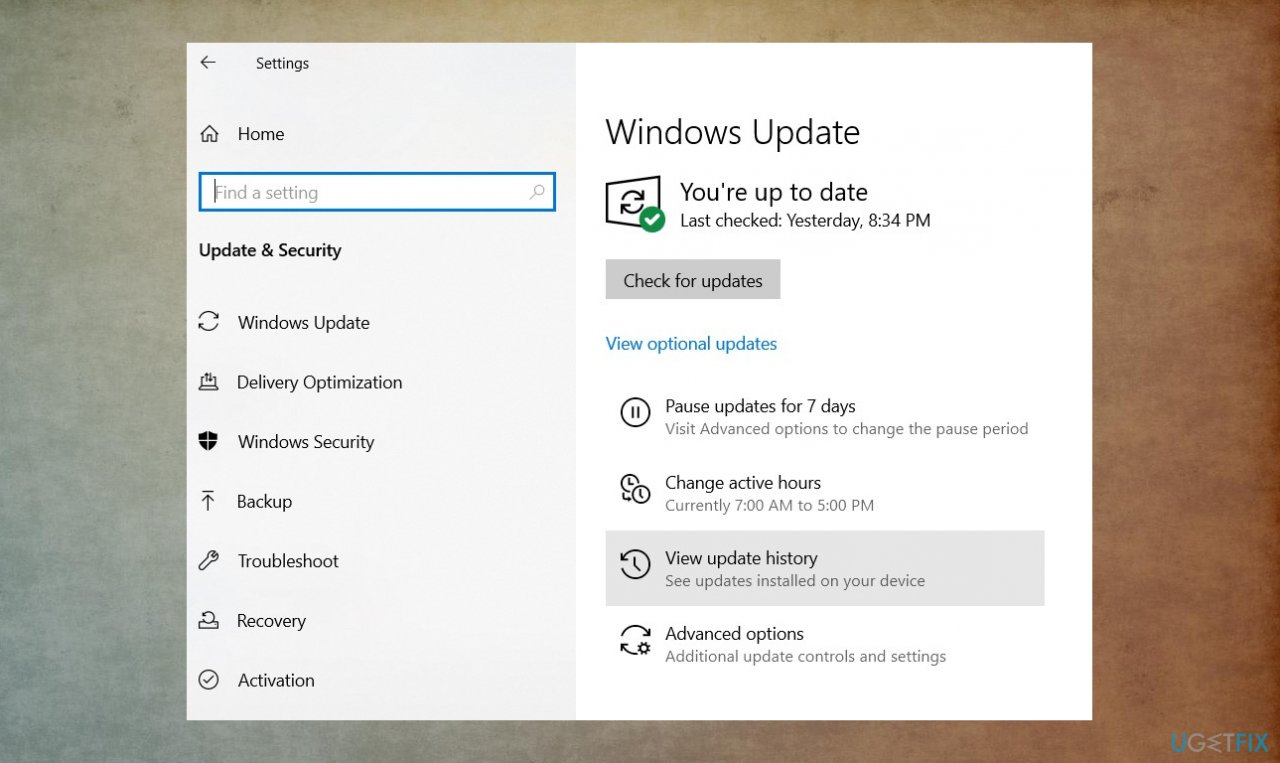
The data area is too small error updates - Click Check for Updates button and wait.
- All available updates will automatically be listed and could be installed.
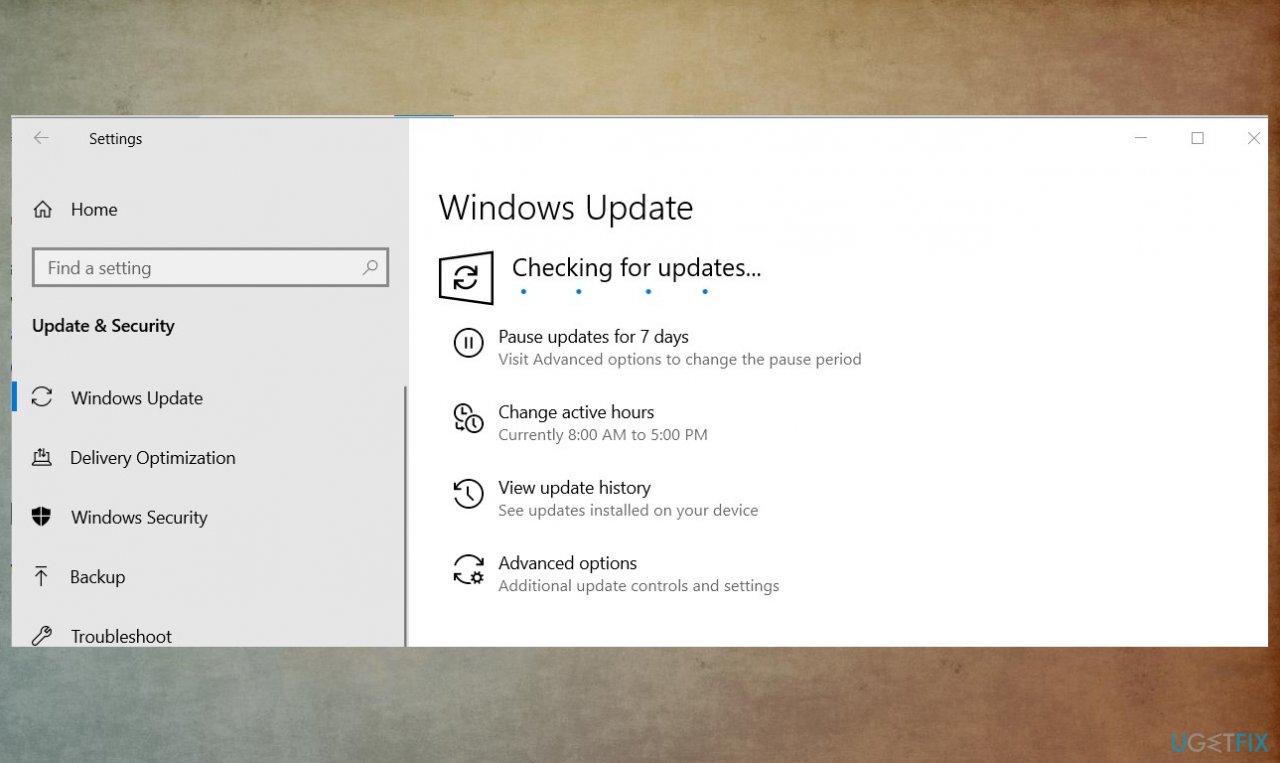
The data area is too small error checking updates - Restart the PC after that.
Method 4. Try the KB4091266 hotfix
It might be possible to fix the error on Windows with the possible hotfix.
- Download and install the hotfix update for SQL Server 2012 SP4 from here.
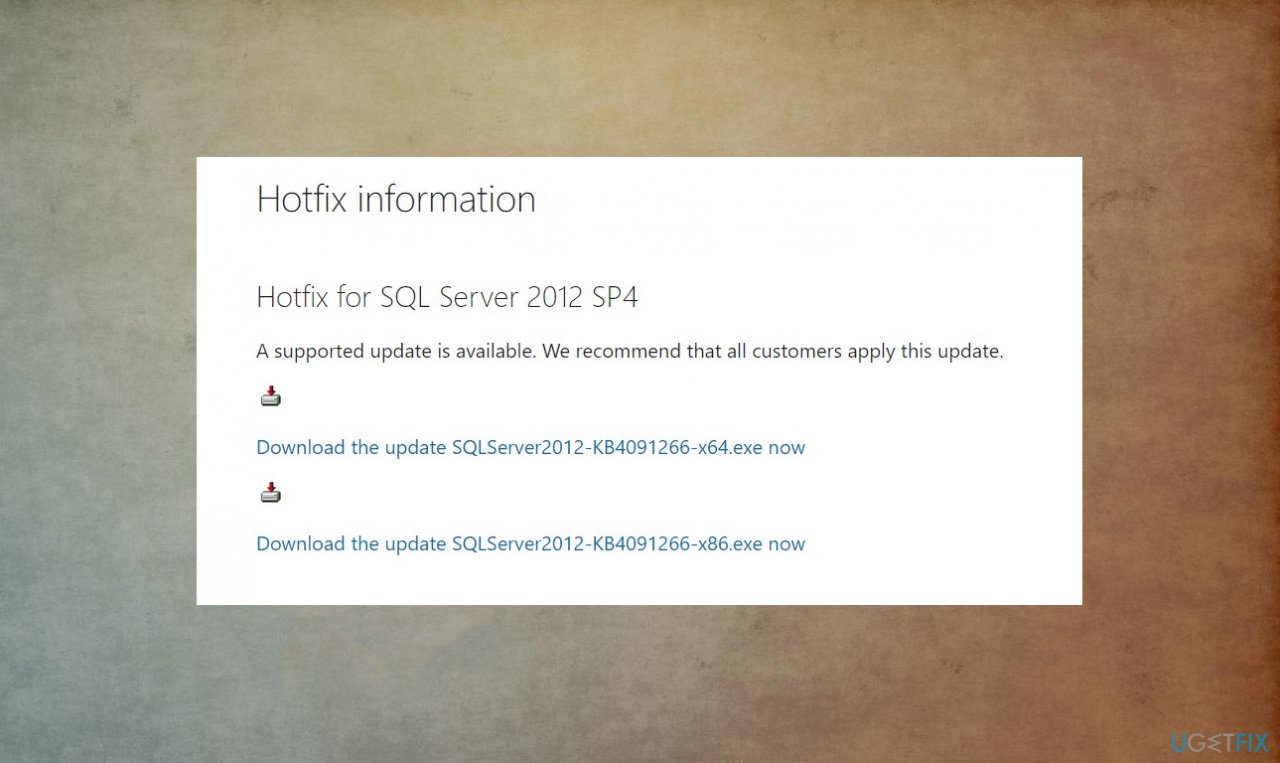
The data area is too small error hotfix - Follow the procedure and install the fix on the PC.
- Restart the application that was problematic and see if the error appears again.
Bottom line
To fix the "The data area passed to a system call is too small" error, you can check for issues with your SSD, replace it if necessary, and use applications to check for corrupted system data. If these solutions do not resolve the issue, consider further diagnostics or professional assistance.
Frequently asked questions
This error often occurs due to corrupted system files or registry issues that affect data processing in Windows 10. It can also be triggered by outdated drivers or software conflicts.
To fix this error in Windows 11, you can run the System File Checker tool or perform a DISM scan to repair corrupted files. Additionally, updating your drivers and checking for Windows updates may help resolve the issue.
While modifying the registry can help fix this error in Windows, it is essential to back up the registry first, as incorrect changes can lead to system instability. Always proceed with caution when making registry edits.




Report an issue
What's wrong with this guide? We review every report and update or remove content.
Report received — thank you. We'll review and fix it.
You need a free account to submit a report.
Be the first to comment