How to fix
“Sorry, Backup and Sync needs to quit” Error
on Windows
Resolve the "Sorry, Backup and Sync needs to quit" error on Windows 10 and 11 effortlessly with expert-tested solutions. Fixed in minutes!

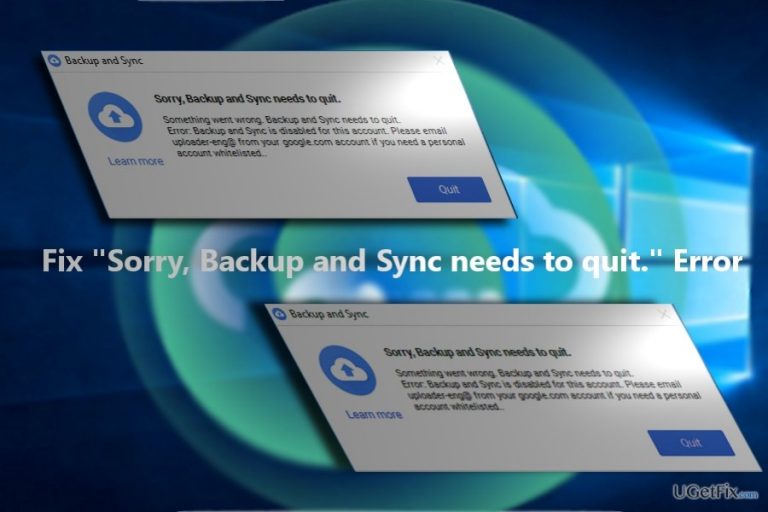
What causes How to Fix “Sorry, Backup and Sync needs to quit” Error?
- Internal issue while updating Google Drive
- Beta version of the updated feature
- Reinstallation of the application
- Corrupted files in the previous version
- Registry keys of the previous version not deleted
Repairs Windows system files, removes malware, and restores a clean OS state — without reinstalling.
Do you know what is the case of “Sorry, Backup and Sync needs to quit" on Google Drive? It appeared since yesterday, and I can’t normally use it.
“Sorry, Backup and Sync needs to quit” error occurs for Google Drive users. While users may have encountered this issue already last year, it is likely that the issue might recur more frequently due to the release of the updated version. Google Drive offers a highly exceptional feature – online backup service.
Furthermore, this utility is exceptionally useful. Google has announced releasing the updated version of Backup and Sync at the end of this month. The key benefit is that it enables users to back up their entire computer or copy individual folders into the drive without having to organize and create new folders.
At the moment, only selected users will experience the beta version of the updated feature. Until it will be released for mass consumption, it is likely that you may encounter this error.
Speaking of the cause of “Sorry, Backup and Sync needs to quit” error, it was caused by the internal issue while updating Google Driver. Google recognized the issue and solved it. Here is the solution: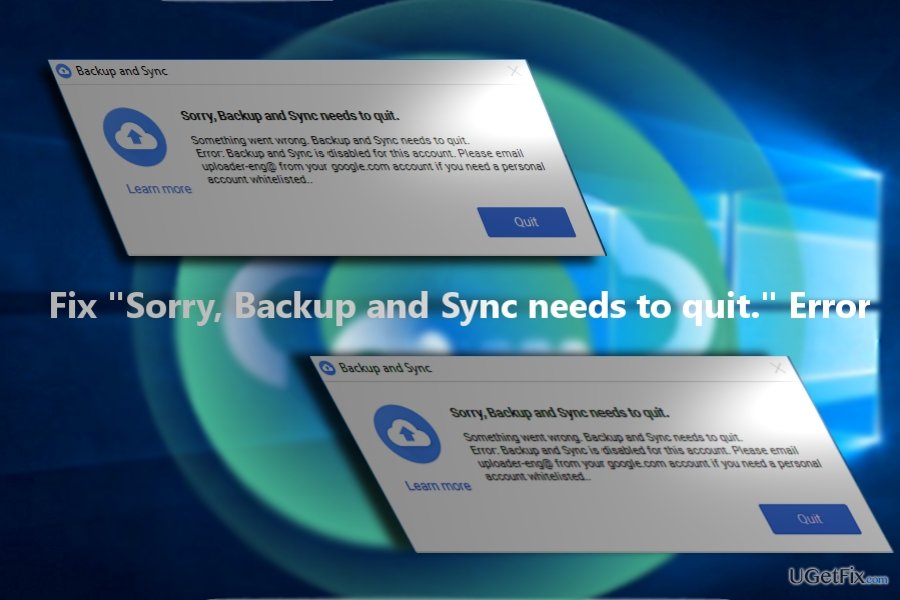
- Visit http://drive.google.com and download the executable file.
- Run googledrivesync.exe.
- Type your Google Account username and password in the instructions. This command will link the password with Google Drive for your PC.
- Complete the instructions.
- Open Google Drive for your PC from the Start menu. Drag folders into your Google Drive folder to start the synchronization with My Drive (online version of Google Drive).
Note. The reinstallation and synchronization may take time, so be patient. Additionally, in order to repair the issue and install the patched version of the application, delete the registry keys of the previous version. Enter the File Explorer and enter %UserProfile%\AppData\Local\Google\. Remove all the files present in that folder.
Finally, make sure you install the official version of Google Drive. It is always useful to have such application as [d1] at hand in order to ward off malicious and corrupted files.
Bottom line
To fix the "Sorry, Backup and Sync needs to quit" error, download the executable file from Google Drive, run it, and follow the instructions to link your account. Additionally, delete the registry keys and files from the specified folder to ensure a clean installation. If these steps do not resolve the issue, consider seeking further technical support.
Frequently asked questions
This error typically occurs due to conflicting applications or outdated versions of the Backup and Sync tool. Ensuring that your software is up-to-date and closing other conflicting applications can help resolve this issue.
You can try restarting your computer, updating the Backup and Sync app, or uninstalling and reinstalling the application to fix the error on Windows 11.
To prevent future occurrences, regularly check for updates for Backup and Sync and avoid running other resource-intensive applications simultaneously on Windows 10.




Report an issue
What's wrong with this guide? We review every report and update or remove content.
Report received — thank you. We'll review and fix it.
You need a free account to submit a report.
Be the first to comment