How to fix
“Daqexp.dll is missing” Error
on Windows
Resolve the "Daqexp.dll is missing" error on Windows 10 efficiently with expert-tested methods. Quick fixes for a smooth experience, zero traces left.

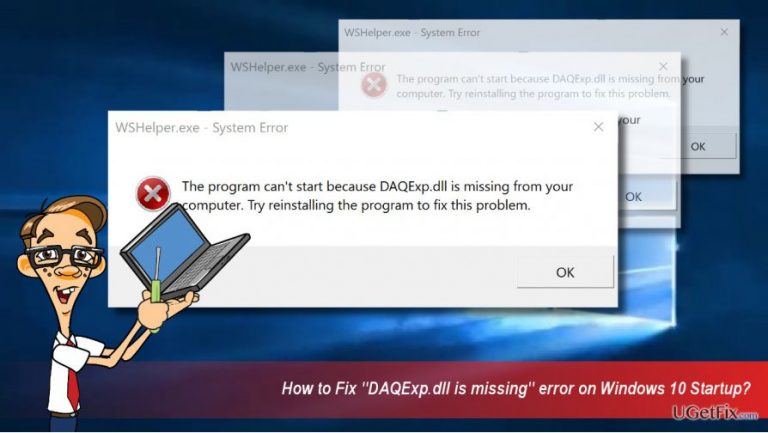
What causes How to Fix “Daqexp.dll is missing” Error on Windows 10?
- Daqexp.dll file is missing
- Wondershare software is running on the system
- Wondershare products may be bundled with other software
- Potential malware or suspicious activities associated with Wondershare
- Free trial versions of Wondershare products may prompt users to purchase a license
Repairs Windows system files, removes malware, and restores a clean OS state — without reinstalling.
Hello. Running Windows 10, which has been upgraded to Creators Update soon after the release of the update. A couple of days ago, I’ve started receiving an error on startup, which says “daqexp.dll is missing.” Anyone knows how to solve the problem?
“Daqexp.dll is missing” is an error code, which recently stroke Windows 10 PCs and laptops. Thorough investigation of this .dll file revealed that both the file and the error are not common, or rather were not common up till now.
What is the Daqexp.dll file?
Daqexp.dll is a Dynamic Link Library, which related to the Wondershare Software Products. Wondershare is a company that supplies applications for data recovery, PDF converting, video streaming, system optimizing, system maintenance, photo viewing, and others. Therefore, if Daqexp.dll file has initiated some problems on Windows 10 startup, you should check which of the Wondershare products is running on the system and remove it for good.
Although Wondershare products haven’t been announced to be malicious or at least potentially unwanted, many cyber security experts and netizens reported this company for the implementation of suspicious activities. To name a few, the company was found spreading the software by bundling and even forum spam. Additionally, whirpool company reported this company for being involved in people’s scamming. According to the, a free trial version of some Wondershare products have been distributed on the Internet, which once installed urged people to purchase the license.
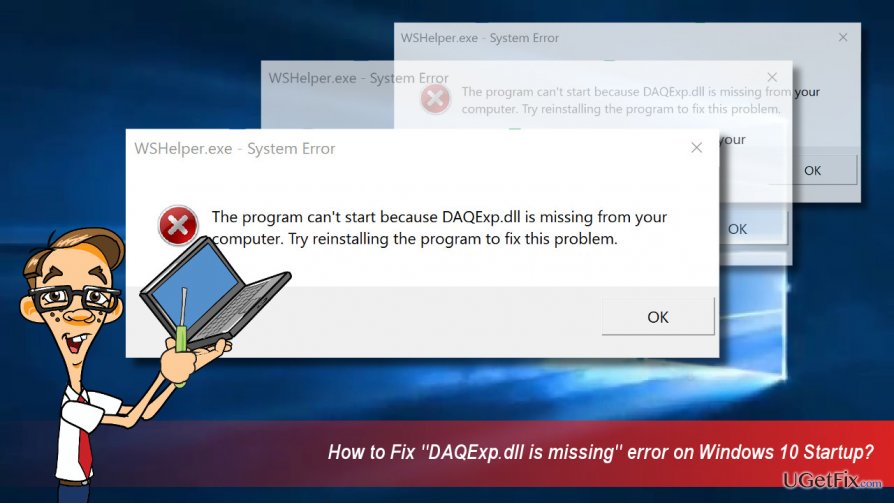
Fixing “Daqexp.dll is missing” error
If the Daqexp.dll error has interfered Windows 10 startup, but the system eventually booted, we would recommend scanning the system with [d1] utility immediately. This program will check the system for malware and remove it automatically. Thus, if the Wondershare application that has been installed on your PC has been included in the virus database, it will be removed automatically. If the scan did not resolve the issue, please try the following:
Remove Wondershare Software from the Startup to fix “Daqexp.dll is missing” error
- Press Ctrl + Shift + Esc to open Task Manager.
- Click on Startup tab and look for processes related to Wondershare.
- Click on them and select End Task.
- Now press Windows key + R, type msconfig, and press Enter.
- Open Services Tab and mark the Hide Microsoft Services option.
- Then find Wondershare products and uncheck all of them.
- Click OK to save the changes
- Reboot the system and check if Daqexp.dll error has been fixed.
Remove Wondershare Software completely
To prevent Wondershare Software from initiating further problems, we would recommend removing it completely. For that, perform the following steps:
- Press Ctrl + Shift + Esc to open Task Manager.
- Click on Startup tab and look for processes related to Wondershare.
- Click on them and select End Task.
- Now right-click on Windows key and select Control Panel.
- Find Wondershare Software, click it, and select Uninstall.
- To remove its temporary files and other leftovers, press Windows key + R, type regedit, and press Enter.
- Open Edit tab and select Find.
- Type Wondershare to check if there are any leftovers.
- If the system detects some associated files, remove them.
- Finally, reboot the system.
Bottom line
To fix the 'Daqexp.dll is missing' error, you should first scan your system with a utility to check for malware. If the issue persists, remove Wondershare Software from the Startup processes. If none of these solutions work, further investigation may be needed.
Frequently asked questions
The 'Daqexp.dll is missing' error can occur due to a corrupted or deleted DLL file, often related to the installation of certain applications or drivers that rely on this file.
You can restore the missing Daqexp.dll file by reinstalling the application that requires it or by using the System File Checker tool to repair any corrupted system files.
Downloading Daqexp.dll from third-party websites is not recommended, as it may lead to further issues or malware infections; always try to obtain the file from a reliable source or reinstall the original software.




Report an issue
What's wrong with this guide? We review every report and update or remove content.
Report received — thank you. We'll review and fix it.
You need a free account to submit a report.
Be the first to comment