How to fix
“Invalid Signature” Error
on Windows
Resolve the “Invalid Signature” error on Windows 10 and 11 swiftly with expert tips. Get back to smooth operation—zero traces left!

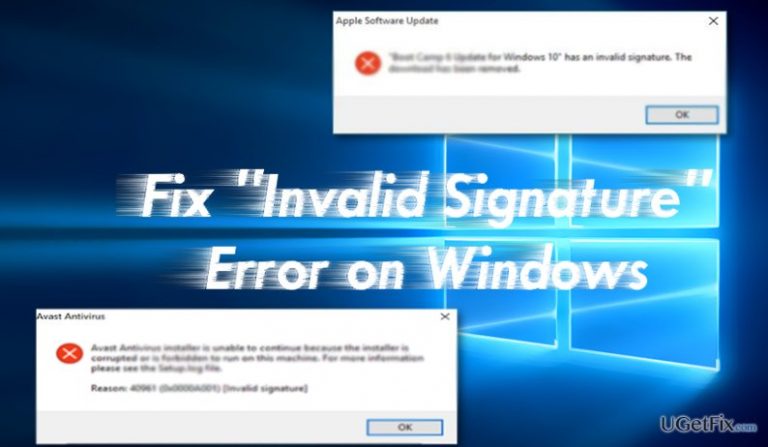
What causes How to Fix “Invalid Signature” Error on Windows?
- Corrupted software from a secondary source
- Incorrect installation of the application
- Virtual threats altering system files
- Faulty hardware such as memory cards
Repairs Windows system files, removes malware, and restores a clean OS state — without reinstalling.
I have recently tried to install Avast and got “Avast Antivirus installer is unable to continue because the installer is corrupted or is forbidden to run on this machine.” How do I know which version to install? Or is it a virus?
Invalid Signature error might be the primary indicator suggesting that you attempt to install an “unofficial” application, i.e. corrupted one. Code signing refers to the phenomenon that each software is signed with a specific “signature” and has a certificate. They indicate that the software can be trusted. Current versions of Windows have a better detection technique.
Alternatively, the error notification might not always reflect the real situation. Users may spot the message which only appears when attempting to install one application or be deprived of installing any application. In addition, in rare cases, the fault may lie in hardware – faulty memory cards. Let us discuss the key solution options of “Invalid Signature” error.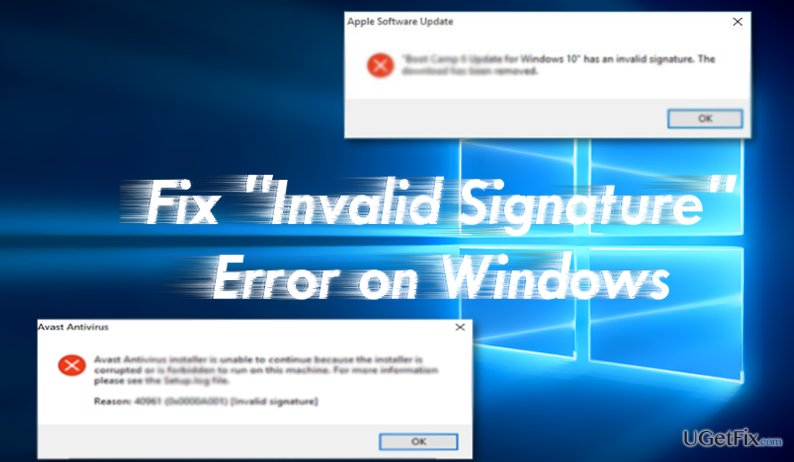
Option 1. The Software is Corrupted
If you have attempted to install the application from secondary source, there is a high risk that the app version might be corrupted. All security applications have their official websites.
If you are looking for a mounting application or similar software, you might need to try a bit harder. Additional security browser extensions might be of service determining which site is safe to download content from. The majority of anti-virus premium versions help you stay protected from malware in disguise as well.
Option 2. The App Was not Installed Correctly
The error occurred during the installation may prevent from uninstalling or reinstalling the application. In that case, you might need to enter Safe Mode and (re)install the program again.
Option 3. Virtual Threats Prevent the Installation
There have been cases when certain types of a trojan or malware altered system files. As a result, users were deprived of installing wanted software. It is especially applicable for security applications. Interestingly, some rogue applications, such as Windows Antivirus Helper also tend to meddle with the app installation settings. [d1] is one of the tools preventing threats from taking over the operating system.
Option 4. Check Memory Cards
These two prolonged micro plates are located parallelly near the fan on the motherboard. If they are damaged or mismatching, you might be unable to install any application at all. In that case, no specific system notification does not appear but after downloading the app, the installation wizard does not appear.
Alternatively, even if you manage to “install” the app, the absence of the program after rebooting suggests that you have to start all over again.
Bottom line
To fix the 'Invalid Signature' error, ensure you download software from official websites, reinstall the application in Safe Mode, and check for malware that may be interfering with installations. If none of these solutions work, consider checking your hardware for issues.
Frequently asked questions
The 'Invalid Signature' error on Windows 10 is often caused by corrupted system files, issues with driver signatures, or problems with the Windows Update process.
To fix the 'Invalid Signature' error on Windows 11, you can try running the System File Checker tool or updating the problematic drivers through Device Manager.
While it's not recommended, you can bypass the 'Invalid Signature' error on Windows by disabling driver signature enforcement temporarily in the Advanced Startup Options.




Report an issue
What's wrong with this guide? We review every report and update or remove content.
Report received — thank you. We'll review and fix it.
You need a free account to submit a report.
Be the first to comment