How to fix
“Microsoft RDN/Trojan/worm!055bcc1319645 Infection” Pop-Up
on Windows
Eliminate the "Microsoft RDN/Trojan/worm!055bcc1319645" pop-up on Windows 10 or 11 easily. Get expert-tested solutions to restore your system's safety.

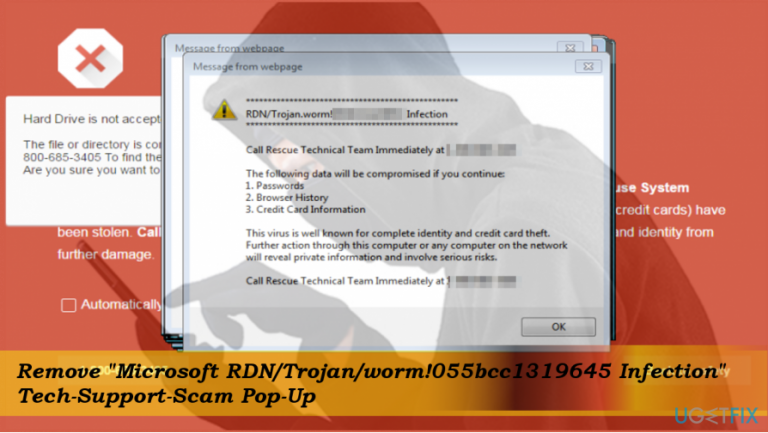
What causes How to Fix “Microsoft RDN/Trojan/worm!055bcc1319645 Infection” Pop-Up?
- Tech-Support-Scam
- Intimidation tactics used by scammers
- Inexperienced PC users being targeted
- Fake alerts displayed on web browsers
- Crooks posing as Microsoft-certified technicians
Repairs Windows system files, removes malware, and restores a clean OS state — without reinstalling.
Today Edge brought me an alert regarding "Microsoft RDN/Trojan/worm!055bcc1319645 infection.” I said that all personal information available on my computer is at risk and I have to call the # 1-888-660-1755 to prevent crooks from accessing my PC.
The page was locked, so I did not do anything, but took another device and immediately reported about this problem on various forums and blogs. Unfortunately, no one responded yet, but I really need someone’s help!
Do not call the number provided on the "Microsoft RDN/Trojan/worm!055bcc1319645" alert. Such and similar pop-up alerts, except those brought by a professional anti-malware, anti-spyware or another security utility,[ref en-1] displayed on a web browser shouldn’t be trusted.
The error messages "Microsoft RDN/Trojan/worm!055bcc1319645" is rather dangerous as it trick inexperienced PC users into calling the given number and falling into the snare of cyber criminals.
Technically, the "Microsoft RDN/Trojan/worm!055bcc1319645" error is dubbed as Tech-Support-Scam.[ref en-2] Its purpose is to intimidate PCs’ owners and prompt them to call for the pretend-to-be Microsoft-certified technicians.
In this case, crooks exploit various psychological strategies to scare people into thinking that the caller's PC is infected with a sever computer infection[ref en-3] and that the only chance to prevent loss of credit card details, passwords, log-ins, browsing data or even personal files like pictures and videos, the PC's user has to pay for the remote technical support service. The required sum of money usually varies from $100 to $200.
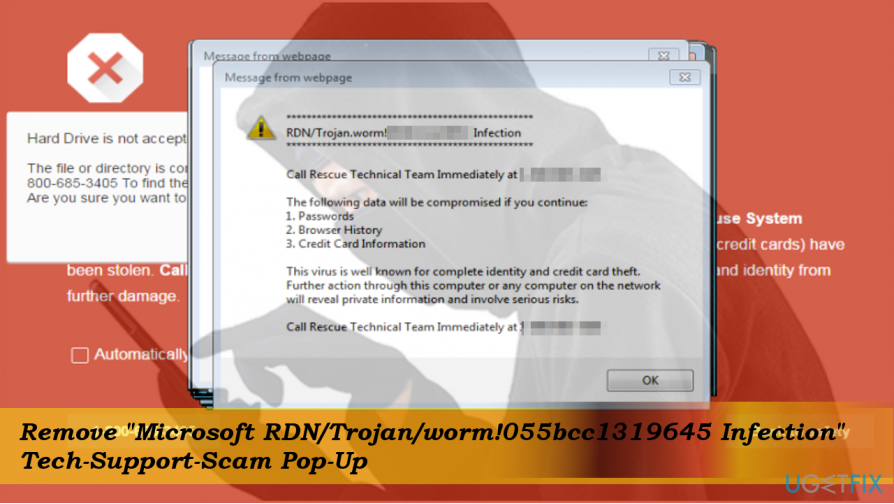
If you have already dialed the # 1-888-660-1755 number given on the "Microsoft RDN/Trojan/worm!055bcc1319645" tech-support-scam alert, please hang up and do not contact with the impostors anymore. What they really seek is to extort your PC’s credentials and connect to it remotely. Consequently, they could steal whatever they want as long as you would not remove the virus.
It has been found that the crooks that are related with the "Microsoft RDN/Trojan/worm!055bcc1319645" are located in India, but claims that they’re from NY. Besides, they ask to pay $ 150 for a virus-removal service.
Hopefully, you have neither dialed the # 1-888-660-1755 number, not paid the required sum of money. If you are currently locked with the "Microsoft RDN/Trojan/worm!055bcc1319645" error on Chrome, Firefox or any other web browser, we will explain what steps should be taken to remove the rogue support alert permanently.
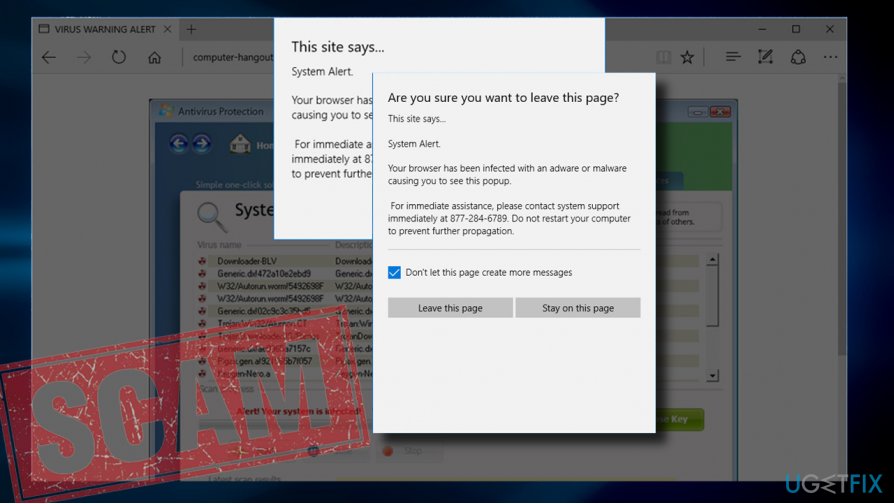
"Microsoft RDN/Trojan/worm!055bcc1319645" scam is triggered by adware infection
The "Microsoft RDN/Trojan/worm!055bcc1319645" scam is not a virus itself. It's an advertising platform that is distributed as a part of adware-type programs. Thus, to remove the fake alert from your web browser, you will have to delete the adware and reset your web browser.
In some rare cases, this scam may be triggered by compromised web domains, for example, porn sites, gambling sites, shaddy online shopping sites, and other illegam domains. In this case, you should stay away from those domains or install a more powerful anti-malware tool with a real-time protection function.
Fixing "Microsoft RDN/Trojan/worm!055bcc1319645" error
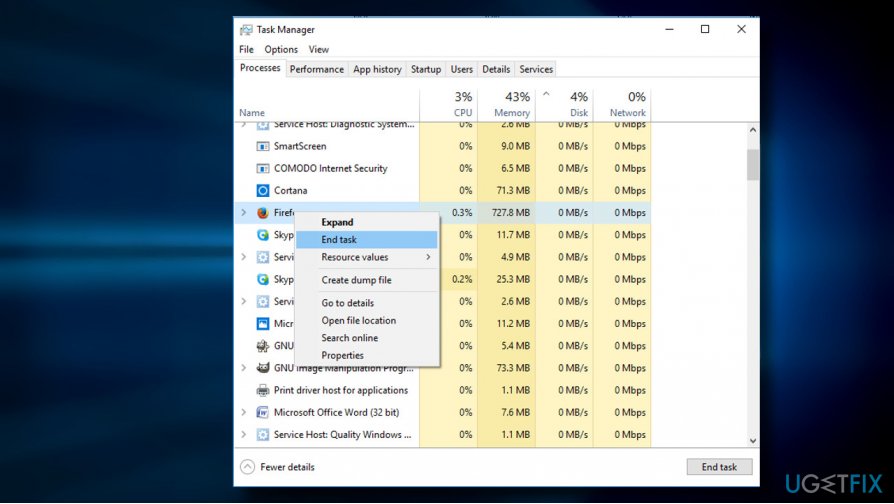
If your web browser's screen is stuck with the scam alert, press Ctrl + Alt + Del and open Task Manager. Open Processes tab and find your web browser's process. Click it and choose End Task. NOTE: the next time you open the browser, DO NOT restore the last browsing session.
The most appropriate way to remove the adware and other dangerous or unwanted third-party apps completely is to run a full system scan with a professional anti-malware. Our recommendation is [d1], but you are free to choose another security tool.
If, however, you opt for manual "Microsoft RDN/Trojan/worm!055bcc1319645" virus removal, please follow these steps:
- Open Start > Control Panel > Programs and Features > Add/Remove Programs (Windows 7, XP).
- Press Windows key + I to open Settings. Select Apps and open Programs & Features section on the left pane. (Windows 8, 10).
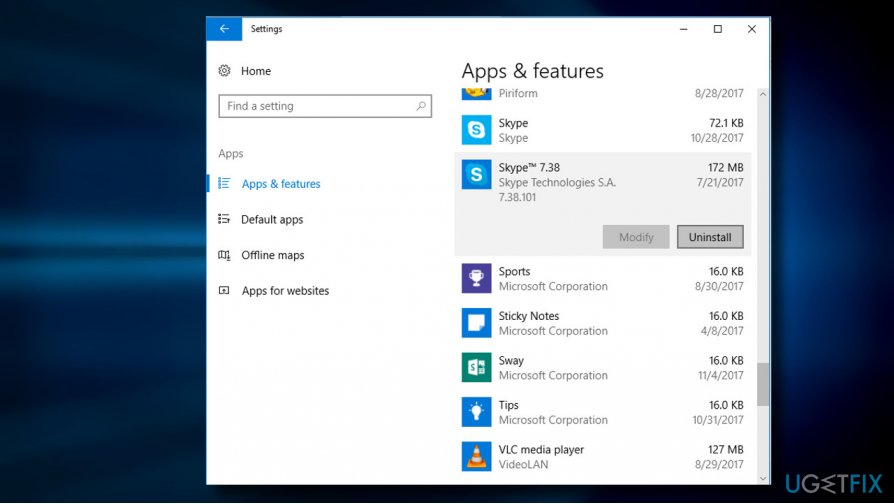
Uninstall suspicious apps - Carefully check what programs have been recently installed. The best way to do that is to sort the programs by date. Select the unknown program, click it, and select Uninstall. To confirm the removal, click OK/Uninstall.
IMPORTANT: regardless of "Microsoft RDN/Trojan/worm!055bcc1319645" adware removal method (manual or automatic) you have selected, make sure to reset your web browser in the end. You can find web browser reset tutorials below:
Bottom line
To address the 'Microsoft RDN/Trojan/worm!055bcc1319645' infection pop-up, avoid calling the provided number and do not engage with scammers. Instead, use professional anti-malware or anti-spyware tools to scan and remove any potential threats. If these solutions do not work, consider seeking help from a trusted IT professional.
Frequently asked questions
To remove the pop-up, first run a full system scan using Windows Defender or a reputable antivirus tool, then follow up with a malware removal tool to ensure all traces are eliminated.
Yes, keeping your Windows 11 system updated, using a reliable antivirus, and avoiding suspicious downloads can help prevent this pop-up from appearing.
No, ignoring the pop-up is not safe as it indicates a potential malware infection that can compromise your system's security and performance.




Report an issue
What's wrong with this guide? We review every report and update or remove content.
Report received — thank you. We'll review and fix it.
You need a free account to submit a report.
Be the first to comment