How to fix
Discord error “Unable to confirm payment method”
on Windows
Resolve the "Unable to confirm payment method" error on Discord for Windows 10 and 11 effortlessly. Expert-tested solutions for quick fixes!

What causes How to fix Discord error “Unable to confirm payment method” in Windows?
- Incorrect banking details
- Insufficient funds in the account
- Payment method not accepted
- Expired payment method
- Technical issues with Discord
Repairs Windows system files, removes malware, and restores a clean OS state — without reinstalling.
I have been using Discord Nitro for several years and at the time of the renewal I noticed that I lost access to it. I then checked the payment history and Discord is not accepting my payments with an "Unable to confirm payment method" error.
"Unable to confirm payment method" is an error message that users might receive whenever they attempt to perform a payment transaction on the Discord app, usually when they want to purchase or renew a subscription for Discord Nitro.
Discord is among the most prominent communication applications, especially when it comes to gaming communities - and now beyond that, as the app is also used by investors, sports enthusiasts, TV show watchers, and more.
Those who use the app often might want to enhance its functions with the help of subscription-based Discord Nitro. Not only does it expand the capacity of file uploads (up to 50MB/500MB) but it also provides other benefits like custom emojis, special badges, custom profiles, and more.
For most users, the "Unable to confirm payment method" error occurs when they try to renew their subscription, although it can also happen for those who are trying to purchase it for the first time. While one would think that the reason is insufficient funds in the account, this is not the case.
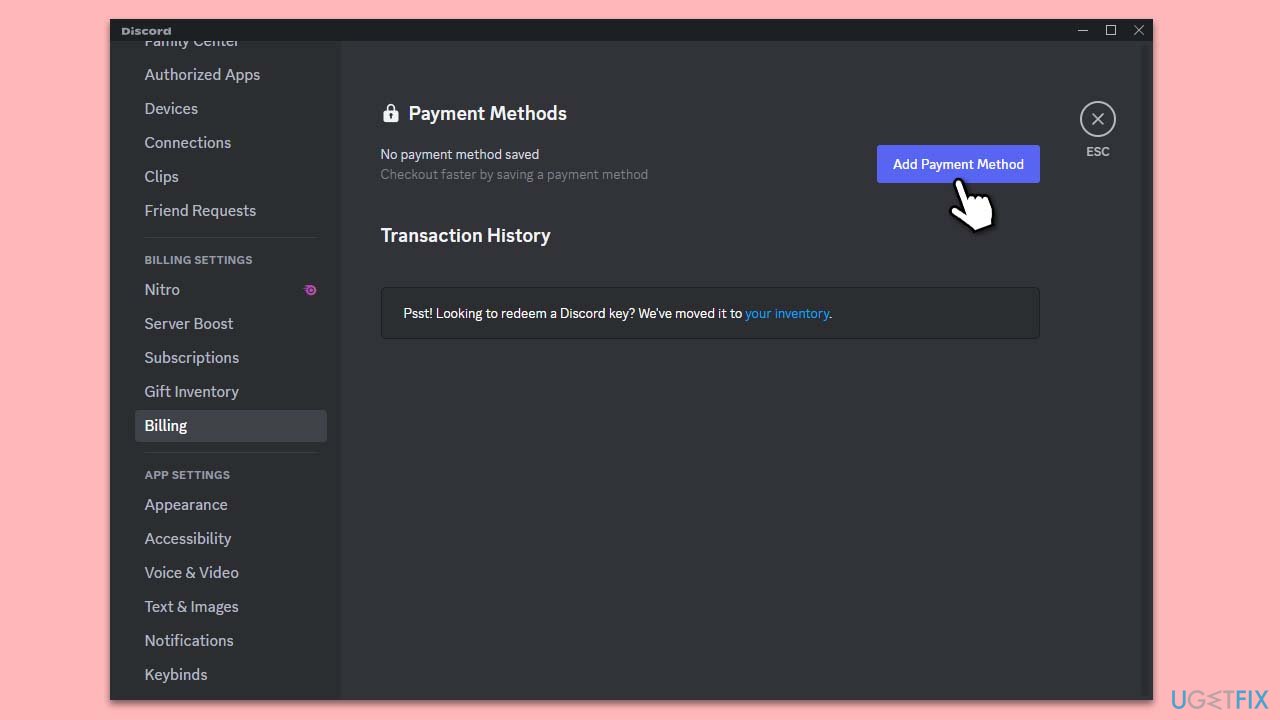
You might encounter the "Unable to confirm payment method" error when entering incorrect banking details, so you should double-check it first. If that's not the case and the payment is still failing, there are other methods you could try in order to fix the error and perform the transaction.
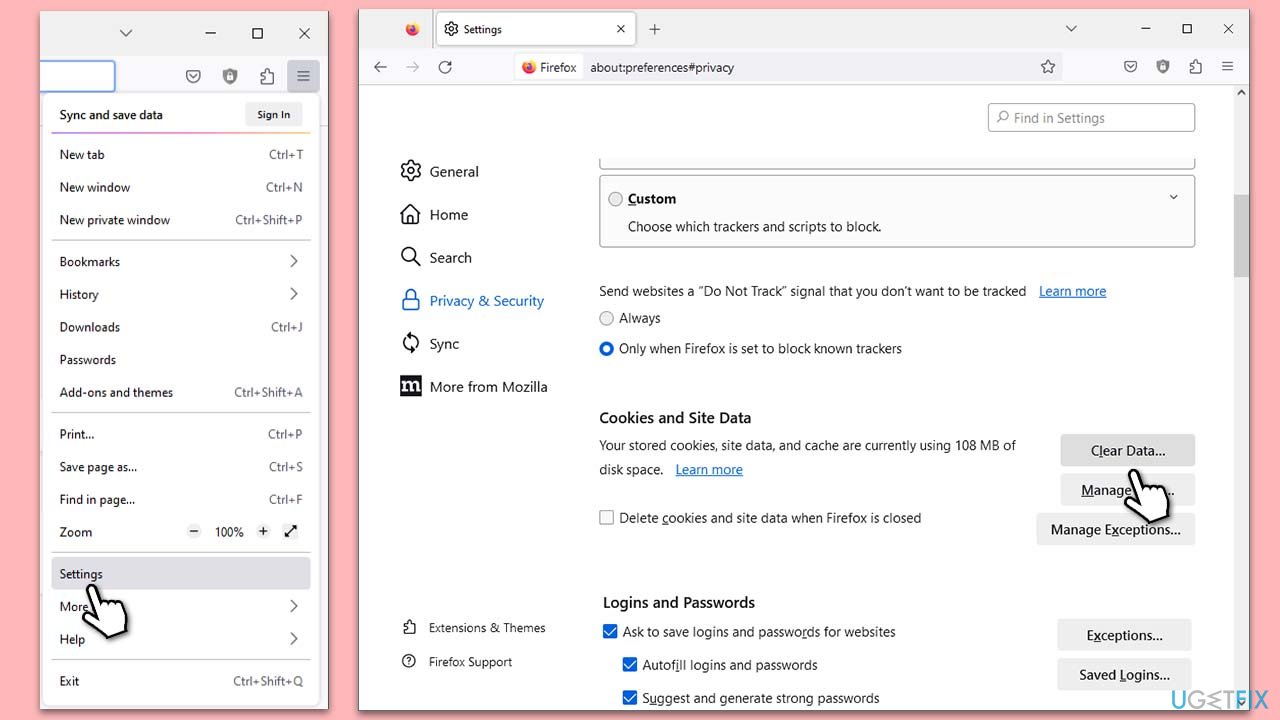
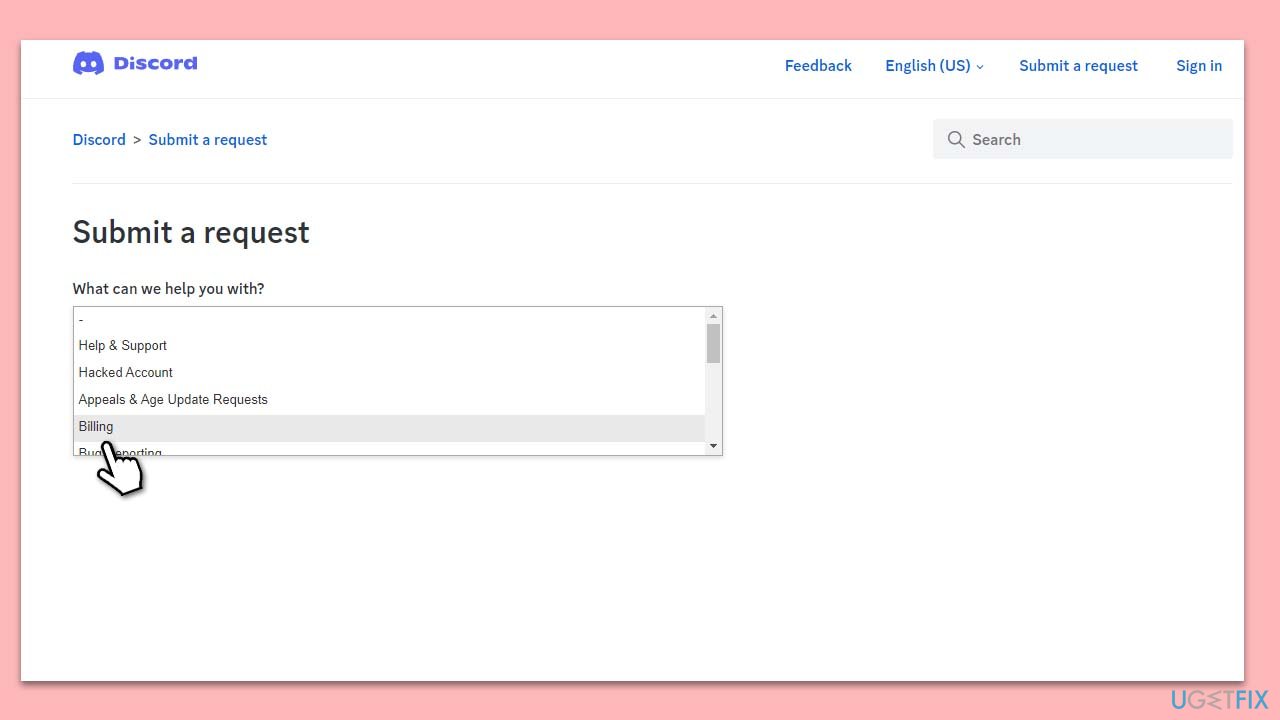
In the below guide, you will find several methods for how to fix the issue where your Discord payments fail. In case you are experiencing broader issues on your Windows device, we recommend trying powerful PC repair software [d1].
Bottom line
To fix the 'Unable to confirm payment method' error, verify your banking details, ensure sufficient funds, and check if your payment method is still valid. If the issue persists, consider trying other methods outlined in the guide or using powerful PC repair software.
Frequently asked questions
Ensure that your payment information is correctly entered and that your internet connection is stable. You can also try clearing the Discord cache or reinstalling the app to resolve potential issues.
Yes, keeping Windows 11 updated can help ensure compatibility with Discord and its payment processing features. Check for updates in the Settings app and install any available updates.
You can visit Discord's official status page or check social media platforms to see if other users are experiencing similar issues, which could indicate server-related problems.




Report an issue
What's wrong with this guide? We review every report and update or remove content.
Report received — thank you. We'll review and fix it.
You need a free account to submit a report.
Be the first to comment