How to fix
RegCure Pro
on Windows
Fix errors and restore broken features on Windows 10 or Windows 11 with RegCure Pro. Expert-tested solutions for a smoother PC experience, updated 2025.

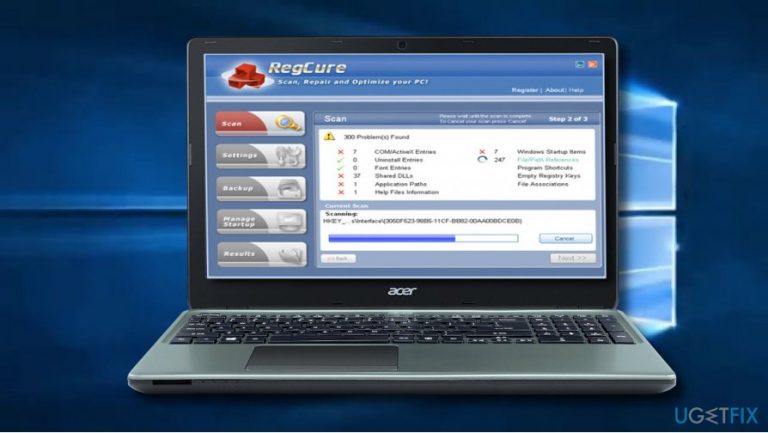
What causes RegCure Pro?
- Intrusive marketing campaigns
- Lack of capabilities
- Failure to keep pace with Windows improvements
- Residual files from uninstalled programs
- Registry errors causing slowdowns
Repairs Windows system files, removes malware, and restores a clean OS state — without reinstalling.

Updated April 03, 2018. RegCure Pro by ParetoLogic Inc. has been discontinued. Although it hasn't yet been removed from most of the freeware download sources, the tool is no longer supported.
Based on numerous complaints on IT-related websites, the current RegCure Pro version available on the Internet can hardly optimize the system. It's dubbed as junkware and crapware due to lack of capabilities and intrusive marketing campaigns to foist licensed version.
Although RegCure Pro tend to be a powerful Windows optimization tool, we can hardly recommend using it now. Its developer fails to keep the pace with Windows improvements, which is why RegCure Pro's scan results may not correspond to reality.
Those who have been using RegCure Pro for many years should switch to another optimization tool for the sake of accuracy and system's protection. One of the most powerful optimization tools currently available on the market is [d1]. It has an inbuilt Avira-Antivir engine, meaning that it will also protect your device from malware.
RegCure Pro - a solution for Windows optimization
RegCure Pro is a tool you should have on computer if you want to ensure fluent and uninterrupted performance of Windows registry and avoid annoying errors that may appear while using your computer. These days, many computer users are not aware of its importance to the processes of the system and fail to provide proper care for it. Windows registry is a vast, very important and complicated hierarchical database that is used to store configuration settings as well as options on Microsoft Windows operating systems.
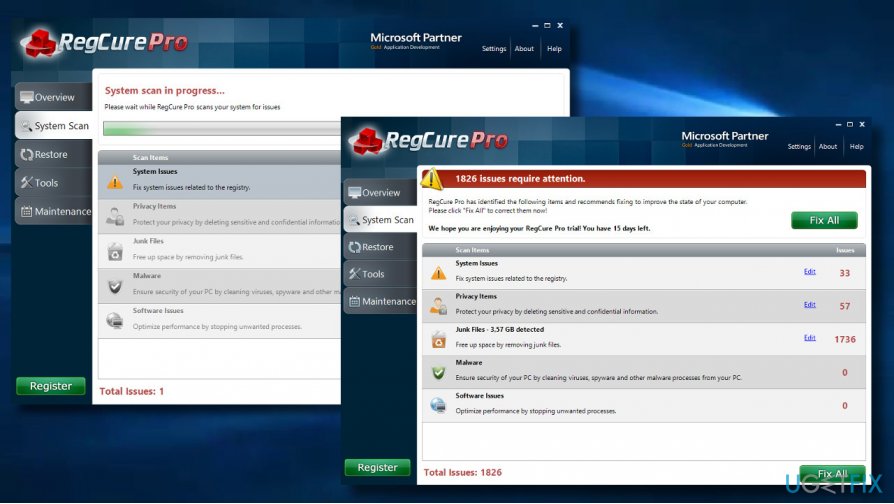
However, as the time goes by, users install and uninstall various programs and some of theirs files remain in the registry after the program is long gone. They are usually advised against modifying the registry by themselves as one mistake might have disastrous consequences on the overall functioning of one's computer, result in data loss and system's fail to load after rebooting it. However, files of programs that exist any longer and other registry errors may interfere with system's performance and cause slowdowns and other problems.
Therefore, we are presenting a professional tool which will take care of your registry and correct registry errors and optimize your computer's performance. You can trust it to detect and fix problems on your computer before they even start interfering with your work.
Developed by ParetoLogic Inc, a reliable producer of system optimizing tools found by four brothers in 2004, RegCure Pro offers a wide range of functions like correcting Windows registry errors, removing various viruses, malware and spyware, taking care of idle processes and managing startup, removing privacy files with confidential information, finding the right software to open files and so much more! Needless to say, these fixes will improve your computer's performance and optimize its processes.
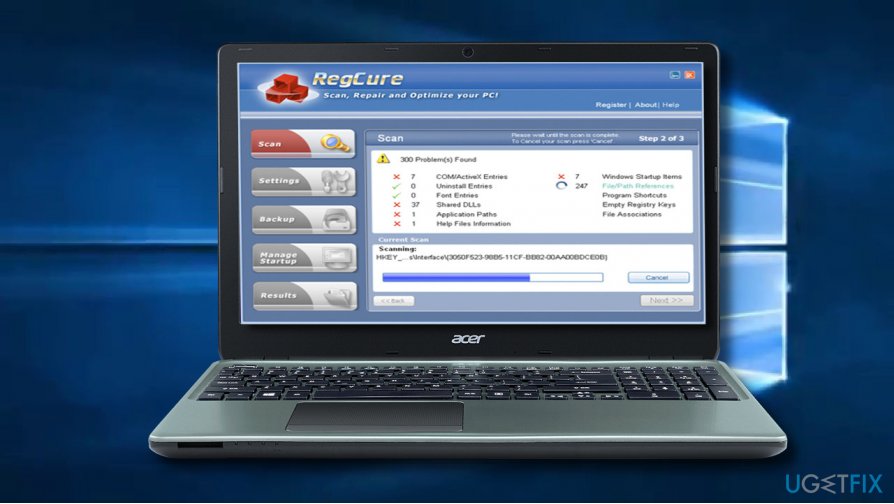
People who tried to fix computer with RegCure pro have given favorable reviews to this tool. In fact, it has received lots of positive reviews from such acknowledged tech reviewers like Paul Taylor from Financial Times who has mentioned the management of startup as one of the benefits of RegCure Pro in one of his reviews: “…it has additional features, including the ability to manage the programs that launch when Windows fires up.” Trying RegCure Pro will make you appreciate the difference between launching computer with managed startup and without it.
So, why should I select RegCure Pro?
If you want to take advantage of the best performance your computer can offer, you will definitely select this program. The functions integrated in it like cleaning registry, removing malware, dealing with performance issues, shutting down unneeded programs and removing confidential information and junk files to free space will speed your computer up and solve problems that would trouble you otherwise.
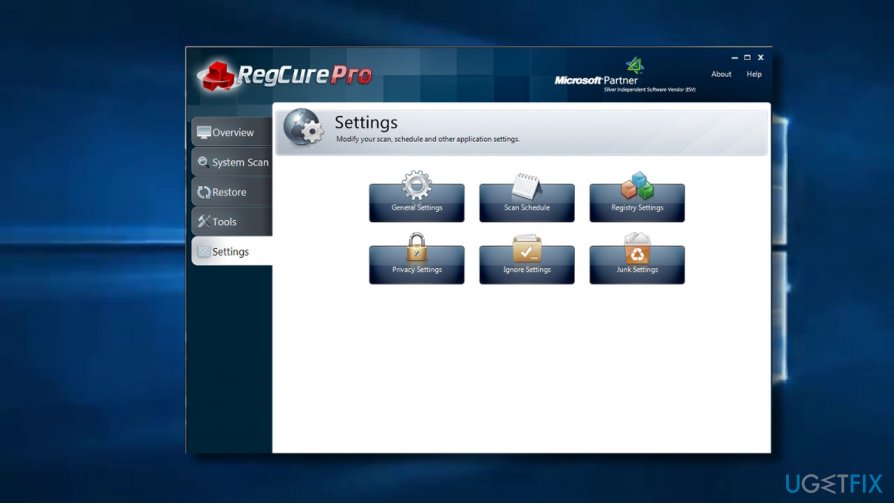
If this is not enough, RegCure Pro may be used to defragment the system and thus to optimize the memory further, help your computer to boot faster, turn off unnecessary Browser Helper Objects that slow your computer down as well as to take control of the restore points used to backup your system. So take advantage of this multi-functional tool and optimize your registry and system right now!
Bottom line
RegCure Pro has been discontinued and is no longer supported, leading to inaccuracies in its scan results. Users are advised to switch to more reliable optimization tools to ensure system protection and performance. If none of the suggested fixes work, consider seeking professional assistance or using alternative software.
Frequently asked questions
RegCure Pro can help fix registry errors, optimize system performance, and repair broken features in Windows 10 and Windows 11.
Yes, RegCure Pro is designed to be compatible with both Windows 10 and Windows 11 operating systems.
To use RegCure Pro, simply download and install the software, then run a scan to identify and fix errors on your Windows 10 or Windows 11 system.




Bottom line: RegCure Pro is discontinued and unsupported, making it a risky choice for optimization. There are much better alternatives on the market now. Don't waste time on outdated tools when you can choose options that actually keep up with Windows updates.
You raise an important point, Sara. The discontinuation and lack of support for tools like RegCure Pro do pose significant risks, especially as Windows evolves and receives regular updates. Using outdated software can expose users to vulnerabilities that are no longer mitigated. Additionally, while the concept of system optimization tools may appeal, they often risk creating more problems than they solve, sometimes inadvertently altering critical system settings. Alternatives that are actively maintained and updated certainly offer a better security posture. It's also worth remembering that many optimizations touted by such tools may be unnecessary, as some performance issues can often be addressed more effectively through native system configuration and regular maintenance practices. Context matters here — users should evaluate their specific needs and consider established alternatives that align with current security standards.
Hi Sara,
I completely understand your concerns about using outdated tools like RegCure Pro. With technology changing so rapidly, having unsupported software can indeed be risky, especially when it comes to optimization. It’s always safer to choose tools that are regularly updated to keep up with Windows changes. There are plenty of modern alternatives that not only provide better support but also offer enhanced features. Thanks for sharing your perspective — it’s a great reminder for everyone to stay informed about their software choices!
Happy to help!
Hi Sara,
I completely agree with your point! Using outdated tools like RegCure Pro can definitely pose risks, especially since they aren’t being updated or supported anymore. It’s always best to choose software that keeps pace with Windows updates to ensure safety and effectiveness. There are several reliable alternatives available now that provide better performance and support. Thanks for sharing your insight!
Happy to help if anyone has questions about choosing a good optimization tool!
Hi Sara, I completely agree with you! Using discontinued software like RegCure Pro can pose risks, especially since it won't receive updates or support for new Windows versions. It's always better to opt for tools that are actively maintained and can adapt to changes in the operating system. There are several great alternatives out there that can safely optimize your system without the downsides of outdated tools. Thanks for sharing your thoughts! Happy to help if you need recommendations!