How to fix
“d3dx9_43.dll is missing”
on Windows
Resolve the "d3dx9_43.dll is missing" error on Windows 10 and 11 quickly and effortlessly. Expert-tested solutions with screenshots for easy fixes.

What causes How to fix “d3dx9_43.dll is missing” on Windows?
- Missing d3dx9_43.dll file
- Game or app may be too old for Windows OS
- Problems related to Microsoft DirectX
- Incompatibility of DirectX with current version of Windows
- Recent OS update causing the error
Repairs Windows system files, removes malware, and restores a clean OS state — without reinstalling.
Hi. I’ve downloaded a World of Tanks game, but cannot play it due to missing d3dx9_43.dll. When I hit play, I get the following error message: "The code execution cannot proceed because d3dx9_43.dll is missing". I tried reinstalling the app and looked for this file among system’s files, but did not find it. Any suggestions?
“d3dx9_43.dll is missing” is a Windows-specific error, which usually occurs when trying to start high-resolution graphics games.[ref en-1] It can occur on any Windows OS version, but it prevails on the Windows 10 v1703 and v1709. In most of the cases, it emerges right or soon after the installation of the latest OS update.
The d3dx9_43.dll file is associated with Microsoft DirectX.[ref en-2] It’s not a crucial part of the Windows OS, though it belongs to the library, which is responsible for launching Windows –based games and advanced graphics programs.
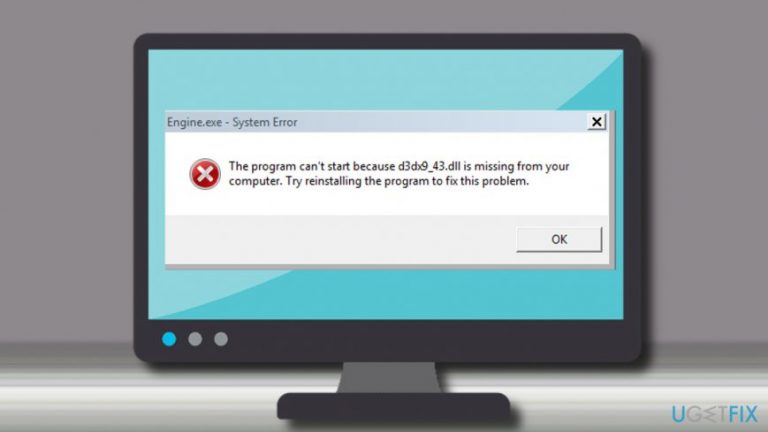
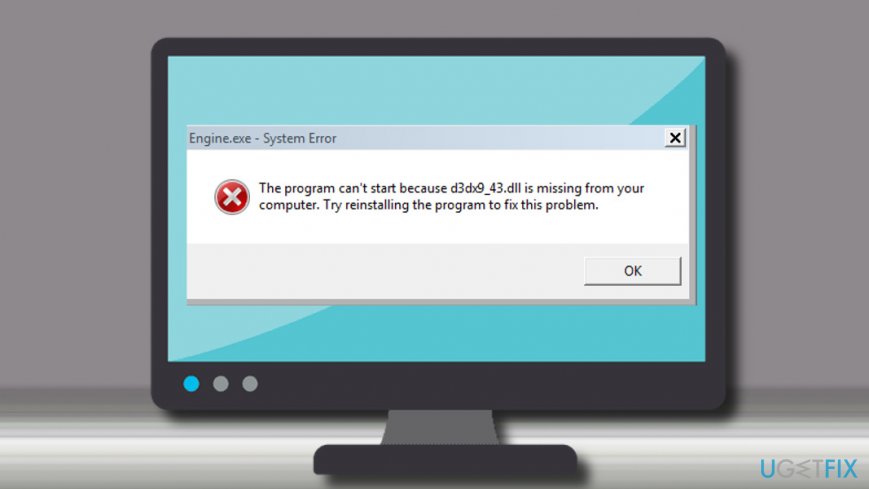
The program can’t start because d3dx9_43.dll is missing from your computer. Try reinstalling the program to fix this problem.
There is a couple of reasons why Windows may encounter the “d3dx9_43.dll is missing” error. One of the possible causes is the app or game itself. In some of the cases, the game or app may be too old for running on Windows OS.[ref en-3] Therefore, you should try to reinstall the latest version of the game. If it has been downloaded from the Windows Store, there’s an option to download and upgrade all Windows Store apps.
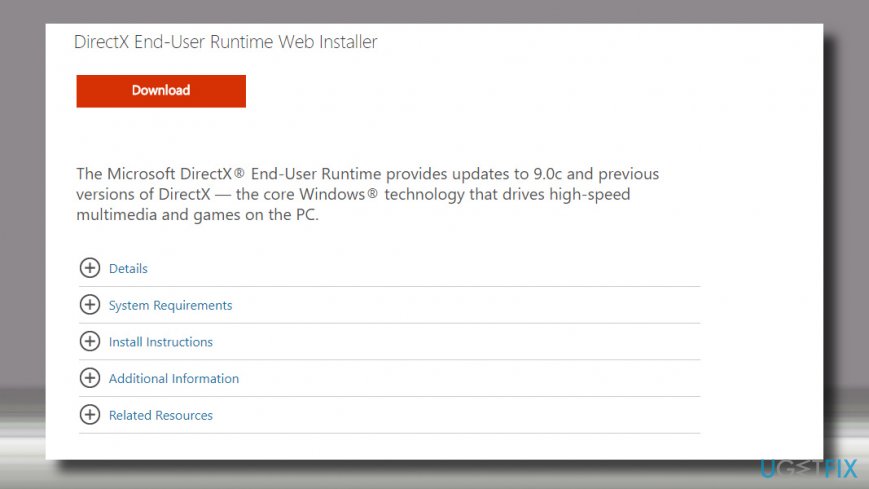
However, most frequently the error uproots from the problems related to Microsoft DirectX. Therefore, one of the solutions is to Download and run the DirectX End-User Runtime Web Installer. If that did not help, you could try to fix the “d3dx9_43.dll is missing” error by updating graphics driver.
Download the DirectX End-User Runtime Web Installer
If DirectX is not compatible with the current version of Windows, you may try to download and run the DirectX End-User Runtime Web Installer. Microsoft has developed this installer to address DirectX problems that people encounter after upgrading earlier Windows versions. It rolls DirectX to 9.0c or previous versions.
- Open the official Microsoft’s website.
- Type DirectX End-User Runtime Web Installer and press Enter or open this link to access the download page directly.
- Change the language if needed by expanding the drop-down menu.
- Then click Download.
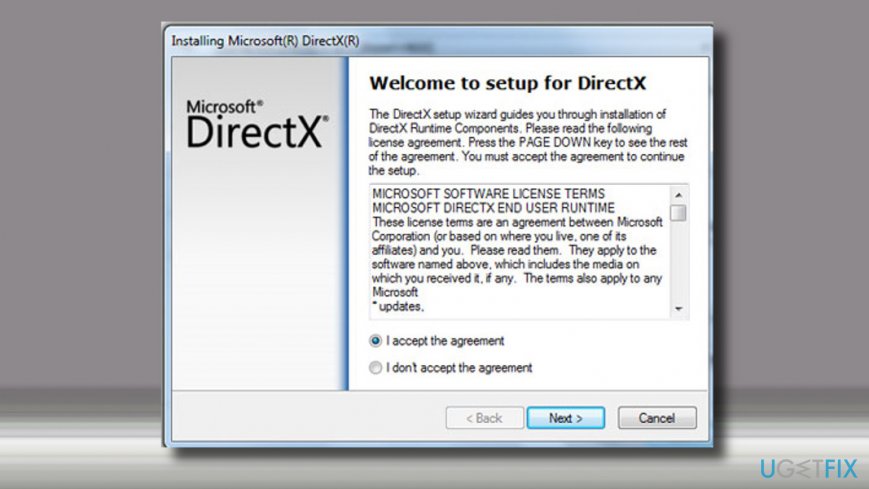
- Follow the installation setup and run the DirectX End-User Runtime Web Installer once installed.
After that, try to run the game that encountered the d3dx9_43.dll error.
Download the latest DirectX version
Note: this fix applies to Windows 8 and 10 only. Windows 7 OS contains a DirectX 11.0 version by default, which does not receive update packages at all. To check whether DirectX latest version is available for your system, check for Windows Update. The latest version available is 12 (Windows 10) and 11.1 (Windows 8).
- Right-click on Windows key and open Update and Security section.
- Click Check for Updates button and wait for the list of updates to be rolled out.
If automatic Windows Update does not find DirectX updates, you can visit manufacturer's website and download the latest version manually.
Update graphics card driver
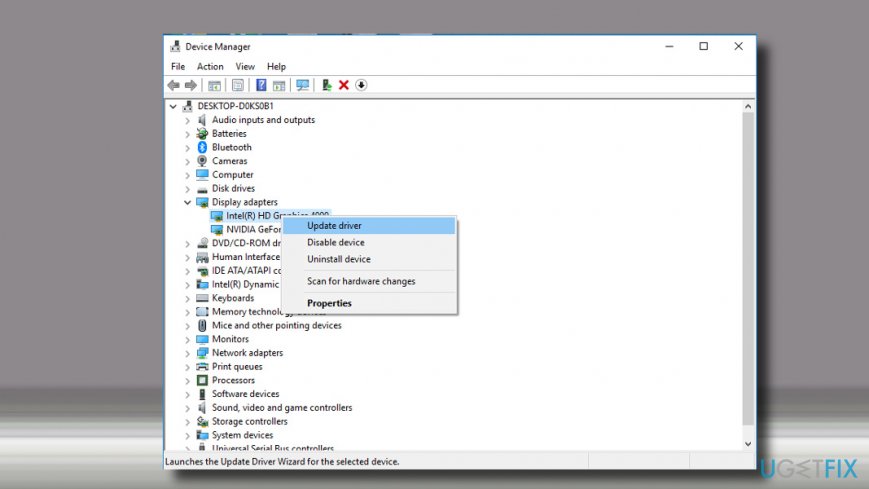
If previous methods did not work, try to update video card driver:
- Right-click on Windows key and select Device Manager.
- Expand Display Adapters section and click Intel HD Graphics driver.
- Select Update Driver. Do the same with the NVIDIA GeForce driver.
- Restart Windows after all.
Bottom line
To fix the 'd3dx9_43.dll is missing' error, try reinstalling the game or app, updating your graphics driver, and downloading the DirectX End-User Runtime Web Installer. If these solutions do not resolve the issue, consider checking for further updates or compatibility issues.
Frequently asked questions
The d3dx9_43.dll file is a part of the DirectX software suite, which is essential for running many games and multimedia applications on Windows 10 and Windows 11. If it's missing, it can lead to errors when launching these programs.
You can restore the d3dx9_43.dll file by downloading and installing the DirectX End-User Runtime Web Installer from Microsoft's official website, which will replace any missing or corrupted DirectX files.
Yes, you can also try running the System File Checker tool by executing 'sfc /scannow' in the Command Prompt, or reinstalling the application that triggered the error to automatically restore the missing DLL.




Report an issue
What's wrong with this guide? We review every report and update or remove content.
Report received — thank you. We'll review and fix it.
You need a free account to submit a report.
Be the first to comment