How to fix
Netflix error code M7121-1331-P7 and M7111-1331-4027
on Windows
Resolve Netflix error codes M7121-1331-P7 and M7111-1331-4027 on Windows 10 and 11 quickly and effectively. Expert-tested solutions await!

![[Fix] Netflix error code M7121-1331-P7 and M7111-1331-4027](https://ugetfix.com/wp-content/uploads/articles/askit/netflix-error-code-m7121-1331-p7-and-m7111-1331-4027_en-768x434.jpg)
What causes [Fix] Netflix error code M7121-1331-P7 and M7111-1331-4027?
- Corruption of data
- Playback issues
- Conflicts with browser extensions
- HTML 5 disabling
- Outdated system or applications
Repairs Windows system files, removes malware, and restores a clean OS state — without reinstalling.
Hello. I ran into the Netflix issue. The error is indicated as M7121-1331-P7 and sometimes I get the M7111-1331-4027 too. I think the issue is with the browser, but I want to get access to my account and service back. I do not have any other issues, can you help me?
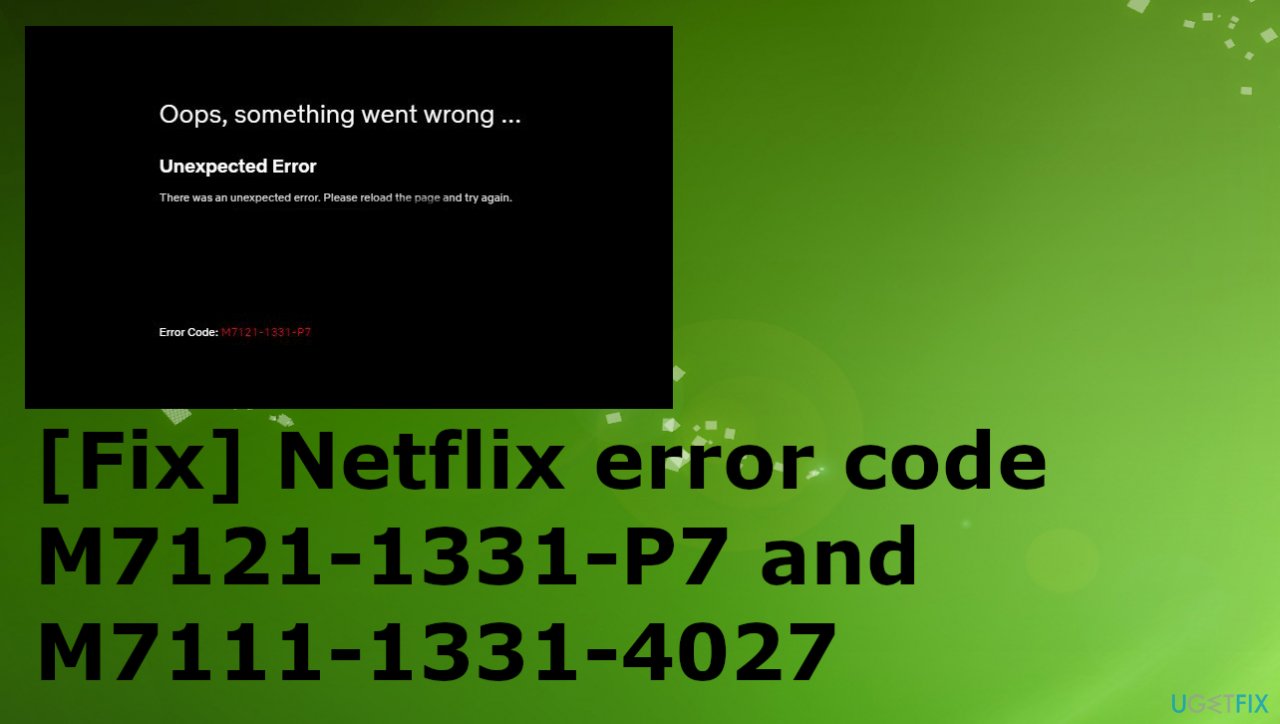
Netflix error code M7121-1331-P7 and M7111-1331-4027 is a problem mainly occurring on the computer when the browser fails to launch the playback due to corruption of data or playback issues. Netflix is a popular streaming platform that became popular then ever recently, so it is not surprising that issues occur when using the service.[ref en-1] The company has documented such cases[ref en-2] because errors occur for many users.
It is possible that the playback is not meeting the needed criteria or that the browser is not meeting the requirements to play the show or movie. bad data in the cache can lead to the issue and prohibit the playback. Other causes for this problem can include conflicts with Google Chrome or other browser extensions, HTML 5 disabling, or particular server issues.
If the issue occurs due to the broken files of the browser installation, the process needs to be completed and files repaired if possible to solve the occurring Netflix M7121-1331-P7 and M7111-1331-402 errors. Harmful cookies or cache files can be triggers for the error since Netflix is strict with these terms of cookies and cache since copyright is a related problem.
The stream may fail if the system or applications are out of date since the process requires the latest version. HTML 5 is the newest version of HTML released, so this is a common issue since major players use this version in their streaming platforms. Outdated, altered, or damaged files and drivers often cause problems with the machine, so running a tool like [d1] can check these state of system data and even for some malware[ref en-3] issues possibly causing failure of applications.
Netflix errors like M7121-1331-P7 and M7111-1331-4027 indicate the web browser problem, so troubleshooting steps like checking the browser version, disabling third-party extensions, and reinstalling the web browser all together can be the best options. These are the easier steps that can quickly determine if there is any problem besides the playback failure. Follow the instructions for all the best solutions.
1. Disable suspicious browser extensions
- Open Google Chrome and type the following address in the dialogue box:
chrome://extensions - Or go to Menu- three dots.
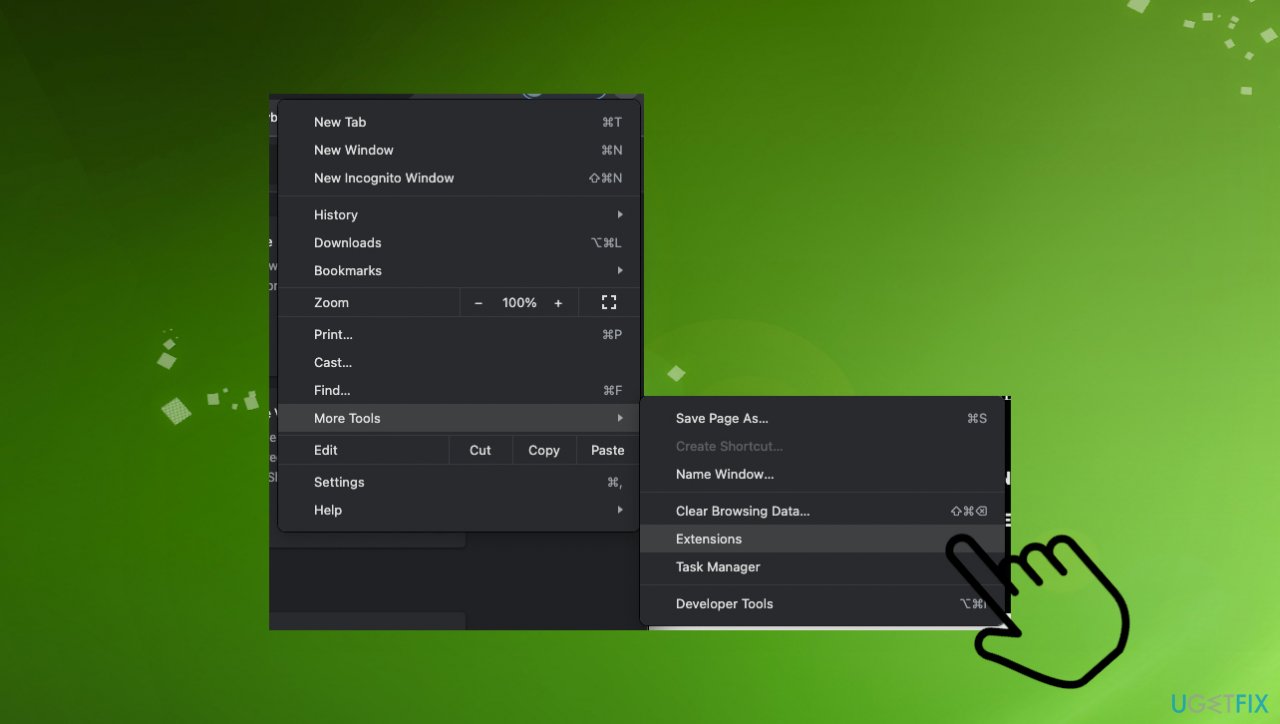
Netflix error code m7121 1331 p7 and m7111 1331 4027 extensions - Then More tools and choose Extensions.
- Now toggle each one to off.
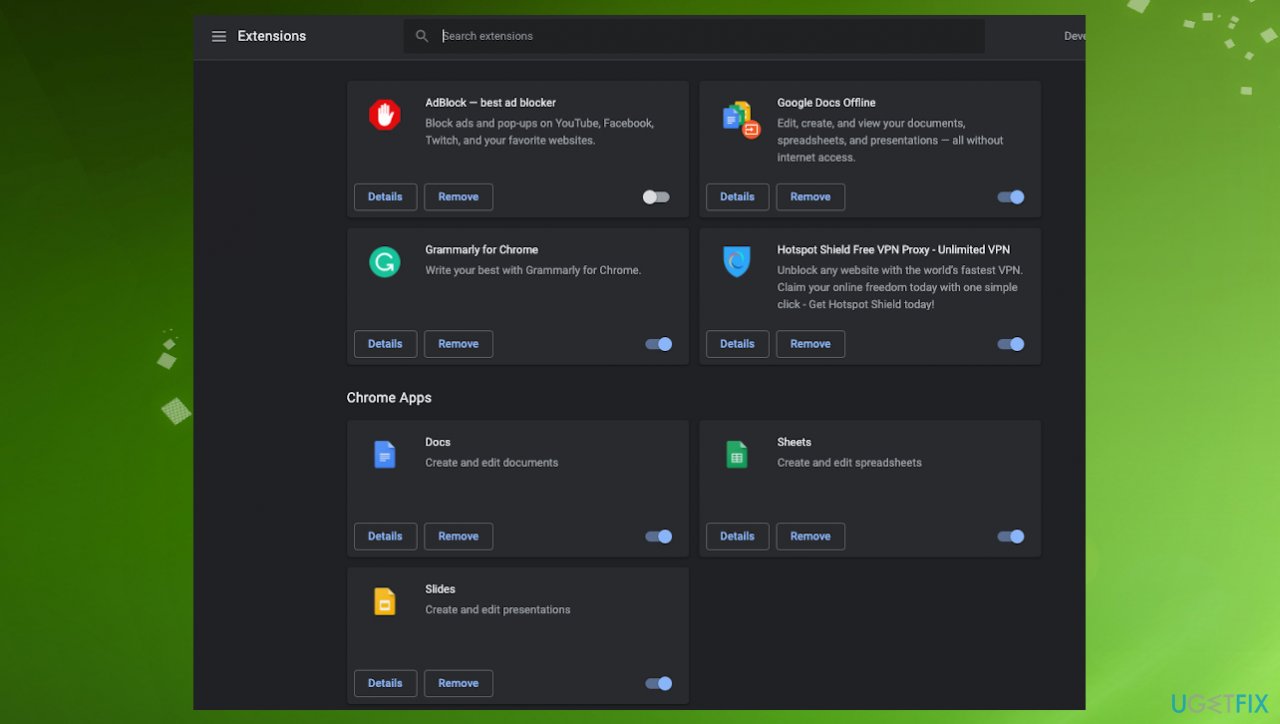
Netflix error code m7121 1331 p7 and m7111 1331 4027 extension list - After disabling each one of them, restart Chrome and try accessing Netflix again.
2. Check Widevine content decryption
- Open Google Chrome and type chrome://components/ in the address bar.
- Hit Enter.
- Go to the end of the page until a Widevine Content Decryption Module entry is found.
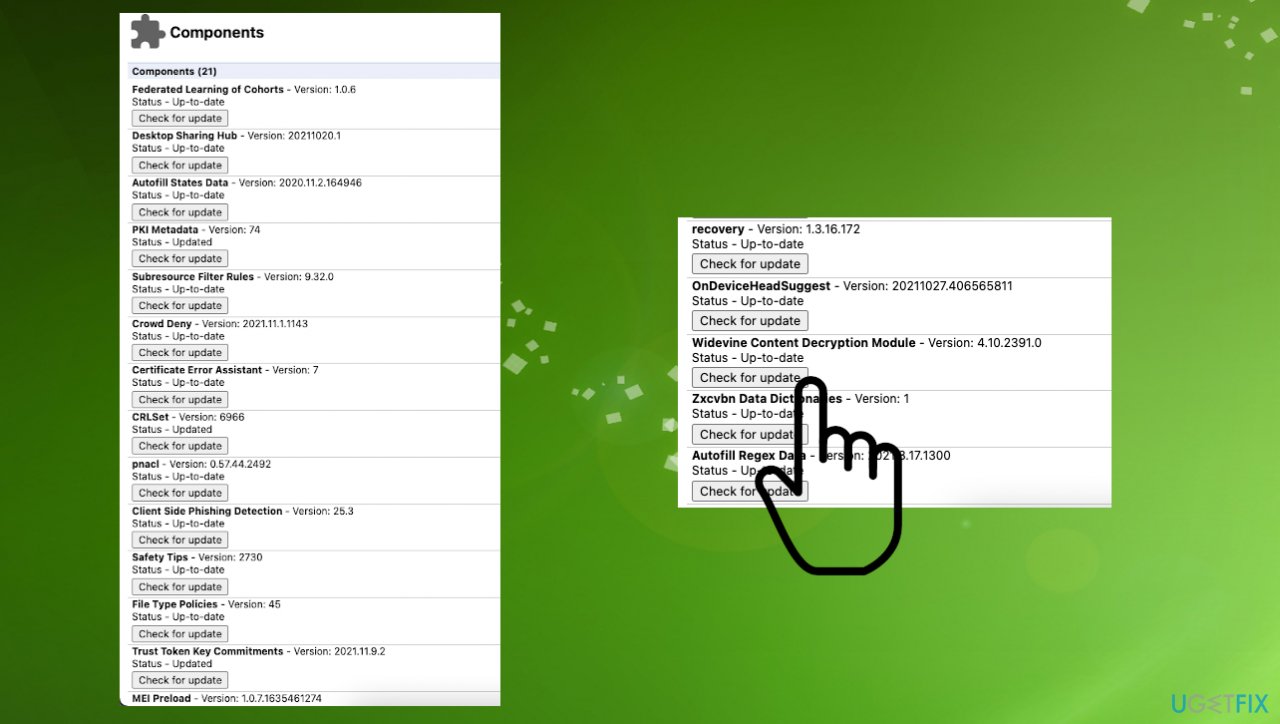
Netflix error code m7121 1331 p7 and m7111 1331 4027 components - Click on Check for update below.
- Refresh the page and check for the status.
- If it shows Up-to-date, it means it has been successfully updated.
- Restart your computer
3. Reinstall Google Chrome
- Press Windows + R, type appwiz.cpl in the dialogue box, and press Enter.
- Search for the entry Google Chrome in application manager.
- Right-click to select.
- Choose Uninstall.
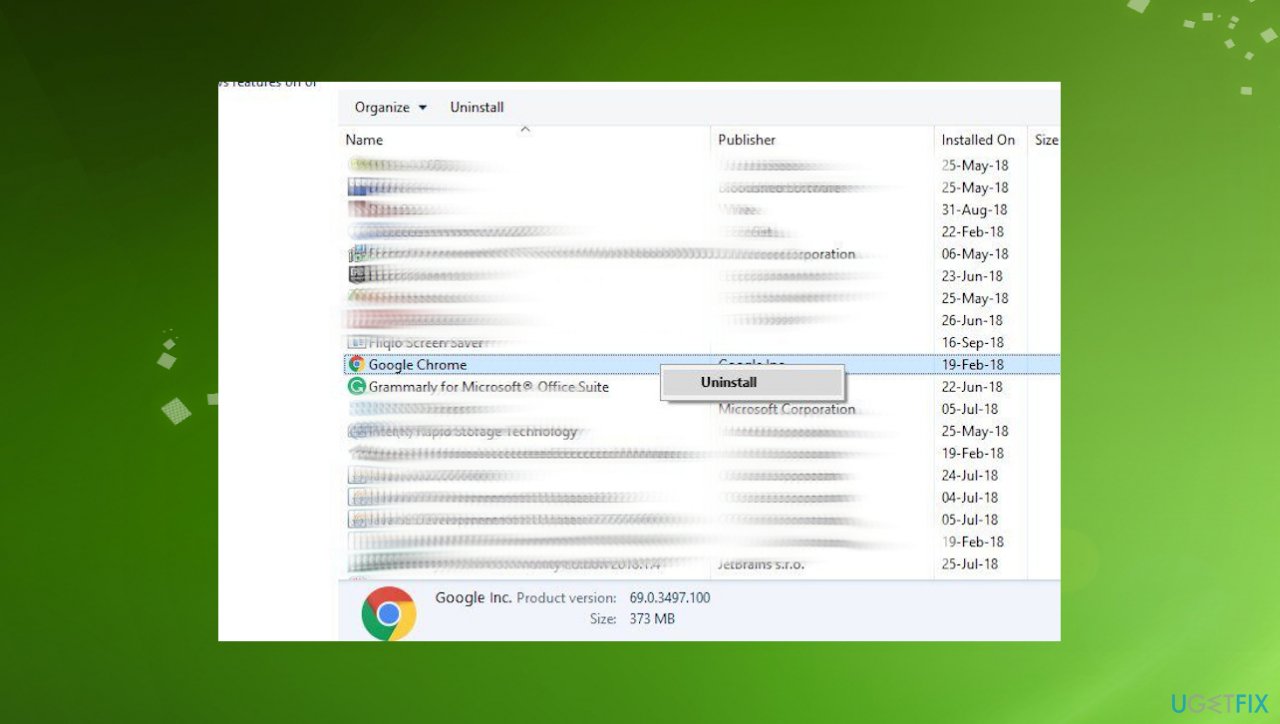
Netflix error code m7121 1331 p7 and m7111 1331 4027 uninstall - Restart your computer and navigate to the official website of Chrome.
- Download the latest version to an accessible location and install it.
- After installing, check if the error.
4. Clear browser data
Chrome
- Open Google Chrome.
- Type chrome://settings in the address bar.
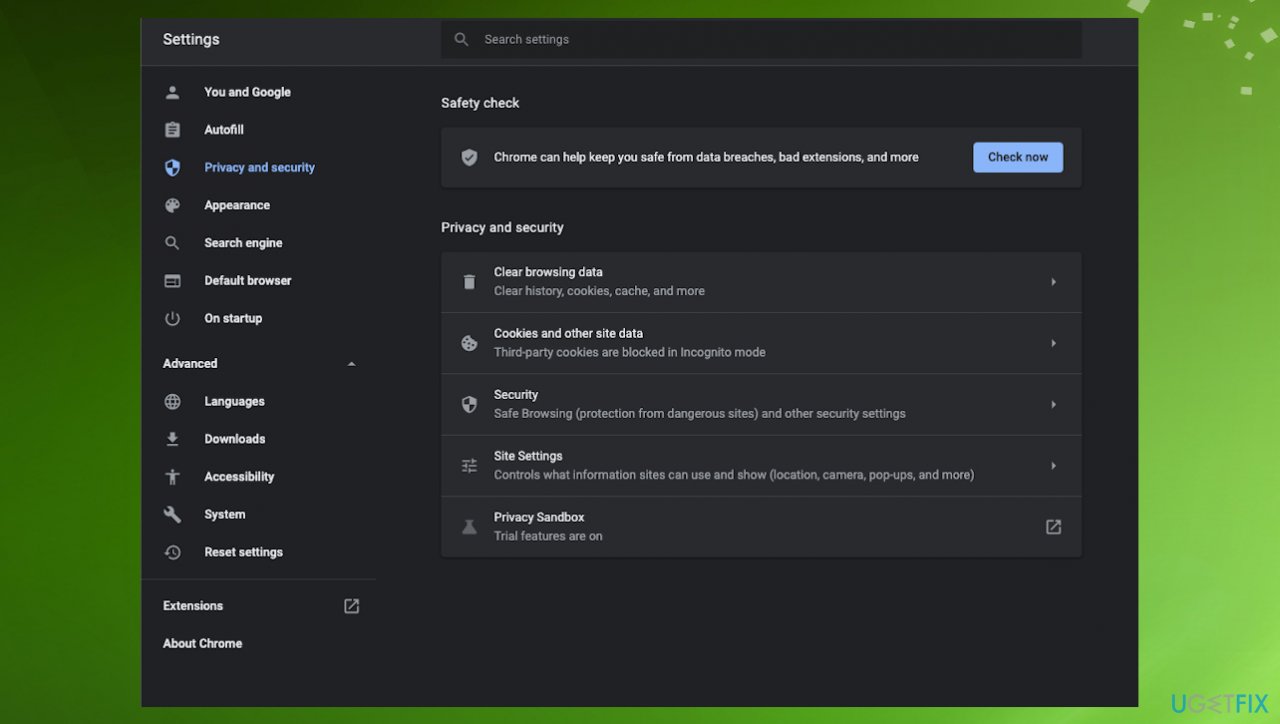
Netflix error code m7121 1331 p7 and m7111 1331 4027 chrome settings - Hit Enter.
- Go to the bottom of the page and click on Advanced.
- Select Clear browsing data in the advanced menu.
- Click on Clear data to delete all your browser data.
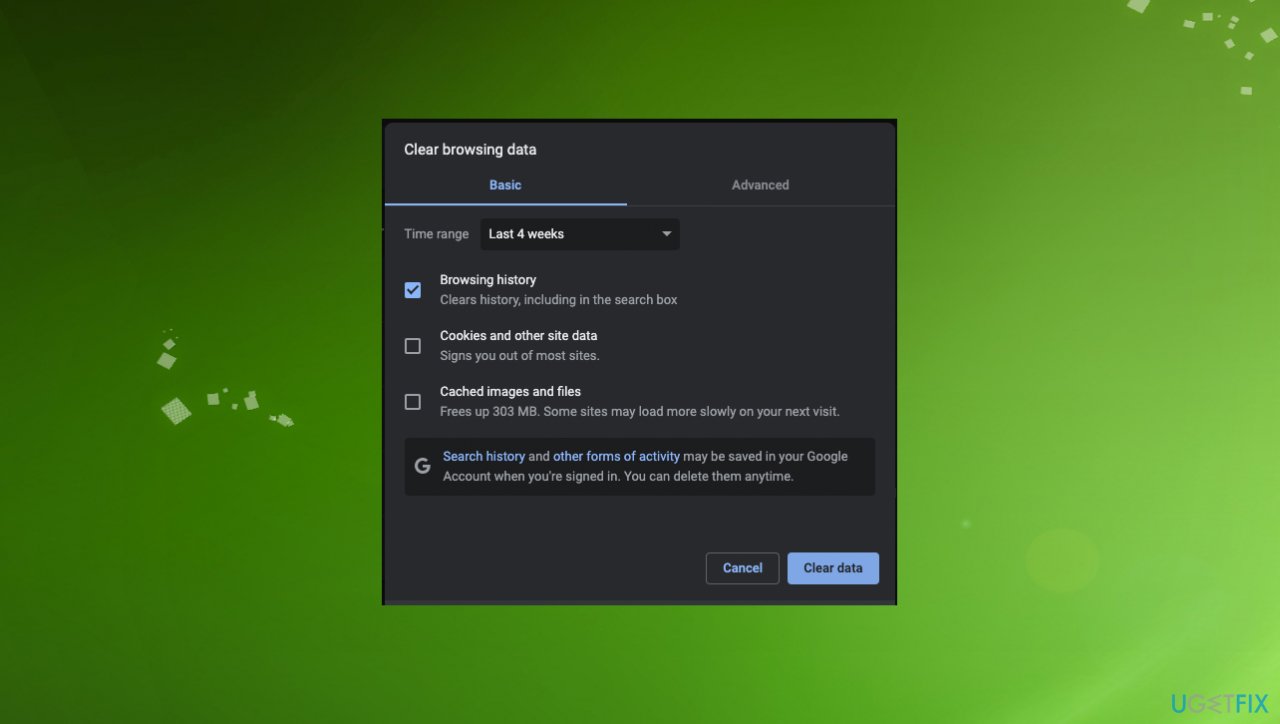
Netflix error code m7121 1331 p7 and m7111 1331 4027 clear data - Restart Chrome.
Edge
- Click the Hub button in the upper right.
- Click the History icon.
- Select Clear browsing data.
- Mark Browsing history, then Cookies and other site data, and then Cached images and files.
- Click Clear.
- Exit the browser after the All Clear message.
- Restart the browser.
Firefox
- Click the Library button at the top right corner.
- Press Alt if the menu bar is hidden.
- Click History and then click Clear Recent History.
- Click the drop-down menu next to Time range to clear to choose how much of your history Firefox will clear
- Select Everything to clear your entire cache.
- Use the checkboxes to select what information you want to clear from your history.
- Toclear your entire cache, select all items.
- Click Clear Now.
- Restart.
5. Check the server status
Such issues with errors and playback failure can be related to the servers that might be down. You can check such issues on the official site where the Netflix status is updated often.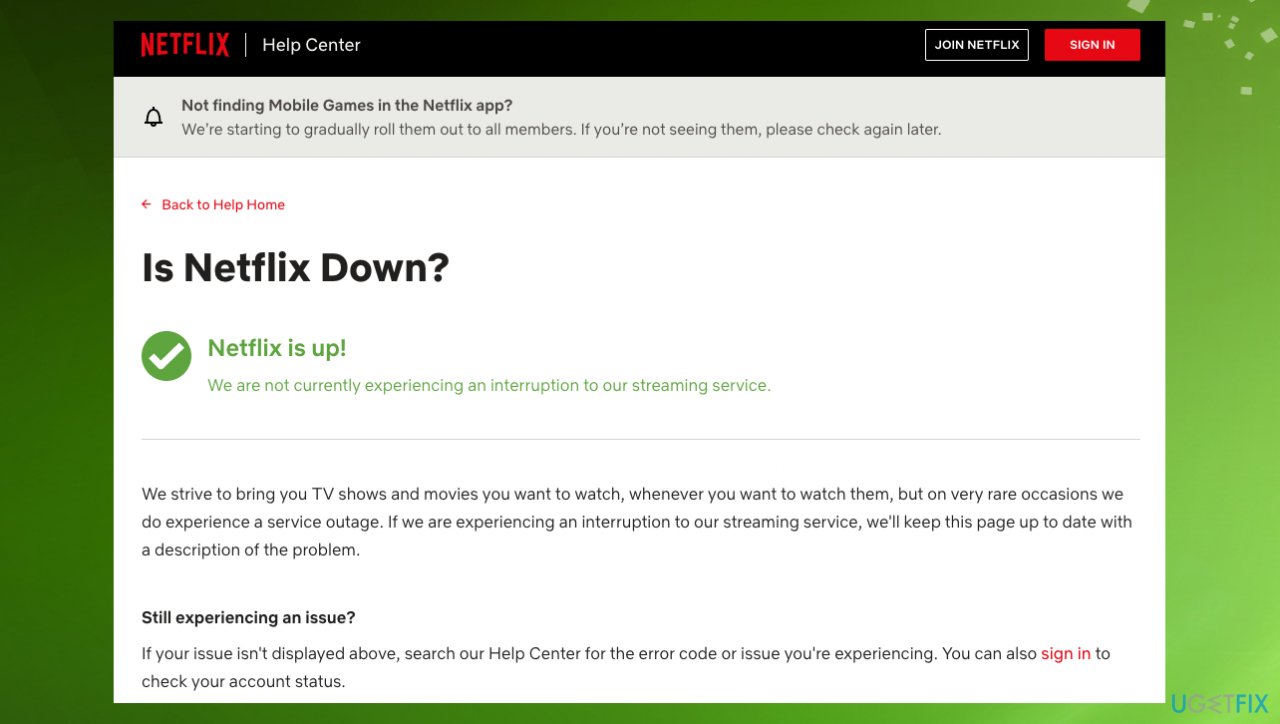
Bottom line
To resolve Netflix error codes M7121-1331-P7 and M7111-1331-4027, check your browser version, disable third-party extensions, and consider reinstalling the browser. If these steps do not work, further investigation into system files and potential malware may be necessary.
Frequently asked questions
To fix Netflix error code M7121-1331-P7 on Windows 10, try clearing your browser's cache and cookies, then restart your browser and attempt to stream again.
To resolve the M7111-1331-4027 error on Windows 11, ensure that your browser is updated to the latest version and disable any browser extensions that might interfere with Netflix.
Yes, reinstalling the Netflix app on Windows 10 can help resolve the M7121-1331-P7 error by resetting the app settings and clearing any corrupted data.




Report an issue
What's wrong with this guide? We review every report and update or remove content.
Report received — thank you. We'll review and fix it.
You need a free account to submit a report.
Be the first to comment