How to fix
0x8007045A Error Code
on Windows
Resolve the 0x8007045A error code on Windows 10 and 11 effortlessly with our expert-tested solutions. Fix it in minutes!

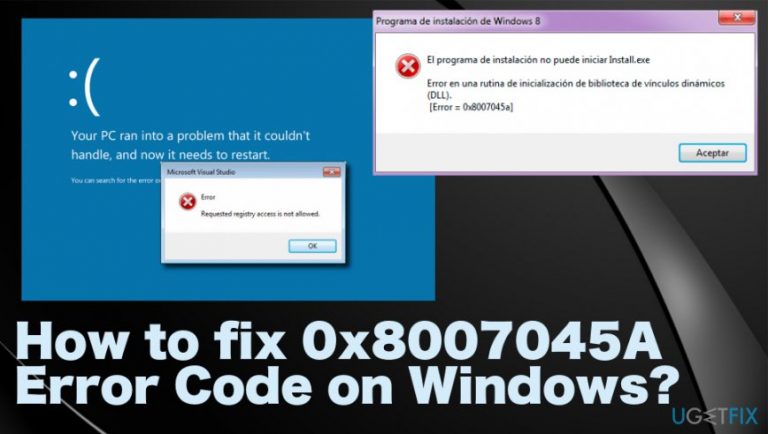
What causes How to fix 0x8007045A Error Code on Windows?
- Corrupted Msxml.dll file
- Misplaced Msxml.dll file
- File mismatch problem on Windows system
- Recent updates of the OS
- Attempting to use Windows Update or Microsoft Update Web site
Repairs Windows system files, removes malware, and restores a clean OS state — without reinstalling.
Hey, I have no idea what does 0x8007045A Error Code mean or why it happens. Only one thing that I know is that Windows is working abnormally. The system keeps telling that it needs shut down to restart normally. Each time I receive a 0x8007045A error message, it takes several minutes for the system to start working properly, which is getting on my nerves already. I moved my data to an external hard drive and now really need your help to fix this miserable Windows 10 bug. Please help!!
0x8007045A Error Code commonly appears when browsing on the PC and irritates the user because it comes out of nowhere with the questionable notifications.[ref en-2] When the screen gets the message system also starts running slow and crashes from time to time without any warning. You need to react as soon as possible to find the reason and solution for this error.
The 0x8007045A Error Code is related to Microsoft XML Core Services. That is the native Win32 API for XML-based applications that adhere to the XML 1.0 standard. Various Windows versions have this issue regarding the application. However, recent updates of the OS causes the error more often.
0x8007045A Error Code or ERROR_DLL_INIT_FAILED is yet another Windows error. Although it’s not the most common one, quite a lot of people suffer from it. This error code is displayed in a BSOD (Blue Screen of Death)[ref en-3] format and typically forces the system to restart.
If the error does not restart the system automatically, then, in the majority of the cases, users get to panic and force the system to restart by themselves. Typically, 0x8007045A Error Code occurs when a PC user attempts to use the Windows Update or Microsoft Update Web site.
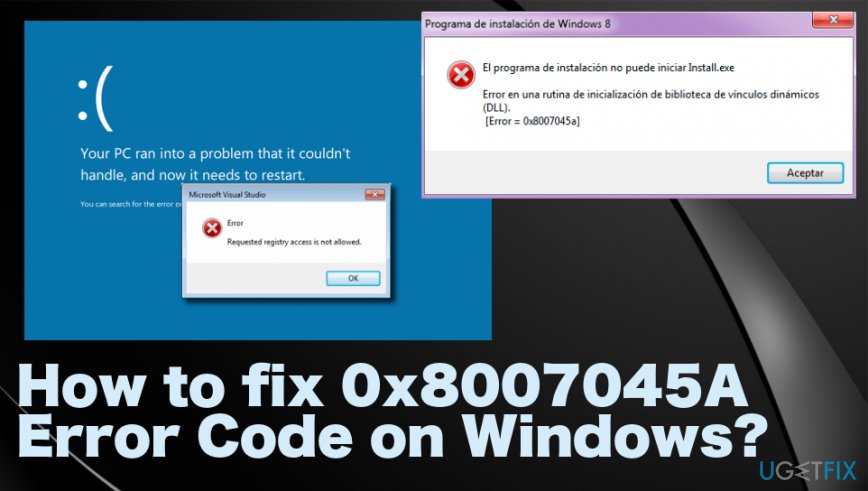
Thus, if you are trying to download updates from the aforementioned sites and the message shows up, it means that there is a file mismatch problem on your Windows system. Usually, 0x8007045A is triggered by a corrupted or misplaced Msxml.dll file.
Error_dll_init_failed.
Cannot find [PATH]\\Error_dll_init_failed.
Windows could not search for new updates.
Run-time Error XXX, Abnormal program termination.
A fatal exception has occurred.
How to fix 0x8007045A Error Code on Windows 10
To find out what is the core of this error, we would strongly recommend installing [d1] and running a full system scan with it. This program can also indicate malware issues.[ref en-1] This software is known as a PC optimization tool, what means that its purpose is to check for registry issues, startup/login issues, inappropriate third-party software, and similar problems that may be the reason of 0x8007045A ERROR_DLL_INIT_FAILED BSOD.
To resolve 0x8007045A error manually, try the following fixes and make sure to try at least a few methods before giving up.
Reinstall the Microsoft XML parser
- Visit http://msdn2.microsoft.com/en-us/xml/bb190622.aspx website and download the latest version of Microsoft XML parser.
- Run it and check if this error has gone.
Scan the system for damaged dll files
Windows system has a built-in function for checking/fixing DLL related issues. As we have already mentioned, 0x8007045A bug may be triggered by missing, corrupted or misplaced dll file, which is why this method would be reasonable. Try it:
- Click Win key + X simultaneously and select Command Prompt (Admin) option.
- Type sfc/scannow command and hit Enter afterward.
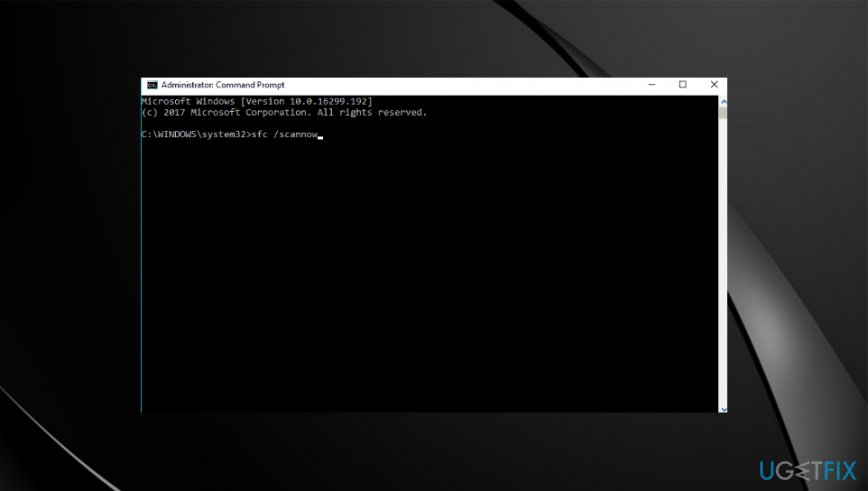
How to fix 0x8007045a error code on windows system file - The scan process will take some time to complete, so be patient.
- If you receive an empty window, it means that no damage files were detected. In case you find a list of inappropriate files, then you have to fix each of them by typing a command Dism /Online /Cleanup-Image /RestoreHealth in the Command Prompt box.
Re-register DLL files
To remove 0x8007045A error message on Windows 10, you have to fix all damaged or corrupted DLLs. For this copy, navigate to C:\\Windows\\System32, copy msxml3a.dll, msxml3r.dll, msxml6.dll, msxml3.dll, msxml6r.dll files there, and save them in the other location. After that, copy them from the new location and paste back to the C:\\Windows\\System32 directory and save.
Bottom line
To fix the 0x8007045A error, you can try restoring the Msxml.dll file, checking for file mismatches, or rolling back recent updates. If none of these solutions work, consider seeking further technical support.
Frequently asked questions
The 0x8007045A error code often occurs due to issues with Windows Update, corrupted system files, or problems with the Windows Services that manage updates.
To fix the 0x8007045A error on Windows 11, you can run the Windows Update Troubleshooter and check for any pending updates that might resolve the issue.
Yes, using the System File Checker (sfc /scannow) is a safe and effective method to repair corrupted system files that may be causing the 0x8007045A error on Windows 10.




Report an issue
What's wrong with this guide? We review every report and update or remove content.
Report received — thank you. We'll review and fix it.
You need a free account to submit a report.
Be the first to comment