How to fix
AADSTS90033: A transient error has occurred
on Windows
Resolve AADSTS90033 errors quickly on Windows 10 or 11 with our easy solutions. Get back to work in no time—expert-tested fixes provided.

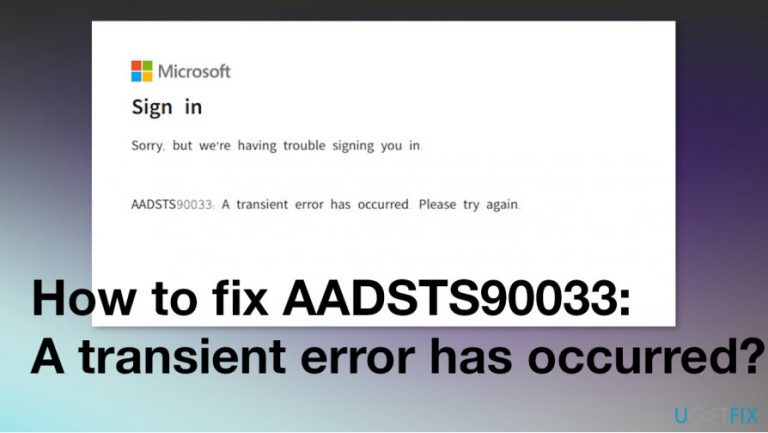
What causes How to fix AADSTS90033: A transient error has occurred?
- Request traffic volume exceeded thresholds
- Regional contention causing token request timeout
- Complete fail of token requests
- Backend infrastructure not scaled to handle traffic
- Issues related to Graph API and Azure Support
Repairs Windows system files, removes malware, and restores a clean OS state — without reinstalling.
Hello. I receive AADSTS90033: A transient error has occurred message and cannot login-in to my O365 Admin portals. Don't know what happened. Can I fix this myself somehow? Or do I need help from somewhere?
AADSTS90033: A transient error has occurred is the issue affecting users of Windows and even macOS[ref en-1] devices. So there man be many affected devices and customers that suffer from the frustration. however, this error has been resolved as of September 2020.
AADSTS90033: A transient error has occurred is reported to be related to many frustrated users and their complaints about the outage issue. This problem occurred for many customers in Australia and New Zealand regions. The message “AADSTS90033: A Transient error has occurred. Please try again.” gets triggered the access to their resources and the Microsoft Azure Active Directory team needed to search for the cause of the problem. There are other instances regarding the error that appears from Graph API, Azure Support, Office 365.[ref en-2]
Apparently to fix error AADSTS90033: A transient error has occurred issue, you need to sign in to see the current information and updates on SHD via this link to Office portals. You might need to share more information with the team to bet more solutions, updates.
The screen delivers "Sorry, but we’re having trouble with signing you in. AADSTS90033: A transient error has occurred. Please try again." pop-up, but trying again is not the option, so it is impossible to sign in to Office 365 Accounts. Official detailed investigation showed that the preliminary root cause was the request traffic volume and regional contention that exceeded thresholds and caused this token request timeout or a complete fail. The team has scaled out backend infrastructure and redistributed traffic to mitigate the issue.
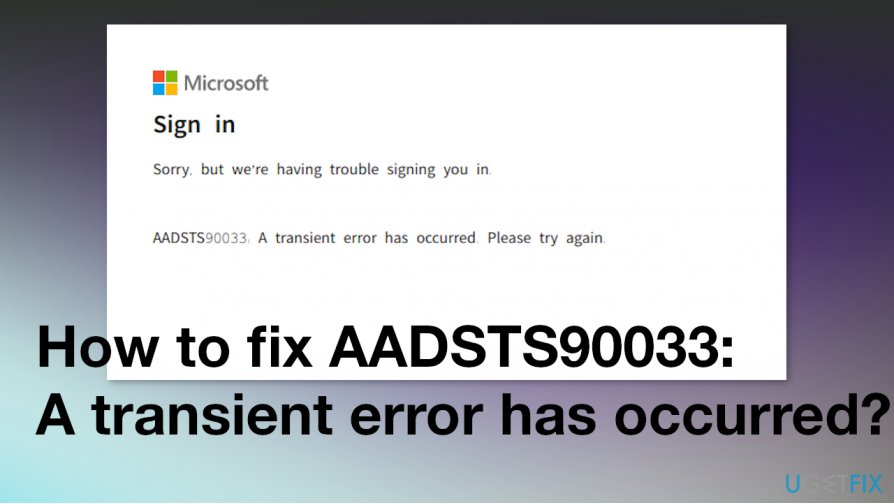
AADSTS90033: A transient error has occurred that has been resolved, but there might be some people that experience issues regarding the outage and inaccessibility to services like Outlook and O365 Admin portals.[ref en-3] Microsoft had several statements made:
We're investigating an issue in which some users may be receiving an error when attempting to access Microsoft 365 services in the Oceania region. Additional details can be found in the admin portal under MO216274.
Clear browsing data option from Microsoft Edge
- Click on More action icon next to the feedback icon on the top right corner of the homepage.
- Choose Settings and then select what to clear.
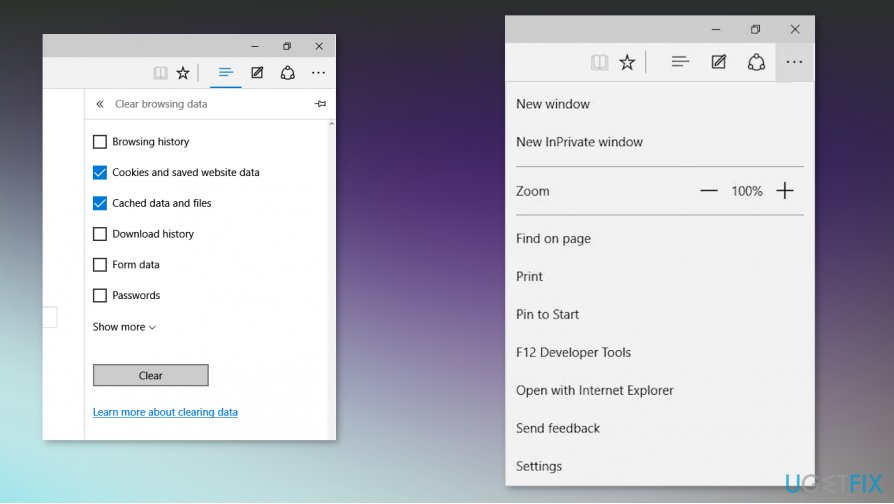
How to fix aadsts90033 a transient error has occurred edge - Check Browsing history, Cookies, and Saved websites, box near the Cached data.
- Click Clear.
Create a new user account to fix error AADSTS90033: A transient error has occurred
- Go to Settings.
- Select Accounts and then click on Family and other users.
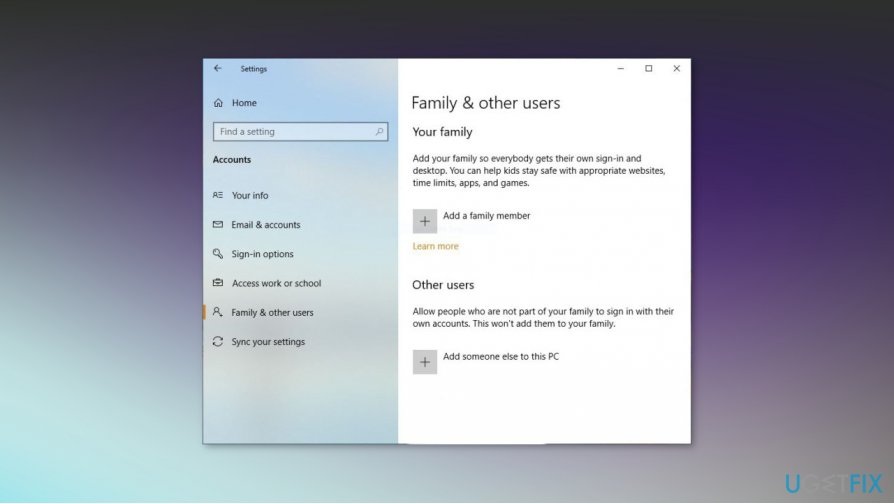
How to fix aadsts90033 a transient error has occurred user account - Choose the Add someone else on this PC option.
- Enter the user name and click Next.
- Finish.
- Log in to the new account and check for the reoccurring issue.
Bottom line
To fix the AADSTS90033 error, users can try signing in to check for current information and updates on the Office portals. If the issue persists, sharing more information with the support team may provide additional solutions. If none of these steps work, users should continue to monitor for further updates from Microsoft.
Frequently asked questions
The AADSTS90033 error indicates a transient issue with Azure Active Directory authentication, often due to network problems or temporary service disruptions.
To troubleshoot the AADSTS90033 error on Windows 11, try clearing your browser's cache, checking your internet connection, and ensuring that your system's date and time settings are correct.
Yes, you can resolve the AADSTS90033 error by signing out and signing back into your account, or by using the 'Troubleshoot' option in the Windows settings without needing to restart your PC.




Report an issue
What's wrong with this guide? We review every report and update or remove content.
Report received — thank you. We'll review and fix it.
You need a free account to submit a report.
Be the first to comment