How to fix
ATTEMPTED_SWITCH_FROM_DPC
on Windows
Resolve the ATTEMPTED_SWITCH_FROM_DPC error on Windows 10 and 11 effortlessly. Get expert-tested solutions and fix it in minutes!

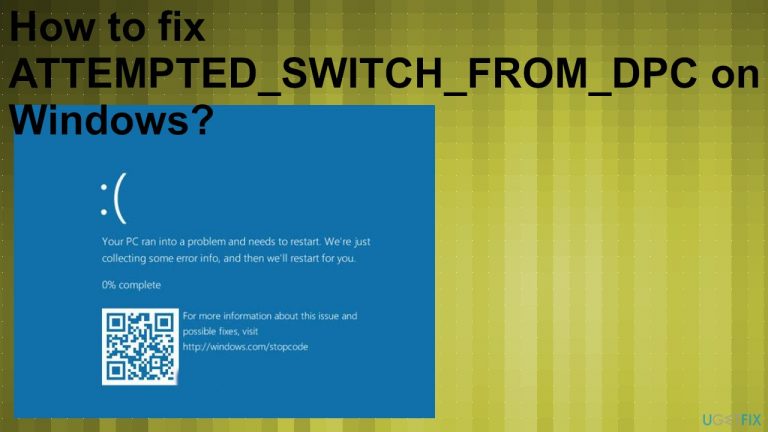
What causes How to fix ATTEMPTED_SWITCH_FROM_DPC on Windows?
- Faulty memory
- Malware infections
- Compatibility issues between the OS and applications
- Application or driver conflicts
- Delay in DPC procedure
Repairs Windows system files, removes malware, and restores a clean OS state — without reinstalling.
Hello. I recently got a Blue Screen error with the ATTEMPTED_SWITCH_FROM_DPC code. I have no idea what happened and what does this means. I think it is crucial since this is the blue screen error, but my computer is fairly new and runs Windows 10 that I have upgraded a while back. Am I doomed already? Can you help me fix this error?
ATTEMPTED_SWITCH_FROM_DPC is the concerning Blue Screen of Death error[ref en-1] that is known for being critical. Users might panic once the screen turns blue, but the issue can be solved. Problematic drivers can trigger this error, so stopping the problem from occurring repeatedly includes using either repair tools or manually changing particular settings, uninstalling drivers.
The error with this ATTEMPTED_SWITCH_FROM_DPC code gets reported[ref en-2] online pretty often. So people look for ways to solve the issues with problematic applications, drivers, and the system that fails to run as it is supposed to. Such BSofD errors can be serious, so restarting the system once the error appears could prevent any machine damage. Sometimes it is a problem already - system damage.
It is possible to fix ATTEMPTED_SWITCH_FROM_DPC on Windows even though it is the error that occurs during computer shutdowns. The error mainly is caused by the delay in procedure DPC 9 delay procedure call) that attempted to operate. This DPC is triggered when the kernel spots a hung condition and makes the call to terminate or stop the application.
ATTEMPTED_SWITCH_FROM_DPC means that the process or a wait of the operation was executed from DPC. The error can also appear when the PC boots up, so the issue is more concerning. The particular error appears on Windows 10 devices, but it is also known as the STOP 0x100000B8 error that can be encountered on Windows 7 and 8.
Causes of the error include faulty memory, even malware infections, compatibility issues between the OS and applications. This particular issue can be triggered by application or driver conflicts. This means that there are a few ways to fix ATTEMPTED_SWITCH_FROM_DPC on Windows because the root cause determines which method works.
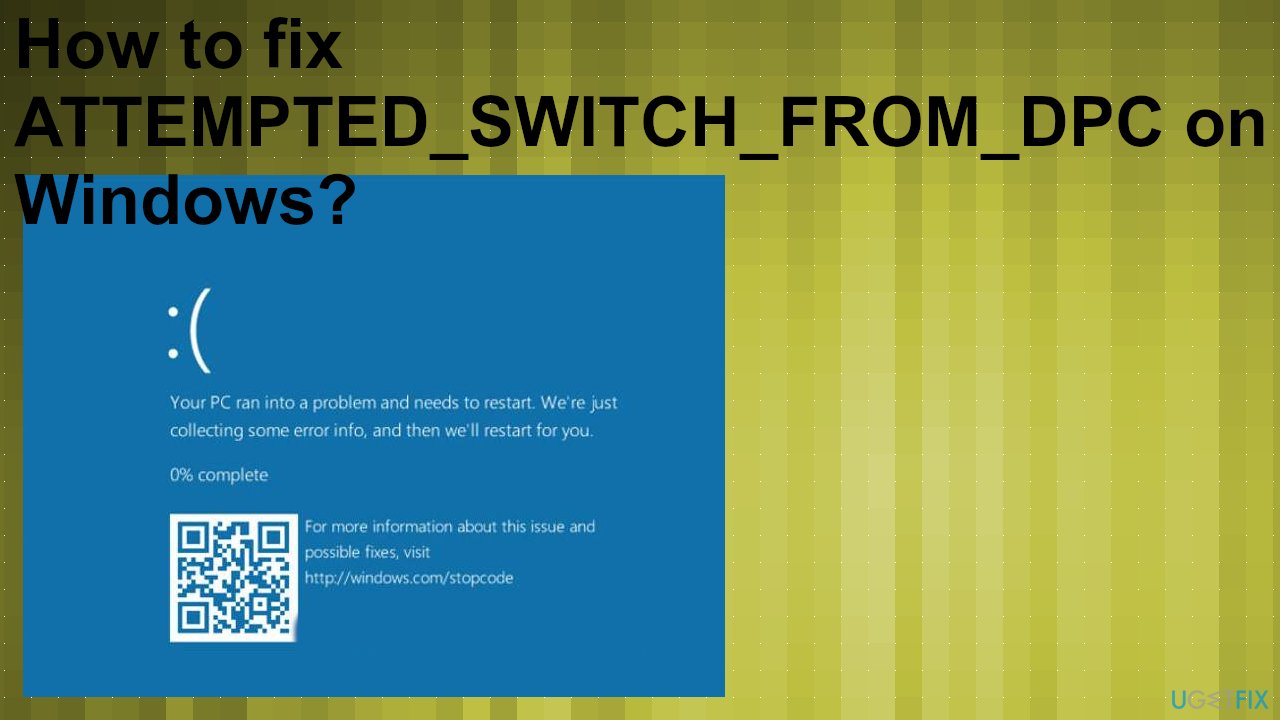
How to fix ATTEMPTED_SWITCH_FROM_DPC on Windows
You can restore the system and fix the ATTEMPTED_SWITCH_FROM_DPC issue by running a repair software, PC optimizer like [d1]. This tool can help you fix system file-related issues, damaged or even corrupted pieces on the system that trigger these error windows and PC crashes. Unfortunately, such damage can be triggered by a malware infection,[ref en-3] so you additionally need to clear those cyber threats from your system. It can be done using an anti-malware tool, third-party program, or Windows Defender option.
It is possible to fix ATTEMPTED_SWITCH_FROM_DPC and the list of solutions is pretty generous. However, these fixes and the outcome of the method depend on the root cause and the reason why the Blue Screen error occurred. This is why we recommend going for at least a few methods from the list. You can ensure that the issue is solved permanently this way.
Run a troubleshooter
- Go to Settings and go to the Update & Security section.
- Click Troubleshoot on the menu.
- Expand Additional troubleshooters.
- Choose BSOD from the right pane and click Run the troubleshooter.
- Follow the steps and complete the troubleshooting.
Update drivers automatically
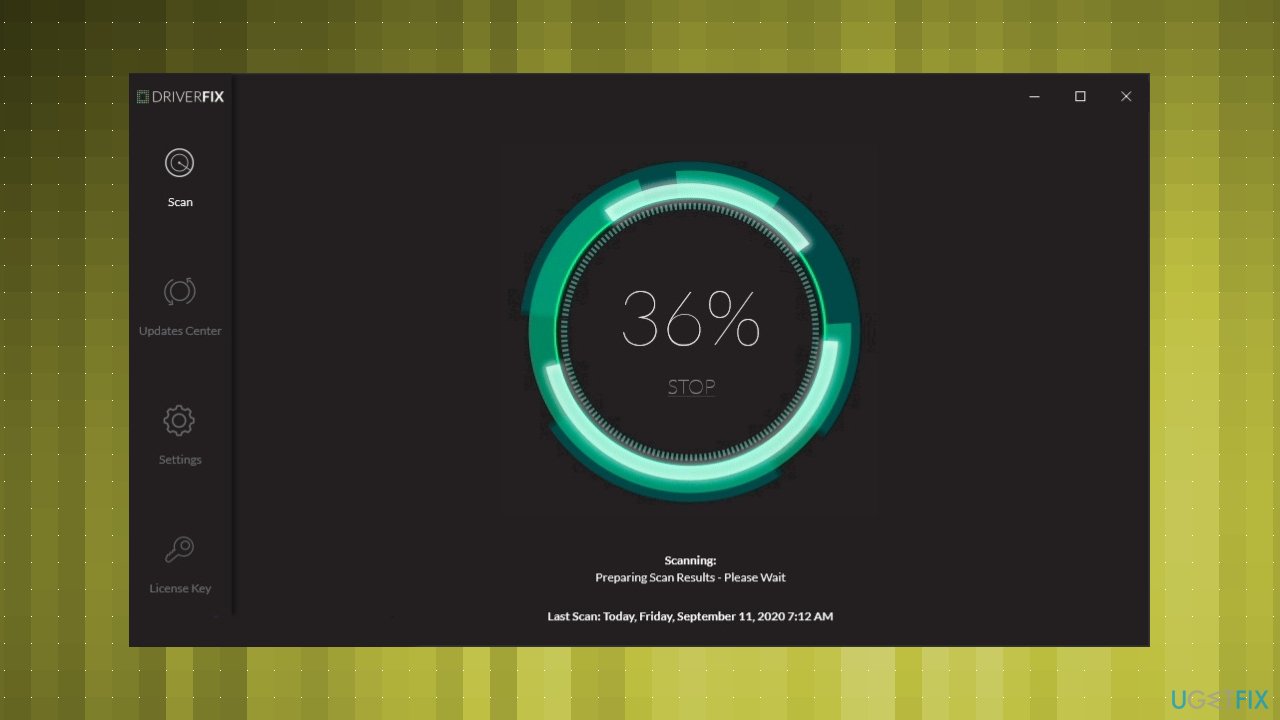
Tools like [rev id="DriverFix"] can help to find and install driver updates compatible with the machine. You can download this program and then follow the steps after launching the application. Scan results show you all the drivers that need issue fixing, so you can choose which ones to update and fix. Once the newest drivers get installed, you can restart the PC and check if any issues reoccur.
Run a virus check to fix ATTEMPTED_SWITCH_FROM_DPC
- Go to the right of the taskbar and click on the arrow to show hidden items.
- Click the shield to open Windows security.
- Select Virus & threat protection.
- Advanced scan.
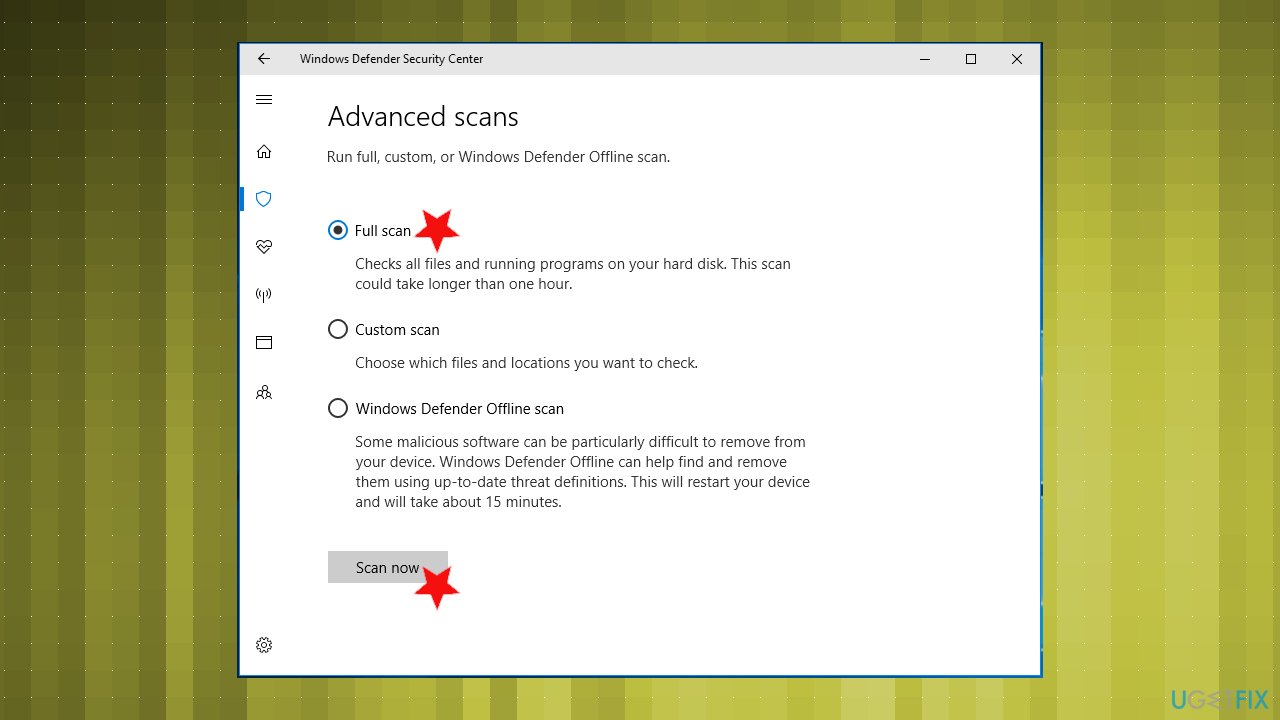
Attempted switch dpc fix virus scan - Choose Scan options.
- Select Full scan and click on Scan now.
- Clean threats when any of them detected.
- Choose to Remove and Start to clear threats
Run a memory check
- Search for memory diagnostics.
- Click on Windows Memory Diagnostic tool on results.
- Make sure to choose Restart now and check for problems.
- Your device will restart itself and a Diagnostics tool will start working.
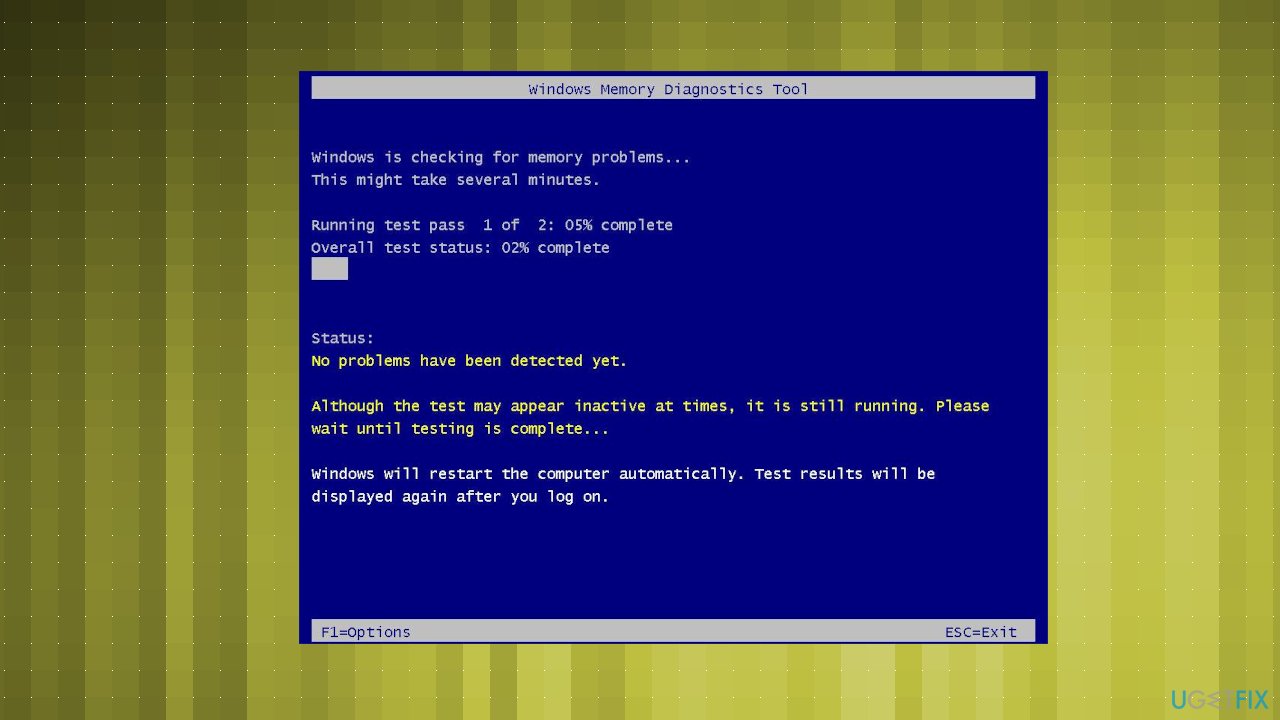
Attempted switch dpc fix memory diagnostics - Reboot will again happen automatically.
- Once the system loads press the Win and R keys.
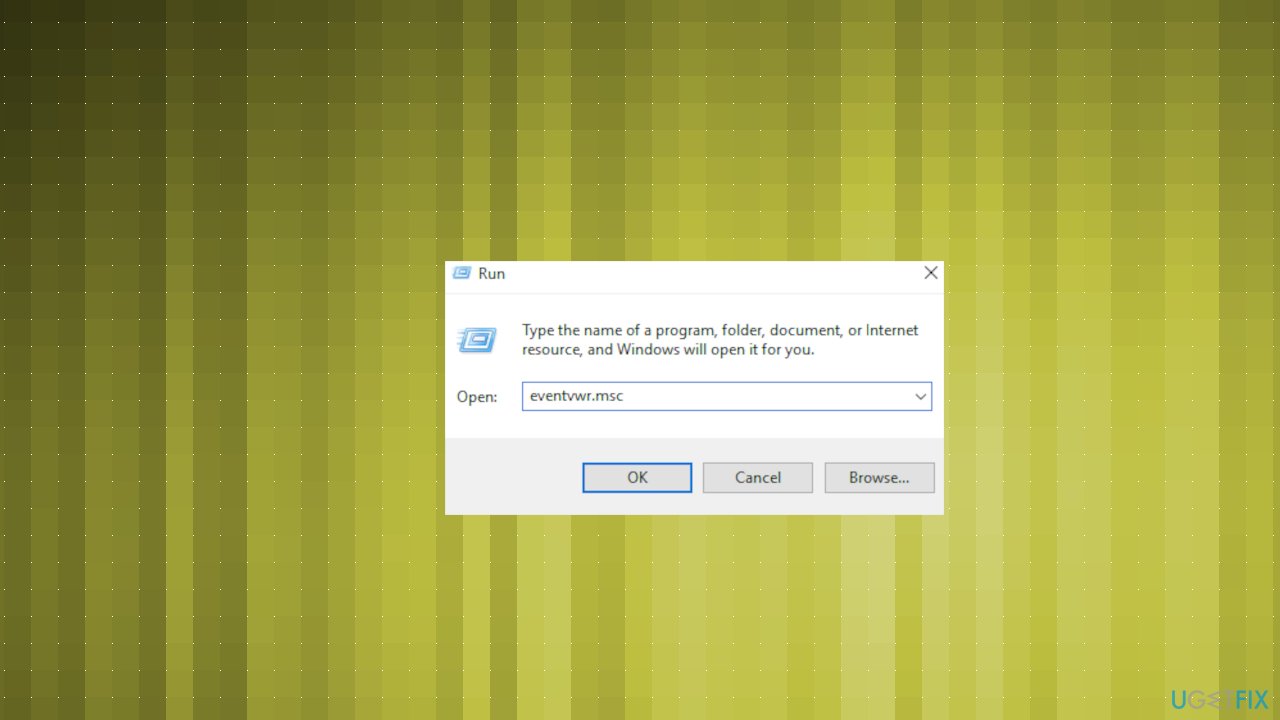
Attempted switch dpc fix results wmd - Type eventvwr.msc and hit Enter.
- Go to the categories on the left and click Windows Logs, System.
- Choose Find.
- Type MemoryDiagnostic in the bar and click Enter.
- You should see faulty drivers and errors. You might need to change RAM settings.
- If you don't see any issues, the memory is good.
Run the System File Checker to fix ATTEMPTED_SWITCH_FROM_DPC on Windows
- Right-click the Start menu button and open Command Prompt with Admin rights.
- Type the sfc/scannow and hit Enter.
- Wait for the process to be done.
- The solution, if found, will be automatically applied.
- Close the Command Prompt and restart the computer.
Run DISM check
- Find porRun Comand Prompt with administrative rights and up the following command in:
DISM /Online /Cleanup-Image /RestoreHealth - Wait for the scan and restart after the process.
Uninstall any problematic drivers
- Go to Device Manager.
- Find any problematic driver and right-click it.
- Choose Uninstall.
- Confirm deletion if prompted.
- Don't forget to restart the PC.
Restore the system to fix ATTEMPTED_SWITCH_FROM_DPC
- Type restore point in the search tab.
- Click System restore from results under the System Protection tab.
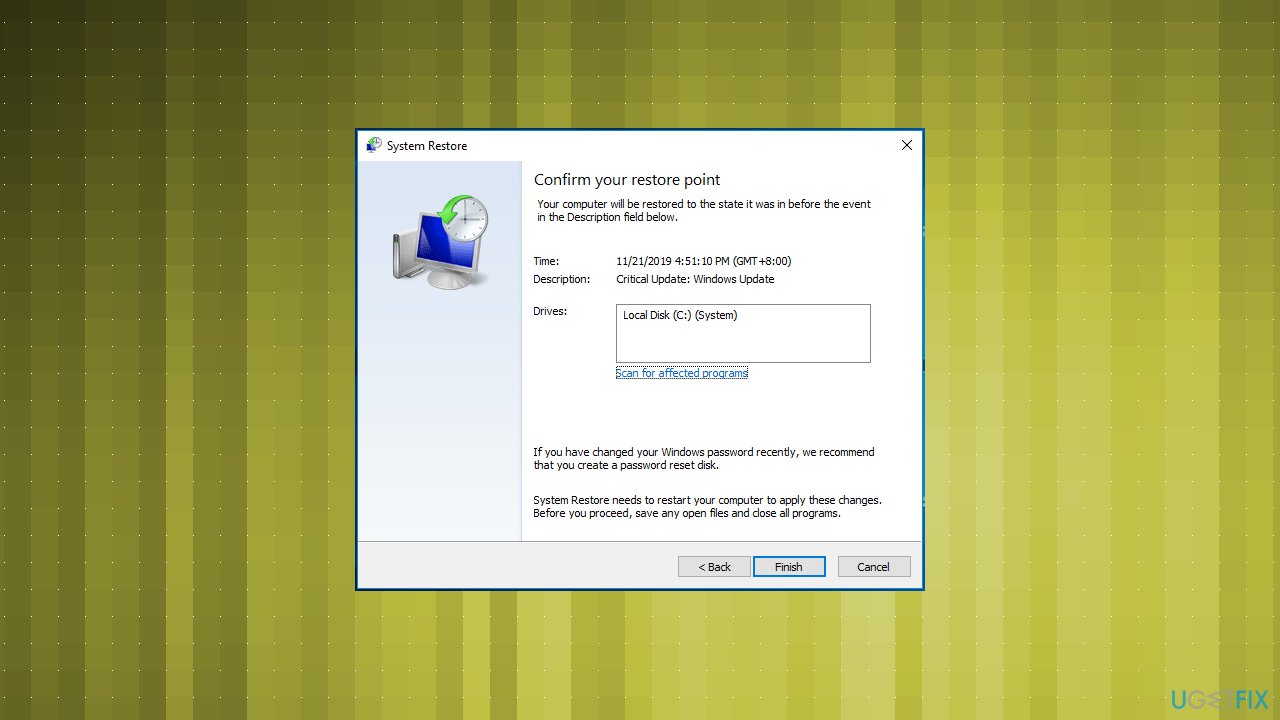
Attempted switch dpc fix system restore - Choose a particular restore point and confirm the restoration operation by clicking Finish.
Reset Windows 10
- Go to Settings and then Update & Security section.
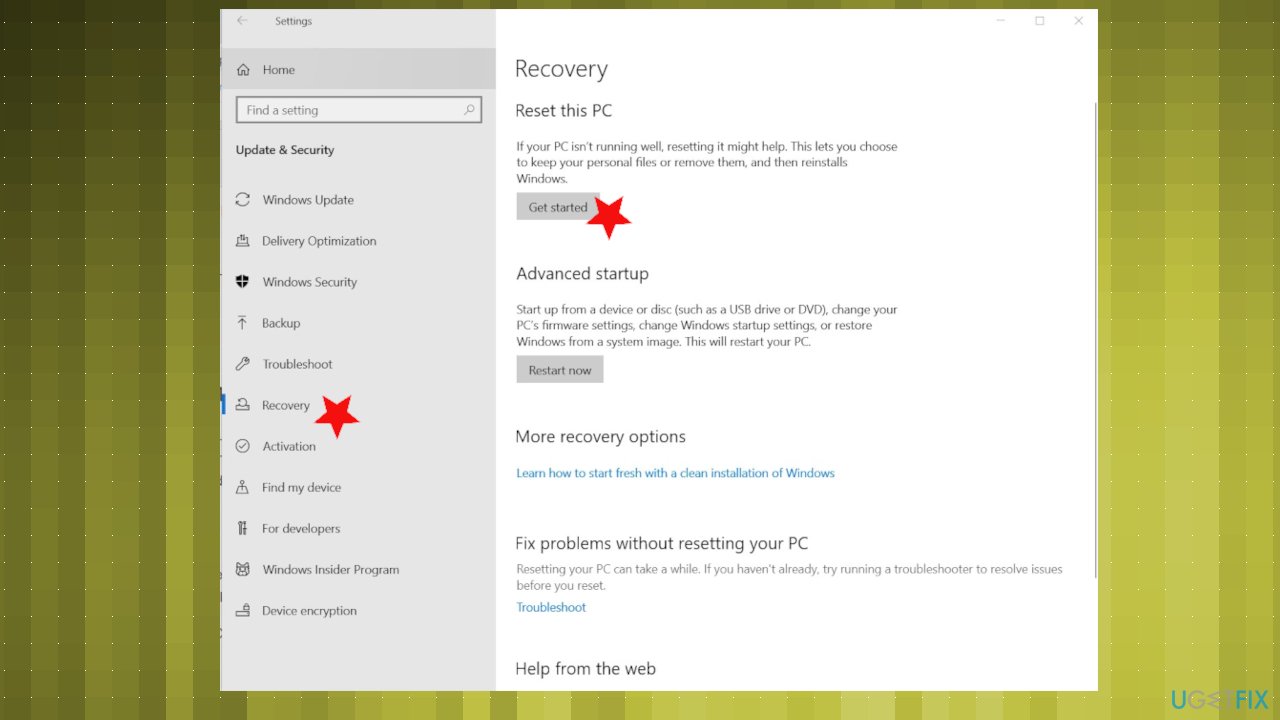
Attempted switch dpc fix recovery - Navigate to Recovery to find and click Get Started from the Reset this PC option.
- Choose the option of what happens with your files.
- Keep your files. And finish the operation by following what the wizard says.
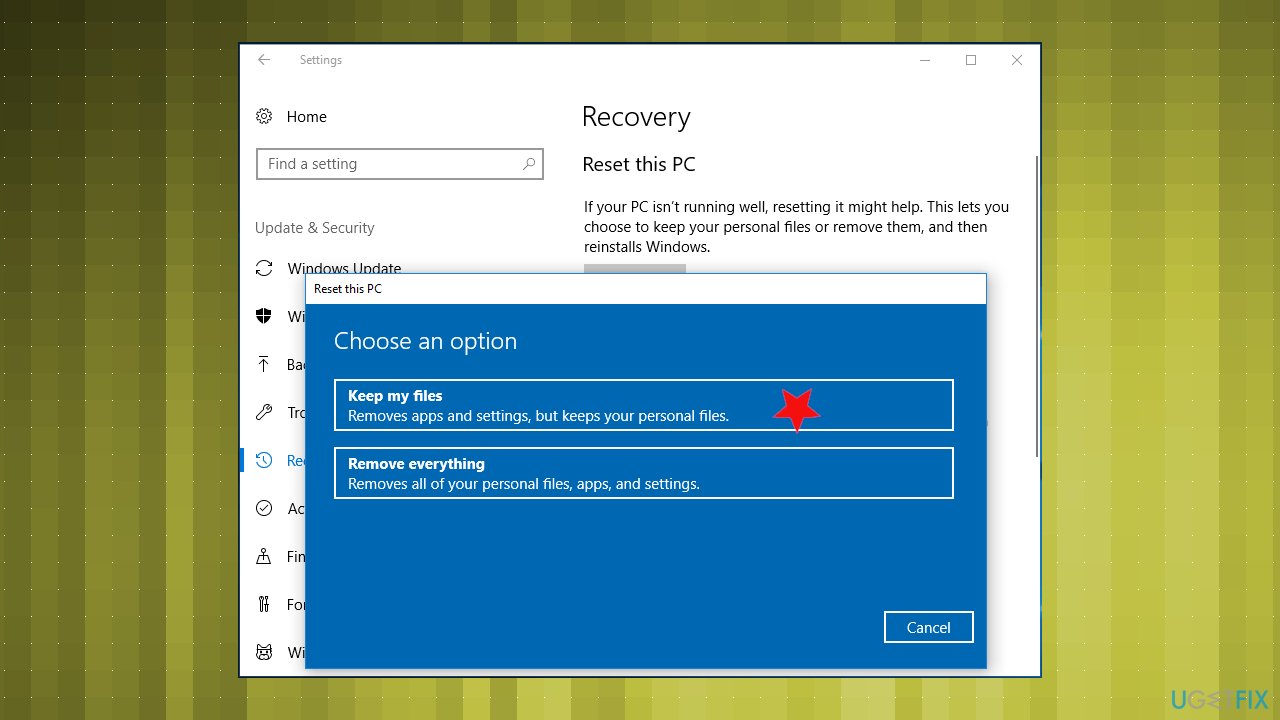
Attempted switch dpc fix recovery option
Bottom line
To fix the ATTEMPTED_SWITCH_FROM_DPC error, users can utilize repair tools, manually change settings, or uninstall problematic drivers. Restarting the system after the error appears may also help prevent further damage. If these methods do not resolve the issue, further investigation into hardware or software conflicts may be necessary.
Frequently asked questions
The ATTEMPTED_SWITCH_FROM_DPC error is typically caused by faulty hardware drivers, corrupted system files, or issues with installed software that interferes with system operations.
To troubleshoot this error on Windows 11, you can start by updating your drivers, running the System File Checker, or performing a clean boot to identify conflicting applications.
Yes, regularly updating your drivers, keeping Windows 10 updated, and ensuring that all hardware components are functioning properly can help prevent the ATTEMPTED_SWITCH_FROM_DPC error from recurring.




Report an issue
What's wrong with this guide? We review every report and update or remove content.
Report received — thank you. We'll review and fix it.
You need a free account to submit a report.
Be the first to comment