How to fix
DivxDecoder.dll missing or not found error
on Windows
Resolve the DivxDecoder.dll missing error on Windows 10 or 11 effortlessly. Get quick solutions and expert-tested fixes for a seamless experience.

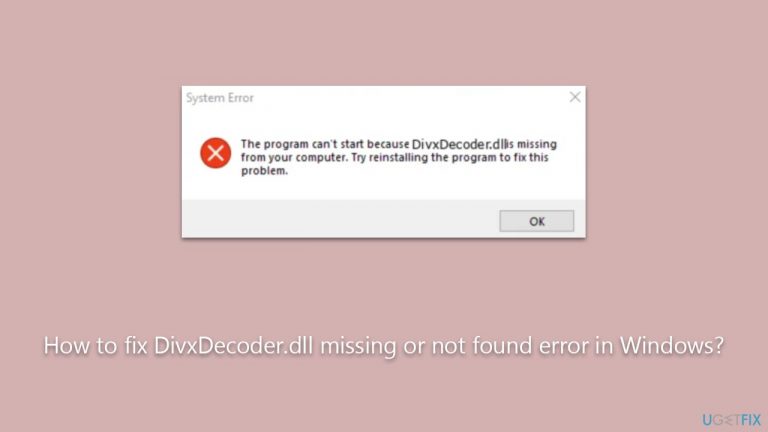
What causes How to fix DivxDecoder.dll missing or not found error in Windows?
- Missing DivxDecoder.dll file
- Corrupted DivxDecoder.dll file
- Outdated graphics drivers
- Insufficient permissions
- Misplaced DivxDecoder.dll file
Repairs Windows system files, removes malware, and restores a clean OS state — without reinstalling.
Hi, I've been getting DivxDecoder.dll when trying to launch a game. Are there any tips you could give me to solve this?
Dynamic Link Library (DLL) files, including DivxDecoder.dll, are vital components of the Windows operating system. DLLs contain code and data that can be used by multiple programs at the same time, promoting code reuse and efficient memory usage. They are essentially libraries that contain functions and procedures that a Windows application can call upon to perform specific tasks.
Errors related to missing or not found DLLs are common in Windows and can occur for various reasons. One such error pertains to the DivxDecoder.dll file. This file is associated with the DivX codec, a popular software for compressing and decompressing video files, enabling users to play and create high-quality videos in a fast, efficient manner. It is also known that many World of Warcraft players tend to get this error.
The DivxDecoder.dll file is essentially a piece of software that allows other software (like media players) to understand how to decode and play DivX video content. When a program requires DivxDecoder.dll, the OS locates this DLL file and provides the necessary instructions to the program. However, if the file is missing or not found, the program will not run correctly, leading to an error message.
The "DivxDecoder.dll missing or not found" error can be triggered under several circumstances. The primary reason is when the DivxDecoder.dll file itself is missing or corrupted. This could happen due to erroneous software installation or uninstallation processes, which accidentally delete or overwrite the DivxDecoder.dll file.
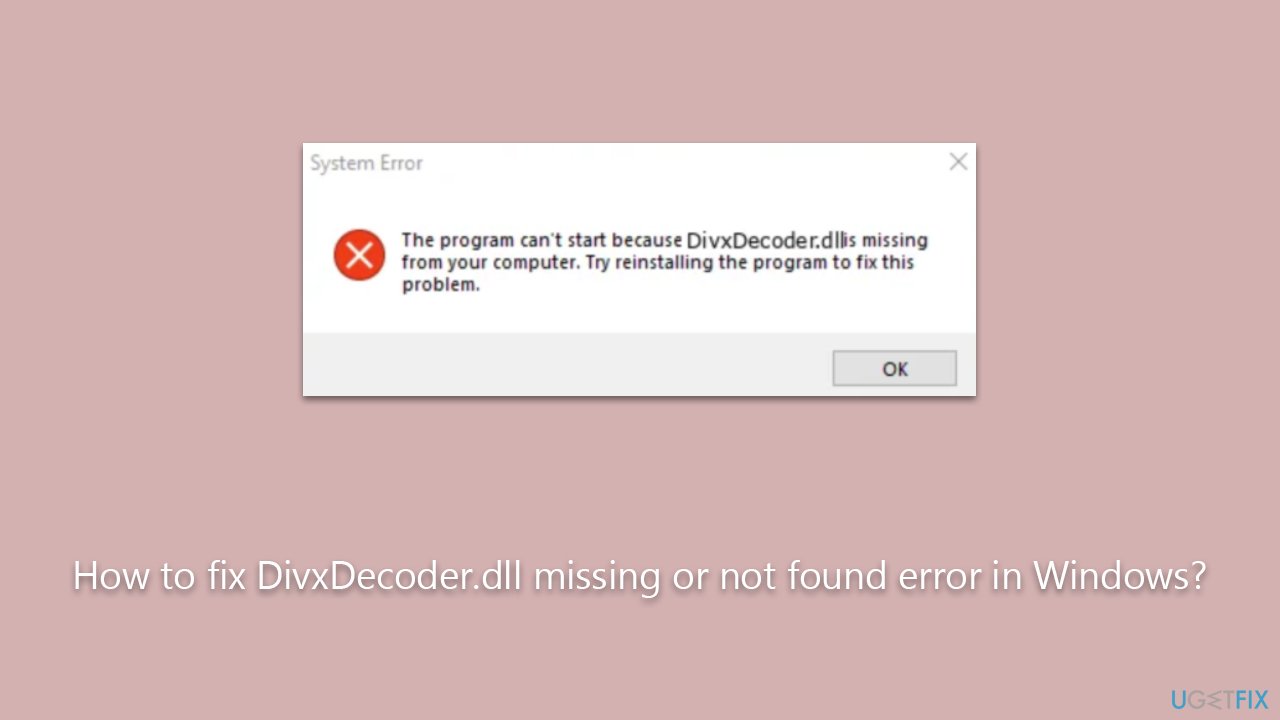
Another reason might be outdated or missing graphics drivers. When dealing with graphical elements on Windows, your GPU handles the load. If drivers for it are corrupted or outdated, it may cause errors.
Insufficient permissions might also cause this issue, as well as misplaced file. Please follow the directions below to fix this issue, although we recommend trying [d1] PC repair software that is proficient in dealing with DLL errors.
Fix 1. Check for correct pathing
Many people who encounter this error are those who play on private servers, such as Ascension. In such a case, you need to make sure that the main EXE file of the server is in the same directory as the WoW.exe file.
In other cases, users reported that they were able to launch the game fine whenever they moved the files from the Program Files folder to somewhere else.
Keep in mind that these servers are not legally approved by Blizzard, so you could face repercussions for playing on them.
Fix 2. Update your GPU drivers
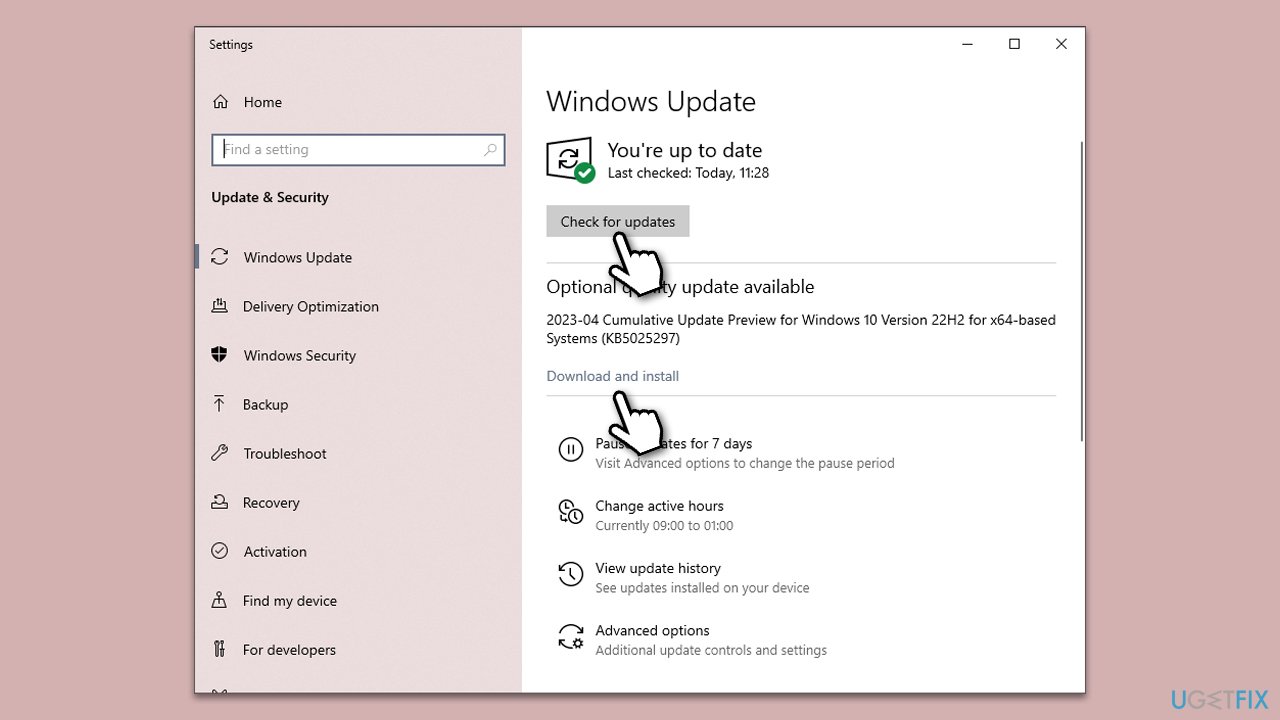
You should always make sure that your GPU drivers are up to date. You can do this in many different ways, but let's start by using the Windows update feature.
- Type Updates in Windows search and press Enter.
- Here, click Check for updates, and Windows will check if there are new updates available.
- If optional packages are offered, install them too.
- Once done, restart your PC and see if your problem is resolved.
Windows update is not always a reliable method to install the latest driver software for your graphics card. Instead, we recommend either using an automatic driver updater such as [rev id="DriverFix"] or downloading the software manually from the official manufacturer's website.
Fix 3. Reinstall the app
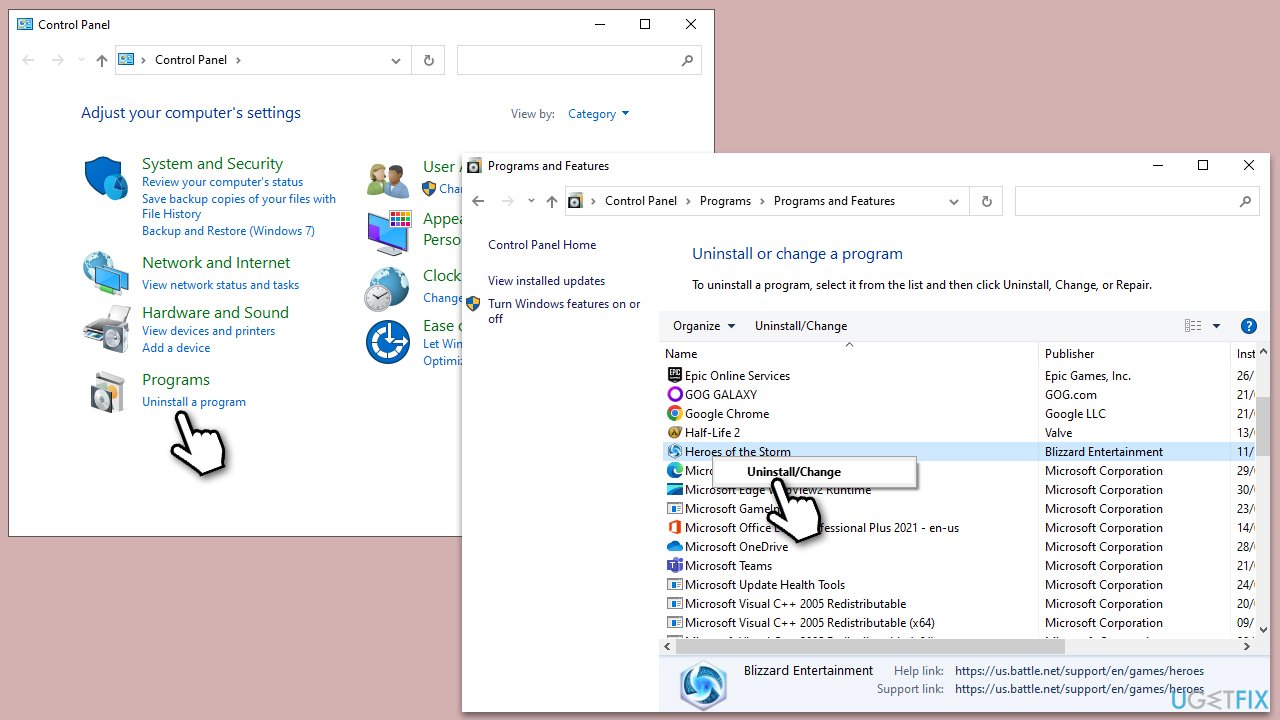
If the previous methods did not help, we don't recommend downloading the DivxDecoder.dll from various sources online, as these files could be potentially malicious. Instead, you should reinstall the program causing the error, which, in many cases, is World of Warcraft.
- Type Control Panel in Windows search and press Enter.
- Go to Programs > Uninstall a program.
- Scroll down and find the application in question.
- Right-click and select Uninstall.
- Follow on-screen instructions and finalize the process.
- Restart your PC and reinstall the program.
Bottom line
To fix the DivxDecoder.dll missing or not found error, check for correct pathing, update your graphics drivers, and ensure you have sufficient permissions. If these solutions do not resolve the issue, consider using PC repair software that specializes in DLL errors.
Frequently asked questions
You can try reinstalling the DivX software, which often replaces the missing DLL file. If that doesn't work, consider running the System File Checker tool to repair any corrupted system files.
Ensure that you have the latest version of DivX installed, as updates may include the necessary DLL file. Additionally, check your antivirus settings, as they might have mistakenly quarantined the DLL.
Yes, you can manually download the DivxDecoder.dll file from a reputable source and place it in the C:\Windows\System32 folder, but be cautious of where you download DLL files from.




Report an issue
What's wrong with this guide? We review every report and update or remove content.
Report received — thank you. We'll review and fix it.
You need a free account to submit a report.
Be the first to comment