How to fix
“Dump File Creation Failed due to Error during Dump Creation” error
on Windows
Resolve the "Dump File Creation Failed" error in Windows 10/11 with our expert tips. Get your system running smoothly again, zero traces left!


What causes How to fix “Dump File Creation Failed due to Error during Dump Creation” error in Windows?
- Deleted dump files
- Cleanup applications and third-party optimizers
- General system file corruption
- Altered or deleted system files
- Outdated BIOS versions
Repairs Windows system files, removes malware, and restores a clean OS state — without reinstalling.
Hello. I get the "Dump File Creation Failed due to Error during Dump Creation" error continuously. Sometimes even the blue screen of death appears. I don't know what to do to solve this. I run Windows right now. I am afraid that once after the blue screen and reboot the machine will not work. Help me!
People using Windows report the issue[ref en-1] with the unresponsive dump file feature and the BSOD[ref en-2] screen related to the "Dump File Creation Failed due to Error during Dump Creation" issue. The issue is not exclusive to the particular version of the operating system, but the Windows 10 users experience this more commonly these days.
The issue can be caused by the deleted dump files and it is an issue related to the cleanup applications and other third-party optimizers that people use. You might fix the problem if the app is getting deleted and uninstalled. Another problem that can lead to these errors can be related to general system file corruption and altered or deleted files there. Even updates or lack of the particular files after the OS upgrade.[ref en-3]
This issue can be solved by running the tool that particularly finds and fixes issues with data. File recovery can fix the problem with the "Dump File Creation Failed due to Error during Dump Creation" error in Windows, so try to check for the affected system files with a utility like SFC or the app like [d1] and check if that error stops.
There are various other outdated and unstable pieces on the machine that can cause the error. Severely outdated BIOS versions or other stability problems can be responsible for a dump file problem like this. You might resolve this issue by updating the BIOS version to the latest. You can also fix the "Dump File Creation Failed due to Error during Dump Creation" error in Windows by relying on the options listed. Make sure to properly follow these steps.

1. Uninstall the cleanup software
- Press Windows key + R to open up a Run dialog box.
- Then, type appwiz.cpl and press Enter to open up the Programs and Features window.
- Scroll down through the list of installed applications and locate the one that deals with temporary files.
- Right-click on it and choose Uninstall from the newly appeared context menu.
- Follow the on-screen prompts to uninstall the program, then restart your computer.
2. Run SFC, DISM scans
- Open Command Prompt as administrator by searching for CMD.
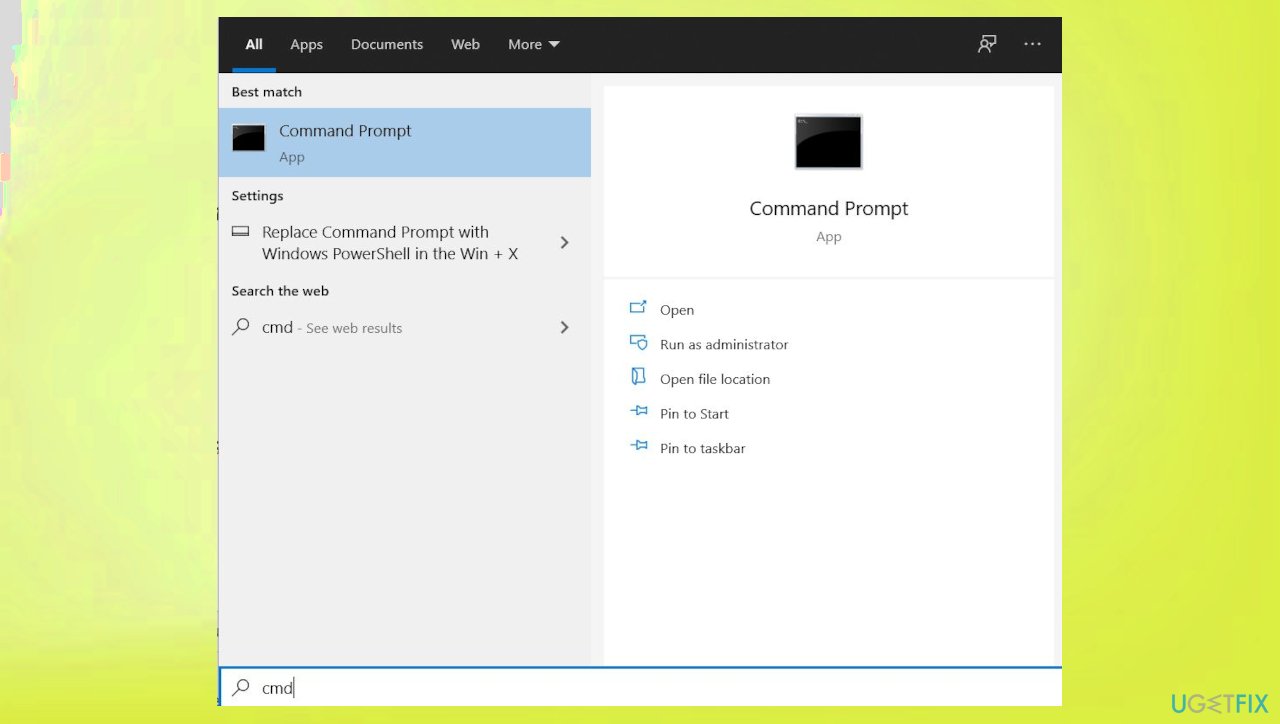
Dump file creation fail error cmd - Use the following command and press Enter:
sfc /scannow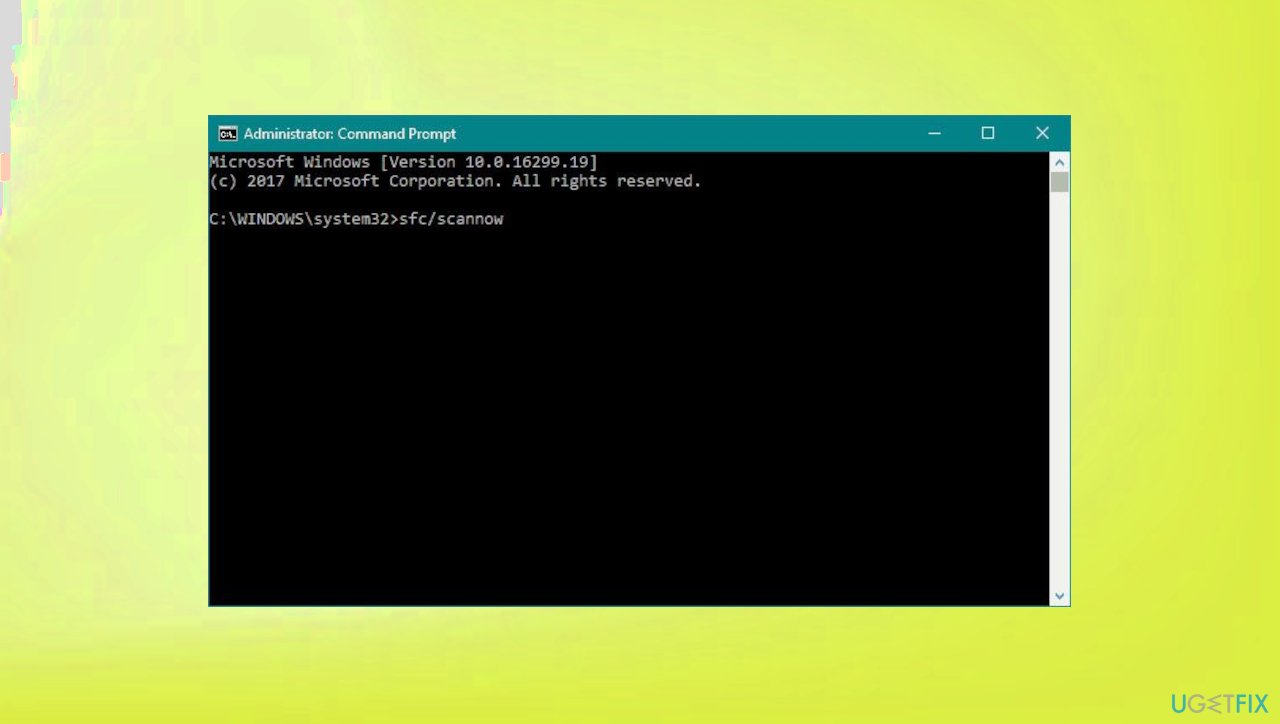
Dump file creation fail error sfc - Reboot your system.
- If SFC returned an error, then use the following command lines, pressing Enter after each:
DISM /Online /Cleanup-Image /CheckHealth
DISM /Online /Cleanup-Image /ScanHealth
DISM /Online /Cleanup-Image /RestoreHealth
3. Use System Restore
- Type in Create a Restore Point in search and hit Enter.
- Click System Restore.
- Pick Choose a different restore point (if available) and click Next.
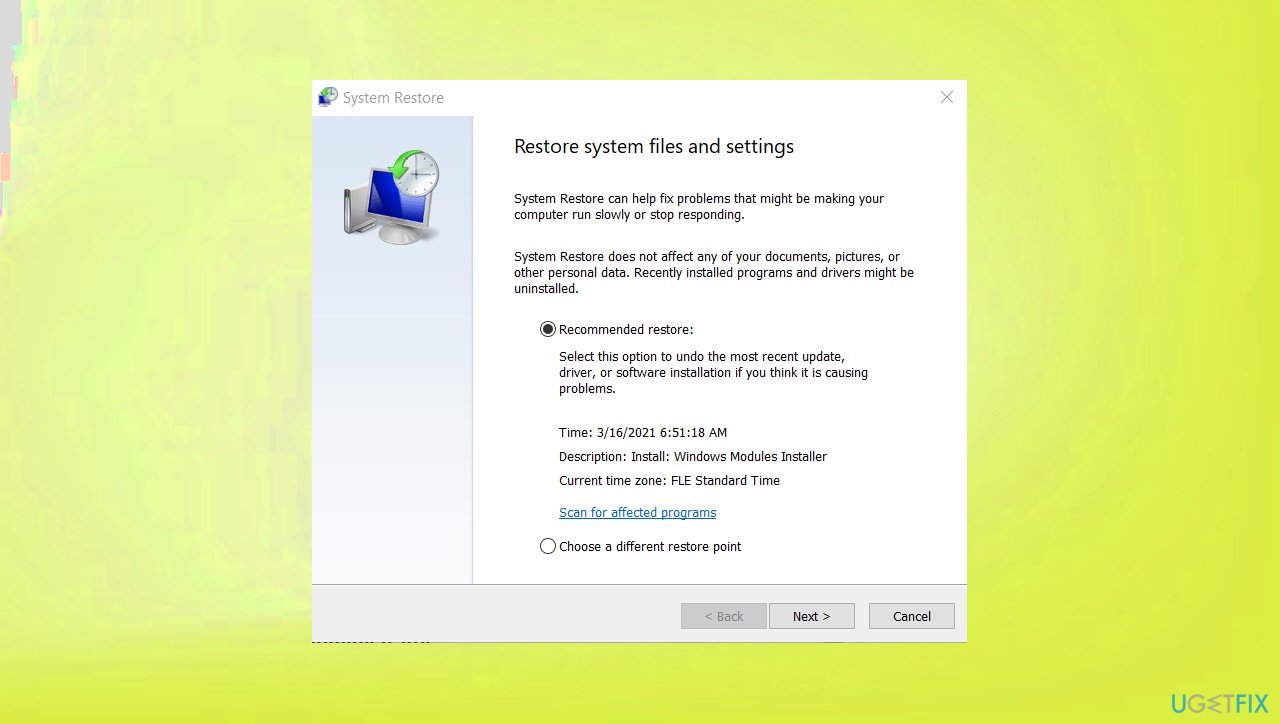
Dump file creation fail error system restore - Mark the Show more restore points checkbox.
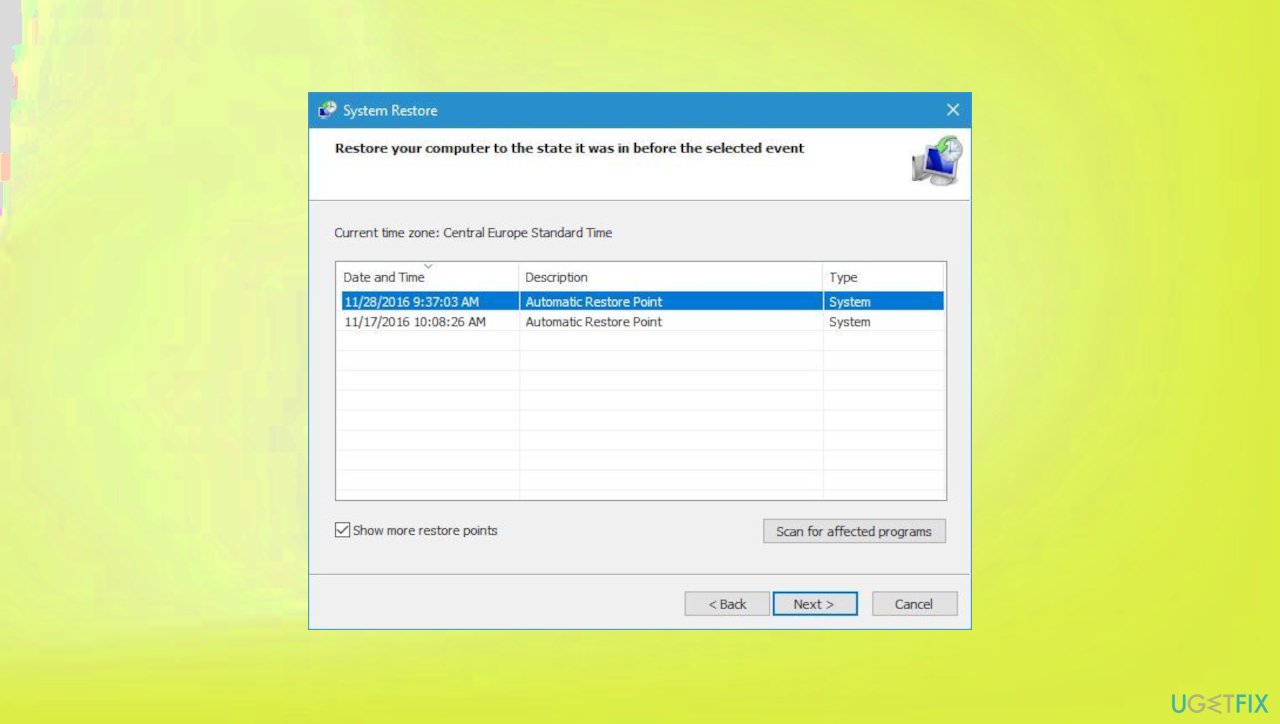
Dump file creation fail error system restore points - Choose a time before the crashes were troubling you.
- Click Next and reboot the system as required.
4. Run memory diagnostics
- Press Windows key + R then type in mdsched.exe hit OK.
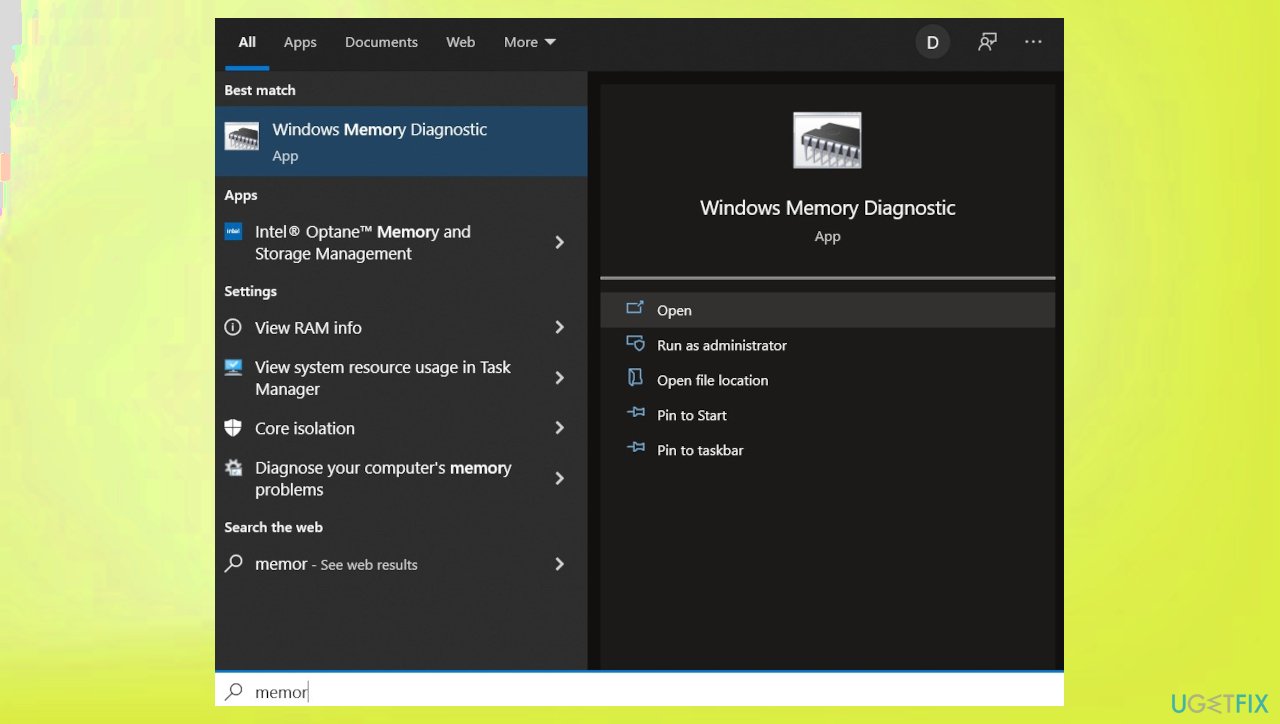
Dump file creation fail error memory diagnostics - You can also search for the tool.
- Run the diagnostics.
- Then restart the device after the procedure.
Bottom line
To fix the 'Dump File Creation Failed due to Error during Dump Creation' error, you can uninstall cleanup software, run system file check utilities like SFC, and update your BIOS to the latest version. If these solutions do not resolve the issue, consider seeking further technical assistance.
Frequently asked questions
This error typically occurs due to insufficient disk space, corrupt system files, or incorrect system settings that prevent Windows from generating dump files during crashes.
To enable crash dump file creation in Windows 11, go to System Properties, click on Advanced system settings, then under Startup and Recovery, ensure that the 'Write debugging information' option is set appropriately.
Yes, you can use the System File Checker tool by running 'sfc /scannow' in the Command Prompt to repair corrupt system files that might be causing dump creation issues.




Report an issue
What's wrong with this guide? We review every report and update or remove content.
Report received — thank you. We'll review and fix it.
You need a free account to submit a report.
Be the first to comment