How to fix
Error 3x3103fx
on Windows
Resolve Error 3x3103fx on Windows 10 or 11 quickly and efficiently. Our expert-tested guide ensures a smooth fix with zero traces left.

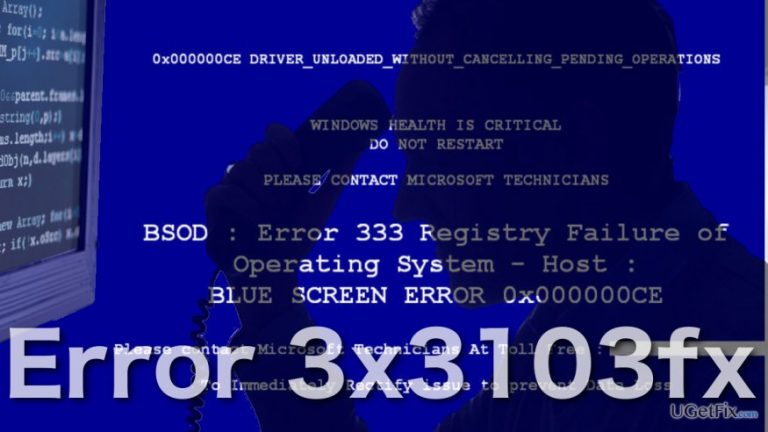
What causes How to Fix Error 3x3103fx?
- Unwanted adware virus
- Technical Support Scam
- Fake notifications designed to look official
- Browser blocking access to legitimate security software
Repairs Windows system files, removes malware, and restores a clean OS state — without reinstalling.
I want to stop my browser from displaying Error 3x3103fx pop-ups ‘cause I cannot close them any other way but by force-stopping my browser. I know it’s not healthy and the browser should not behave this way. Can you help me fix that?
Error 3x3103fx is a fake alert users report seeing online after some unwanted adware virus settles on their computers. These pop-ups indeed may block the users from operating their web engines properly. The reason for this is simple. Error 3x3103fx notifications try to convince the users that their computers have run into some serious issues and because of the critical state of the system, users may suffer financially and privacy-wise. So, the browser blocking only helps strengthen the impression of a crashing computer and also serves as an obstacle, preventing users from accessing legitimate security software and performing reliable system assessment.
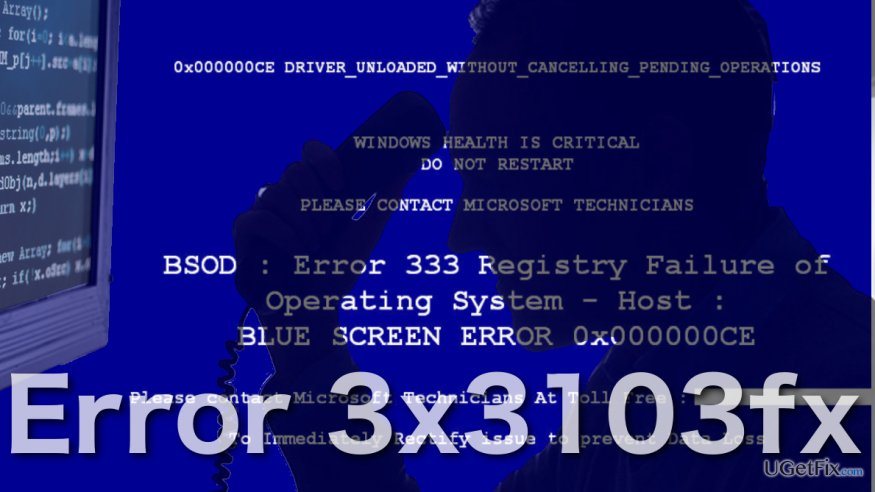
In reality, all these symptoms signal Technical Support Scam attack. In particular, Error 3x3103fx is considered a Microsoft Support scam because it is designed to look like it has been officially delivered by the Microsoft company. The messages may look something like this:
mf-ez-18.s3.amazonaws.com says:
Microsoft Warning Alert
Malicious Pornographic Spyware/Riskware Detected
Error # 3x3103fx
Please call us immediately at: 1-888-506-2142
Error Code: 3x3103fx
Call Technical Support Immediately at +1-800-696-4076
The following data will be compromised if you continue:
1. Passwords
2. Browser History
3. Credit Card Information
The virus is well known for complete identity and credit card theft. Further action through this computer or any computer on the network will reveal private information and involve serious risks.
Call Technical Support Immediately at:
The malware threatens that some kind of virus will steal their sensitive data steering the potential victims away from the actual problem -- an adware virus that is generating these fake notifications on their computers.
In the guidelines below, we will introduce a couple of useful techniques which will help perform Error 3x3103fx removal and give you back the freedom of browsing online without ending up on random pages.
Repair Error 3x3103fx by following four simple steps
First step. Force stopping the web browser
As we’ve already mentioned, when infected with Error 3x3103fx, you will most likely end up stuck on the fake website. Luckily, you will quickly fix this error by force-stopping the browser application via Task Manager. To do that:
- Press the quick Task Manager launch command by pressing Ctrl + Alt + Esc on your keyboard.
- Open the “Processes” tab, select all running web browser entries and click End Task.
NOTE: by doing that all tabs open in the browsing session will be closed. DO NOT restore the session; otherwise you will end up on the malicious website again.
Second step. Restart PC in Safe Mode
- Open Windows menu and hover your cursor over Power button.
- Press-hold Shift and select Restart from the menu
- When booting up, the PC will show an advanced options window. Here select Troubleshoot → Advanced Options → Startup Settings
- Choose Restart from the provided options
- In the new list of options select Safe Mode with Networking mode by press F5 on your keyboard
Third step. Delete adware from your PC
- Right-click on the Windows menu key and select Control Panel.
- Once there, go to Programs → Programs and Features
- Then, go through the list of the computer programs to locate unfamiliar, recently installed applications and select the Uninstall option.
- Restart the PC to set the changes.
You will remove adware from your PC more efficiently if you use professional software like [d1].
Final step. Browser reset
How to reset Microsoft Edge?
How to reset Internet Explorer?
How to reset Mozilla Firefox?
How to reset Google Chrome?
Bottom line
To fix Error 3x3103fx, you should force stop the web browser and follow additional removal techniques. If these steps do not resolve the issue, consider seeking professional help or using dedicated malware removal tools.
Frequently asked questions
Error 3x3103fx typically occurs due to corrupted system files or issues with software installations. It can also be triggered by conflicts with antivirus programs or outdated drivers.
To resolve Error 3x3103fx on Windows 11, you can run the System File Checker tool by executing 'sfc /scannow' in the Command Prompt. Additionally, consider updating your drivers and checking for any pending Windows updates.
Yes, you can perform a quick troubleshoot by restarting your PC in Safe Mode and checking if the error persists. If it doesn't, this may indicate that a third-party application is causing the issue.




Report an issue
What's wrong with this guide? We review every report and update or remove content.
Report received — thank you. We'll review and fix it.
You need a free account to submit a report.
Be the first to comment