How to fix
Far Cry 6 error “Maine-15F”
on Windows
Resolve the Far Cry 6 "Maine-15F" error on Windows 10 and 11 easily with our expert-tested solutions. Get back to gaming in minutes!

What causes How to fix Far Cry 6 error “Maine-15F” in Windows?
- Internet connection issues
- Bugged account
- Corrupted system files
- Outdated game version
- Firewall or antivirus interference
Repairs Windows system files, removes malware, and restores a clean OS state — without reinstalling.
Hi, I had been getting Maine-15F in Far Cry 6 the whole day yesterday. I thought its a temporary thing, so I just waited, and today, the problem continues. Is there something I can do to resolve this? I am playing on Windows.
Far Cry 6 is a first-person shooter video game developed by Ubisoft. It is set in a fictional island nation called Yara, and the player takes on the role of a guerrilla fighter battling against a dictator named Anton Castillo, who is played by Giancarlo Esposito. The game features a large open world, dynamic weather, and a variety of vehicles, weapons, and animals to interact with. Far Cry 6 was released on October 7, 2021, for PlayStation 5/4, Xbox Series X/S, Xbox One, and PC.
Even if the game features a single-player campaign, an option to play online with friends is also available. As many opt to play together, they need to have a working internet connection to join the multiplayer mode. Unfortunately, some users reported that they were getting the Far Cry 6 error "Maine-15F" whenever they tried to play with friends online. It reads:
Warning
An error occurred.
Attention: Maine-15F
While under some circumstances, the error might go away by itself after some time, it is not always the case, as players reported not being able to play the multiplayer due to the "Maine-15F" error for several days or even weeks. This can become a real problem, as it renders the game useless for some.
In most cases, the Far Cry 6 error "Maine-15F" is related to internet connection issues. A bugged account can also be the cause of this error showing up, in which case resetting the Ubisoft password could do the trick. There are several other reasons for the error to occur, all of which we address below.
Before proceeding, we recommend you scan your system with [d1] Windows repair tool, which can quickly and easily locate all the corrupted system files and replace them with brand new ones, resolving BSODs, DLL errors, registry corruption issues, and more.
Fix 1. Reboot your system
If you got the "Maine-15F" error for the first time, your first task should be restarting the game. Simply quit the game fully and then restart your computer - this will reset all the associated services and other components related to the game's functionality, i.e., Epic Games services.
Fix 2. Link your PlayStation or Xbox account
Some users who got the error were using PlayStation or Xbox to play the game. In such case, you need to make sure that your Ubisoft account is linked to your PlayStation or Xbox account.
- Open your browser and navigate to the official Ubisoft website.
- Log in with your Ubisoft account credentials.
- Click on your Icon at the top-right and then select Account Management.
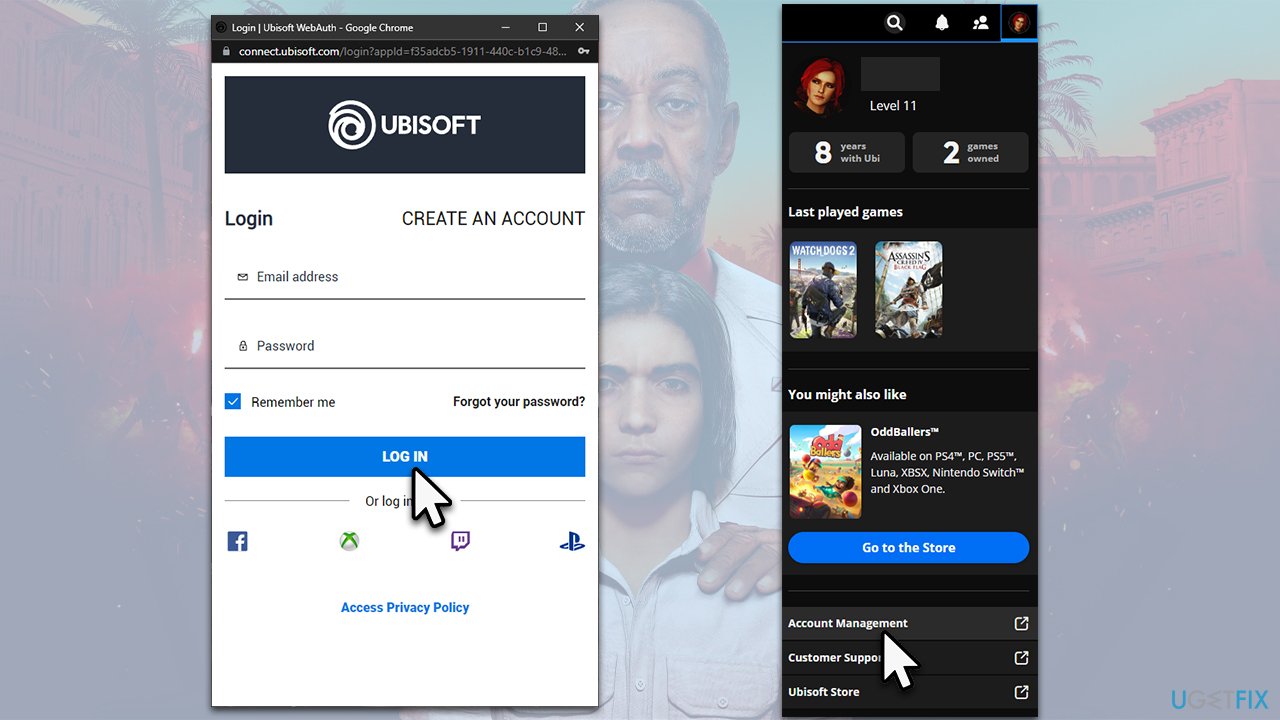
- If prompted, click Continue.
- On the left, click Account information.
- Scroll down to the Linked accounts section.
- Pick the PlayStation or Xbox and click Link.
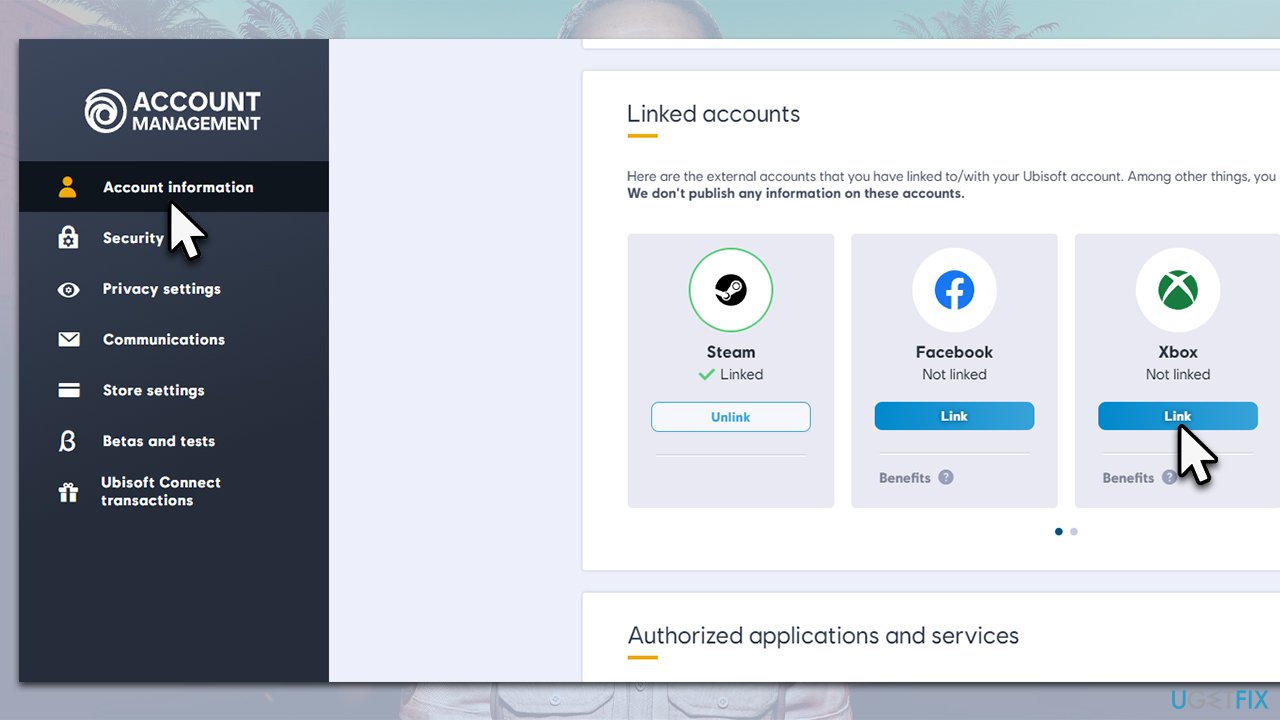
- Click Continue.
- When you get asked whether you want to link your account, click Yes.
- Try playing the game again.
Fix 3. Change your online status
Some users reported that setting the account to Invisible status caused the "Maine-15F" error in Far Cry 6. Change it as follows:
- Open your Ubisoft app.
- Click on the profile picture of your account.
- Set the status to Online.
Fix 4. Reset Ubisoft account
- Log out of your Ubisoft account.
- In the login screen, click Forgot password?
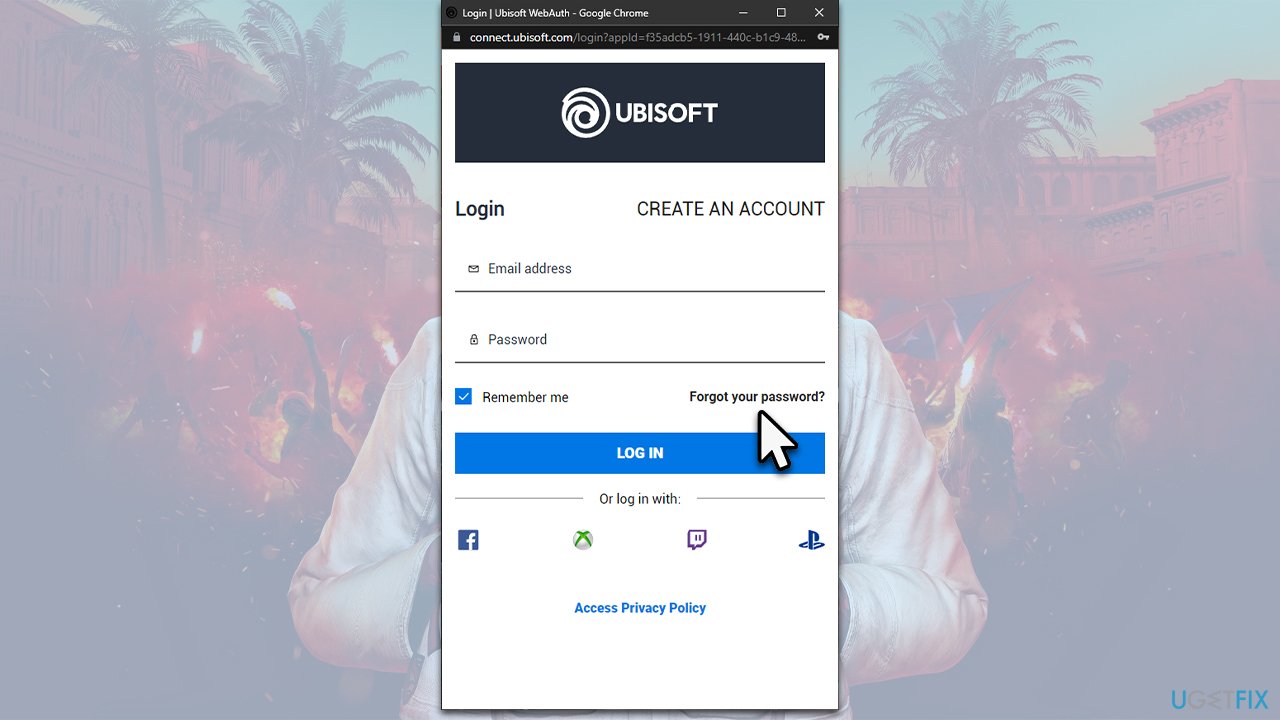
- Enter your email address when prompted and click Submit.
- Now open your email and check for a message from Ubisoft.
- Click on the link provided.
- Enter the new password and launch the game again.
Fix 5. Few other tips
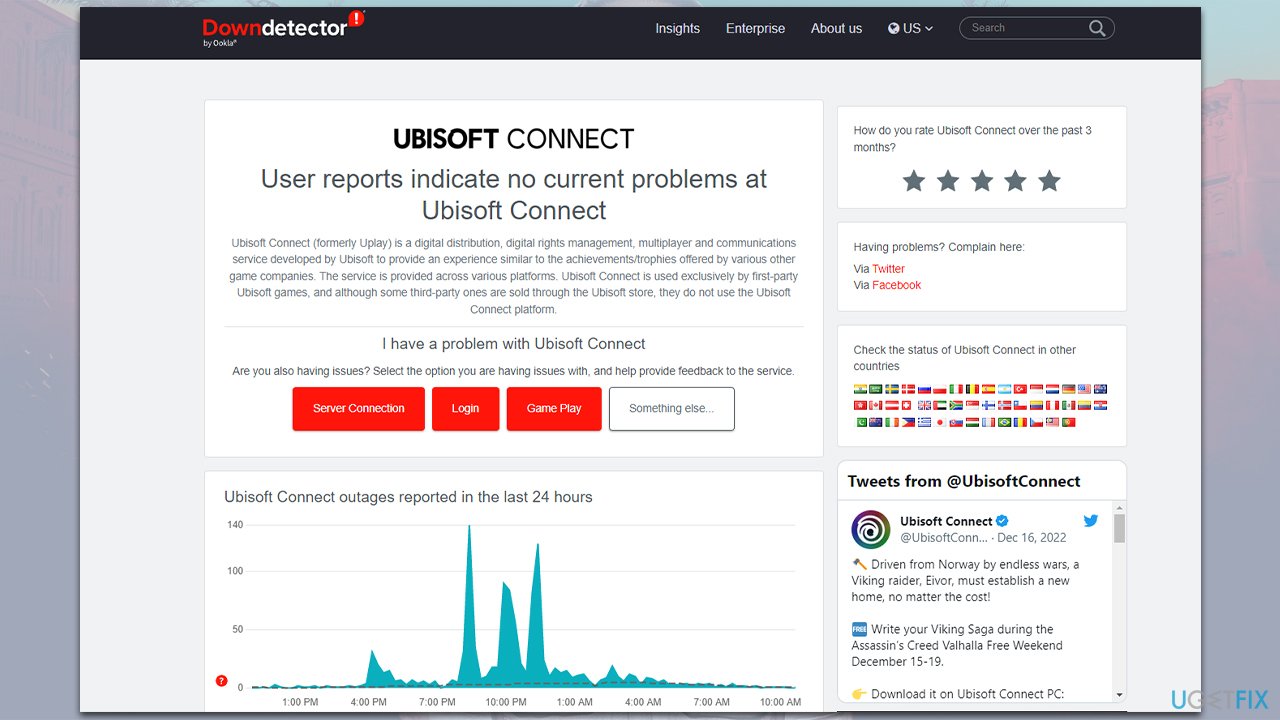
In some cases, the reason you can't play the multiplayer lies within Ubisoft servers being offline. The easiest way of checking this is by accessing websites such as Downdetector.
Likewise, some people said that they managed to get rid of the error after reinstalling the game. You can use one of the game launchers (Epic Games or Ubisoft Connect) to do so, or you can simply access the Apps and Features section and, remove the game, then reinstall it.
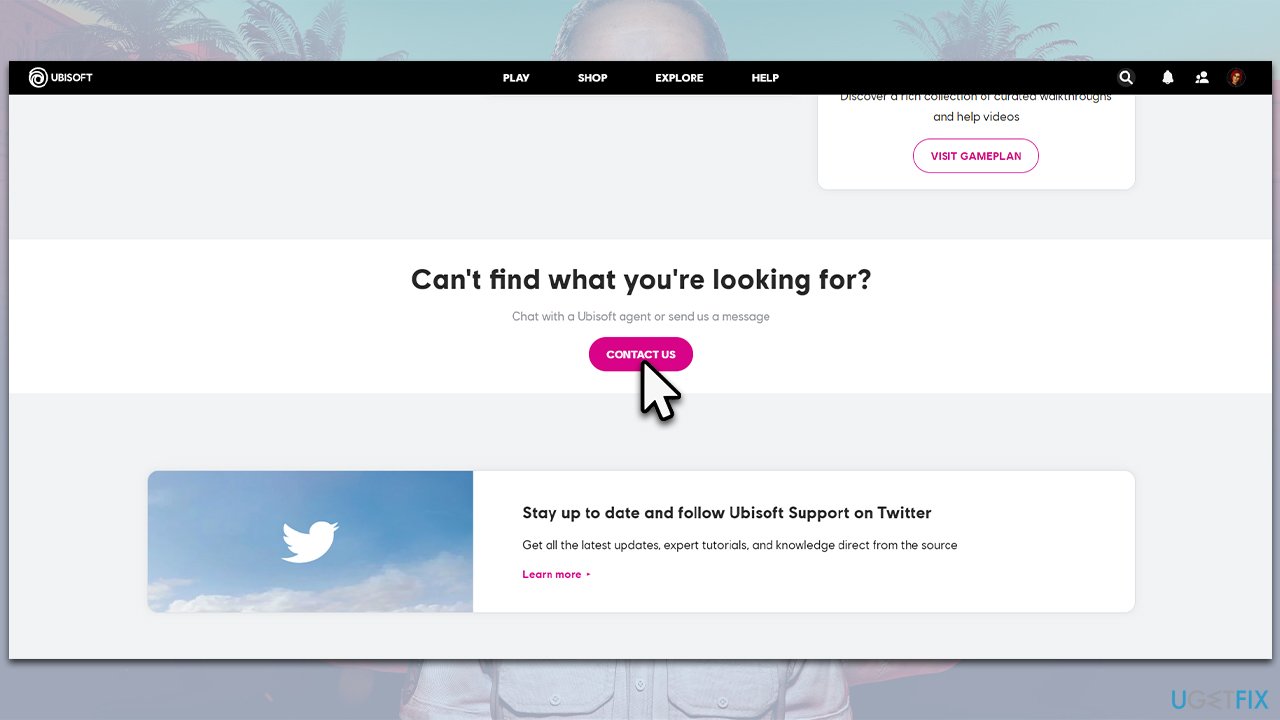
Contacting Ubisoft support also helped them to resolve the error - you can write the ticked on the official website.
Bottom line
To fix the Far Cry 6 error 'Maine-15F', you can try resetting your Ubisoft password, scanning your system with a Windows repair tool, and ensuring your game is updated. Additionally, check your firewall or antivirus settings to ensure they are not blocking the game. If none of these solutions work, consider reaching out to Ubisoft support for further assistance.
Frequently asked questions
The 'Maine-15F' error typically occurs due to corrupted game files, outdated graphics drivers, or issues with the Ubisoft Connect launcher. Ensuring all components are up to date can help resolve this error.
To verify the game files, open Ubisoft Connect, go to your game library, right-click on Far Cry 6, and select 'Verify files.' This process will check for and replace any corrupted files.
If updating your graphics drivers doesn't resolve the error, try reinstalling the game or the Ubisoft Connect launcher, as this can often fix persistent issues.




Report an issue
What's wrong with this guide? We review every report and update or remove content.
Report received — thank you. We'll review and fix it.
You need a free account to submit a report.
Be the first to comment