How to fix
Kernel Power 41 error
on Windows
Resolve the Kernel Power 41 error on Windows 10 quickly and effectively. Follow our expert-tested tips for lasting solutions and zero traces left.


What causes How to fix Kernel Power 41 error on Windows 10?
- Incorrect reboot sequence
- Power cut
- Internal system malfunctions
- Outdated drivers
- Recently added RAM or new devices
Repairs Windows system files, removes malware, and restores a clean OS state — without reinstalling.
Hi, I am encountering the Kernel Power 41 error on Windows 10 seemingly out of nowhere. Usually, it shows up when I’m trying to wake the system from sleep, although it also happened a few times during PC operation - the system froze and I had to reboot. Could you please help me fix this?
Kernel-Power Event id 41 is a critical error that is most frequently encountered on Windows 10 OS, especially Windows 10 Creators Update.[ref en-1] The problem may occur under various conditions, such as when booting the system up, waking it from sleep, or occurs at random (which typically also freezes the screen).
Although Kernel Power Event id 41 error is not a fatal error that would prevent users from starting their machines correctly, it prompts them to restart Windows, which may lead them to the loss of important data. The most common reason for the issue to arise is due to the incorrect reboot sequence, which can occur due to powercut, or internal system malfunctions.
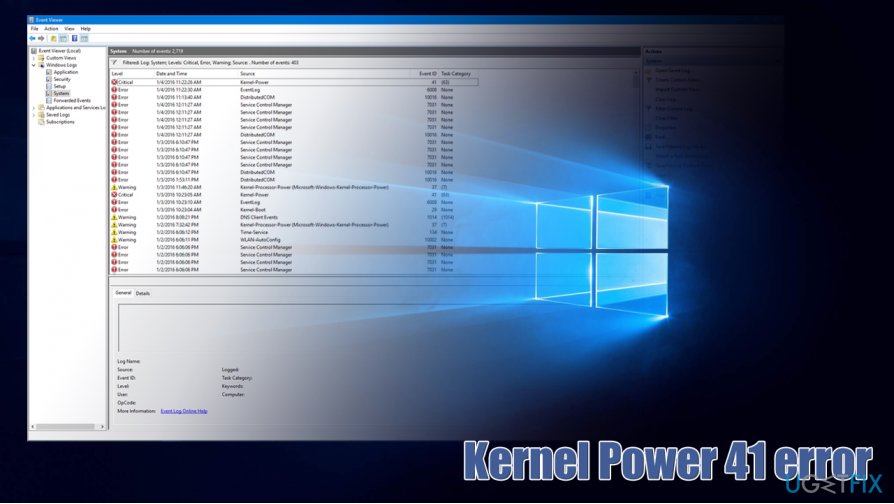
Kernel Power 41 Error on Windows 10 does not display a popup window or a Blue Screen of Death. Instead, it can be spotted when accessing Event Viewer - it is a useful, built-in Windows component that allows consumers to access detailed information about the events that occurred on their operating systems, including errors such as Kernel Power 41.
According to the message provided by the Kernel-Power error (ID 41), the Windows computer system has restarted without performing a clean shut down of all active apps and programs. In addition, the error might pop out if the computer system itself froze or started lacking response:
The system has rebooted without cleanly shutting down first. This error could be caused if the system stopped responding, crashed, or lost power unexpectedly.
The vast majority of devices that returned the Kernel Power 41 Error were running outdated drivers, in particular, audio drivers. Also, if you have currently inserted some additional RAM or connected new devices to the system, the error system might be provoked by these factors too. Thus, the most suitable fix for this error would be to update audio drivers and see if that helps. In case of a failure, it’s advisable to update other drivers[ref en-3] as well.
Besides, you should also check Device Manager[ref en-2] for duplicate drivers because duplicates may also be the culprit of the Kernel-Power Event ID 41. If it turns out that the essence of the problem is not system drivers, enabled Fast Startup or incorrect Power Plan settings may be triggering the problem. Therefore, we will shortly explain how to check and fix that if needed.
How to Fix Kernel-Power Event ID 41 on Windows 10?
There are several possible ways to fix Kernel Power 41 Error on Windows 10 and we have provided detailed guidelines on how to carry out all of those methods. Scroll down to check each of the solutions provided, although keep in mind that each of Windows systems is unique, so problem fixes are not universal.
Method 1. Update Audio Drivers to get rid of Kernel-Power Event id 41 error
Maybe some type of driver is lacking an update and this is preventing you from fixing Kernel Power 41 error on Windows 10. As a solution, we recommend updating Audio Drivers with the help of the following instructions:
- Right-click on Windows key and select Device Manager.
- Expand Sound, video and game controllers on the left.
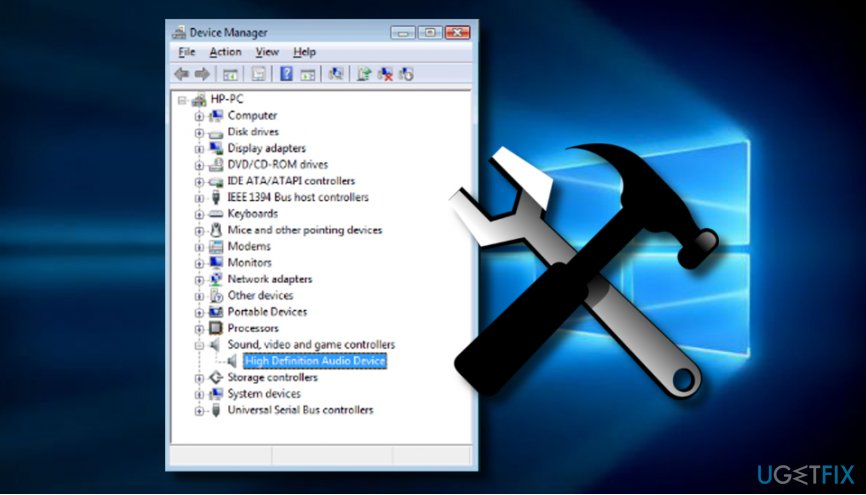
Method nr 1 - Click the Action tab and select Update Driver Software.
- After that, select Browse my computer for driver software and select High Definition Audio Device driver from the list.
- Click Next and then Yes.
- When the process is finished, restart your PC.
If that did not help, you should check the list of device drivers and update the ones that are marked with a yellow exclamation mark or the ones, which haven’t been updated for ages.
Method 2. Disable Duplicate Device Drivers to fix Kernel-Power Event id 41 error
- Right-click on Windows key and select Device Manager.
- Expand the Sound, video and game controllers section and check if there are any duplicate entries.
- If you found a duplicate driver, right-click on it, and select Disable.
- If that did not help, check all devices for duplicate drivers and remove the duplicates.
Method 3. Modify Power Settings as an alternative to fix the error
In some cases, modifying power settings might help if any other alternative options were found unsuccessful. Try to fix Kernel Power 41 Error on Windows 10 by taking a look at the following guiding steps:
- Press Windows key + S to open Settings.
- Select Power Options and find your current power plan.
- Click on Change plan settings button.
- Select Change advanced power settings.
- Expand the Hard disk section and click Turn off the hard disk.
- Set it to Never or enter 0 value.
- Now locate the Sleep section and turn off sleep timer.
- Click Apply and OK to confirm the changes.
Method 4. Turn Off Fast Startup to get rid of Kernel-Power Event id 41
- Press Windows key + S to open Settings.
- Select Power Options and click on Choose what the power button does.
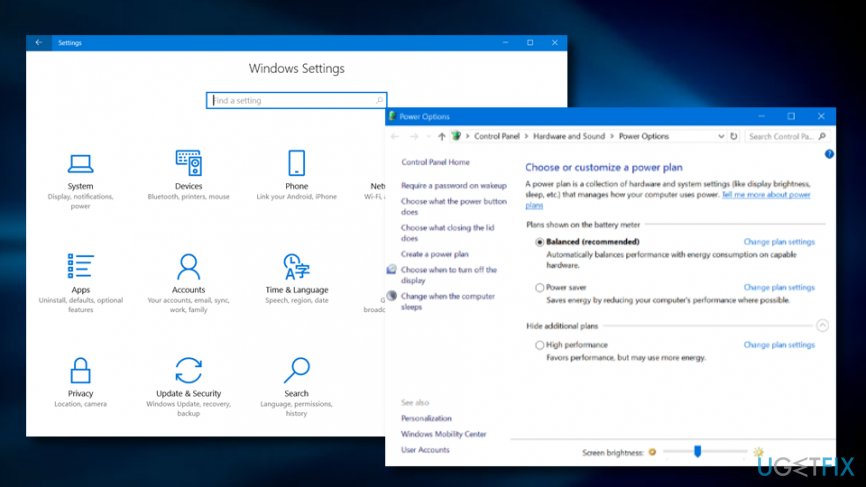
Method nr 4 - Select Change settings that are currently unavailable.
- Locate the Shutdown settings and uncheck Turn on fast startup (recommended) option.
- Click Save changes and reboot the system.
Method 5. Uninstall recent Windows Updates
In order to fix Kernel Power 41 Error on Windows 10, you might have to uninstall recent Windows Updates as some upgrade might have triggered the error's occurrence. For a clearer view on this method, look below:
- Go to the Windows search zone and type Settings.
- Select the Update & Security section.
- Press on the View installed updates history function.
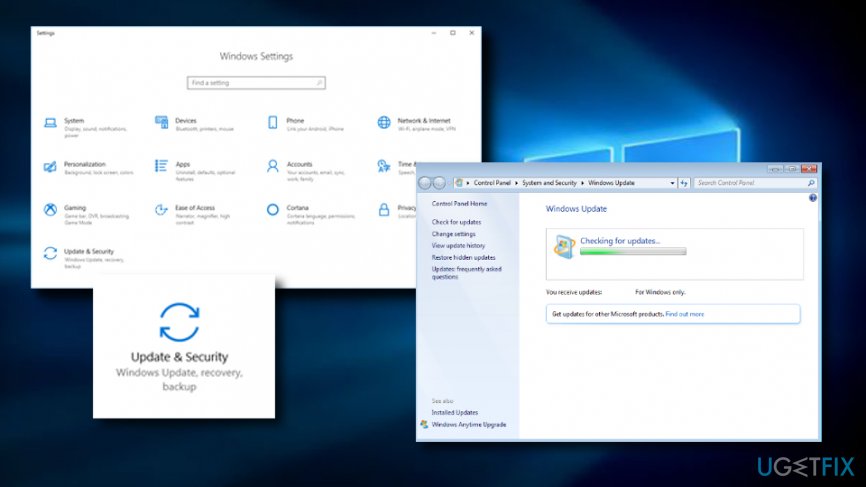
Method nr 5 - Select Uninstall updates.
- Reboot your computer system.
Method 6. Deactivate Auto-restart to remove Kernel-Power Event ID 41 error
- Type Advanced Settings in the search section.
- Open "View advanced system settings".
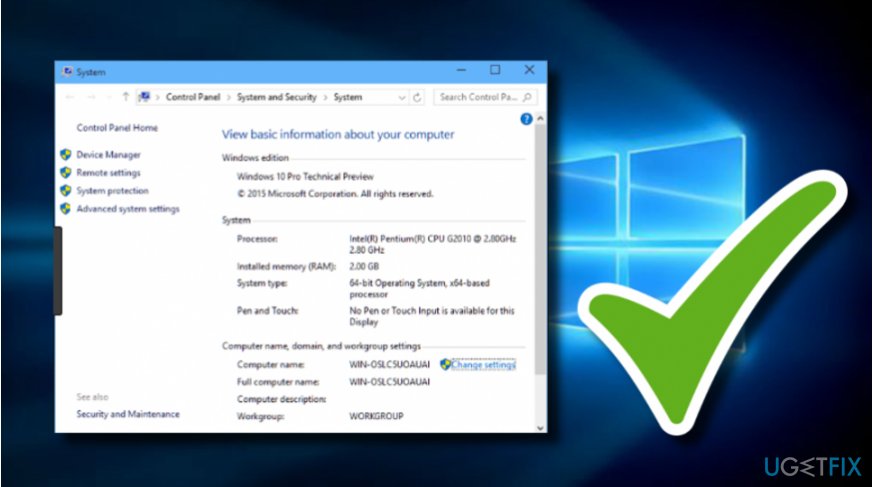
Method nr - Choose the Advanced section.
- Find the option that says "Settings" and click on it.
- Deselect the mark which is near the "Automatically restart" box.
- Confirm changes.
Method 7. Check for incompatible hardware
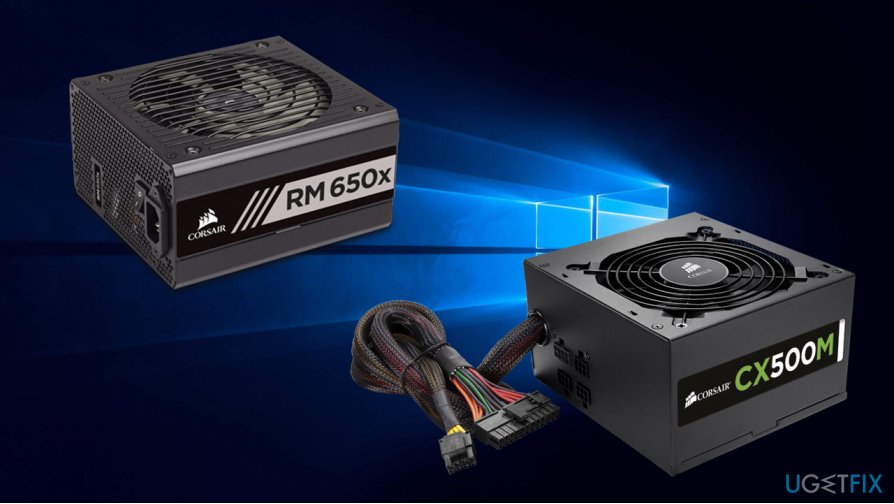
Finally, Kernel Power 41 error can be caused by a failing hardware component. By failing, we do not mean that it is broken, but rather an under-performing PSU, also known as a Power Supply Unit. These components come with different power levels, e.g., 500W.
Power Supply Unit powers everything that your computer needs for proper operation and, the more powerful other components, the more capable PSU you need. Therefore, if you are installing more RAM or equipping your PC with a powerful graphics card, a less powerful PSU could not be able to convert the electrical current correctly, hence resulting in Kernel Power 41 Error.
Hopefully, one of the methods provided above helped you to fix Kernel Power 41 Error on Windows. To finish up PC’s cleaning, don’t forget to scan it with a powerful optimization utility, for instance, [d1]. In addition, if the above-given techniques did not help you to take care of the problem, there might be another problem lurking on your Windows computer system. You can also try to discover it by using the same scanning product.
Bottom line
To fix the Kernel Power 41 error, ensure that your drivers are updated, particularly audio drivers, and check for any new hardware that may be causing issues. Additionally, review your power settings and consider performing a clean shutdown. If none of these solutions work, further investigation into hardware issues may be necessary.
Frequently asked questions
The Kernel Power 41 error usually occurs due to unexpected system shutdowns, often caused by hardware issues, driver conflicts, or power supply problems.
You can use the Windows Memory Diagnostic tool and check the Event Viewer for critical errors to identify any hardware malfunctions.
Yes, updating your device drivers, especially for graphics and chipset, can help resolve conflicts that may trigger the Kernel Power 41 error.




Report an issue
What's wrong with this guide? We review every report and update or remove content.
Report received — thank you. We'll review and fix it.
You need a free account to submit a report.
Be the first to comment