How to fix
Login error 0x80190005 in Xbox app, Cortana and Microsoft Store
on Windows
Resolve login error 0x80190005 in the Xbox app, Cortana, and Microsoft Store on Windows 10/11 quickly and easily. Expert-tested solutions await you!

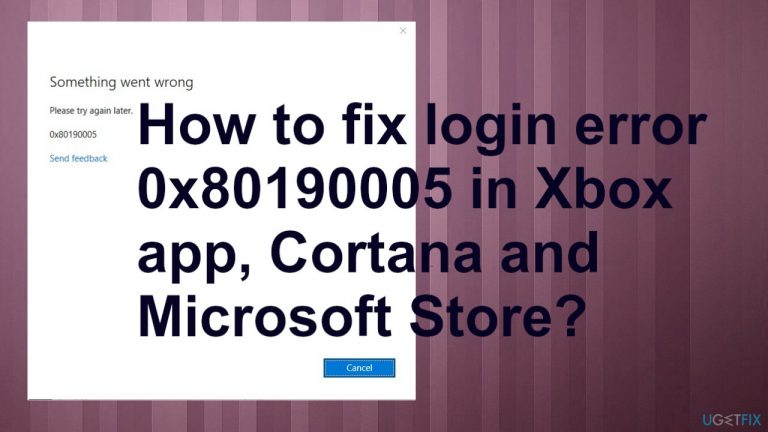
What causes How to fix login error 0x80190005 in Xbox app, Cortana and Microsoft Store?
- Corrupted Xbox application cache
- Bad data in cache folders
- Corrupted profiles, files, and settings
- Malware causing system file corruption
- Issues with UWP applications
Repairs Windows system files, removes malware, and restores a clean OS state — without reinstalling.
Hey. I cannot login to the Xbox app. I even get the error with Something wrong and error 0x80190005 code. It seems that Cortana is the issue or Microsoft Store. Can you help me? I found some posts online, but no solutions.
The particular login error 0x80190005 appears in various applications. These include Outlook, Xbox app, Cortana, and Microsoft Store. It can disturb users[ref en-1] that urn Windows 10 or Windows 11[ref en-2] machines, and this is the general issue that occurs when there are problems with the login accounts or restrictions.
Reasons behind the issue can be related to the corrupted Xbox application cache, if you see this on Xbox app. Common inconsistency issues are more commonly causing the issue. These apps can interfere with the errors like this due to the bad store update, so troubleshooting the Windows Store app can find recommended fixes and solve the issue for you.
Other reasons behind the login error 0x80190005 in Xbox app, Cortana, and Microsoft Store can be related to the bad data in cache folders. Affected users confirm that there is some correlation here. System issues can cause problems with UWP applications, so resetting the cache can quickly solve the problem.
Corrupted profiles, files, and settings that are messed up can all lead to the problem with common system programs and these applications that users commonly use. Malware[ref en-3] also has some issues here because these system files and corruption of data on the system left after the infection can trigger the error 0x80190005.
Regardless if ti appears in Xbox app, Cortana, and Microsoft Store, you can fix the issue by repairing system files. For that, we can recommend [d1] that finds and restores corrupted pieces in system folders for you. Other options require more attention and interference.
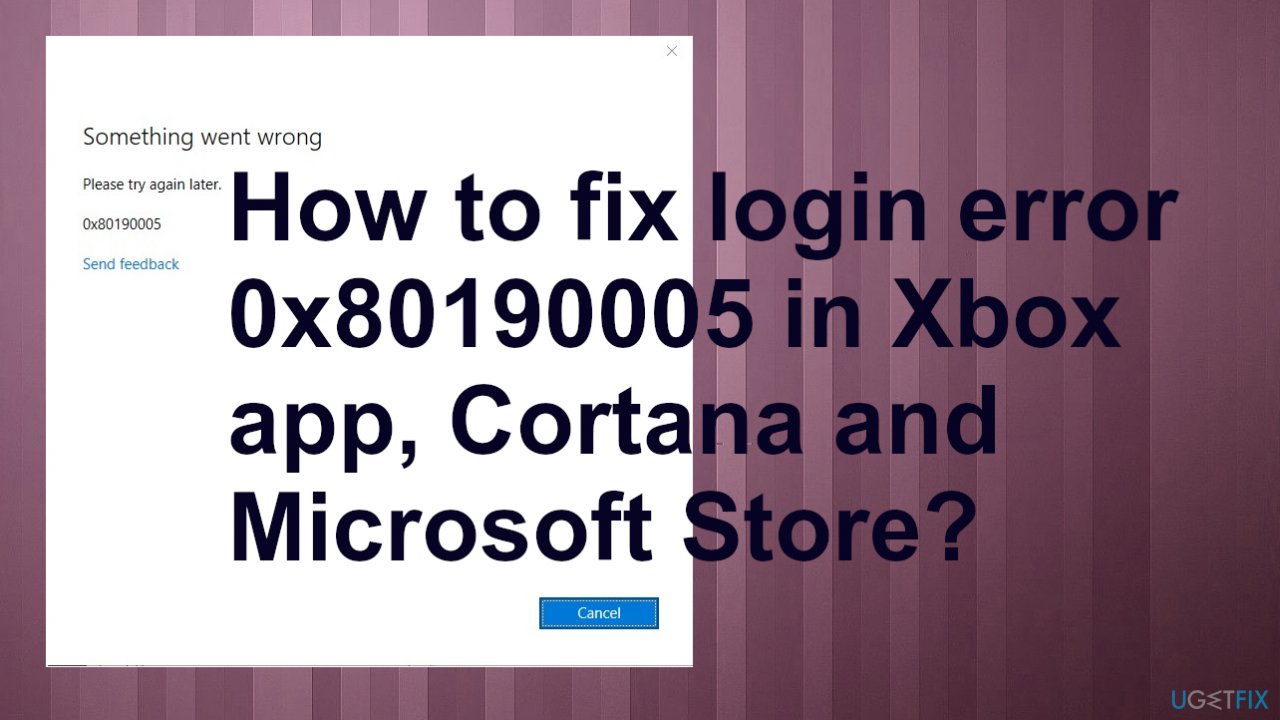
Method 1. Clear Windows Store cache
- In the search box, enter cmd.
- Right-click on Command Prompt, then select Run as administrator.
- Type wsreset.exe, and hit Enter key.
Method 2. Troubleshoot
- Press Windows key + R to open up a Run dialog box.
- Type ms-settings:troubleshooter and press Enter to open up the Troubleshooting tab of the Settings app.
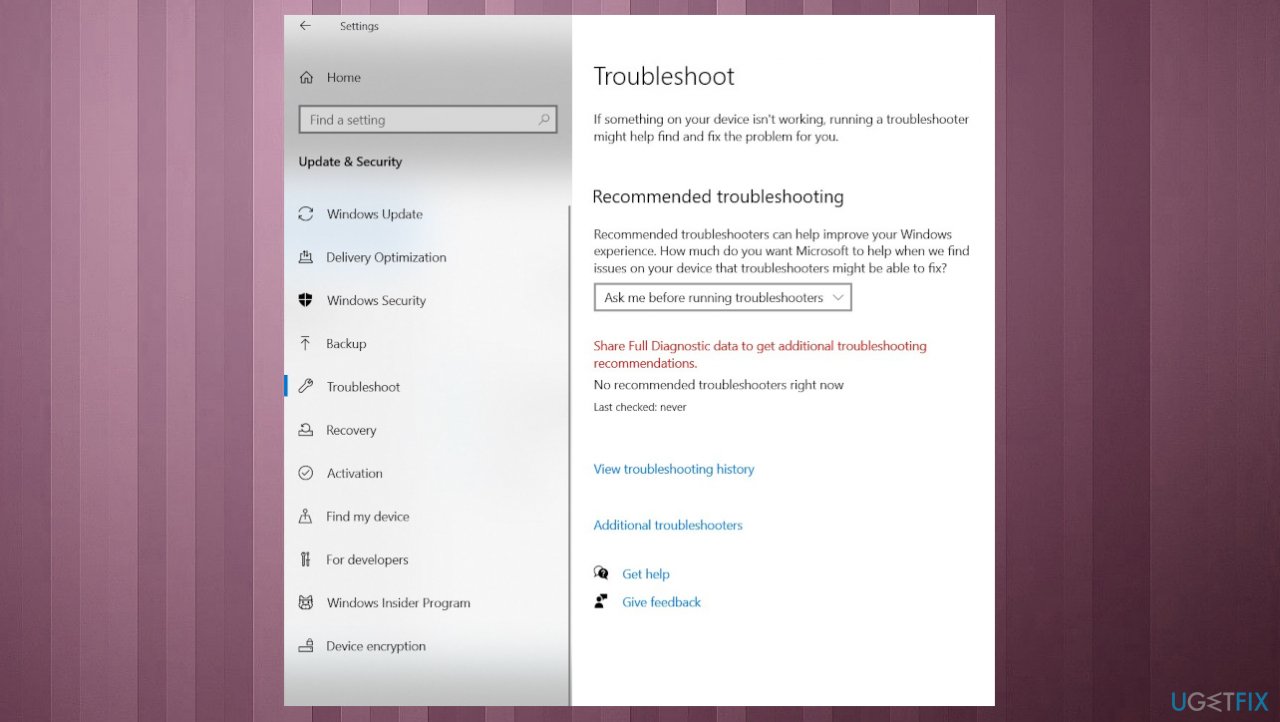
Error 0x80190005 error xbox cortana troubleshooting - Hot Additional torubleshooters.
- Go down to the Get up and running section and click on Windows Store Apps to expand the section.
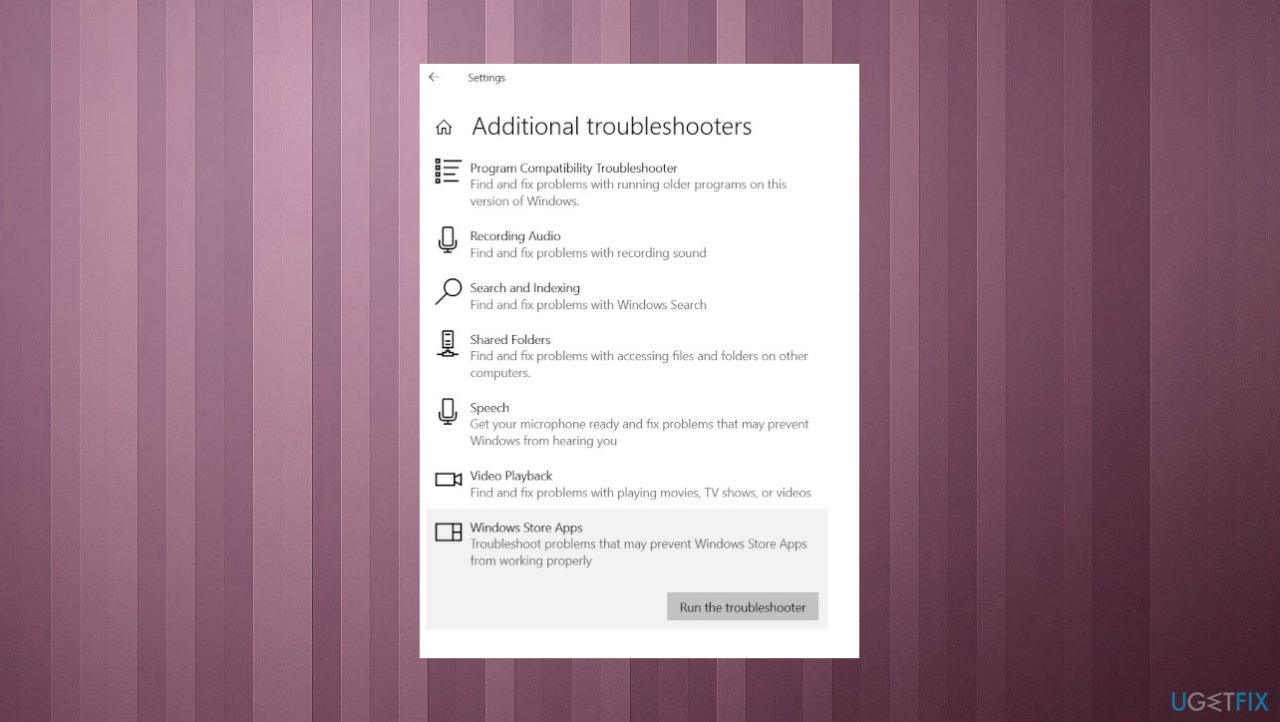
Error 0x80190005 error xbox cortana troubleshooting apps - Click on Run the Troubleshooter.
- Once you launch this scan, wait patiently until the process is complete.
- Click on Apply this fix if any offered, then follow the on-screen instruction.
- After the repair operation is complete, reboot your computer.
Method 3. Reset the Xbox app
- Press the Windows key, then select the gear icon to access Settings.
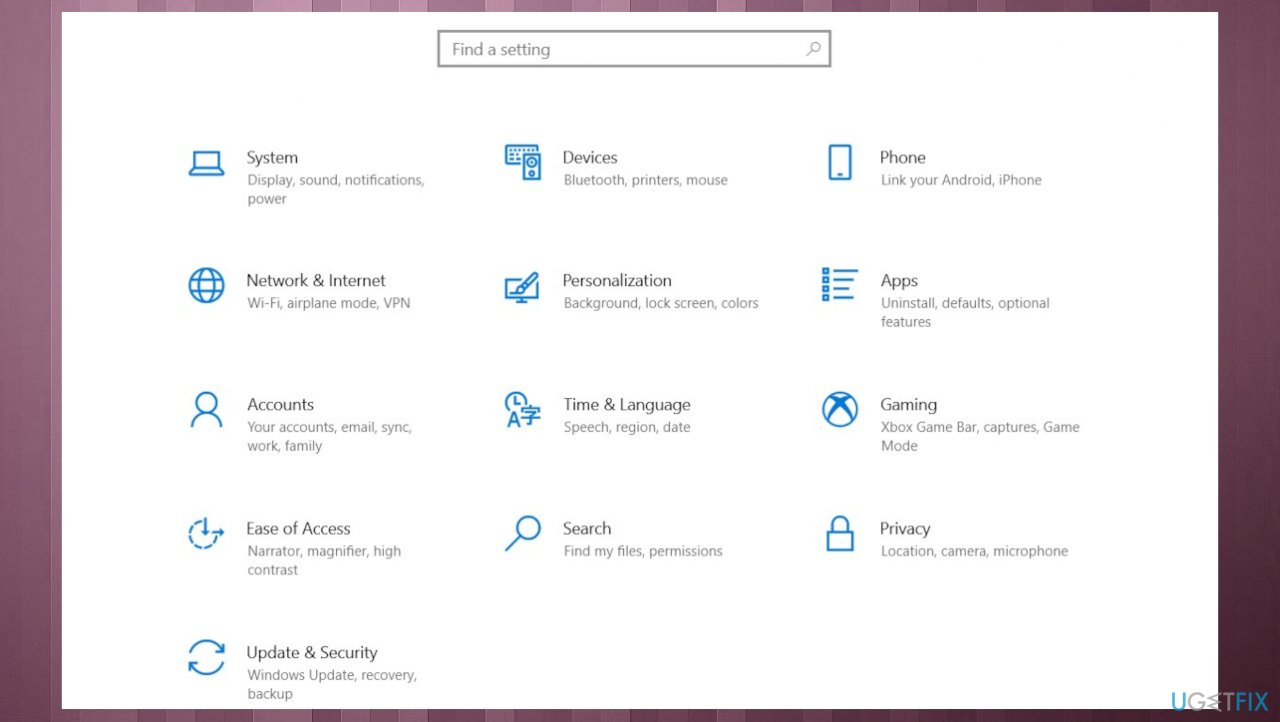
Error 0x80190005 error xbox cortana settings - Select Apps.
- Under Apps and features, locate the Xbox app.
- Click the Xbox app, then click Advanced options.
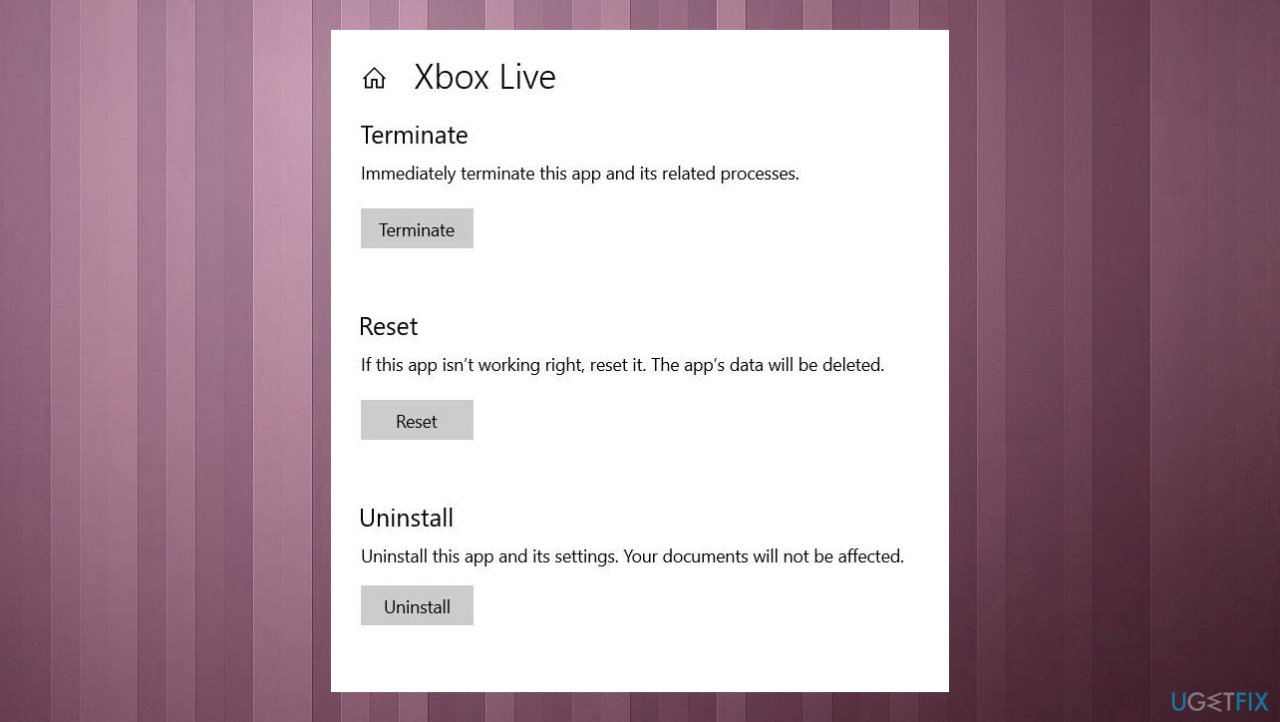
Error 0x80190005 error xbox cortana reset - Choose Reset.
- Restart your computer.
- Try to sign in again.
Method 4. Clear Windows Update cache
- Type cmd in the bar and hit Enter to open up an elevated CMD prompt.
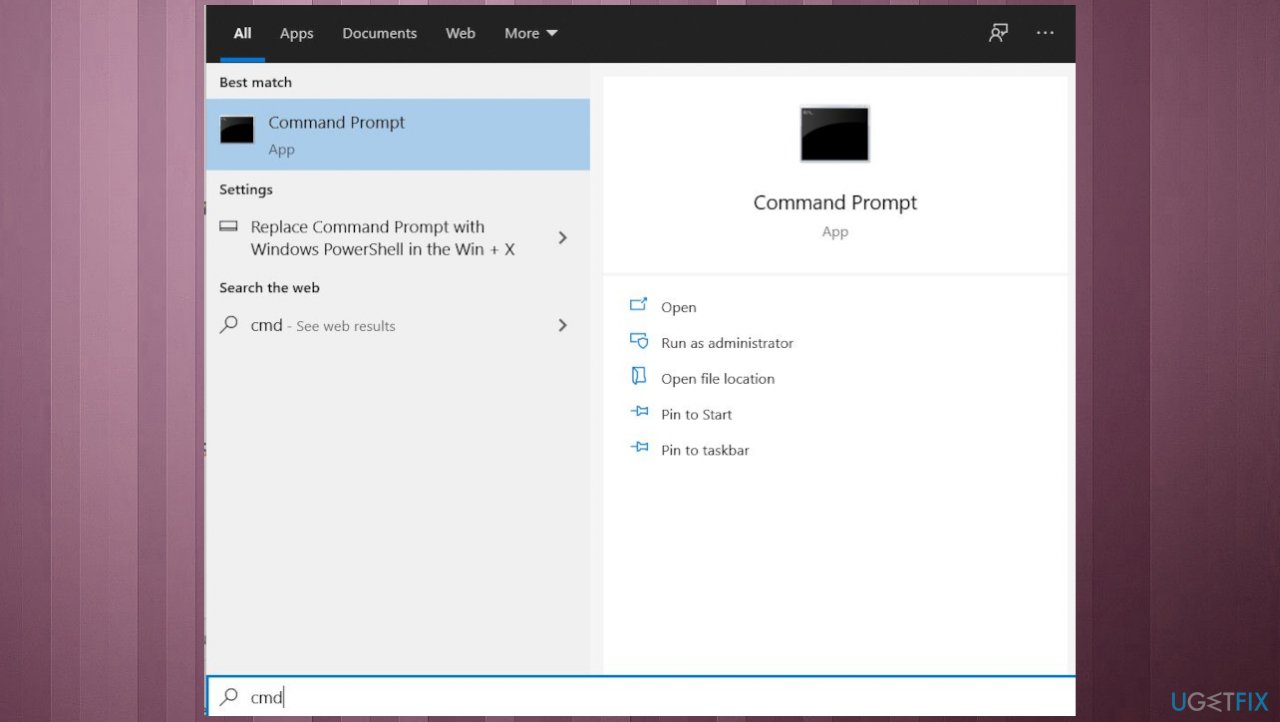
Error 0x80190005 error xbox cortana cmd - When you’re prompted by the User Account Control (UAC), click Yes to grant administrative privileges.
- Type the following commands in the same order and press Enter:
net stop wuauserv
net stop cryptSvc
net stop bits
net stop msiserver - Run the following commands in order to clear and rename the Catroot2 and SoftwareDistribution folders:
ren C:\\Windows\\System32\\catroot2 Catroot2.old
ren C:\\Windows\\SoftwareDistribution SoftwareDistribution.old - Once you manage to rename these two folders, run the following commands and press Enter after each one:
net start wuauserv
net start cryptSvc
net start bits
net start msiserver - Once every relevant service has been restarted, open the Xbox App, try to sign in.
Method 5. Switch to Local account
- Press the Windows Key + R to bring up the Run window.
- Type in ms-settings:emaillandaccounts in the Run text box.
- Hit Enter to bring up the Email & Accounts tab of the Settings.
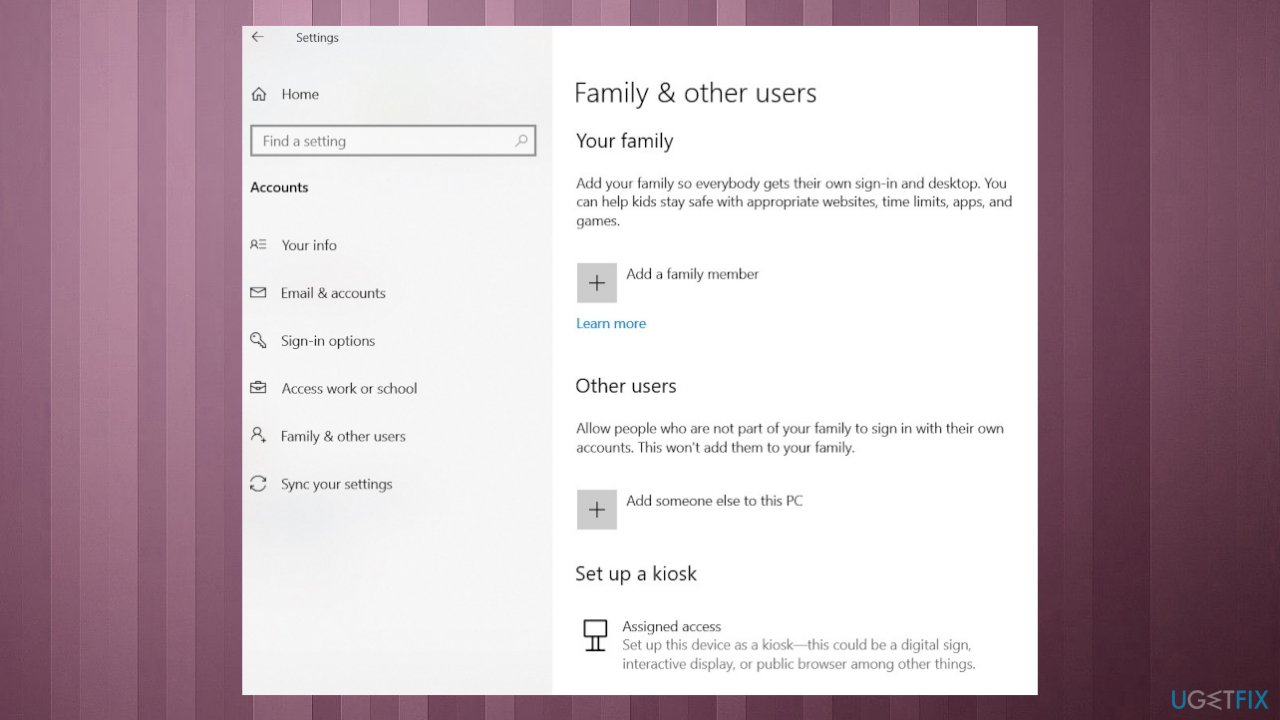
Error 0x80190005 error xbox cortana family and users - Click on Family & Other Users on the left side.
- Scroll down to the Other Users sub-menu and click on Add Someone Else to this PC.
- Click on I don’t have this person’s sign-in information when questioned.
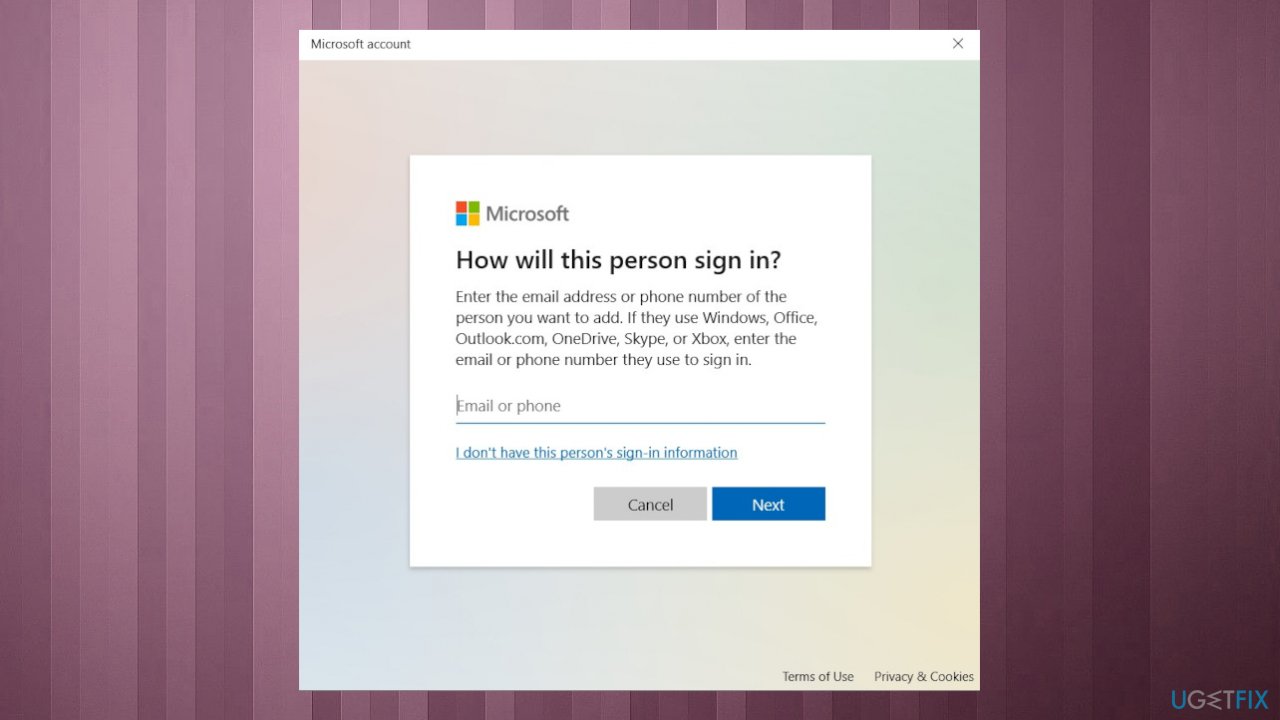
Error 0x80190005 error xbox cortana i dont have info - Click on Add a user without a Microsoft account.
- Add a name and password associated with your newly created local account.
- Click on Next to create.
- Reboot your PC and set up a PIN for your fresh local account.
Bottom line
To fix the login error 0x80190005, you can clear the Windows Store cache using the command 'wsreset.exe' or troubleshoot through the Settings app. If these methods do not resolve the issue, consider repairing system files or seeking further assistance.
Frequently asked questions
The 0x80190005 error typically arises due to issues with your Microsoft account or problems with the Xbox app's installation files on Windows 10.
You can fix the 0x80190005 error by resetting the Microsoft Store app through the Settings menu under Apps & Features on Windows 11.
Yes, try running the Windows Store Apps troubleshooter, which can help identify and fix issues causing the 0x80190005 error in Cortana on Windows 10.




Report an issue
What's wrong with this guide? We review every report and update or remove content.
Report received — thank you. We'll review and fix it.
You need a free account to submit a report.
Be the first to comment