How to fix
Microsoft Flight Simulator download error 499
on Windows
Fix Microsoft Flight Simulator download error 499 on Windows 10 and 11 easily. Get expert-tested solutions for a smooth gaming experience.

What causes How to fix Microsoft Flight Simulator download error 499?
- Download process stops at a certain point
- Server problems
- Internet service provider issues
- Settings-related issues
- Performance issues
Repairs Windows system files, removes malware, and restores a clean OS state — without reinstalling.
Hello. I get the download error with the "Something went wrong with the download, see 499" message. I got Flight Simulator via Steam and it seems to be successful, but the error appeared after the update, and the download got stuck. Can I do something?
Microsoft Flight Simulator download error 499 is the issue that users[ref en-1] have encountered, unfortunately. This game has been in many posts and forums because of the performance bigs and other errors that disturb the experience. This simulation game sets the high standard for other games since you can virtually travel to any destination on earth.
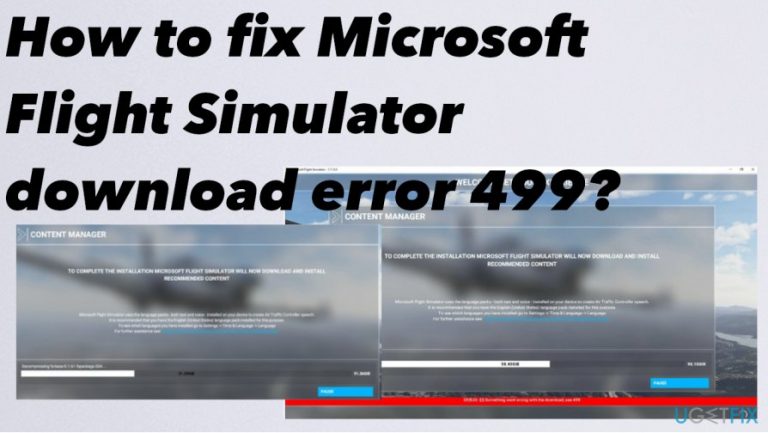
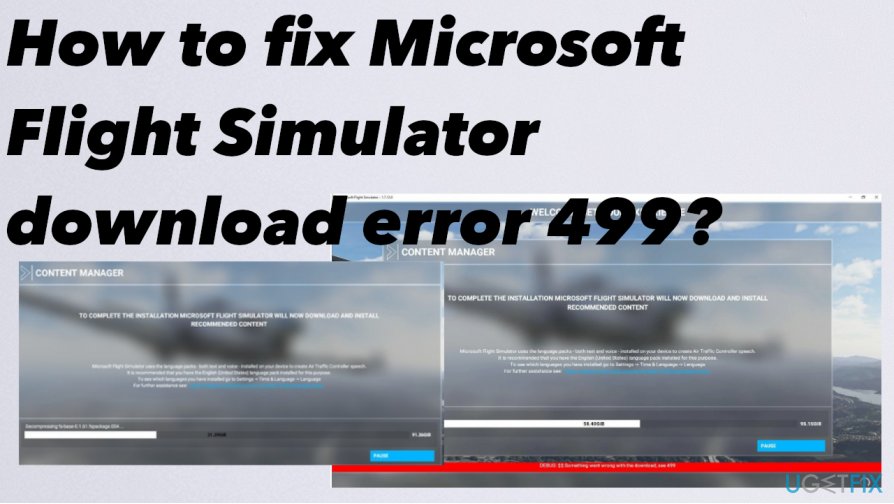
Players of Microsoft Flight Simulator experience unwanted issues when the game can't be launched due to this download bug.[ref en-2] Many users report the Microsoft Flight Simulator download error 499 that delivers “DEBUG: $$: Something went wrong with the download, see 499.”
It seems that the download is starting, but the process stops at a certain point, and error occurs, which means nothing happens further. The error seems to exist since the start of the launch, so the problem is not that new, ut developers haven't acknowledged that issue yet.
You should be able to fix Microsoft Flight Simulator download error 499 by closing the game and Steam, rebooting the machine, and launching everything from step one. However, that seems to be the method that users online, reporting the issue, tried the first. Unsuccessfully.
We can ensure that this is not malware-related issues.[ref en-3] You do not need to remove any malware or cyber threats to fix Microsoft Flight Simulator download error 499. Sometimes the issue might be related to server problems or internet service provider issues. There are a few steps for the solution.
How to fix Microsoft Flight Simulator download error 499
Some issues that trigger the error might reside in settings, internet performance, and speed issues, so to fix Microsoft Flight Simulator download error 499 you should eliminate all the possible triggers and check for such issues yourself. Checking for the more latest update might help. Also, repairing system files or at least checking for such issues can be the first step before anything. Run [d1] and check for affected files and functions.
Reinstall Microsoft Flight Simulator
- Press Windows key + X.
- Then select Control panel.
- Open Programs and features.
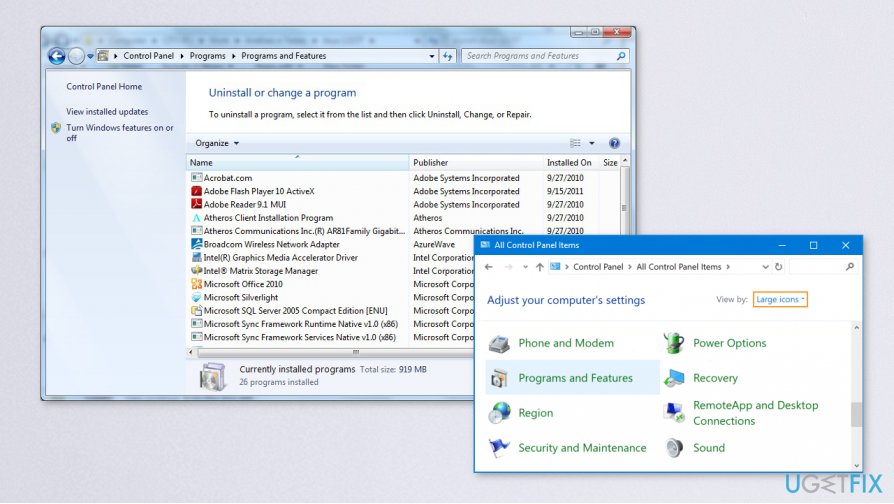
Fix microsoft flight simulator download error control panel - In the list of installed programs, select Microsoft Flight Simulator, and then click
Remove. - Reinstall the Flight Simulator
Change the ISP to fix Microsoft Flight Simulator download error 499
You can try to change the internet provider if the connection to a particular server is the issue. You can fix Microsoft Flight Simulator download error 499 by changing the service if you have such an option. Downloading the game using the mobile network if you have mobile data might be the check for such an issue too. Switch to mobile and check if the error is also appearing or if the download starts normally. You can know that the internet provider is the issue if you can launch the download without any problems.
Fix slowdowns to fix Microsoft Flight Simulator download error 499
- Type Command in the Windows search bar.
- Open Command Prompt.
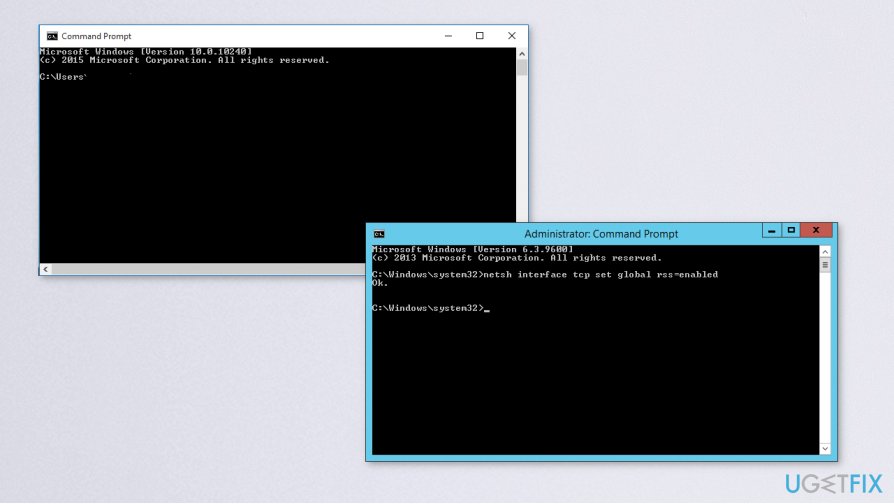
Fix microsoft flight simulator download error coman prompt - Select Run as administrator on the side menu.
- Type netsh int tcp set global autotuninglevel=normal
- Press Enter.
- Restart Flight Simulator.
Bottom line
To fix Microsoft Flight Simulator download error 499, you can try closing the game and Steam, rebooting your machine, and checking for updates. Additionally, repairing system files may help resolve the issue. If none of these solutions work, consider checking your internet connection or waiting for server issues to be resolved.
Frequently asked questions
First, ensure that your internet connection is stable and try restarting the download. If the problem persists, check for pending Windows updates and apply them, as they may resolve compatibility issues.
Yes, resetting the Microsoft Store can help clear any corrupted cache that might be causing the download error. You can do this by going to Settings > Apps > Apps & features, selecting Microsoft Store, and choosing the ‘Reset’ option.
You can verify your system specifications by right-clicking on 'This PC' and selecting 'Properties', then compare them against the official Microsoft Flight Simulator requirements listed on the game’s website.




Report an issue
What's wrong with this guide? We review every report and update or remove content.
Report received — thank you. We'll review and fix it.
You need a free account to submit a report.
Be the first to comment